This thread is resolved. Here is a description of the problem and solution.
Problem: If you're experiencing a 'too many redirects' error when accessing a specific page on your website, it might be due to a problematic redirect set in your Yoast SEO plugin. Solution: We recommend checking the Redirects section under Yoast SEO. Look for any redirects that could be causing a loop and remove them. This should resolve the issue and allow the page to load correctly.
Please note that this solution might be outdated or not applicable to your specific case. We highly recommend checking related known issues at https://wpml.org/known-issues/, verifying the version of the permanent fix, and confirming that you have installed the latest versions of themes and plugins. If the problem persists, please open a new support ticket.
This is the technical support forum for WPML - the multilingual WordPress plugin.
Everyone can read, but only WPML clients can post here. WPML team is replying on the forum 6 days per week, 22 hours per day.
Have you tried testing this by temporarily disabling all plugins except WPML, WooCommerce Multilingual (WCML), and WooCommerce? I would recommend first checking this by deactivating the redirection plugin, as it may be affecting the behavior.
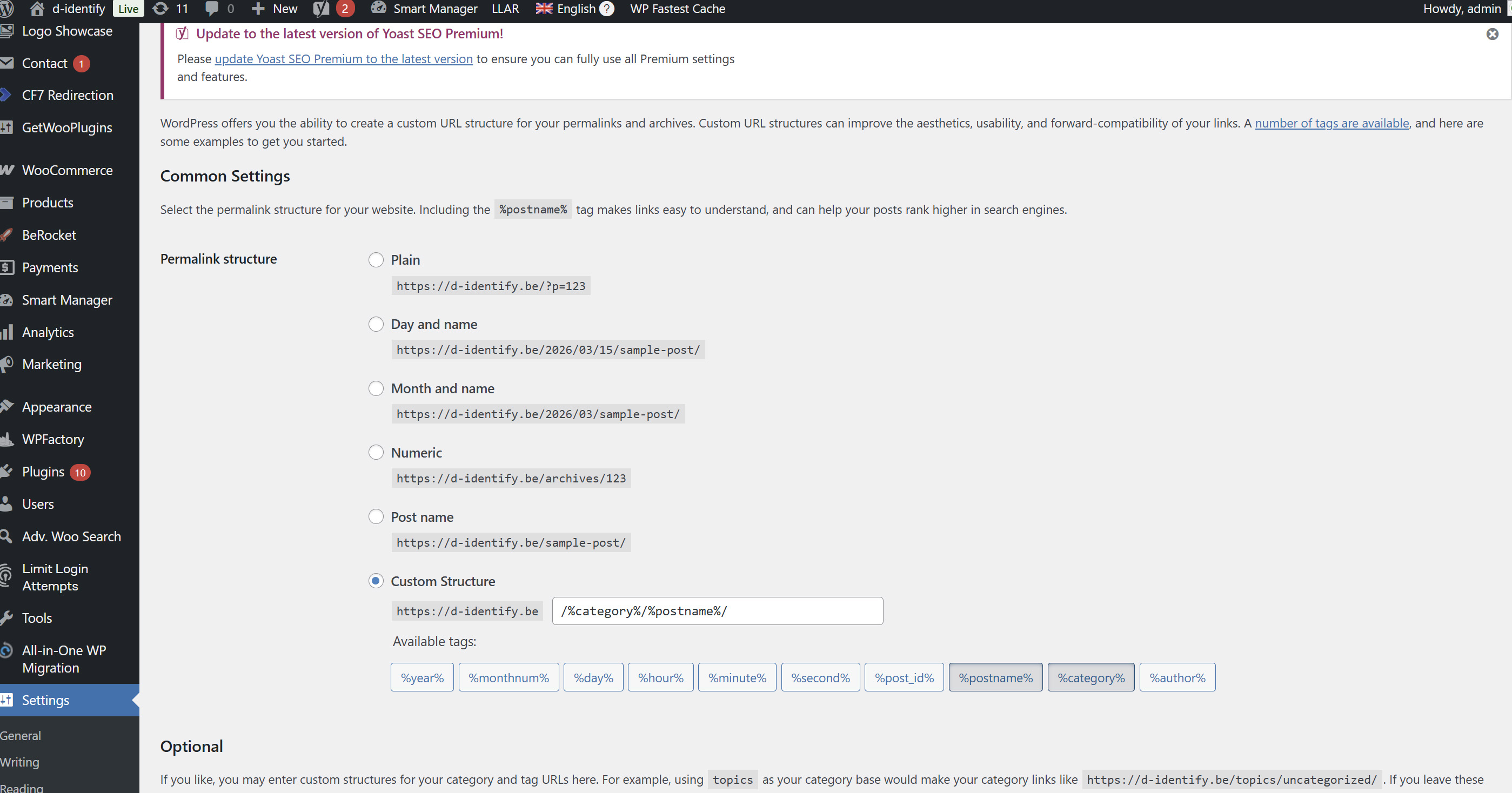
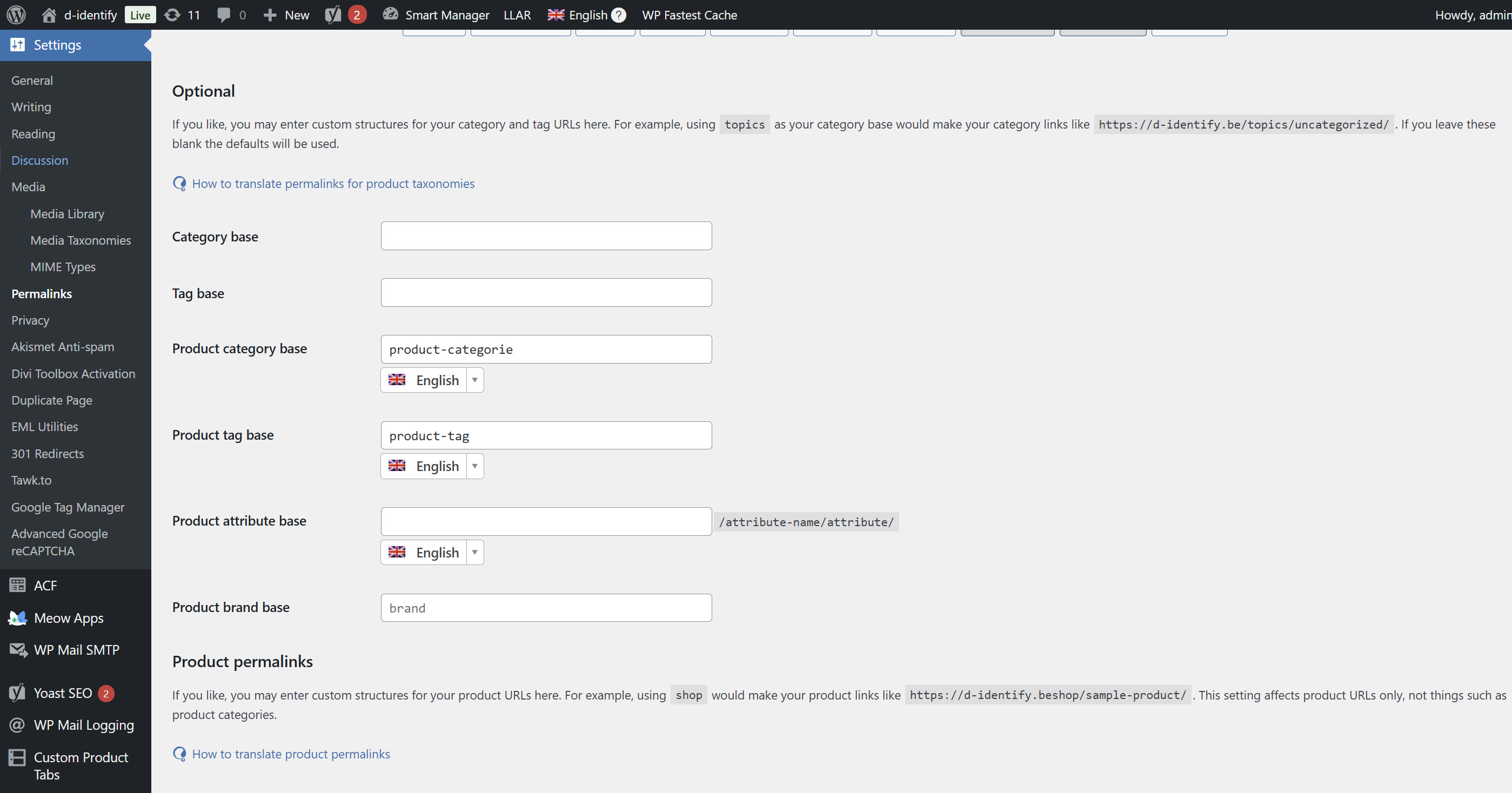
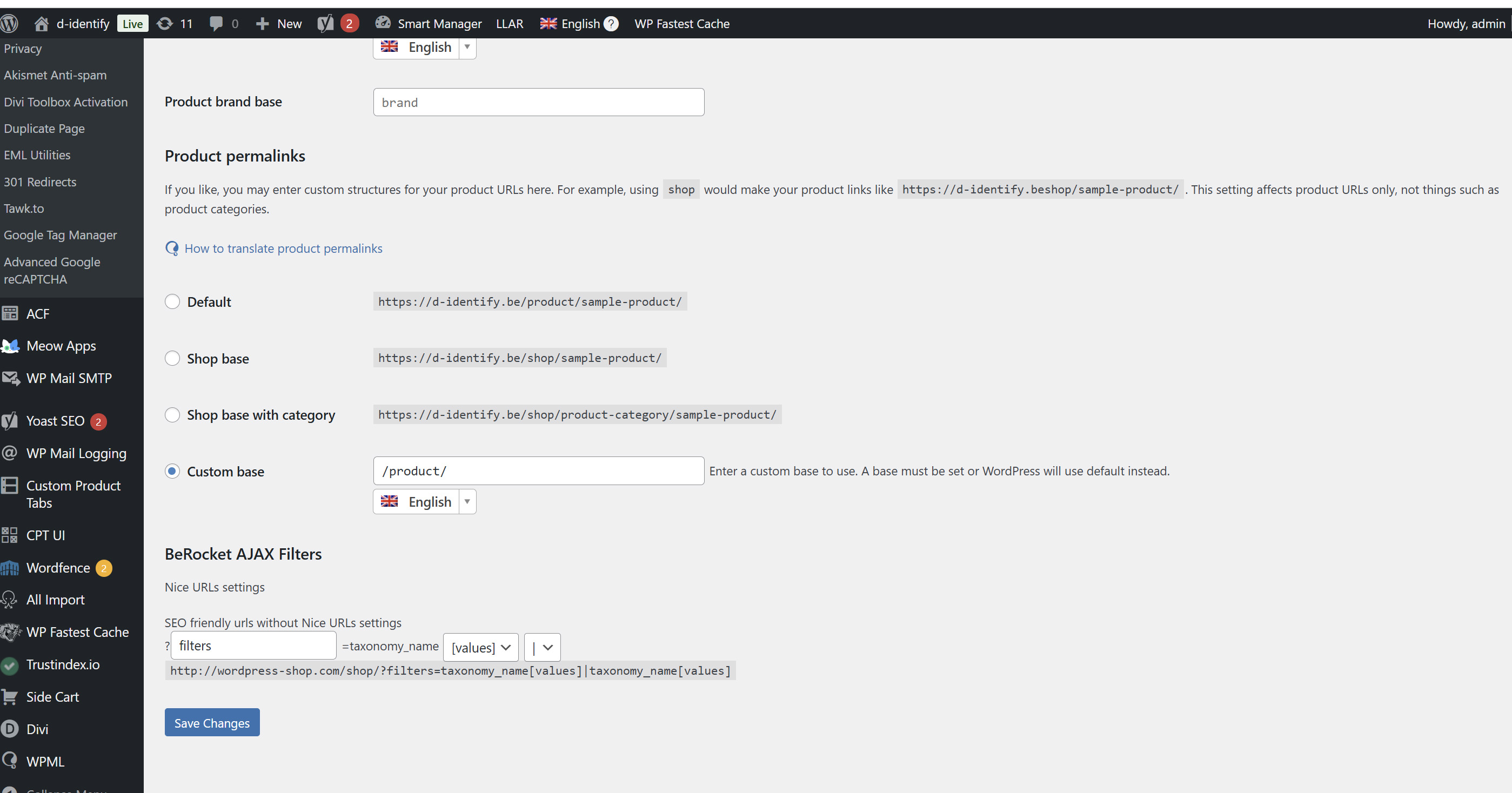
If the issue still persists, could you please let me know what your permalink settings are? A screenshot of the Permalinks settings page would also be very helpful.
I tried to deactivate the redirects plugin, but no success. Deactivating all the plugins is very drastic, because it's a live site. I attached a screenshot of the permalink settings. If you want I can give you access to the website.
If you haven’t tried this yet, please make a small change to the original product, update the product, and then open and complete the translations again. This often triggers the synchronization between the original product and its translations.
If the issue still persists, I will need to request temporary access to your site (WP-Admin and FTP)—preferably to a test or staging site where the issue can be reproduced, if possible—so I can investigate further. When you submit your next reply, you will find the fields below the comment area where you can securely share these credentials. The information you provide there will be private, meaning only you and I will be able to see it.
If deeper debugging is required, I may also need to replicate your site locally. For that, I would temporarily install a plugin such as Duplicator or All-in-One WP Migration to create a copy of your site and its content. If you prefer, you can also create the snapshot yourself and send me the exported package.
I’ve investigated the issue and found that it was caused by one of the redirects. I went to Yoast → Redirects and removed the specific redirect shown in the attached screenshot.
Everything should be working correctly now: hidden link