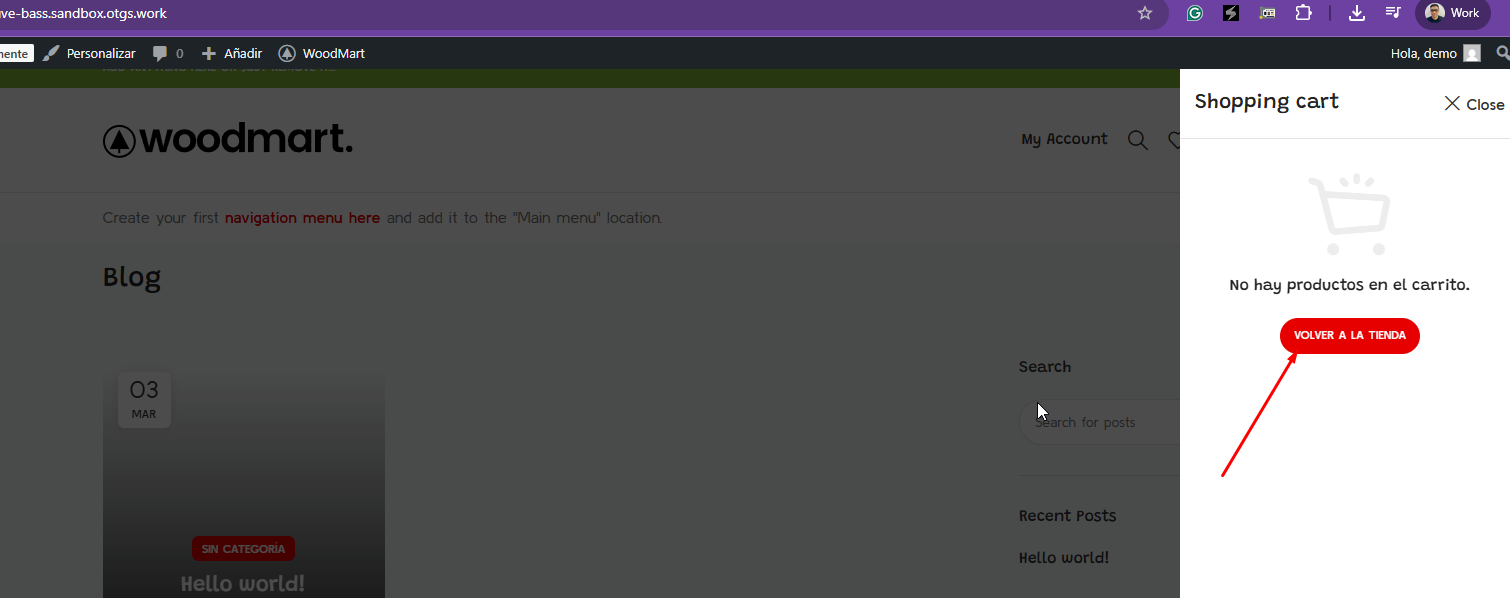
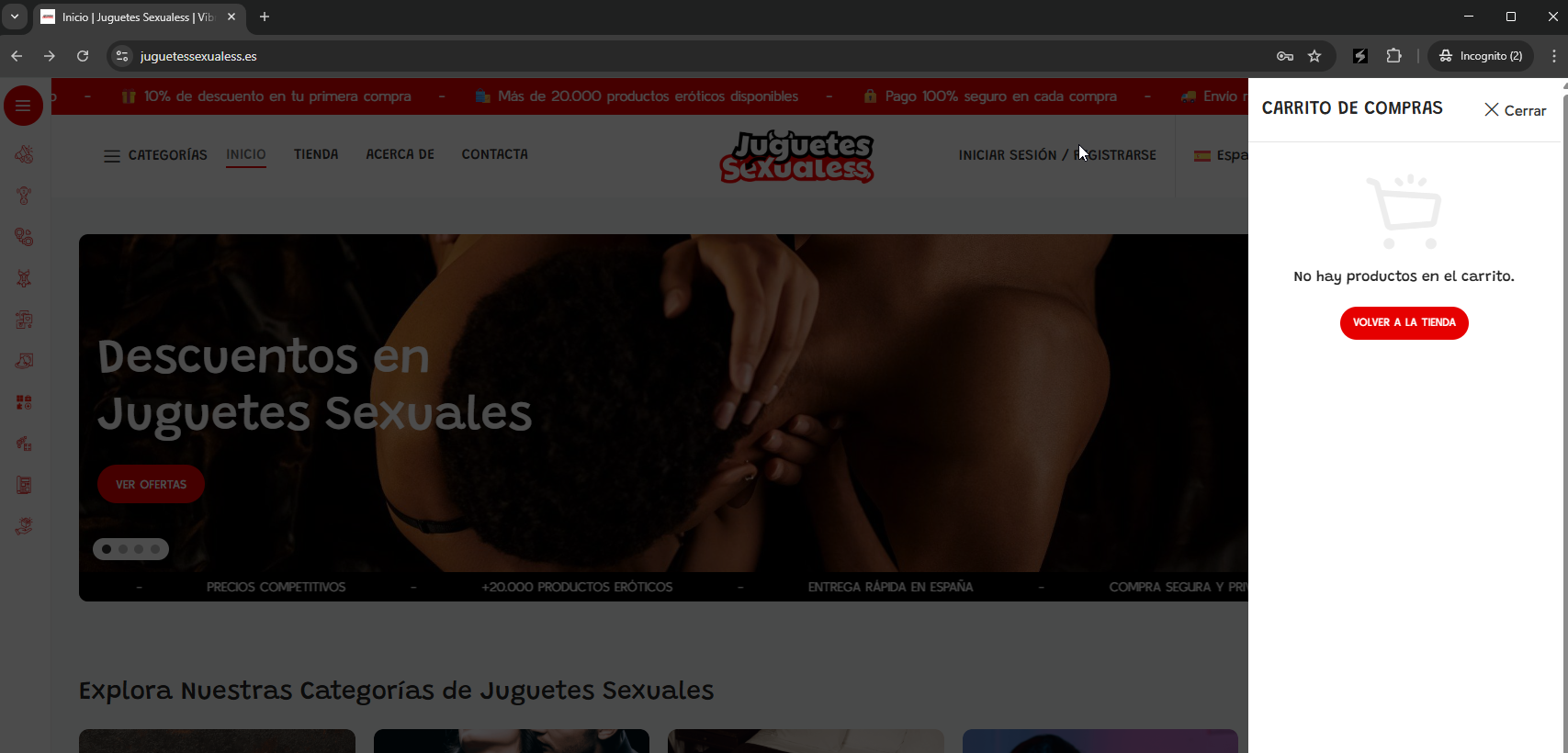
Thanks for your patience. I’ve reviewed your query along with the screenshots and can see the issue you’re referring to. I’ll need to identify where this string is coming from.
Therefore, I will require temporary access (WP-Admin and FTP) to a test site where the problem has been replicated, if possible. This will enable me to provide better assistance and determine if any configurations need to be modified.
Please note that it is important to have a backup for security purposes and to prevent any potential data loss. You can use the UpdraftPlus plugin (https://wordpress.org/plugins/updraftplus/) to fulfill your backup requirements.
Your upcoming reply will be treated with confidentiality and will only be visible to you and me.
✙ To resolve the issue, I may need your consent to deactivate and reactivate plugins and the theme, as well as make configuration changes on the site if necessary. This emphasizes the significance of having a backup.
Thanks for your reply. I’ve reviewed this and can see the issue you’re experiencing.
Could you please install the theme and try to replicate the problem on our sandbox site here: hidden link
I’ve already installed WPML and WooCommerce on the sandbox. Testing the issue there will allow us to investigate further without affecting your production site.
Thanks for your reply. My apologies for the inconvenience. Please give me one last chance to assist you further with this. The strings are translated correctly in String Translation, but there appears to be a conflict that’s preventing the correct language from displaying on your website.
I’ve installed the WoodMart theme on our sandbox site here: hidden link
On the sandbox, the translated button displays properly in Spanish without any issues, as shown in the attached screenshot.
Could you please share FTP access so that I can check the language files on your server?
Alternatively, and even better, if you could allow me to create a snapshot of your website using Duplicator, I can troubleshoot the issue locally. You can find more details about this request here: https://wpml.org/de/faq/provide-supporters-copy-site/
Thanks for your reply. It looks like it's just a cache issue. I've temporarily deactivated WP Rockets plugin so that cache can be cleared immediately. Now after clearing my browser cache, it's showing up correctly now as shown in the attached screenshot. Could you check?
You can reactivate the WP Rockets plugin after checking on this.
Thanks for your reply. WP Rocket is fully compatible with WPML, and there are no special settings required unless you want to apply additional optimizations, as explained here: https://wpml.org/plugin/wp-rocket/
It’s possible that your website is still serving cached content after activating WP Rocket. Could you please try fully clearing the WP Rocket cache and check if the issue persists?
The topic ‘[Closed] String Translation’ is closed to new replies.