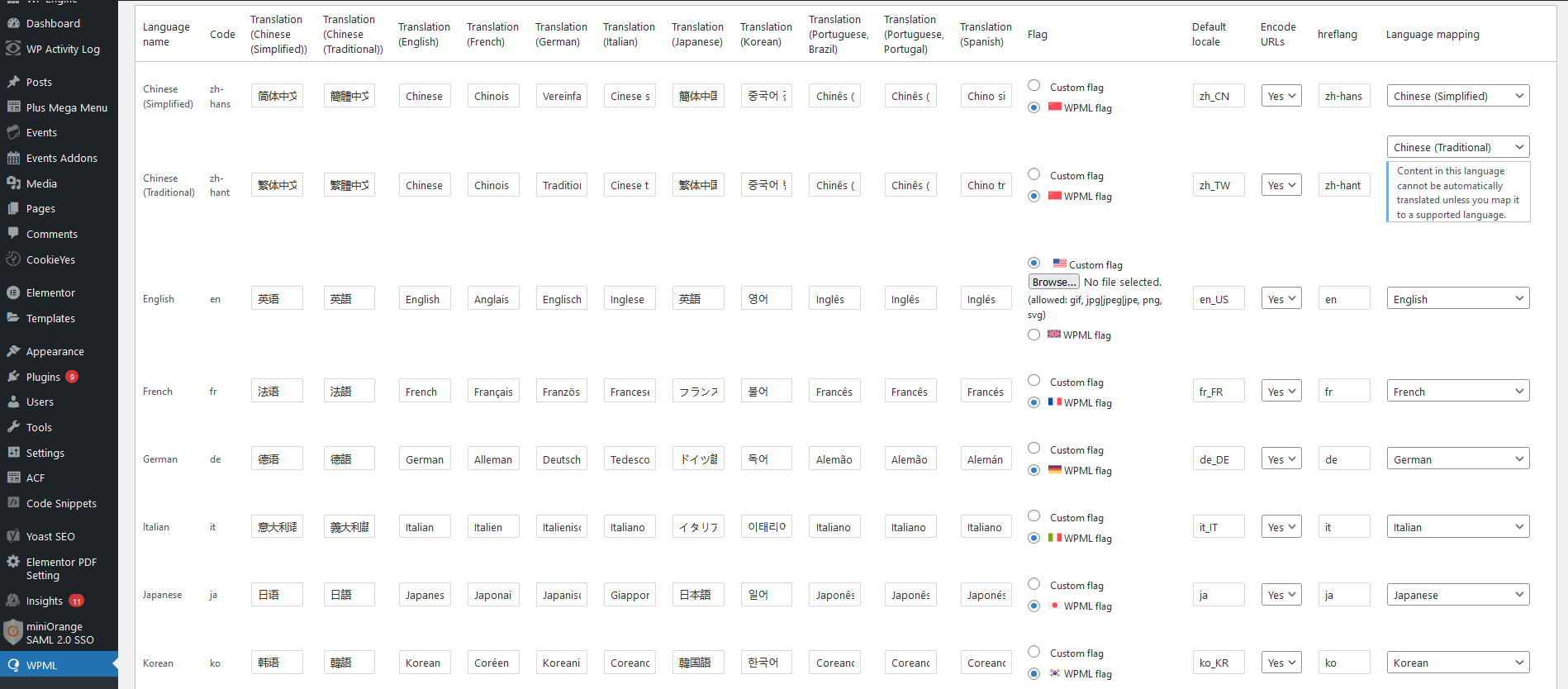
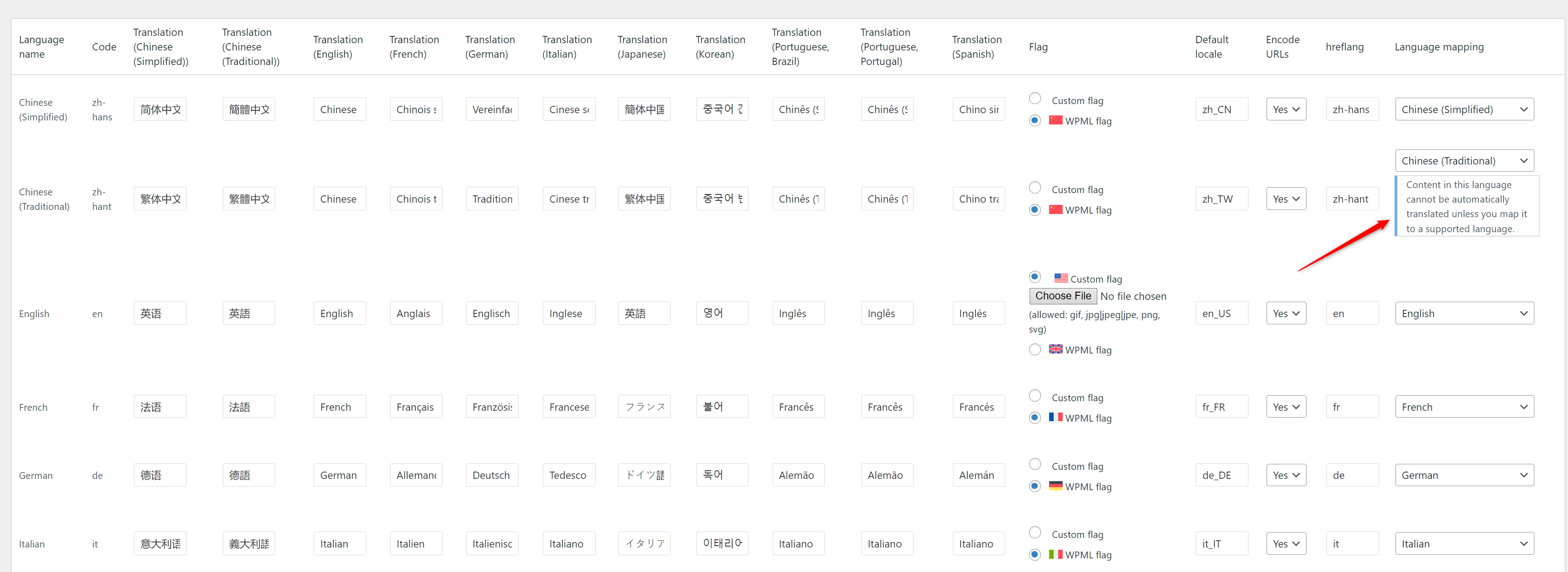
To check if the fix worked I created new pages. Then i tried to translate the pages to see if it translates only the content but not the url. But now it gives the error "Translation jobs cancelled"
Thanks for the video. Please check the following steps:
1- Go to WPML-> Languages-> Edit Languages
2- Make sure that each language is mapped correctly
3- Click Save
4- Try to send the post to translation again
Please save the page and check the issue. If you face the same error, I would need to look closely at your site, so I would need to request temporary access (WP-Admin and FTP) Preferably to a test site where the problem has been replicated.
Your answer will be private, meaning only you and I can access it.
❌ Please backup your database and website ❌
✙ I need your permission to deactivate and reactivate the plugins and themes and change site configurations. This is also why the backup is critical.
✙ I also need your permission to take a local copy of your site to debug the issue without affecting your live site.
Thanks for the access details. You see the message because you don't have any translation engine enabled.
Please go to WPML-> Settings and enable the Microsoft translation engine (it is the only engine that supports Chinese Traditional). The message will then disappear.
You can check the languages each engine supports from WPML-> Translation Management-> Tools tab-> Language mapping.
Kindly try the above approach and check the message. If the message didn't appear, please try to send the page to the translation service.