This thread is resolved. Here is a description of the problem and solution.
Problem:
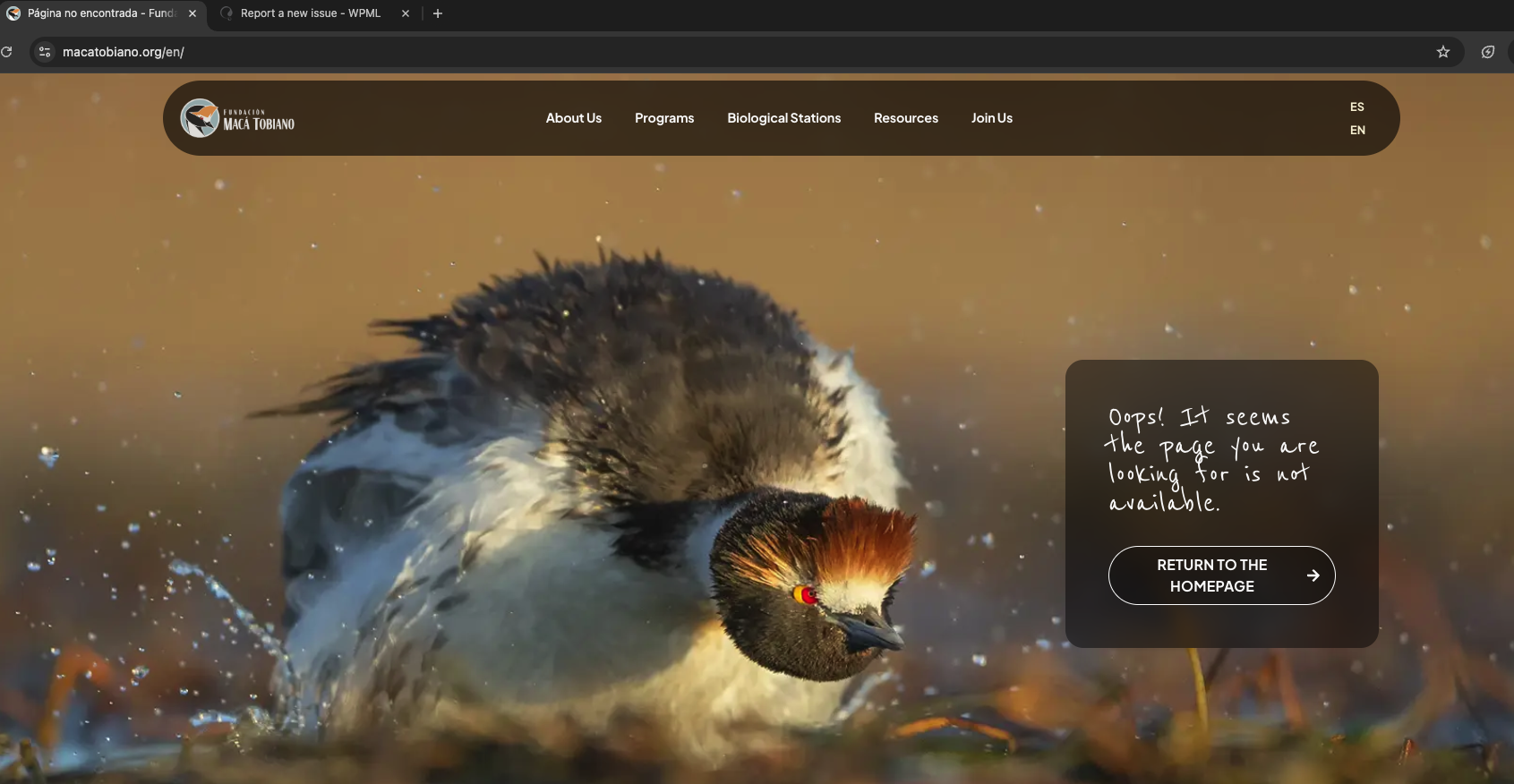
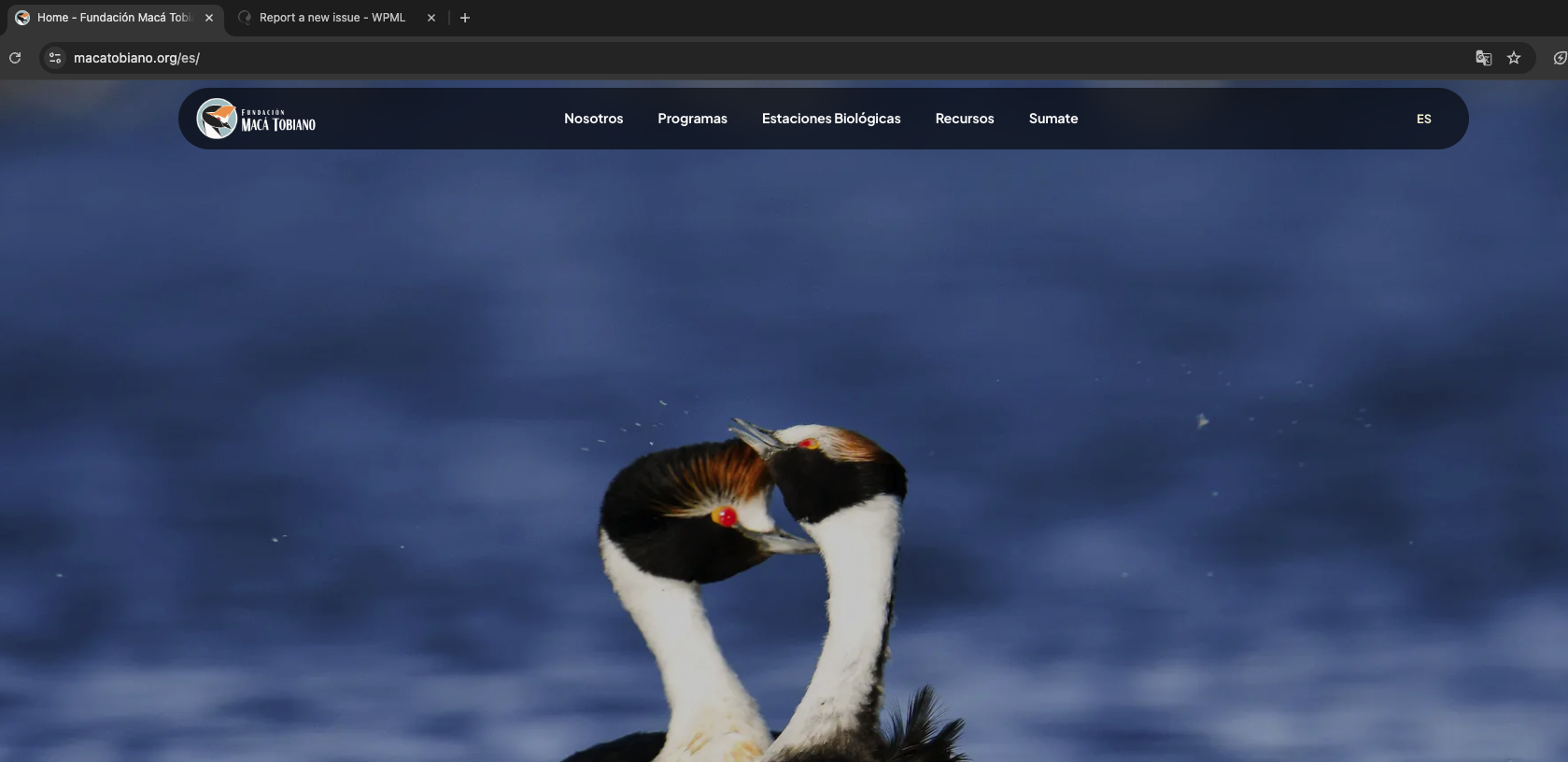
The client is experiencing issues with WPML on their website where the language switcher only shows the ES option and not EN. Additionally, most translations appear published, but some, like the Homepage, are drafts. The review panel does not function for drafts as the button remains in a 'thinking' state.
Solution:
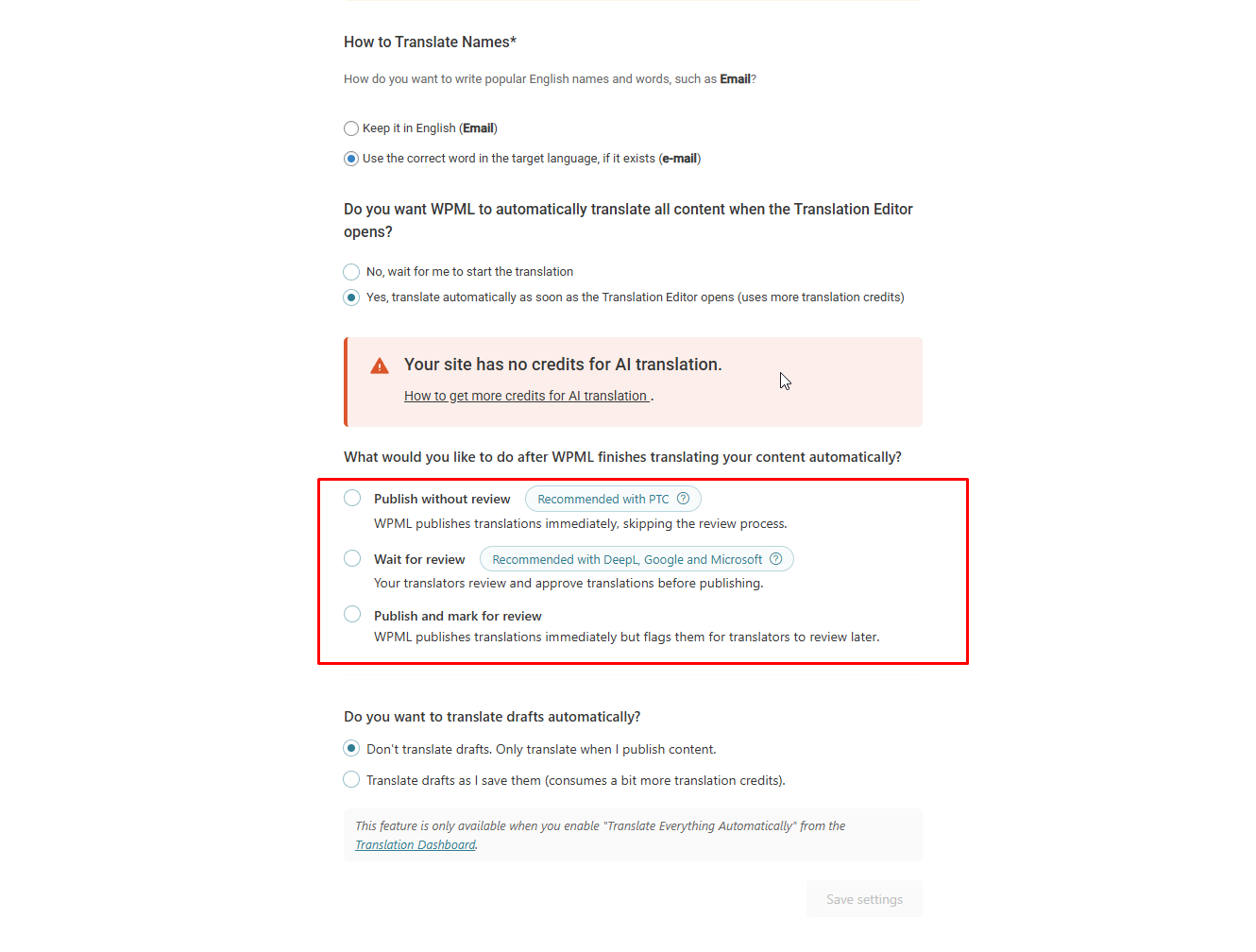
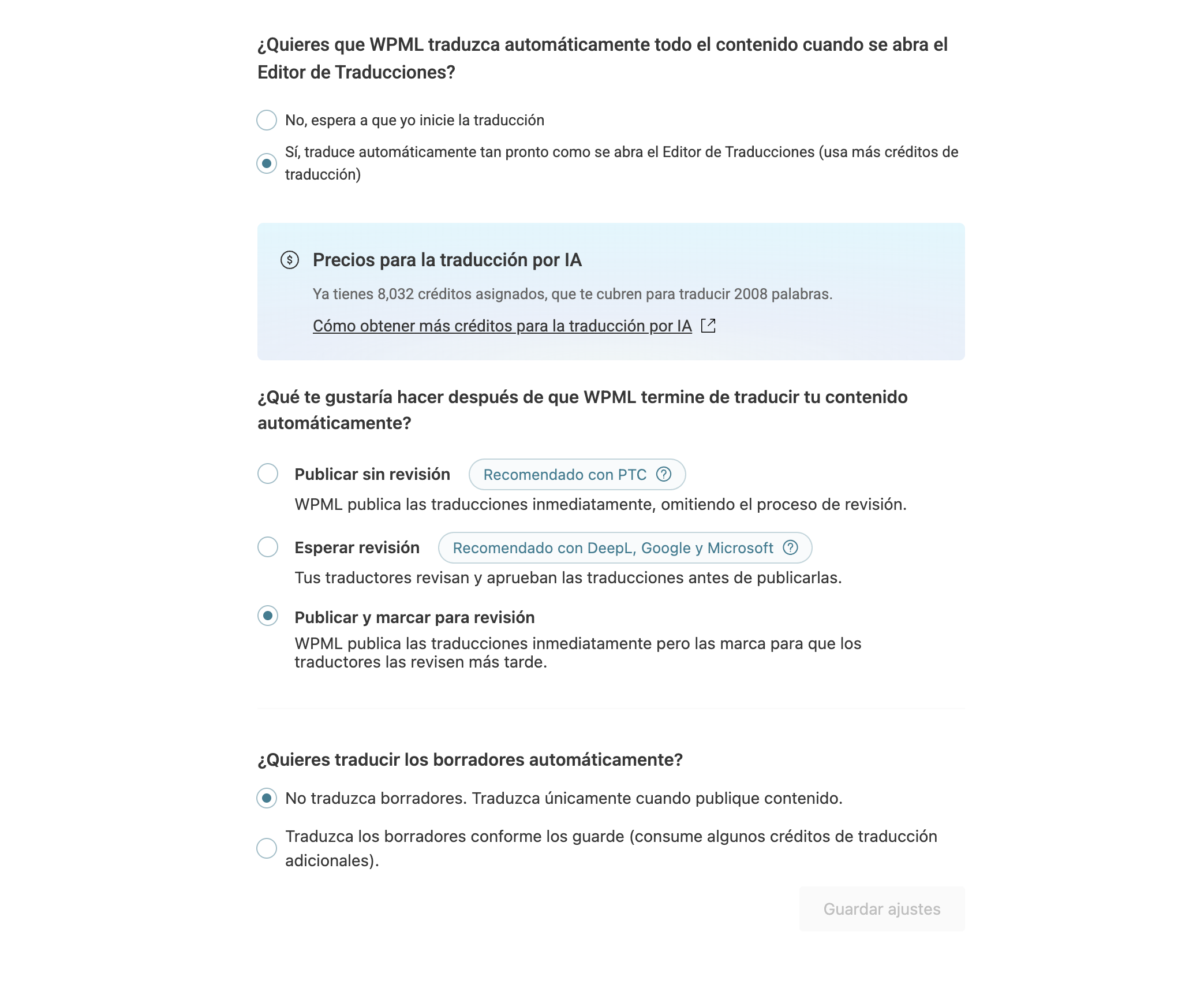
First, navigate to WPML > Settings > Automatic translation > What would you like to do after WPML finishes translating your content automatically? and select either 'Publish without review' or 'Publish and mark for review'. This adjustment should help in publishing the pages automatically, allowing the language switcher to function correctly.
If the issue persists, follow these troubleshooting steps:
1. Clear the cache in WPML.
2. Remove ghost entries from the translation tables.
3. Fix element_type collation.
4. Fix WPML tables collation.
5. Set language information.
6. Fix terms count.
7. Fix post type assignment for translations.
After applying these steps, review your pages by clicking on the Eye icon to check the translations.
Please note that this solution might be outdated or not applicable to your specific case. We highly recommend checking related known issues at https://wpml.org/known-issues/, verifying the version of the permanent fix, and confirming that you have installed the latest versions of themes and plugins. If the problem persists, please open a new support ticket at WPML support forum.
This is the technical support forum for WPML - the multilingual WordPress plugin.
Everyone can read, but only WPML clients can post here. WPML team is replying on the forum 6 days per week, 22 hours per day.
This topic contains 4 replies, has 0 voices.
Last updated by 6 months, 4 weeks ago.
Assisted by: Kor.