[Resolved] "Critical Error" when trying to view the translated version
This thread is resolved. Here is a description of the problem and solution.
Problem: The client is experiencing a 'Critical Error' when trying to view the translated version of their website after installing WPML CMS and String Translation. Solution: We found an issue with the menu. We recommend creating a new menu and translating it. This resolved the 'Critical Error', and the translated homepage should now open without any issues.
I have just installed WPML CMS and String Translation. I have several websites using this setup, however, on this site, I am getting a "Critical Error" when trying to view the translated version.
Please make a full backup of your site (files and database) and confirm it in your next reply.
If possible please provide access to the staging website, not production.
Please note, that I might need to do some debugging procedures like enable/disable plugins, switch themes, change the default language of the user account, and/or access your website database to debug the issue furtherly.
I will share with you any changes or steps done in this process. Please let me know if you do not agree with the above or if I do not have your permission for any.
I would need to access both your site's wp-admin and FTP account, if possible.
I have enabled the private username and password fields in your next reply.
I suggest you create a new user, set it as an administrator and then add those credentials in the private fields mentioned.
You can safely add your information into these fields.
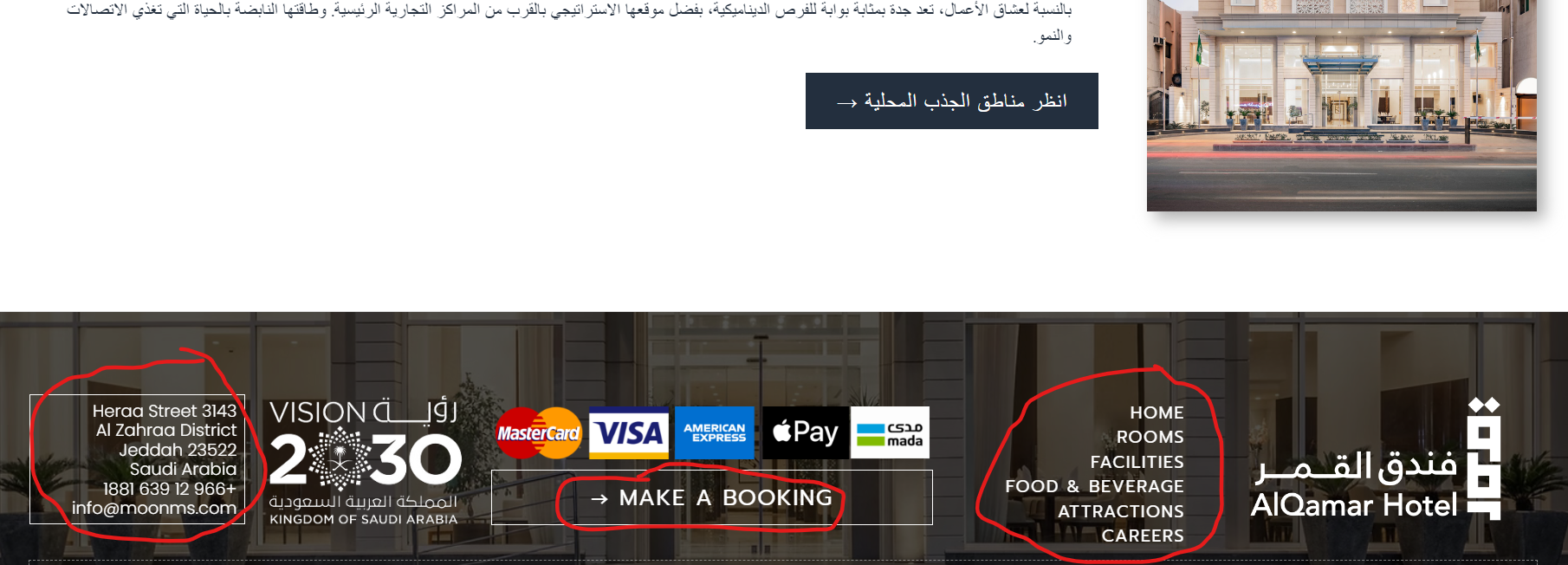
you would need to translate footer widget or template depending on how you are adding it, I am not sure how you added it in default language, I can not find it, maybe from theme options. Please check next:
Please note we limit 1 issue per 1 ticket, to keep things clear and easy to follow. If you need further help please open a new ticket or I can do it for you.