Background of the issue:
I am trying to update the design by placing new items or making changes to CSS on my WordPress site using WPML. The changes are made on the default language.
now for example the link is changed on the default but never change on the other language.
Symptoms:
The design changes are not showing on other languages after updating the default language.
Questions:
Why are design changes not reflecting on other languages when updated on the default language? (
No, it’s still not working. On the original page I created a copy of the header and made the changes there. That worked as a workaround, but now I’m having the same issue on other pages as well.
For example, the conditions of a block (show/hide): on the Spanish version the conditions update the page correctly, and they sync, but on the other languages the update does not appear.
The same happens with CSS classes — they show up in Spanish, but on the English site the class is missing.
I tried to reproduce the problem from scratch, but I am not able to.
Can you please confirm the steps:
- I crated a new page with Elementor
- I added a heading with a class: foobar-class
- Translated the page => the class was added to the heading in the translation
- I edited the class in the original page: foobar-class-changed => the class appeared changed in the translation
Am I missing something?
You can take a look at the testing site, you can access the admin by following this link: hidden link
It will be amazing if you can reproduce the problem there.
I tried with a link and a class in the header template. And after updating the original, I am able to update the translations (the class updates automatically, and I need to update the link in the translation)
I understand that you need it solved on your site, I am trying to reproduce the issue from scratch to determine if this is a bug or a site specific issue.
Can you take a look at the test site and confirm I am following the right steps to reproduce the problem there? I think I am, I did my best, but I may be missing something, so I'd appreciate it if you can check it too.
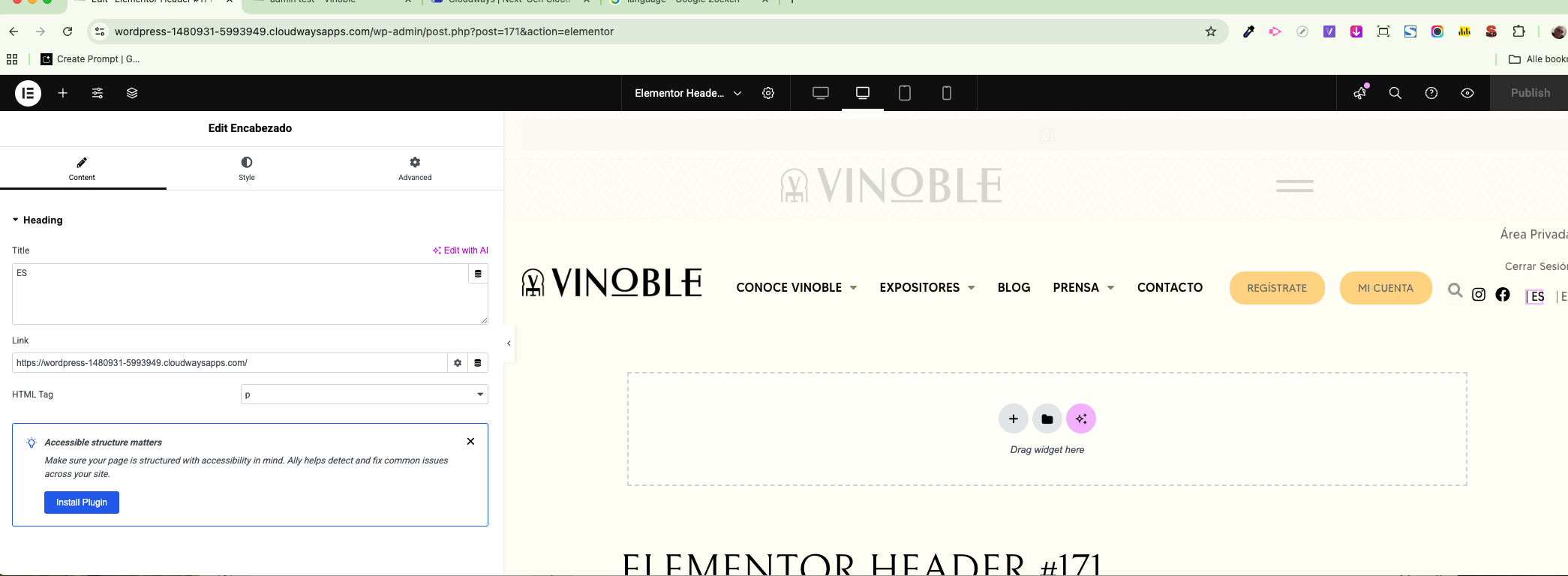
Regarding the class issue — I later noticed the same behavior (and it happens more often that changes don’t appear in the other language). But this ticket is actually about the URL not switching correctly.
If you read the beginning of the ticket, you’ll see the issue. Also, the person I spoke with earlier wasn’t able to change it either.
In short:
On hidden link
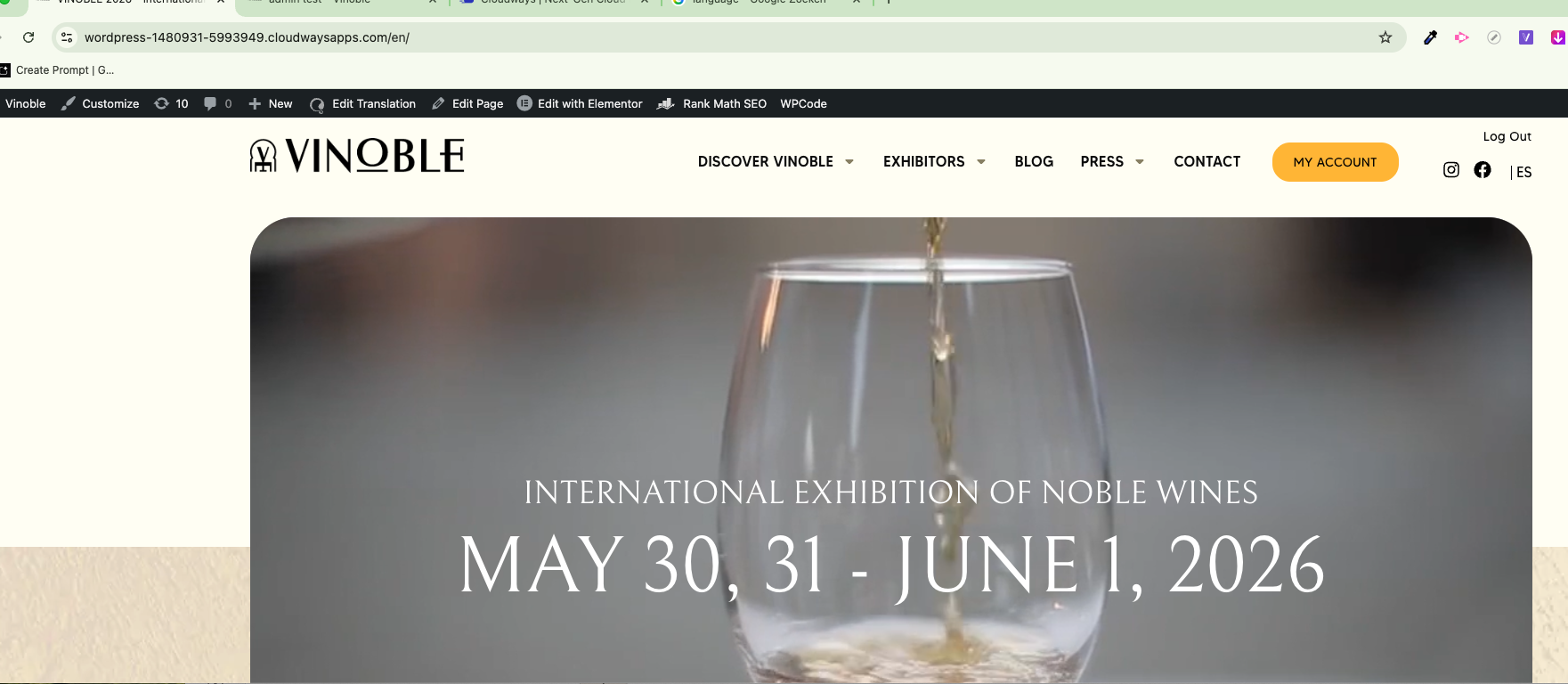
In the top-right corner there are two links: ES | EN.
The ES link goes to the default URL, and the EN link correctly goes to the English version.
However, once you are on the EN site and click the ES link, it sends you to: hidden link
instead of the default URL: hidden link
Any change you do it will not change the URL on the other site. (so more or less the same what happens with the class). I have the feeling it does it ones.
And yes i know there is a language switcher but is about the "bug"
What i think and maybe has nothing to do with it ;
the changed info is stored in the "memory" but if you change 2 times it will always use the first
Let me know if you need anything else from my side.
I managed to change the ES link URL in the secondary language following these steps:
- I edited the Elementor Header #171 and changed the absolute URL (hidden link) to a relative path ('/')
- Then I updated the translation. I just opened it and save, as it was already 100% completed.
- Cleared the Breeze cache, just in case 🙂
After this, as far as I can see, it's working as expected. Can you please check it?