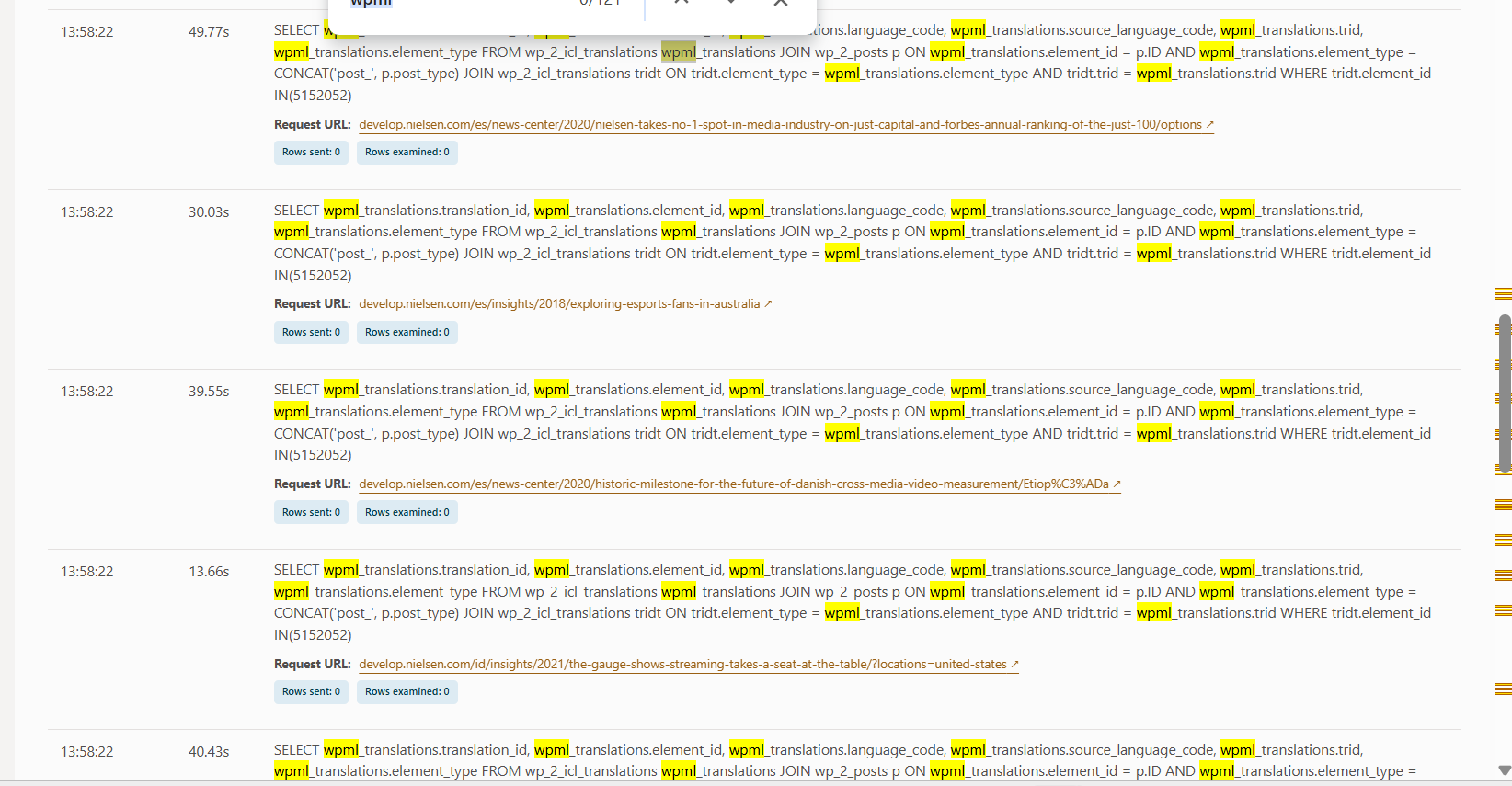
We are experiencing significant performance issues after enabling the WPML plugin:
- Performance has become very slow. Certain SELECT queries are taking more than 40 seconds, which is causing slowness in both the frontend and backend, especially when editing pages.
- We observed this behavior in our slow query dashboard and have attached screenshots for reference.
Could you please advise on how to resolve these performance issues or provide recommendations for optimizing WPML in this context?
if possible, please update WooCommerce along with other key plugins that are using an older version.
I have seen the latest version of WooCommerce after 10.5 make a great impact on performance (they had a major release around performance on that version) when paired with WPML.
I would like to request temporary access (wp-admin and FTP) to your site to test the issue.
(preferably to a test site where the problem has been replicated if possible)
**Before we proceed It is necessary to take FULL BACKUP of your database and your website. Providing us with access, you agree that a backup has been taken **
I often use the Duplicator plugin for this purpose: http://wordpress.org/plugins/duplicator/
You will find the needed fields for this below the comment area when you log in to leave your next reply.
The information you enter is private which means only you and I have access to it.
NOTE: If access to the live site is not possible and the staging site does not exist please provide me with a duplicator package created with the duplicator plugin.
Due to strict company policy, we are unable to provide wp-admin or FTP access. However, we are happy to arrange an offline screen-sharing session so that we can debug the problem together.
Would we be able to migrate a copy of the site (it can be stripped down to minimal -- no images, etc.) either on your own staging servers or our Cloudways Staging servers where we can both have access.
In order to fully debug these type of issues many tests are required and quite often these issues end up being escalated to a developer if I am not able to locate the issue either on site or database.
unfortunately this type of debugging is not something that can be done during a live screenshare.
If the above is not possible I can try my best to give you some starting pointers and we go from there.