This thread is resolved. Here is a description of the problem and solution.
Problem:
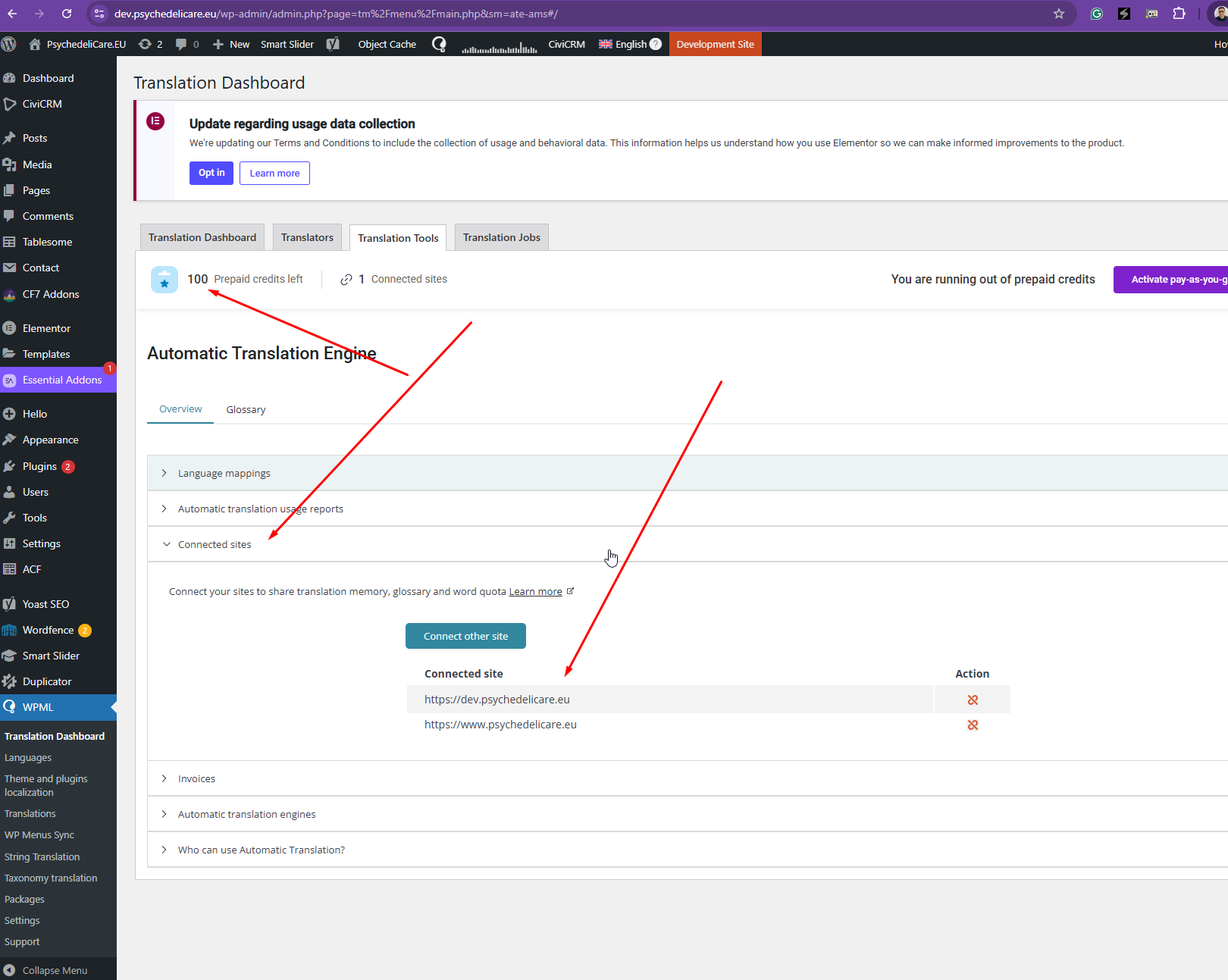
After migrating the production site to a new server, both the staging and production sites were disconnected from WPML's translation memory and pay-as-you-go services. The client was unable to insert a migration code on either site as the option to do so was missing.
Solution:
1. On the main site (usually production), navigate to WPML → Translation Dashboard → Tools tab. Under Connected Sites, copy the migration code.
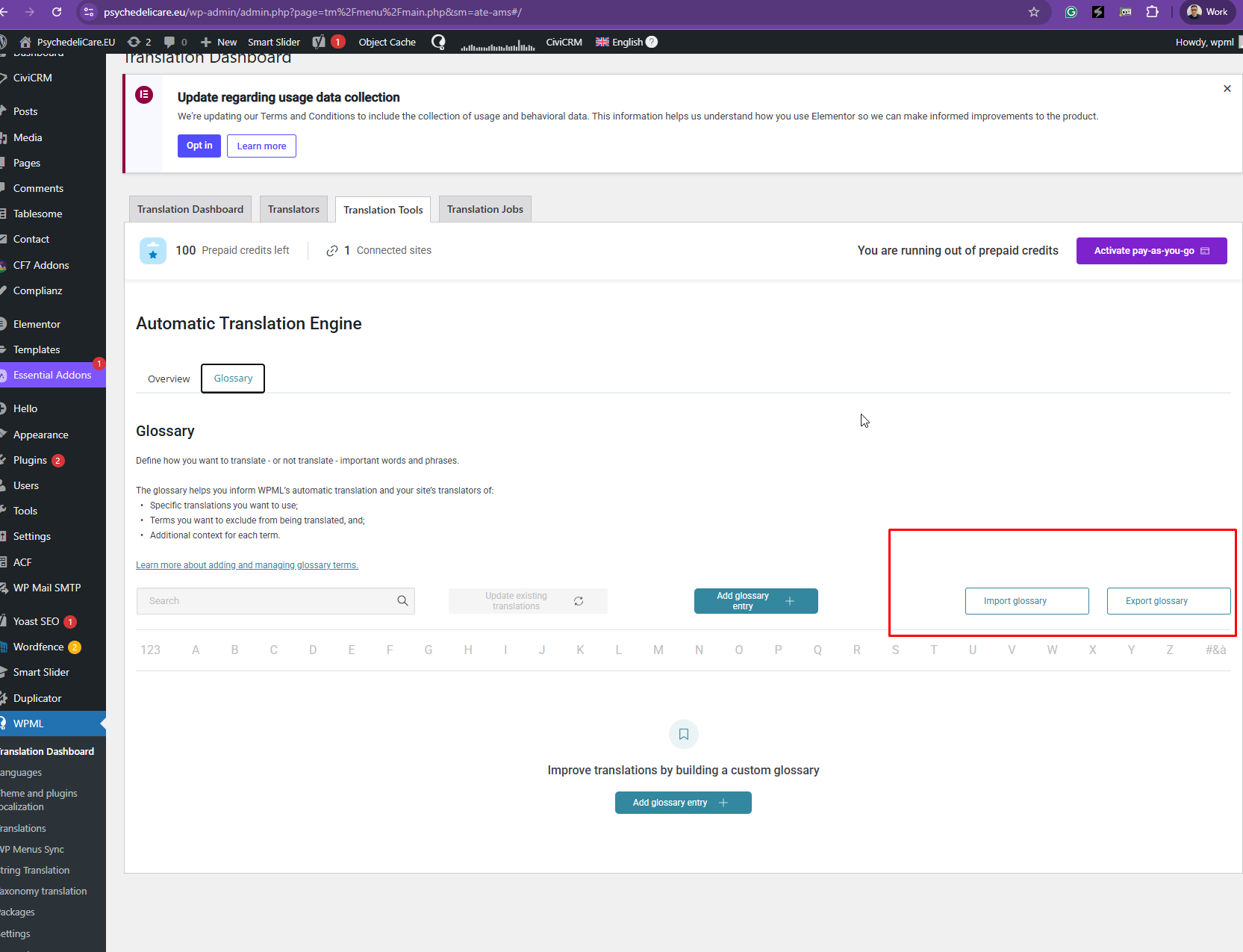
2. On the secondary site (e.g., staging), go to WPML → Translation Dashboard → Tools tab. If the option to Enter the connection key of another site is missing and only a code to copy is visible, cancel the automatic translation account on this site. After any pending charges are processed and outstanding invoices are paid, the option to enter a migration code should appear. Paste the code from the main site here.
3. Confirm that both sites are now sharing translation memory and pay-as-you-go credits by checking under Connected Sites on the Tools tab.
If these steps do not resolve the issue due to the absence of an input field for the migration code, it indicates a need for further investigation by the WPML support team. Possible causes could include account inconsistencies, licensing issues post-migration, or UI bugs.
If this solution does not apply to your case, or if it seems outdated, we highly recommend checking related known issues at https://wpml.org/known-issues/, verifying the version of the permanent fix, and confirming that you have installed the latest versions of themes and plugins. If issues persist, please open a new support ticket for personalized assistance.
This is the technical support forum for WPML - the multilingual WordPress plugin.
Everyone can read, but only WPML clients can post here. WPML team is replying on the forum 6 days per week, 22 hours per day.