Skip to content Skip to sidebar

This thread is resolved. Here is a description of the problem and solution.

Problem:
You are attempting to add four new languages (Dari, Pashto/Pashto, Tigrinya, Farsi) to your site using the WPML plugin, but encounter an error that deletes input data for these languages.
Solution:
We recommend deactivating every language in your WPML setup and then trying to add the new languages again. If the issue still occurs, share a screenshot of what you are entering. This will help us better understand and address the issue.

Please note that this solution might be outdated or not applicable to your specific case. We highly recommend checking related known issues at Known Issues, verifying the version of the permanent fix, and confirming that you have installed the latest versions of themes and plugins. If the problem persists, please open a new support ticket at WPML Support Forum.

This is the technical support forum for WPML - the multilingual WordPress plugin.

Everyone can read, but only WPML clients can post here. WPML team is replying on the forum 6 days per week, 22 hours per day.

Tagged: 

This topic contains 1 replies, has 0 voices.

Last updated by tollefK 3 days, 7 hours ago.

Assisted by: Andrey.

Author Posts
April 24, 2026 at 1:17 pm #17993203

tollefK

Hello there!

I am trying to add four new languages (Dari, pasto/pashto, tigrinya, farsi) which are not currently available through the "add/remove" option under the "languages" tab.

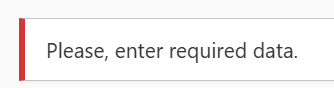
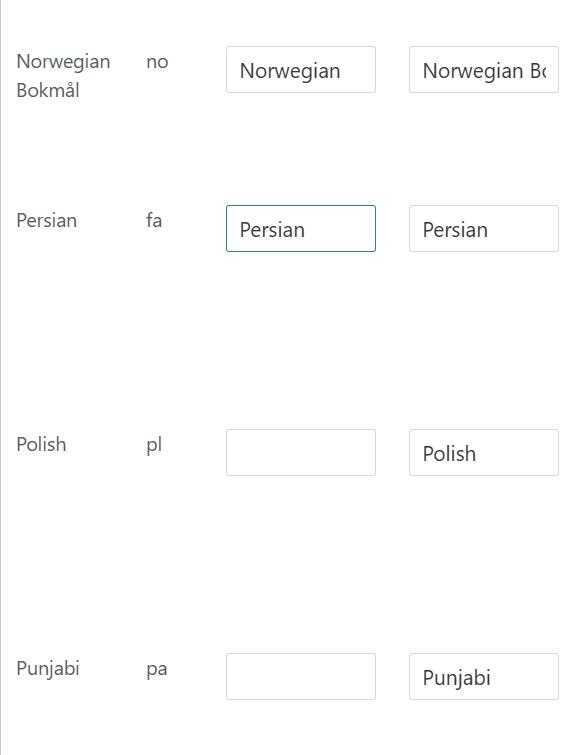
The problem is that my attempt at adding the new languages just leads to the error message, while also deleting about half of the boxes filled out for the 'new' language input field and all else when it came to the new language itself. The plugin itself is up-to-date.

April 24, 2026 at 2:13 pm #17993434

Andrey
WPML Supporter since 06/2013

Languages: English (English ) Russian (Русский )

Timezone: Europe/Kyiv (GMT+03:00)

Thank you for contacting WPML support.

Do I understand correctly that you are filling in all the fields but are unable to add the custom language?

I’ve set up a fresh test site—could you please try to reproduce the issue there? If the problem still occurs, please share a screenshot showing exactly what you are entering. This will help me replicate the issue on my side and investigate further.

Automatic login:
hidden link

April 24, 2026 at 5:00 pm #17993632

tollefK

I was not able to replicate the issue, and thus I turned to alternate solution and uh-

Turns out the solution was to deactivate every language in "choose a language", then add them, then reactivate every language. It seems it struggles if there are ... At least 30+ languages?

Anyway, my issue is resolved - Thanks!