This thread is resolved. Here is a description of the problem and solution.
Problem:
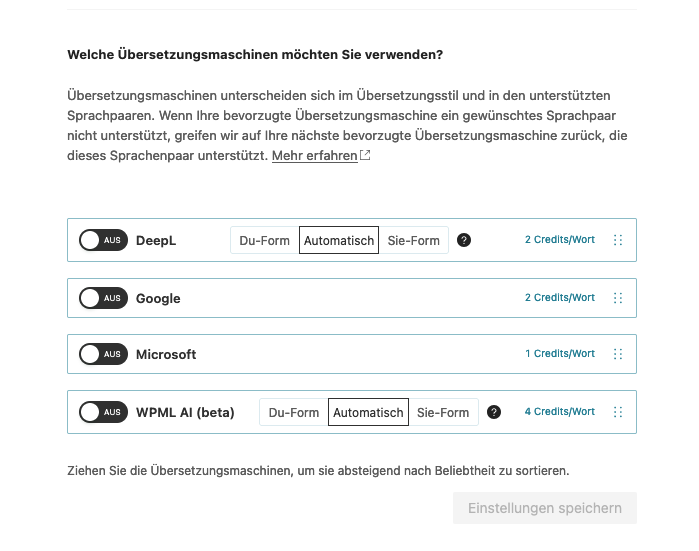
You are experiencing issues with automatic translations still occurring despite having disabled them in the settings, and this has resulted in the unintended use of translation credits.
Solution:
First, ensure that in WPML > Settings, you have selected the "translate what you choose" option. Next, navigate to WPML > Settings > Post Types Translation and verify that there is no "translate automatically" option selected for the post type in question. It's possible that the translation jobs were sent for automatic translation before these settings were adjusted, which might explain why translations are still being processed automatically. If you wish to reclaim the credits used, you can click to take back the credits if you do not want the automatic translation functionality.
If this solution does not resolve your issue or seems outdated, we recommend checking the related known issues, verifying the version of the permanent fix, and confirming that you have installed the latest versions of themes and plugins. Should the problem persist, please open a new support ticket with us.
This is the technical support forum for WPML - the multilingual WordPress plugin.
Everyone can read, but only WPML clients can post here. WPML team is replying on the forum 6 days per week, 22 hours per day.
This topic contains 2 replies, has 2 voices.
Last updated by 1 year, 8 months ago.
Assisted by: Mihai Apetrei.