[Resolved] Avada Post Card button isn't translated
This thread is resolved. Here is a description of the problem and solution.
Problem:
The client was facing an issue where translations added in the Advanced Translation Editor were not displayed on the search page. Specifically, the client mentioned that the Post Cards created with the Avada theme were translated into English, but the button with the permalink was not translated. The client was using multiple dynamic values such as Post title, Post type name, Excerpt, and Permalink. Solution:
If you're experiencing a similar issue with translations not appearing on your search page, we recommend the following steps:
1. Ensure that you have translated the page where the search functionality is present.
2. Translate the Postcard Template used on the search page.
3. Translate the Search template itself.
4. After translating the Search template, edit the translated version to select the translated Postcard template.
Please note that this solution might not be applicable to your case if it's outdated or if your website setup is different. We highly recommend checking the related known issues, verifying the version of the permanent fix, and confirming that you have installed the latest versions of themes and plugins. If the issue persists, please open a new support ticket with us, and we'll be happy to help.
This is the technical support forum for WPML - the multilingual WordPress plugin.
Everyone can read, but only WPML clients can post here. WPML team is replying on the forum 6 days per week, 22 hours per day.
Ah thank you this seems to work. So I can select the language on top of the admin bar and edit each translation as a page of its on (instead of connection to the default Dutch page)?
somehow my homepage is a 404 now. Should I restore a backup?
Ah the issue was an unchecked box for the directory for the default language.. So the site was available without /nl/. I fixed that. Thanks.
The option to delete the file from the database is an issue:
1- Take a database backup
2- Go to wp_options table
3- Search for the "icl_sitepress_settings" key
4- Delete this key
5- Go to your site's dashboard
6- Re-install WPML
--
There is no icl_sitepress_settings in the wp_options table. Can I send the sql so you can check? what are my options?
New threads created by Osama Mersal and linked to this one are listed below:
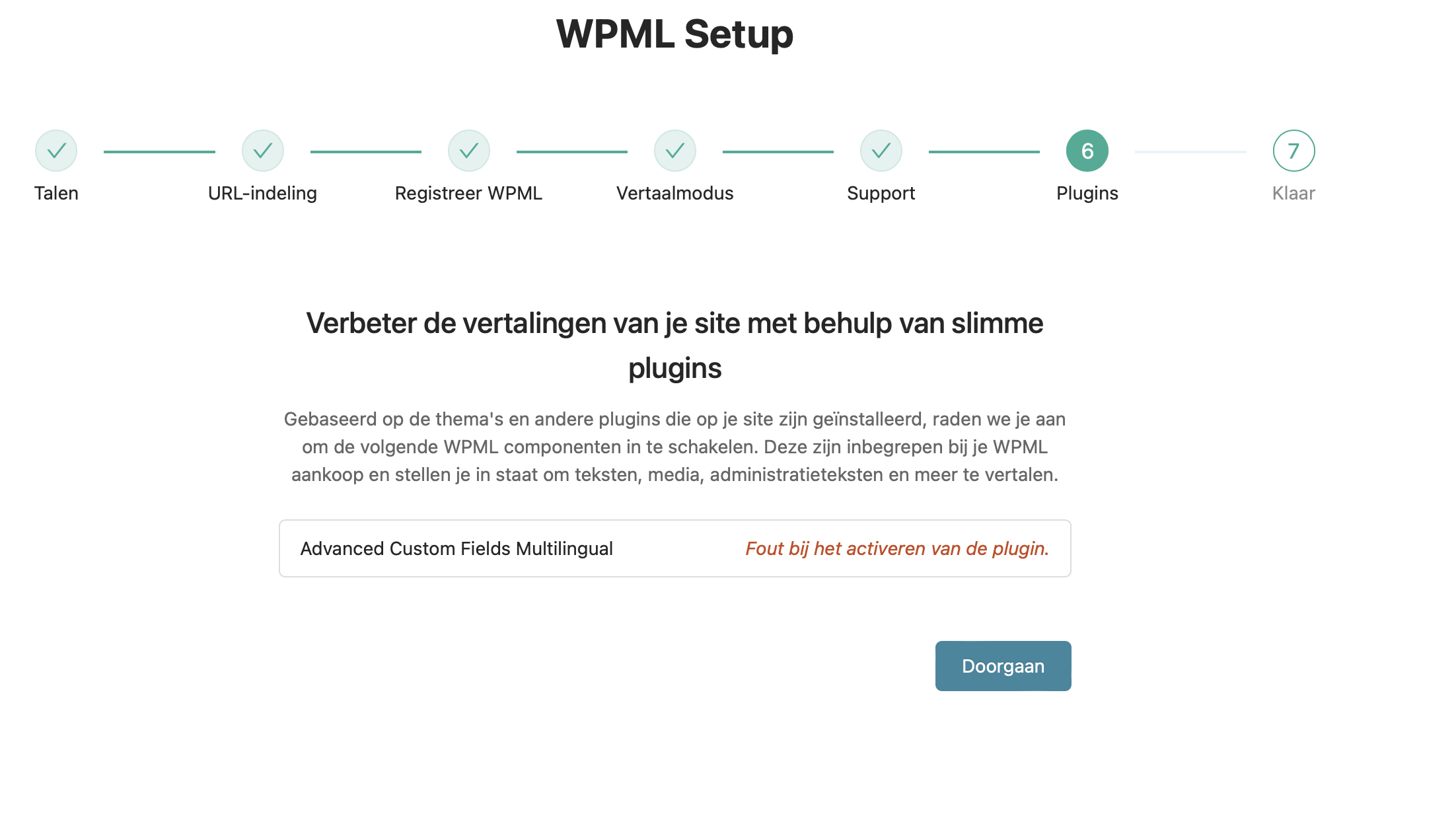
I found the file in the database! deleted it and re-installed WPML, but I get an error when activating ACFML. The critical error is still visible in the settings menu.
I have an other issue: on the search page there is a label showing the post type; but these are still in Dutch. Where can I translate these post_type names? I have searched in strings but couldn't find it.
We try to keep one issue per ticket in our forum. Continuing with one ticket per issue helps supporters focus on one issue at once and enables other users to find solutions to their questions faster.
When I re-installed WPML, I lost all settings on custom fields and post type translations (all radio buttons were on default). So I have to check all of them, quite difficult actually. Is there a way to backup these settings before doing such a reset (for the next time)?
I have another created issue: when I try to open the Advanced Translation Editor I get to see the fields but everything keeps loading (the fields are pulsating). Any idea what is triggering this?