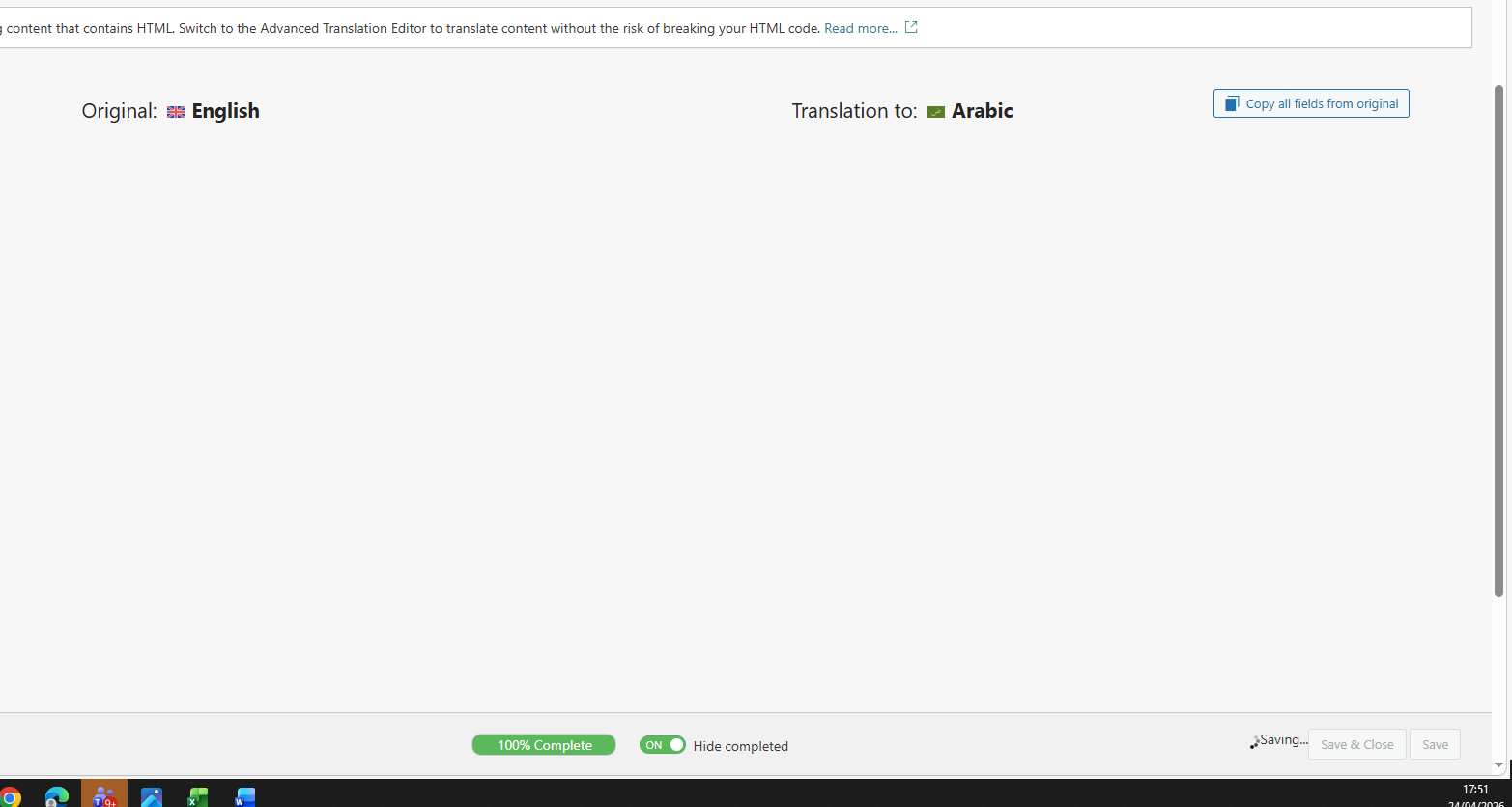
Hello team i create contact us page and one form before it was in arabic when i try to translate in from page it rounding rounding searching not saving the pages
I’m not fully sure I understand the issue. Could you please clarify a bit more and share a short video or screenshots showing the steps and what happens when you try to translate the page?
For example:
- How are you translating the page (Translation Editor or manually)?
- What exactly happens?
Hi look this picture when i try to save the arabic translation the save button is spinning not saving data after 1 hours when i refresh it still its have the old without any changing
1) In order to expedite handling your support requests, can you please share WPML support debug information from your site.
- To give debug information, login to your site and go to WPML → Support. From there click on the “debug information” link at the bottom of the page. - Once on the “debug information” page, select the entire content of the text box and copy it. - Now go back to our support forum, find debug information box and paste it.
More information on the link: https://wpml.org/faq/provide-debug-information-faster-support/
2) To allow us to see if any PHP errors are being produced, please provide the WordPress debug.log. More Info: https://wordpress.org/support/article/debugging-in-wordpress/
To enable debug.log, open your wp-config.php file and look for:
define('WP_DEBUG', false);
And change it to:
define('WP_DEBUG', true);
// Enable Debug logging to the /wp-content/debug.log file
define('WP_DEBUG_LOG', true);
Then try to reproduce the issue and check if any errors were saved to the debug.log log file inside the “.../wp-content/” directory.