I have a problem when adding a bundled product into cart (for example this one hidden link )
When its added to cart it shows the price and quantity correct but when the language is switched, the product thats already in cart gets translated but the price goes to 0€ and this lets customers buy products for 0€.
Thanks for your patience. Here is the ticket. I will require temporary access (WP-Admin and FTP) to a test site where the problem has been replicated, if possible. This will enable me to provide better assistance and determine if any configurations need to be modified.
Please note that it is important to have a backup for security purposes and to prevent any potential data loss. You can use the UpdraftPlus plugin (https://wordpress.org/plugins/updraftplus/) to fulfill your backup requirements.
Your upcoming reply will be treated with confidentiality and will only be visible to you and me.
✙ To resolve the issue, I may need your consent to deactivate and reactivate plugins and the theme, as well as make configuration changes on the site if necessary. This emphasizes the significance of having a backup.
Thanks for your reply. Sorry, the site crashed when I deactivated and updated some plugins. Could you please share FTP access here so that I can check what's going on?
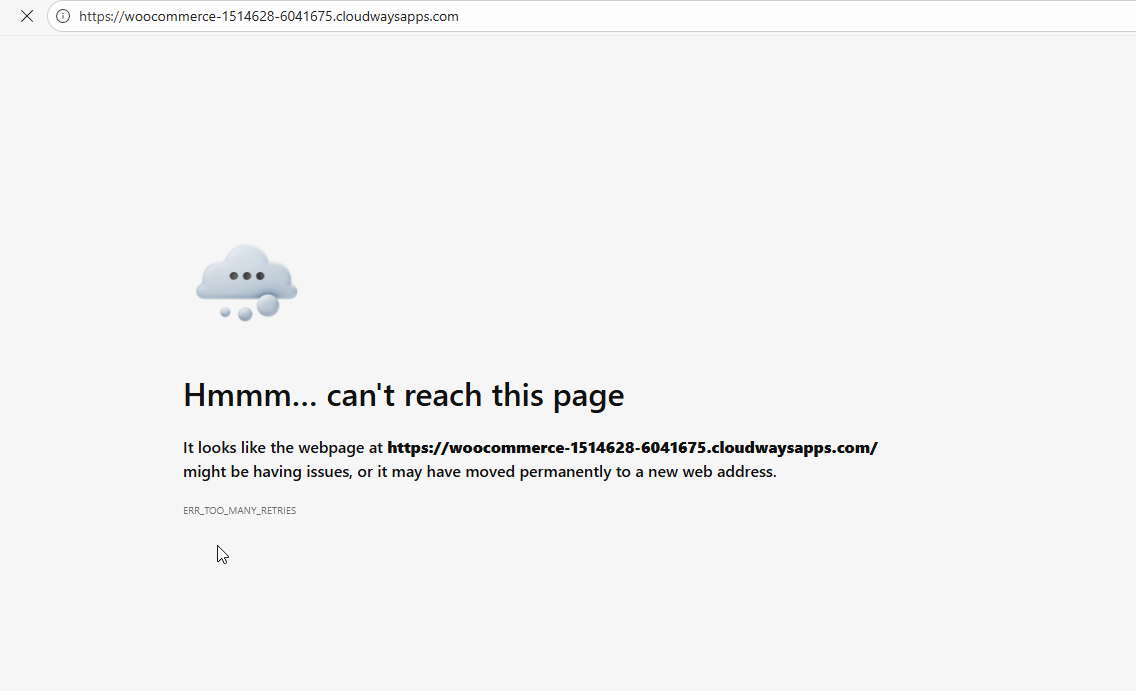
Thanks for your patience. Unfortunately, your staging no longer works as shown in the attached screenshot. I will need a snapshot of the site to troubleshoot this further locally. Alternatively, with your permission, I can create one myself. For this purpose, I typically recommend using the free plugin "Duplicator." If you're already familiar with Duplicator (https://wordpress.org/plugins/duplicator/), please skip the following steps and simply send me the archive file you downloaded.
To guide you further, please adhere to these instructions:
1. View the Duplicator instructions video: hidden link
2. If the archive file exceeds 400MB, please use Duplicator's file filters to exclude cache, wp-uploads directory, media, and archive files.
Once you have the archive file ready, kindly share the link with us. You can utilize platforms like Google Drive, Dropbox, or similar for file sharing, as the snapshot file might be large.
Please note that your next reply will be private, visible only to you and me. You can paste the file link there. Rest assured that once the issue is resolved, I will delete the local site.
Thanks for your reply. It appears that the FTP credentials cannot be used, as I'm getting "Could not connect to server" error (I suspect the server firewall is blocking my access), so I’m unable to continue troubleshooting at this stage, as it could risk breaking the site again.
Could you please update WooCommerce and all other third-party plugins(that are activated) to their latest versions, then retest to see if the issue still occurs?
If the issue persists, may I have your permission to download a copy of your website using the Duplicator plugin? This will allow me to troubleshoot the site locally and escalate the case to our 2nd Tier Support for further investigation.
Thanks for your patience. I've checked and I cannot find a solution for this and I will escalate this further to our 2nd Tier Support for further assistance. I will come back to you once I've feedback.
Thanks for your patience. While preparing a report for our 2nd Tier Support, I attempted to replicate the issue on our sandbox site here: hidden link
On the sandbox, the page works correctly when switching languages. Could you please check and confirm whether I’ve configured it correctly? You can login using this link hidden link
If possible, please also try replicating the issue on the sandbox site. In the meantime, I will proceed with submitting the report to our 2nd Tier Support using the information I have so far.
Thanks for your patience. Our 2nd Tier Support team has been able to reproduce the issue, and unfortunately, there isn’t a quick fix available at the moment.
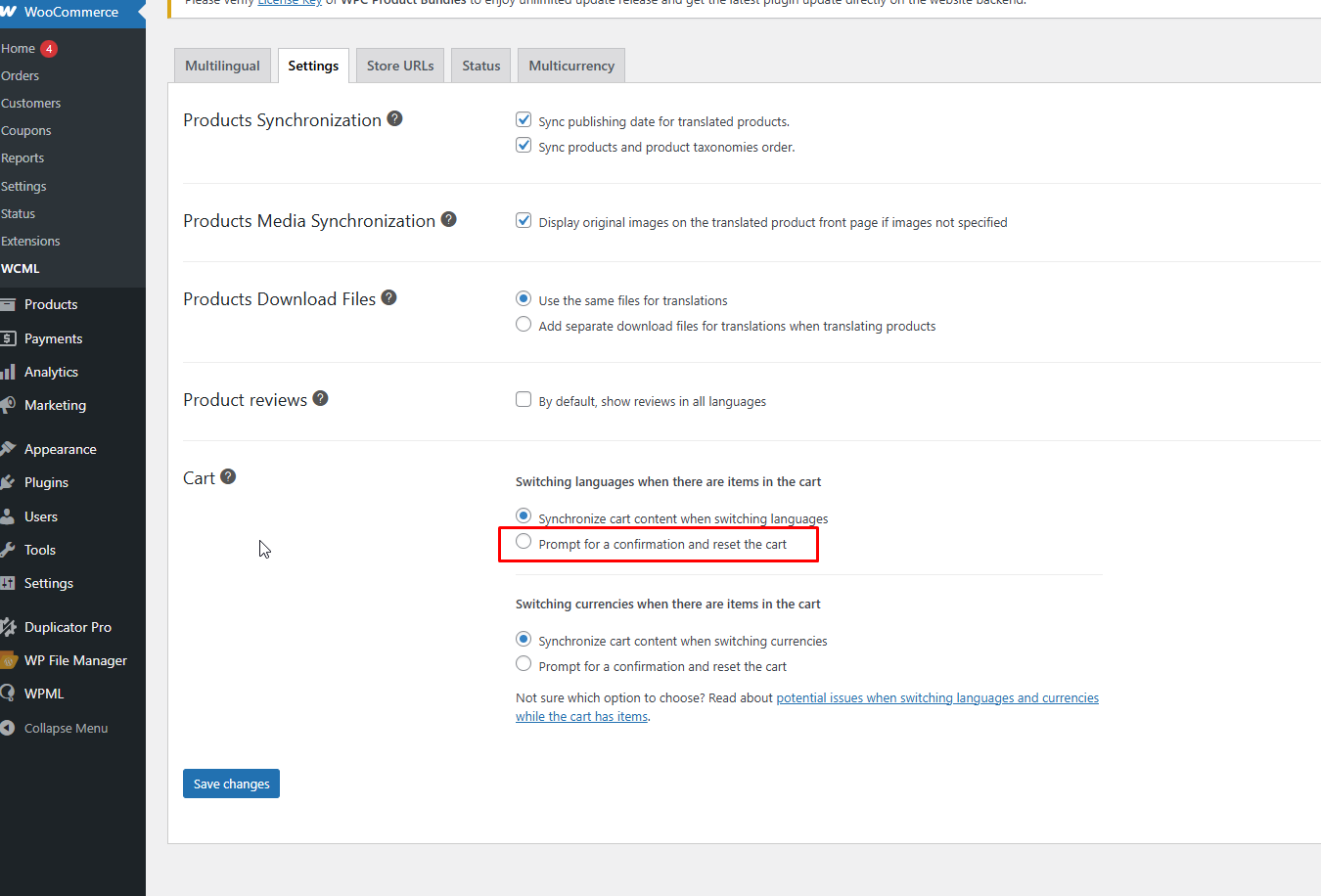
As a temporary workaround, please enable the “Prompt for a confirmation and reset the cart” option under WCML → Settings → Cart, as shown in the attached screenshot.