[Resolved] Conflict between WPML, Avada and The Events Calendar
This thread is resolved. Here is a description of the problem and solution.
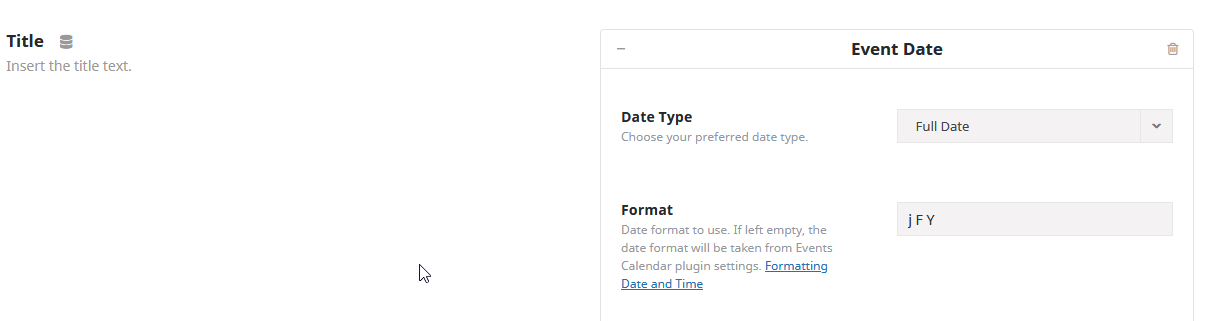
Problem: If you're experiencing an issue where your event dates are displaying as '1 January 1970' instead of the actual start and end dates on your website using the Avada theme, this might be due to a conflict with WPML. Solution: We recommend the following steps to address this issue: 1. Ensure you have a backup of your website. 2. Add the following code to your theme's functions.php file:
3. Test this solution in a staging environment before applying it to your live site to ensure it does not cause other issues.
Please note that this solution might become irrelevant due to updates or may not apply to your specific case. If this solution does not resolve your issue or if you encounter other problems, we highly recommend checking related known issues at https://wpml.org/known-issues/, verifying the version of the permanent fix, and confirming that you have installed the latest versions of themes and plugins. If further assistance is needed, feel free to open a new support ticket at WPML support forum.
This is the technical support forum for WPML - the multilingual WordPress plugin.
Everyone can read, but only WPML clients can post here. WPML team is replying on the forum 6 days per week, 22 hours per day.
The error is visible at this page: hidden link
as you can see, the postcard shows the epoch time "1 January 1970" instead of the start and end dates.
I opened a ticket with avada CS but they told us that the conflict is with WPML, deactivating it resolves the problem.
What can we do for resolve?
thanks
Languages: English (English )Spanish (Español )German (Deutsch )
Timezone: Europe/Vienna (GMT+02:00)
Hi,
before your ticket is assigned to one of my colleagues, please allow me to walk you through some initial debugging steps. This will help speed up the support process.
This should be actually a unix timestamp. Do you have a staging environment where we can test that?
I would eventually also need to request temporary access (WP-Admin and FTP) to your site
– preferably to a test site where the problem has been replicated if possible –
in order to be of better help and check if some configurations might need to be changed
Your next answer will be private which means only you and I have access to it.
❌ Please backup your database and website ❌
✙ I would additionally need your permission to de-activate and re-activate Plugins and the Theme, and to change configurations on the site. This is also a reason the backup is really important.
✙ Please add the Links to the […] Edit Screen, the Page/Post where you insert the […] and the corresponding Front End Page/Screen