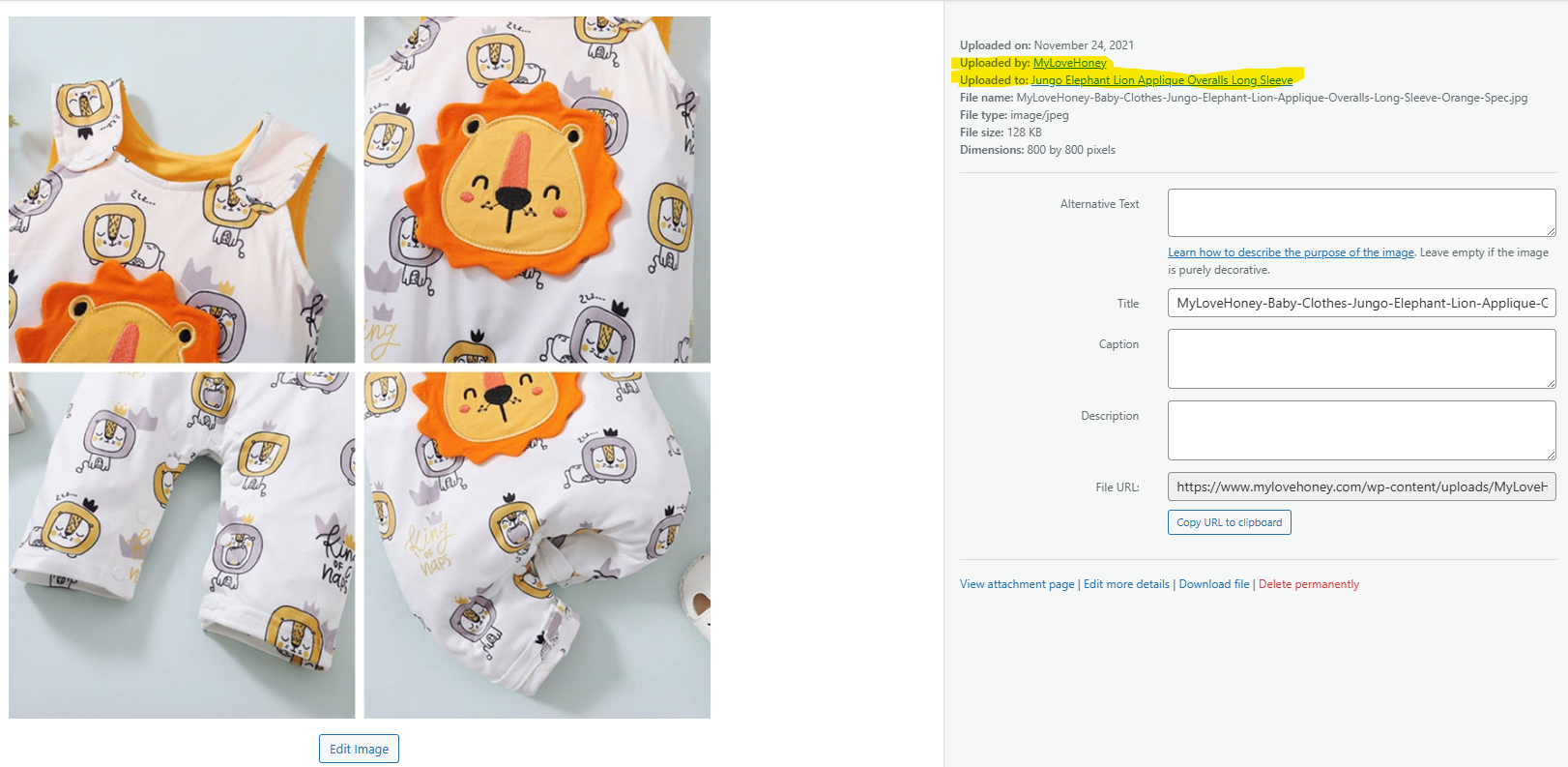
When I create a new product, the product images appeared to be duplicated under my WordPress Media folder. The original image will indicate that this impage is uploaded on to a specific product. The other duplicated images are not associated to any products. What are these duplicated media files that is not associated to any products.
Secondly, if I remove a product, the images still remain under my media folder. How do I remove all of those images when a product and its translation is removed?
I also added the following code to automatically more product images when a product is deleted. Unfortunately, the duplicaed media that is marked as not associated to any products are not removed.
Please check attached screenshots.
CODES:
add_action('before_delete_post', 'delete_product_images_on_delete', 10, 1);
function delete_product_images_on_delete($post_id) {
// Check if it's a product
$post_type = get_post_type($post_id);
if ($post_type !== 'product' && $post_type !== 'product_variation') {
return;
}
$product = wc_get_product($post_id);
if (!$product) {
return;
}
// Get Featured Image
$featured_image_id = $product->get_image_id();
// Get Gallery Images
$image_galleries_id = $product->get_gallery_image_ids();
// Delete Featured Image
if (!empty($featured_image_id)) {
wp_delete_attachment($featured_image_id, true);
}
// Delete Gallery Images
if (!empty($image_galleries_id)) {
foreach ($image_galleries_id as $single_image_id) {
wp_delete_attachment($single_image_id, true);
}
}
}
The previous support asked me to enable this option: Automatically detect best options for translating image texts (alt, caption, title)
Newly added products no longer have duplicated media content. But how do I go about removing the duplicated media content for older products that were added before the Automatically detect settings was changed?
Thank you for reaching out to WPML support. I’ll be happy to help you with this issue.
To ensure media files are deleted across all languages when removed from the original language, please follow these steps:
1. Go to **WPML → Settings → Posts and pages synchronization**.
2. Enable the option **“When deleting a post, delete translations as well.”**
3. Click **Save**.
This setting ensures that deletions are synchronized across all languages, so removing an image in the original language will also delete its translations.
Please note that this setting applies to posts and pages as well. For this reason, it’s recommended to enable it only when you specifically need to delete media.
Regarding images where the original media file has already been deleted: