This thread is resolved. Here is a description of the problem and solution.
Problem: This is an inquiry about handling dyanmic placeholders in Bricks Builder. Solution: The placeholders are specific to Bricks Builder for dynamic data and must be translated; currently, there is no workaround to exclude them from translation. These placeholders need to be identical in each language.
If these steps do not resolve your issue, or if the solution provided here becomes outdated or seems irrelevant to your case, we recommend opening a new support ticket. Additionally, we highly recommend checking related known issues at https://wpml.org/known-issues/, verifying the version of the permanent fix, and confirming that you have installed the latest versions of themes and plugins. For further assistance, please contact our support forum at https://wpml.org/forums/.
This is the technical support forum for WPML - the multilingual WordPress plugin.
Everyone can read, but only WPML clients can post here. WPML team is replying on the forum 6 days per week, 22 hours per day.
I use Bricks Builder, and some of the strings in ATE were translated incorrectly, which broke all my styles. I've tried deleting the translated page, but it didn't help. Also, I've tried clearing the WPML cache, resetting the professional translation state, and setting the language information, but none of these steps helped.
Languages: English (English )Spanish (Español )German (Deutsch )
Timezone: America/Lima (GMT-05:00)
Hello,
The only way to clear translation memory on your site, would be by editing the original content. Affected segments will then get emptied on the translation editor.
We can clean the translation memory on our system. We can reset the entire translation memory of the site or we can look into specific jobs.
Could you please let me know which translation job is affected? The permalink of the original content would be sufficient.
It would also be very helpful if you could send us the WPML troubleshooting information.
Can you just erase the translation memory for my site? And then, I guess, I'll just use the manual translation or play around with XML Config. You see, I think the problem is, that custom classes and shortcodes appear in ATE. Maybe, I have a typo in one of them. Thanks!
No, I meant main domail hidden link. I appreciate your desire to help, but I don't have a custom XML yet, and I can't provide you a screenshot of the issue, because I don't know, what the issue is. My styles just broke after another translation.
I would like to add, that there are untranslated strings shows up in ATE, usually a bricks shortcodes (dynamic data, as they call it), when I use search. I want to say, that with 100% translated page or template or whatever showing at the bottom (that green bar) I still can find untranslated strings using a search
Well, how can I find them? ATE says translation is 100% complete. Am I need to search for curly brackets every time? Is there a way to write an XML and not showing data in curly brackets at all, just copy it?
Also I must say that those shortcodes are custom, they written in PHP, Bricks allows to display them via "echo:" function. Does this fact says, that problem is in Bricks and their translation file?
Anyway, I still need you to delete my translation data, please. I'll just be more careful with it and gonna try to use manual translation with templates
Languages: English (English )Spanish (Español )German (Deutsch )
Timezone: America/Lima (GMT-05:00)
These are not shortcodes. They are Bricks placeholders for dynamic data and if those palceholders will not exist on the translated content, then you will not see the content on the translation.
So far, those placeholders need to be translated. There is not workaround for that yet.
I do not have any translation data for your site on our system yet.
Have you already completed jobs to 100%?
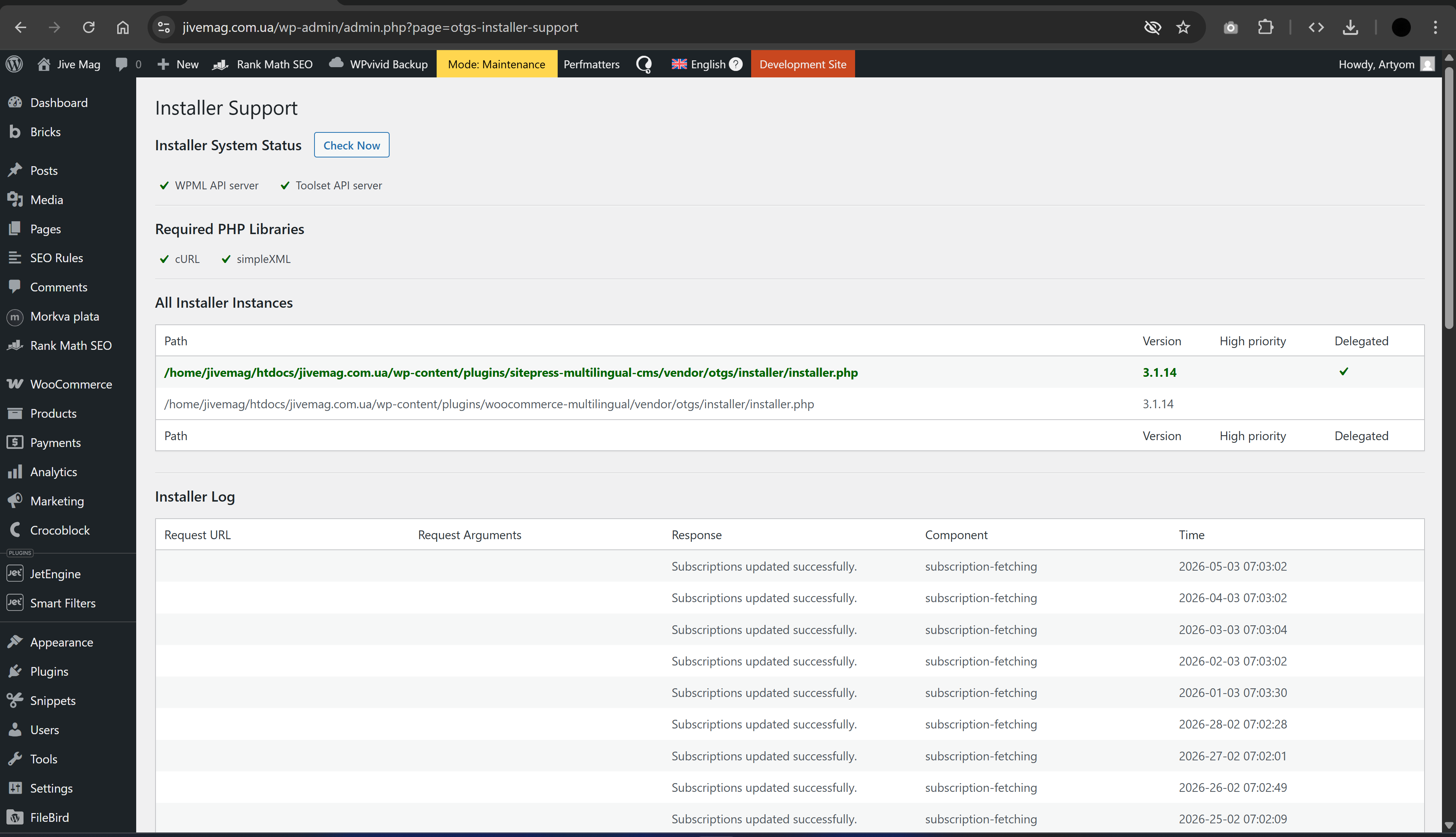
Is the site correctly registered at WPML > Support > Installer Support? Click "Check now" to verify.
Languages: English (English )Spanish (Español )German (Deutsch )
Timezone: America/Lima (GMT-05:00)
I'd like to request temporary access (wp-admin and FTP) to the website to investigate the issue further.
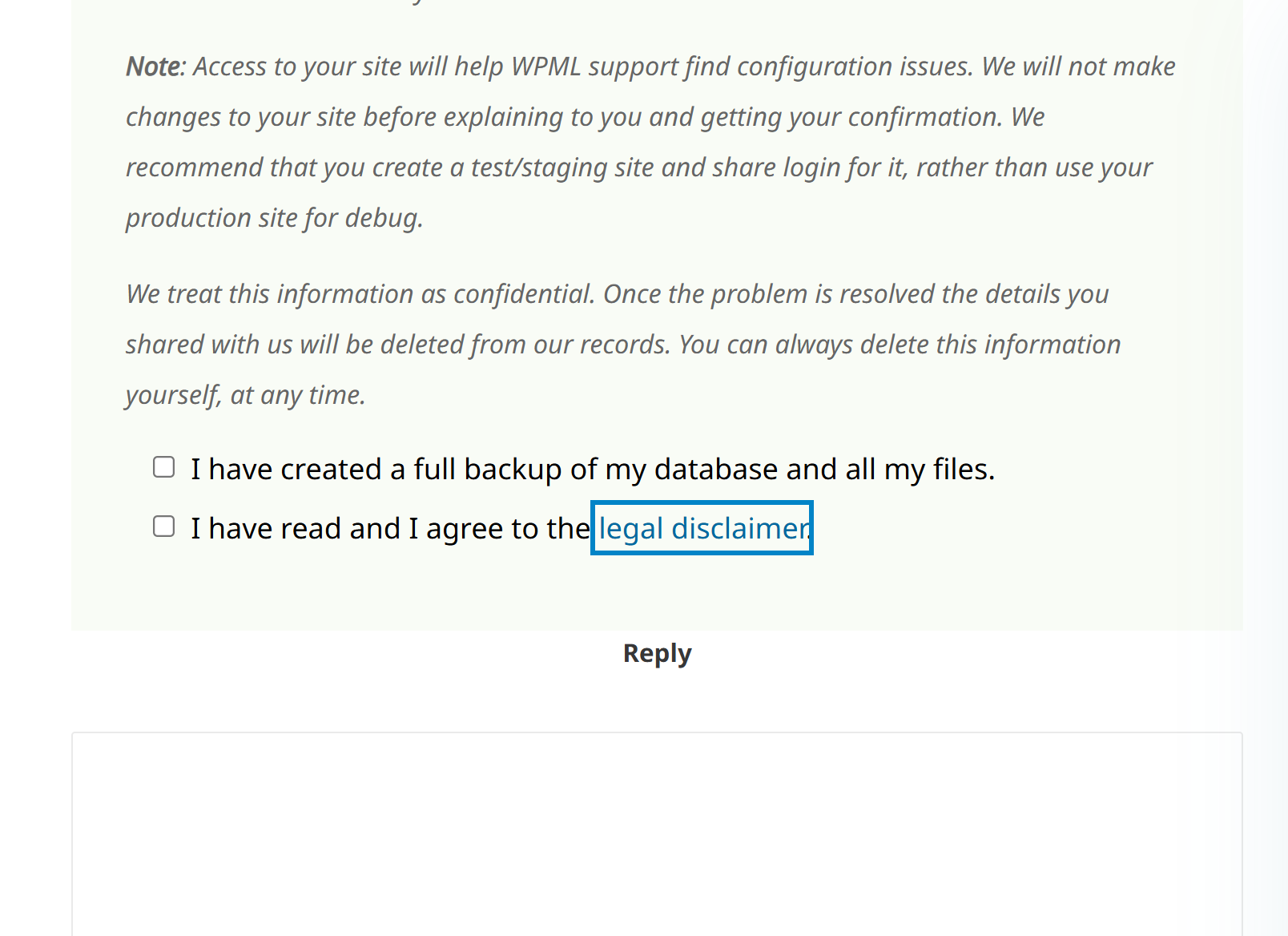
You'll find the necessary fields below the comment section if you log in to leave the next reply. The information you provide will be private, meaning only you and I will be able to see and access it.
IMPORTANT
Please be sure to create a backup of the website and database before granting us access.
If you don't see the "wp-admin / FTP" fields, your login credentials for the post and website will be set to "PUBLIC." Do NOT publish the information unless you see the required wp-admin / FTP fields.
The private reply form looks like this: hidden link
When replying again, click "I still need assistance".
Video: hidden link
Please note that we are required to request this information individually on each ticket.