
This is the technical support forum for WPML - the multilingual WordPress plugin.
Everyone can read, but only WPML clients can post here. WPML team is replying on the forum 6 days per week, 22 hours per day.
Tagged: Bug
This topic contains 22 replies, has 0 voices.
Last updated by Prosenjit Barman 1 month, 2 weeks ago.
Assisted by: Prosenjit Barman.
| Author | Posts |
|---|---|
| February 25, 2026 at 9:37 am #17850458 | |
 emmanuelF-11 |
Hello Prosenjit, Thanks for the sequence. We applied it - as per shot. This is blocking for us to go live with the site. As per now, the blog in its french version is ok. Some articles are not translated from french to english, whereas the translation is existing in the exported original website. You can have a look at the english version of blog : hidden link It looks like there is an error on the import as the behavior is random as some article are correctly imported with english text and correct image : Example of correct behavior Article example, with french text and no image Article example, with english text and no image Article example with french text and image Alexandre |
| February 26, 2026 at 7:17 am #17853938 | |
 Prosenjit Barman WPML Supporter since 03/2023 Languages: English (English ) Timezone: Asia/Dhaka (GMT+06:00) |
Hi Alexandre, Thank you for the update and for sharing the links where you’re experiencing the issue. I carefully checked each of the pages, including the texts and images. On my end, the English versions are displaying only the English content along with the correct images. I did not notice any inconsistencies. I recorded a short video while reviewing them — please take a look here: hidden link Since the issue does not appear on my side, could you please clear the cache on the site, in the browser, and on the server as well, and check the pages again? If the issue persists and is limited to a specific post or product, please share the exact link in your next reply so I can investigate it further. Additionally, in my previous message, I mentioned the option to import/download attachments needs to be checked before the import process starts. Could you please confirm whether that option was selected? Enabling it ensures that product images are properly imported from the source site and correctly attached to posts or products. Please let me know once you’ve checked. I’ll be happy to continue assisting you. Best regards, |
| February 26, 2026 at 2:01 pm #17856857 | |
|
emmanuelF-11 |
Hello Prosenjit, Actually I did add manual corrections to the link you clicked on, after sending you the message - and so content is ok. But the issue is still there on tons of articles. Feel free to navigate among the blog pages. hidden link All articles dont have any images. hidden link Its a complete mess, the import is really buggy. Alexandre |
| February 26, 2026 at 2:04 pm #17856860 | |
|
emmanuelF-11 |
If ever you are not convinced here are screenshot of blog while navigating in english I desperately started to manage image manually - but its impossible with 300+ articles... Can you pls help? 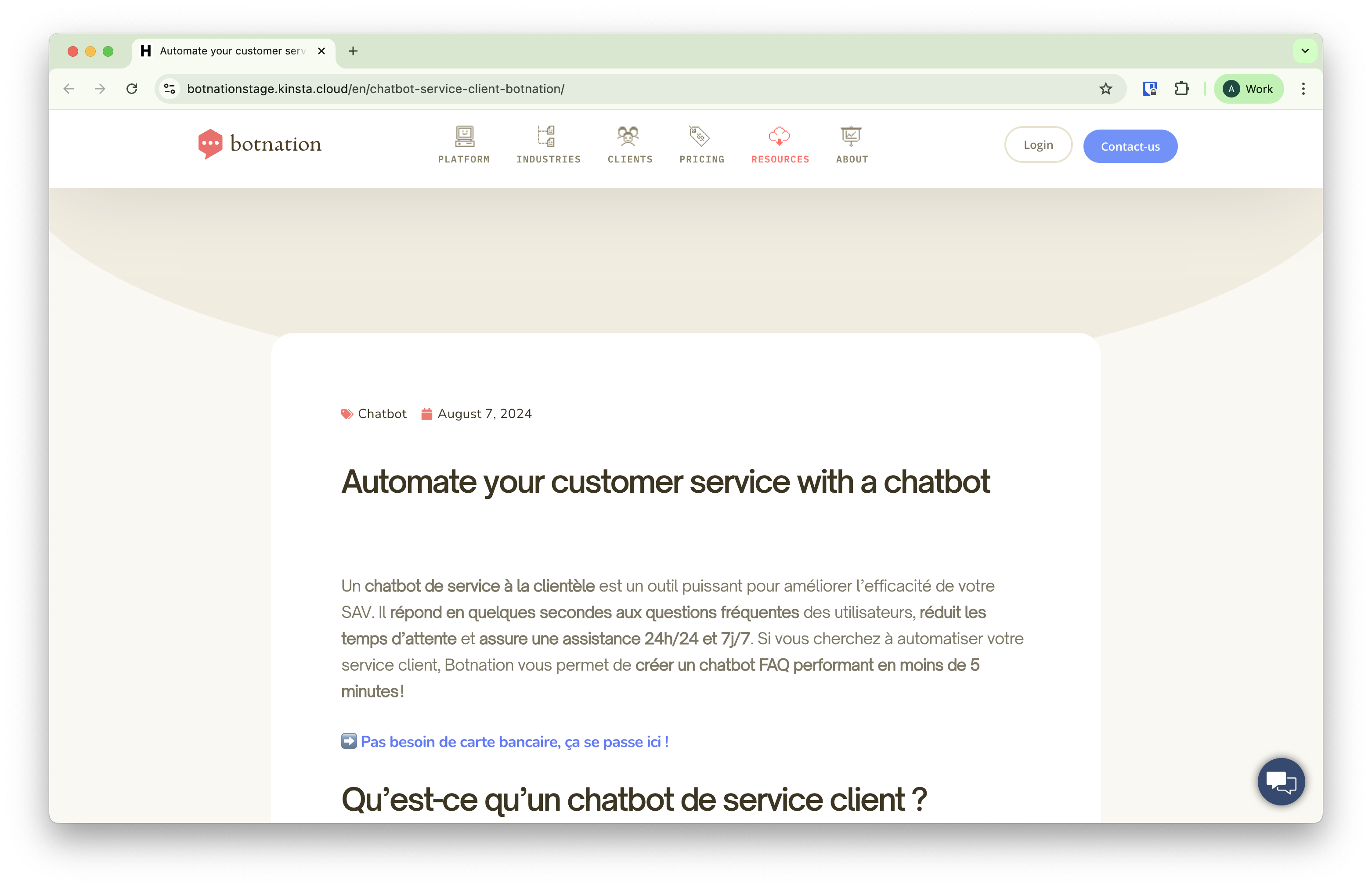 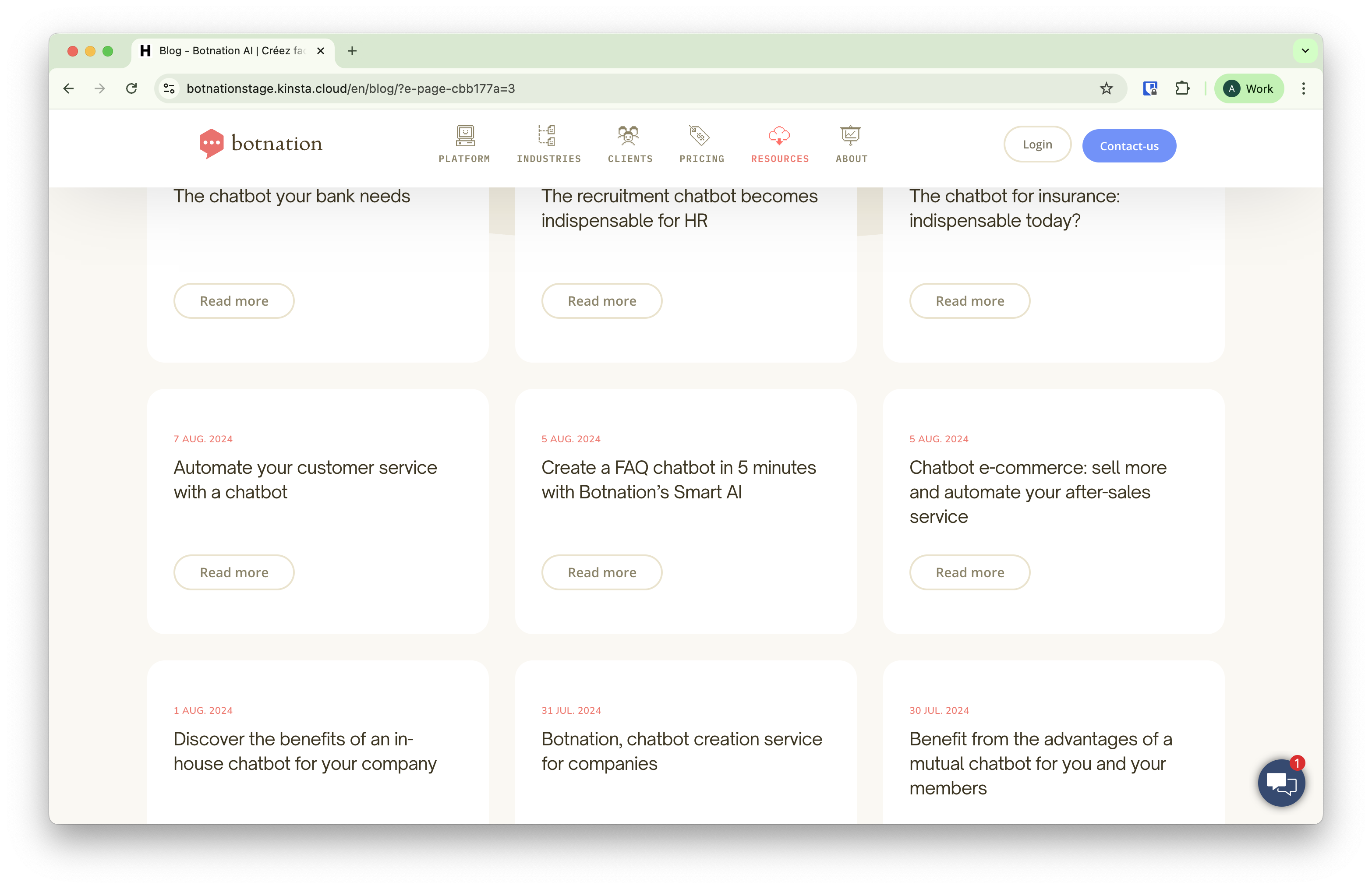 |
| February 27, 2026 at 7:42 am #17858676 | |
|
Prosenjit Barman WPML Supporter since 03/2023 Languages: English (English ) Timezone: Asia/Dhaka (GMT+06:00) |
Hi there, Thank you for the update! I completely understand that manually adding images to such a large number of posts is not practical, and we definitely want to avoid that approach. To properly identify the root cause, I’ll need to investigate both the source site and the destination site. This is important because the issue can occur at different stages of the migration process: - whether the images are correctly included during the export process on the source site, and Checking only one side would not provide a reliable conclusion, so access to both environments is necessary to trace where the process breaks. Could you please share access to both sites in your next reply? You may: - enter access details for one site inside the private fields, and During the investigation, I may also need to repeat the export–import process to reproduce the issue under controlled conditions. Please let me know if you’re comfortable with this. Once I have access, I’ll proceed carefully and keep you informed of every step. Looking forward to your response — and I’m here if you have any questions in the meantime. Best regards, |
| February 27, 2026 at 8:25 am #17858789 | |
|
emmanuelF-11 |
Can you pls create a second secure discussion for the target new website credentials ? |
| February 27, 2026 at 8:29 am #17858811 | |
|
Prosenjit Barman WPML Supporter since 03/2023 Languages: English (English ) Timezone: Asia/Dhaka (GMT+06:00) |
Hi! Thank you! I enabled the private box for you to securely share access to your destination site. Looking forward to your response. Best regards, |
| March 2, 2026 at 8:09 am #17863478 | |
|
Prosenjit Barman WPML Supporter since 03/2023 Languages: English (English ) Timezone: Asia/Dhaka (GMT+06:00) |
Hi Alexandre, Hope you're doing well! Sorry for the delayed response due to the Weekend! Good news, though: I checked, and the images are now showing up correctly on the Blog page. You can take a look here: hidden link As I thought, the issue was happening during the import. It looks like the "Import Attachments" option was turned off at the time, so the images didn't come through properly. I ran the import again with that option enabled, then ran the WPML importer as well — and everything is now showing up just fine on the target site. One thing worth mentioning: a few blog posts don't have a featured image set in the default language either (for example, "UX chatbot design : les règles d'or pour une expérience client réussie"). For those, it's totally normal not to see a featured image in the English version. Once you add the featured image to the original post and save, just update the translation and it should appear correctly on both sides. Take a look when you get a chance and let me know how it looks! Happy to help if anything else comes up. Best, |



