Background of the issue:
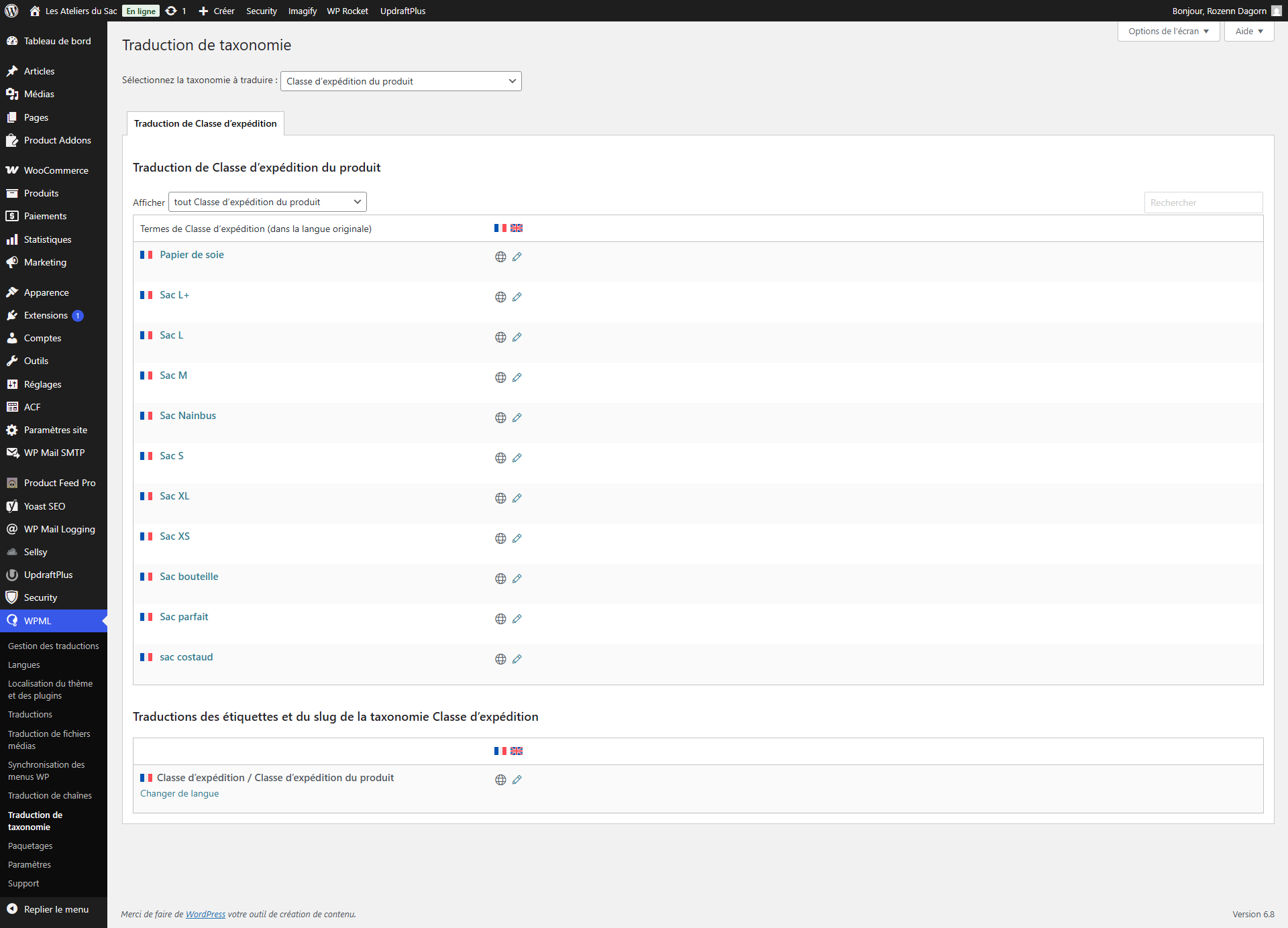
I am trying to translate a WooCommerce site from French to English and have managed to get most of it done. However, I face a problem when it comes to assigning shipping classes to my translated products. Most of the products have many variations and different shipping classes. I already translated all of my shipping classes but I don't know how to use them after that.
Symptoms:
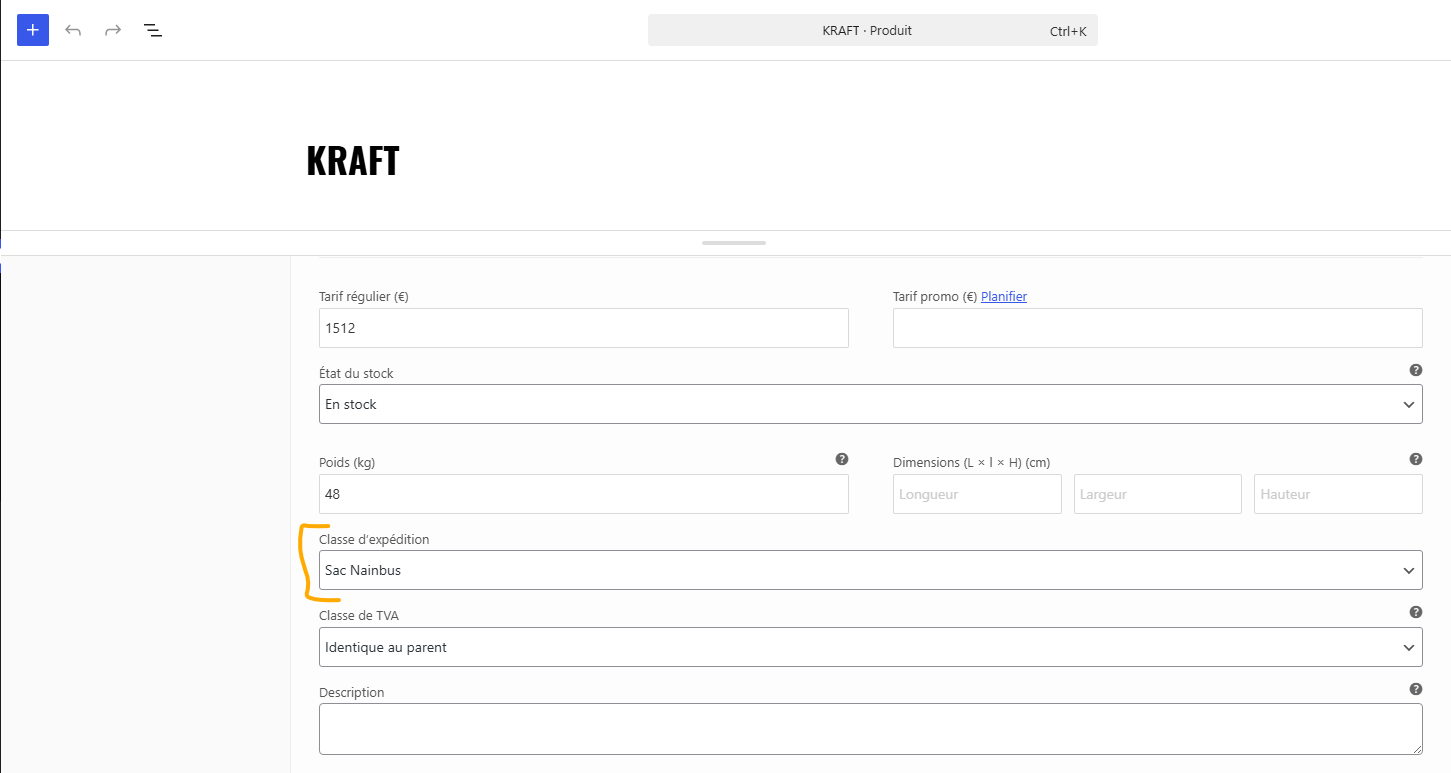
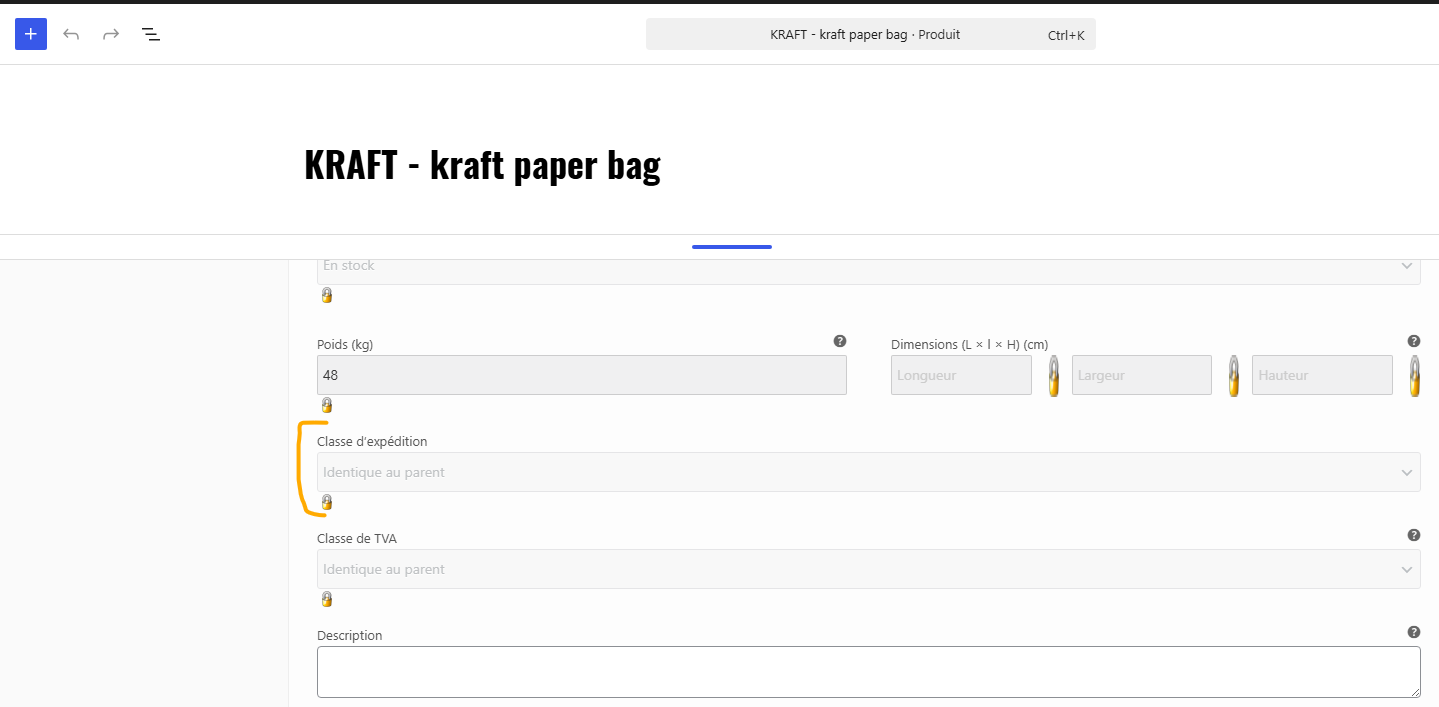
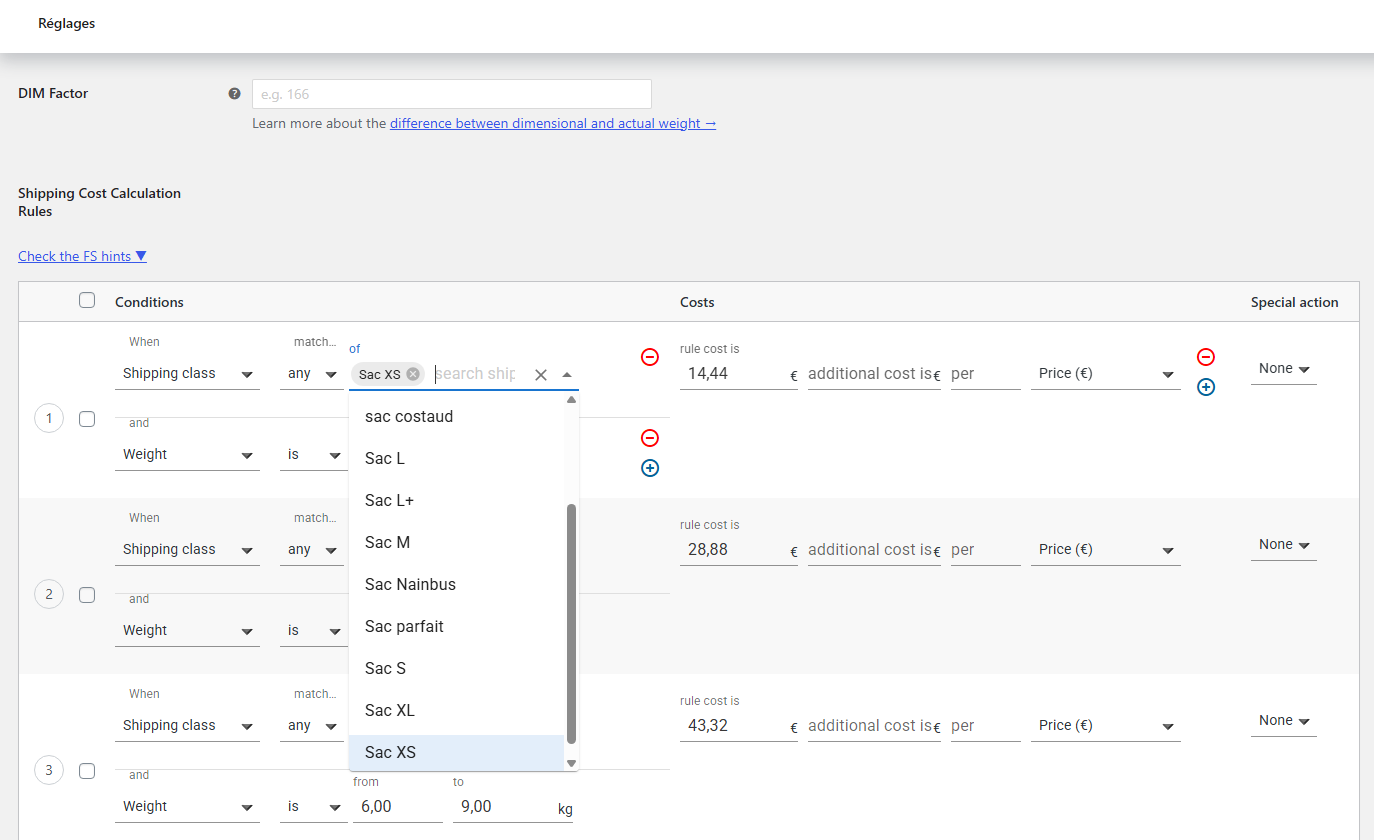
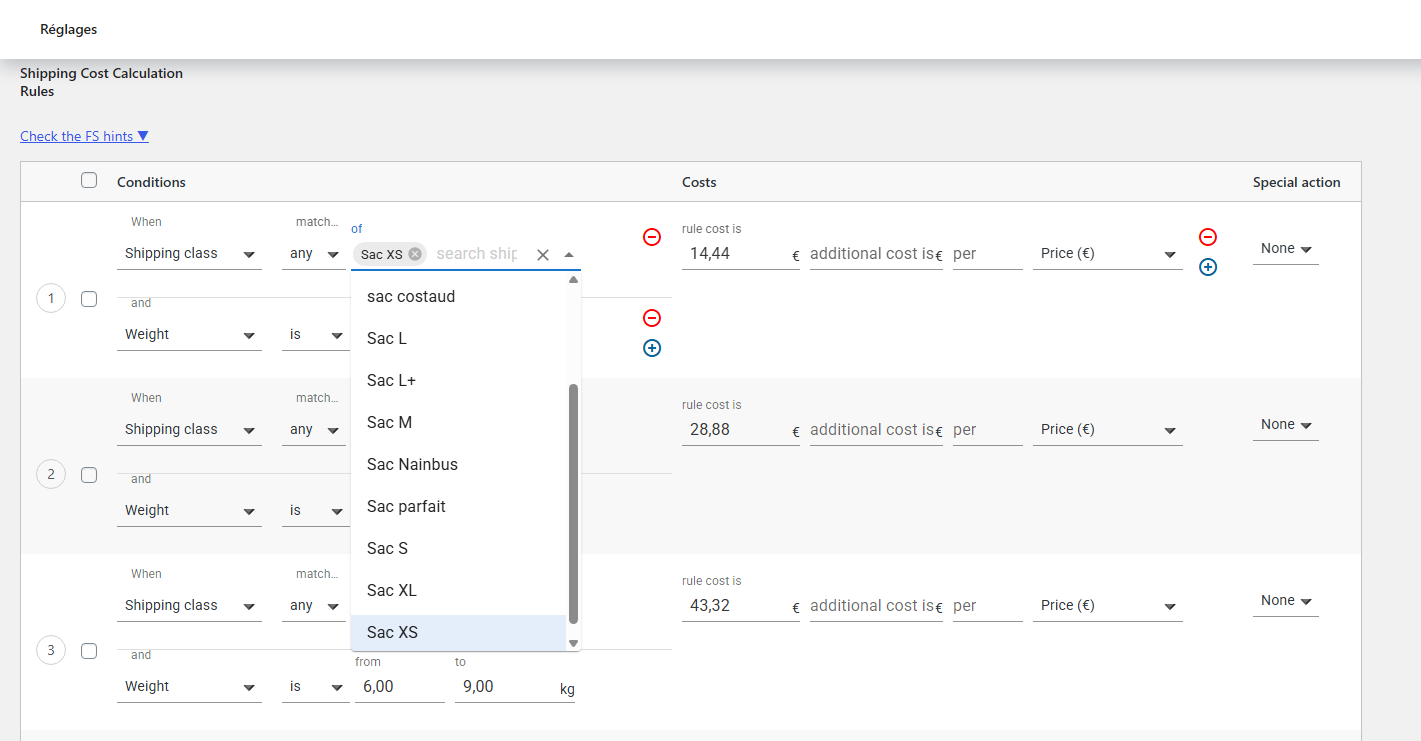
I can't use the translated shipping classes in my existing French shipping rules as they do not appear. When I create new rules in English, the French classes are also the ones appearing. In my translated product variations, I can't set the shipping classes by hand as the field is locked. It doesn't show the class in French but says 'Same as parent', but my 'parent', whether in French or English, doesn't have a shipping class as the classes are assigned to variations only. The translation not being done and the shipping not working, the English version of the site is not available to the public just yet.
Questions:
How can I properly set my shipping classes for translated products?
Why are the translated shipping classes not appearing in the existing French shipping rules?
How can I unlock the shipping class field in translated product variations?
Welcome to the WPML support forum. Before passing this thread to my colleague, I would like to share some suggestions and possible solutions for the issues you mentioned. Sorry for the late response; it was because of the holidays.
We hope you are following the steps described in the following doc:
Also, increase the *MaxInputVars* of PHP settings to *10000*. Please check the following article for more details, or contact your system admin/hosting provider for this purpose.
hidden link
--
Thanks!
Bigul
The topic ‘[Closed] Flexible Shipping PRO – Set shipping classes to English products and their variations’ is closed to new replies.