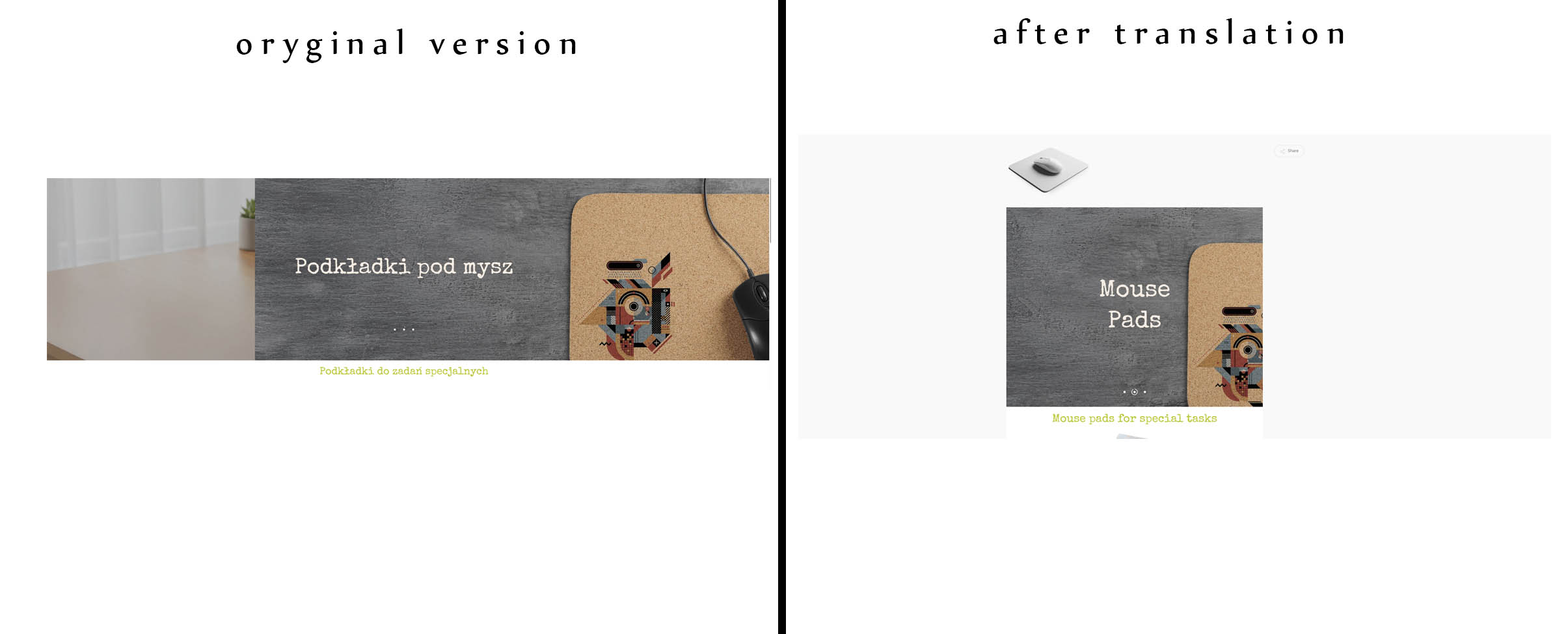
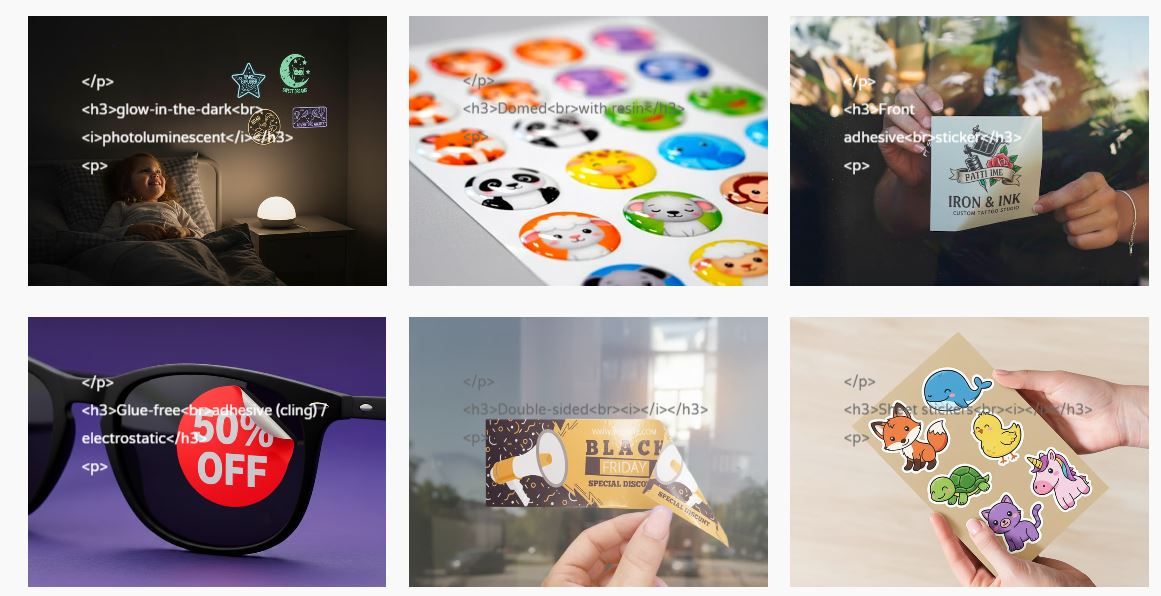
This thread is resolved. Here is a description of the problem and solution.
Problem: When using the flip box feature in the Salient child theme on a WordPress site, after translating with WPML, HTML is automatically encoded showing visible HTML tags like "
<h3>…</h3>
" on the front end. CSS styling is omitted, and instead of a photo gallery, a 'featured image' and unnecessary buttons appear. Additionally, the Nectar slider does not load. Solution: If you're experiencing HTML encoding in the flip box after WPML translation, ensure there are no blank spaces between your HTML tags. For instance, instead of writing:
<h3>Transparentne<i>na folii</i></h3>
you should write:
<h3>Transparentne<i>na folii</i></h3>
If you need a line break, use:
<h3>Transparentne<br /><i>na folii</i></h3>
We recommend checking related known issues at https://wpml.org/known-issues/, verifying the version of the permanent fix, and confirming that you have installed the latest versions of themes and plugins. If this solution does not apply or is outdated, please open a new support ticket at WPML support forum.
This is the technical support forum for WPML - the multilingual WordPress plugin.
Everyone can read, but only WPML clients can post here. WPML team is replying on the forum 6 days per week, 22 hours per day.
Background of the issue:
I am trying to use the flip box feature in the Salient child theme on my WordPress site. In the Polish (original) version, the flip box accepts HTML and allows for styled text. However, after translating with WPML, the HTML is automatically encoded, resulting in visible HTML tags on the front end. The site is created locally, so I can't provide a link.
Symptoms:
After WPML translation, HTML in the flip box is encoded, showing tags like "<h3>…</h3>" on the front end. CSS styling that removes unnecessary buttons and the featured image on portfolio sites is omitted, and instead of a photo gallery, I see a 'featured image' and unnecessary buttons. Additionally, the Nectar slider does not load.
Questions:
How can I prevent HTML from being encoded in the flip box after WPML translation?
Why is the CSS styling being omitted after translation?
How can I fix the issue with the Nectar slider not loading?
Languages: English (English )Spanish (Español )German (Deutsch )
Timezone: America/Lima (GMT-05:00)
Hello,
Could you please install the latest versions of the Salient Theme and the Salient WPBakery Page Builder on the following test site and replicate the issue, so that I can assist you on this matter?
One-Click-Login: hidden link
Make sure to leave me a comment once you are done with this task.
Hello,
I've installed Salient with WPBakery on a sandbox and added some translations to illustrate the problems.
The flip boxes on the "produkty" page are appearing after translation with additional tags, and the text loses its HTML formatting.
What concerns me even more is that on all portfolio pages, a featured image becomes visible in the header, and additional buttons/fields appear, which spoils the layout.