
This is the technical support forum for WPML - the multilingual WordPress plugin.
Everyone can read, but only WPML clients can post here. WPML team is replying on the forum 6 days per week, 22 hours per day.
This topic contains 4 replies, has 0 voices.
Last updated by Paweł Halicki 6 days, 18 hours ago.
Assisted by: Paweł Halicki.
| Author | Posts |
|---|---|
| March 31, 2026 at 2:23 pm #17940305 | |
 Pieter |
Hi, The Issues: Environment Details: Attachments: Thank you for your help. 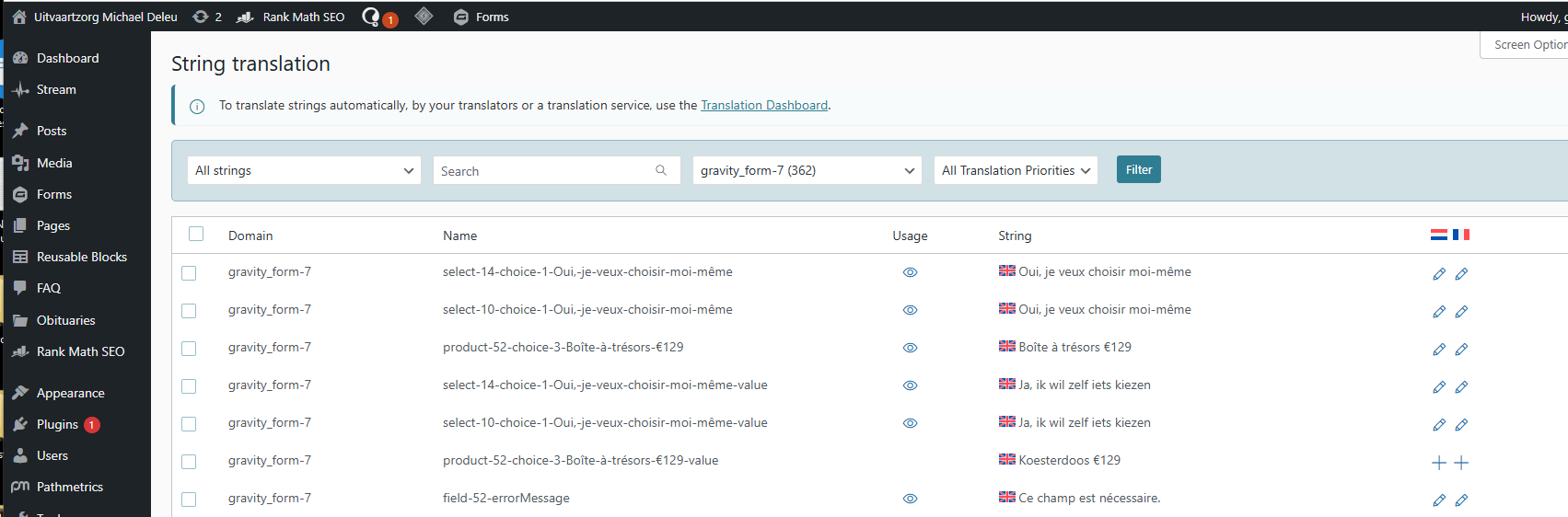 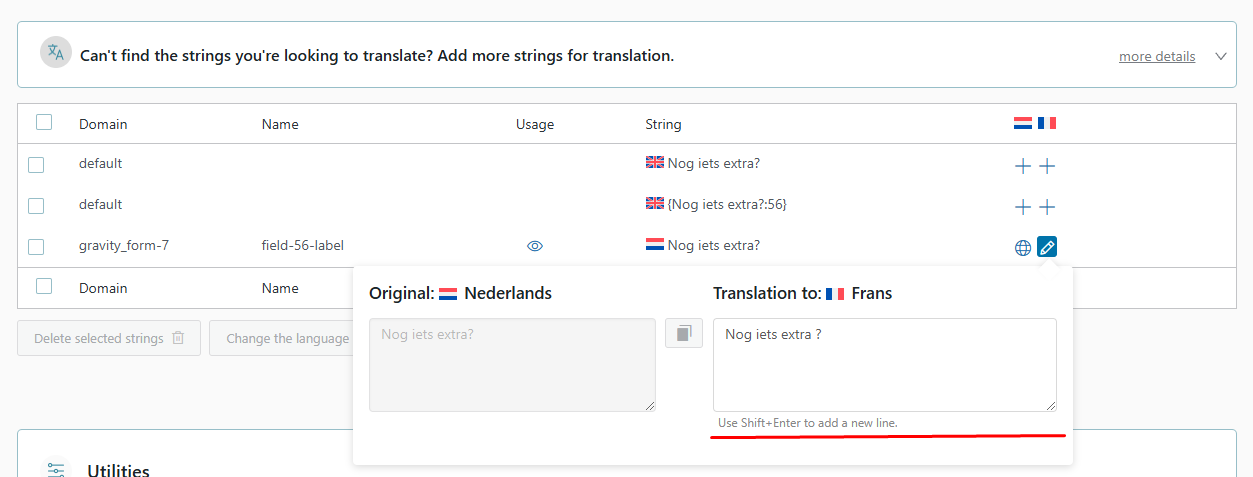 |
| March 31, 2026 at 3:04 pm #17940583 | |
 Paweł Halicki Supporter |
Hello, Thank you for your report. I’ll do my best to assist you. I can see that your plugins are being kept up to date - in this case, it would be very helpful if you could provide access to the environment (preferably a staging copy, not the production site). This would allow us to create a backup using Duplicator and try to identify the root cause of the issue. I will mark my next message as private. It would also greatly help if you could answer a few questions: * Have there been any recent changes to the language configuration? I would greatly appreciate any additional information you can provide. Kind regards, |
| April 6, 2026 at 11:10 am #17951233 | |
|
Pieter |
Hello, any update on my issue? |
| April 7, 2026 at 6:19 pm #17955029 | |
|
Paweł Halicki Supporter |
Hello, I can see that most of the plugins are up to date, so I tried to reproduce the reported issue on my local environment - unfortunately, I was not able to do so. However, I am fairly confident that the issue is related to caching. It looks like at some point cached data may have stored a translation without the correct source language, and later reused it instead of loading the current translated data. I went ahead and installed the following plugins on your environment: - Duplicator - unfortunately, I was not able to create a backup using it Since there is no straightforward way to reproduce the issue: 1. Ideally, it would be helpful to temporarily disable any caching plugin (if possible) to verify whether the issue stops occurring. 2. I will use the backup to investigate further and try to identify the problematic area. Once I find a potential cause, I will ask you to apply a temporary workaround (a small code snippet) to confirm whether it resolves the issue. I will keep you updated on the progress. I apologize for the delay, but this is a fairly complex case and at this point we still do not have a clear way to reliably reproduce the issue. Best regards, |
| April 27, 2026 at 7:12 pm #17997950 | |
|
Paweł Halicki Supporter |
Hello, Apologies for the delay, but there were significant challenges with configuring the environment and reproducing the issue. I’m happy to confirm that I was finally able to reproduce it. It appears that the root cause is the automatic registration of "value => label", where separate values are generated for each language (translated). This can become problematic if there is any logic in the application that relies on checking values in the original language rather than their translations, for example when comparing them to trigger specific actions. The most effective solution I can suggest at this stage is: - update all plugins to the latest versions (especially WPML-related ones) Please let me know if this helps. I’ll be happy to assist further if anything remains a blocker. Best regards, |