This thread is resolved. Here is a description of the problem and solution.
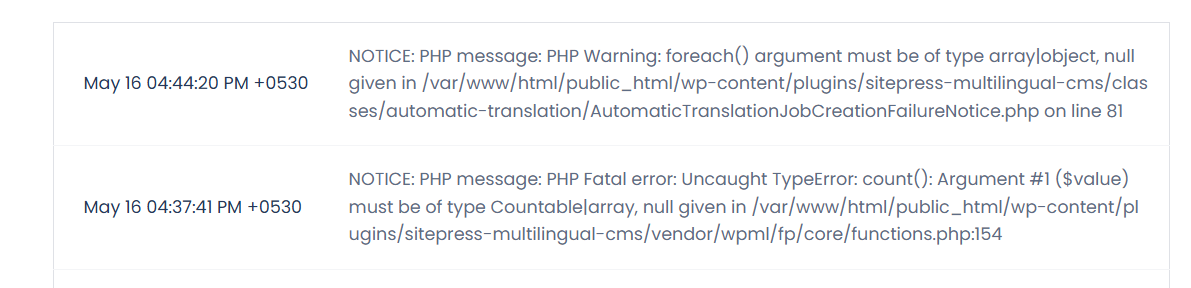
Problem: If you're experiencing a PHP warning stating 'foreach() argument must be of type array|object, null given' in the AutomaticTranslationJobCreationFailureNotice.php file when activating the WPML Multilingual CMS plugin, we can help you resolve this. Solution: First, ensure you have a full backup of your website. Then, follow these steps: 1. Navigate to Plugins > Plugin File Editor. 2. Open the /wp-content/plugins/sitepress-multilingual-cms/classes/automatic-translation/AutomaticTranslationJobCreationFailureNotice.php file. 3. Find the following line of code:
This modification should resolve the PHP warning. If this solution does not apply to your situation, or if it becomes outdated, we highly recommend checking related known issues at https://wpml.org/known-issues/, verifying the version of the permanent fix, and confirming that you have installed the latest versions of themes and plugins. If issues persist, please open a new support ticket.
This is the technical support forum for WPML - the multilingual WordPress plugin.
Everyone can read, but only WPML clients can post here. WPML team is replying on the forum 6 days per week, 22 hours per day.
Background of the issue:
I am trying to install the WPML Multilingual CMS plugin on my WordPress site hidden link. I am using the latest version of WPML and have registered the domain with WPML.
Symptoms:
As soon as the plugin is activated, it throws the following PHP warning: PHP Warning: foreach() argument must be of type array|object, null given in /wp-content/plugins/sitepress-multilingual-cms/classes/automatic-translation/AutomaticTranslationJobCreationFailureNotice.php on line 81.
Questions:
How can I resolve the PHP warning encountered during the installation of WPML?
Is this a known issue with WPML, and has it been fixed in a newer version?
I've found a solution to the issue. I tested in my local copy and it worked. Please make sure to have a full website backup, and follow the steps below:
1. Go to your DB management client (like PhpMyAdmin);
2. Open the wp_options table (the prefix wp_ might differ);
3. Find the "auto-translation-job-creation-error" option;
4. Delete it;
Now, you should be able to properly activate WPML with no issues. Please, remember to create a full website backup before proceeding. Let me know if that fixes the issue.
This solution is not working for me. I found "auto-translation-job-creation-error" in the wp_options table and I delete it and try to install WPML plugin but still getting the same error. Please give me the working solution. Thanks
Thank you for sharing your results. I've downloaded a fresh copy of your website and couldn't get the solution to work this time. I've forwarded your ticket to our developers, which will analyze the issue and find a permanent solution. I'll get back to you as soon as I receive feedback, which usually takes a few days. I appreciate your patience.
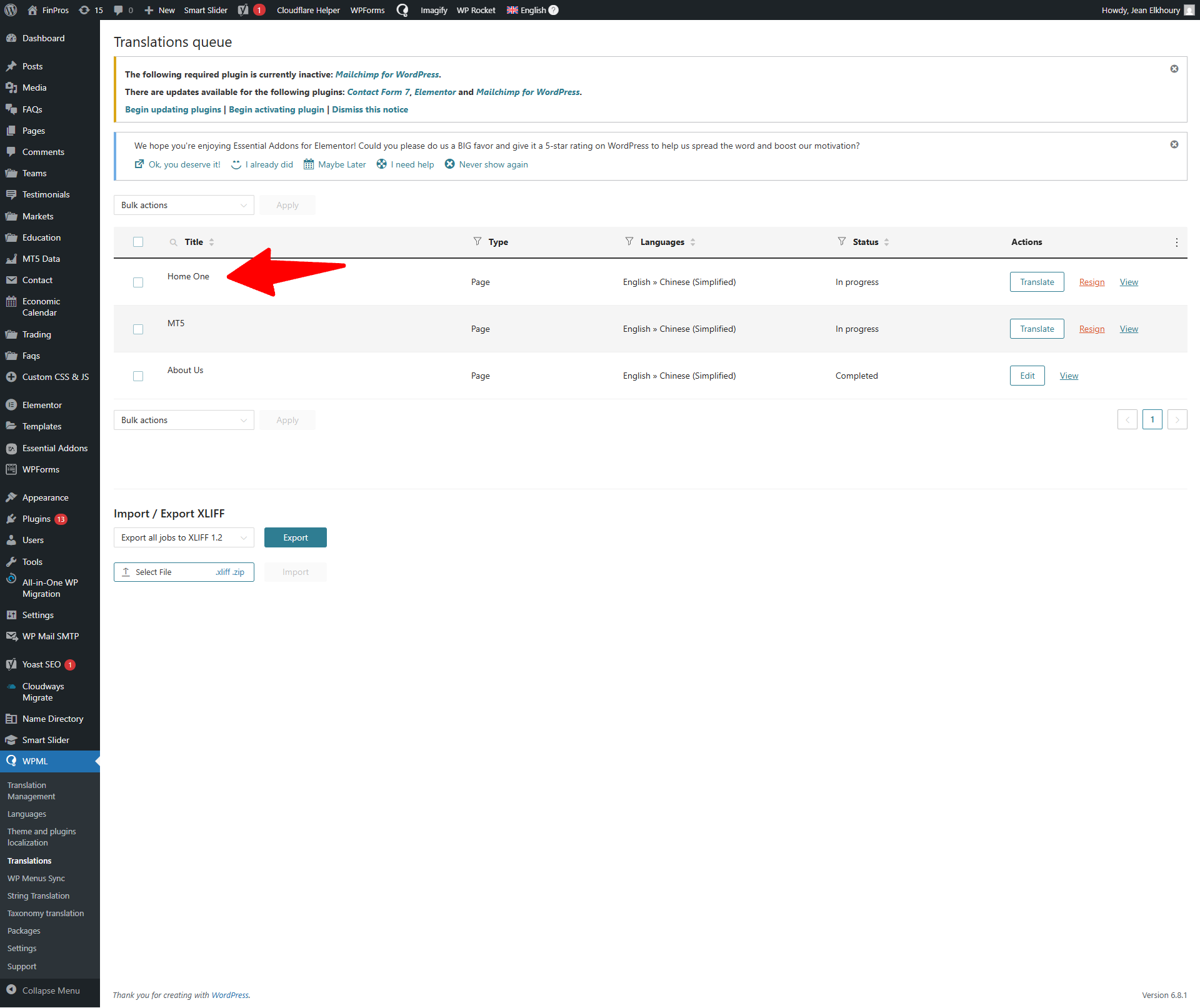
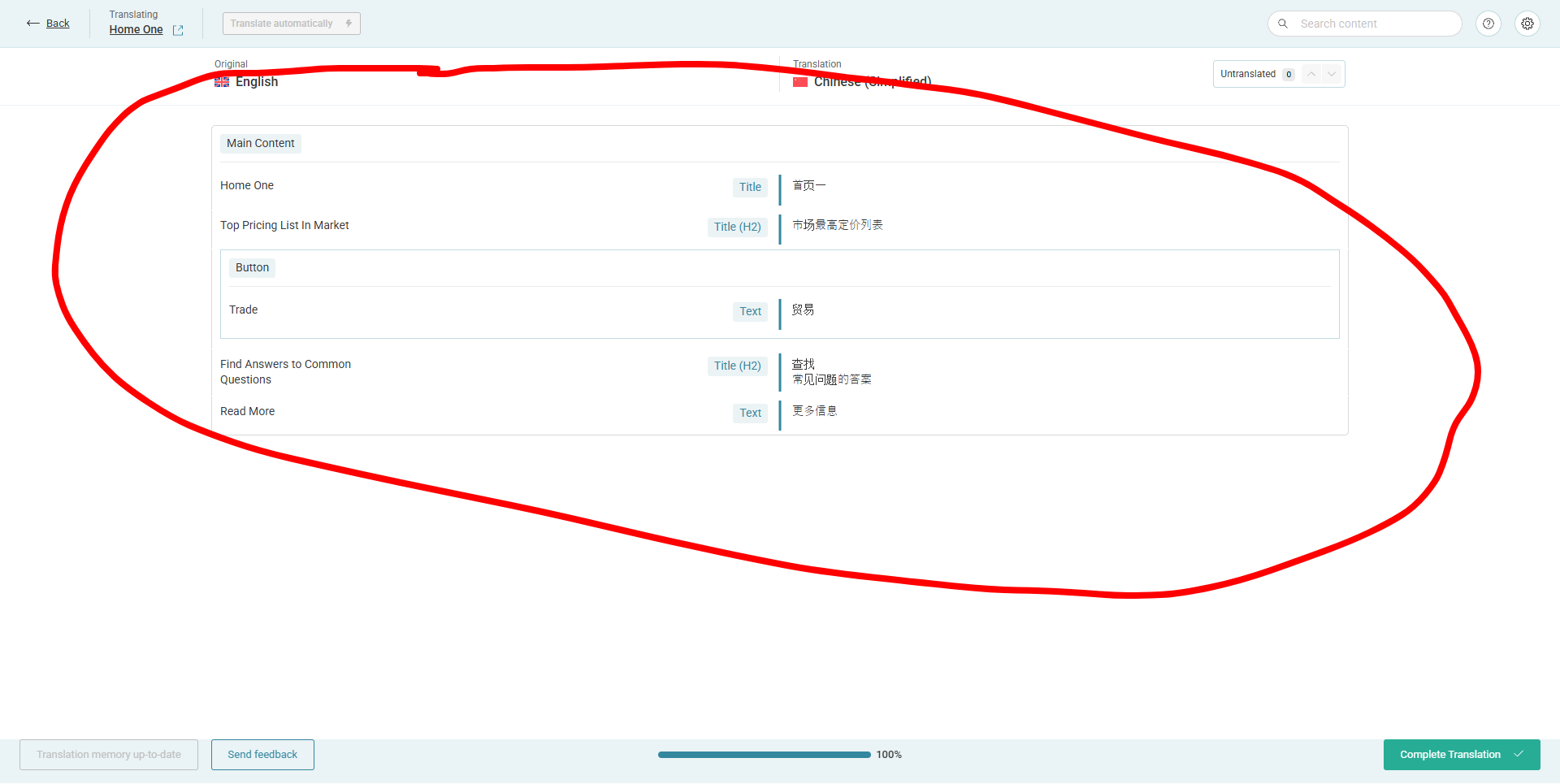
"Some pages are not being translated. When I go to the translation section and open one of these specific pages, WPML doesn't recognize the content for translation."
one of them is the home page hidden link
New threads created by Lucas Vidal de Andrade and linked to this one are listed below:
Thank you so much for waiting. I've received feedback from our developers. To fix the issue, please make sure to have a full website backup and follow the steps below:
1. Go to Plugins > Plugin File Editor and find the /wp-content/plugins/sitepress-multilingual-cms/classes/automatic-translation/AutomaticTranslationJobCreationFailureNotice.php file;
2. Locate the string below: