This thread is resolved. Here is a description of the problem and solution.
Problem:
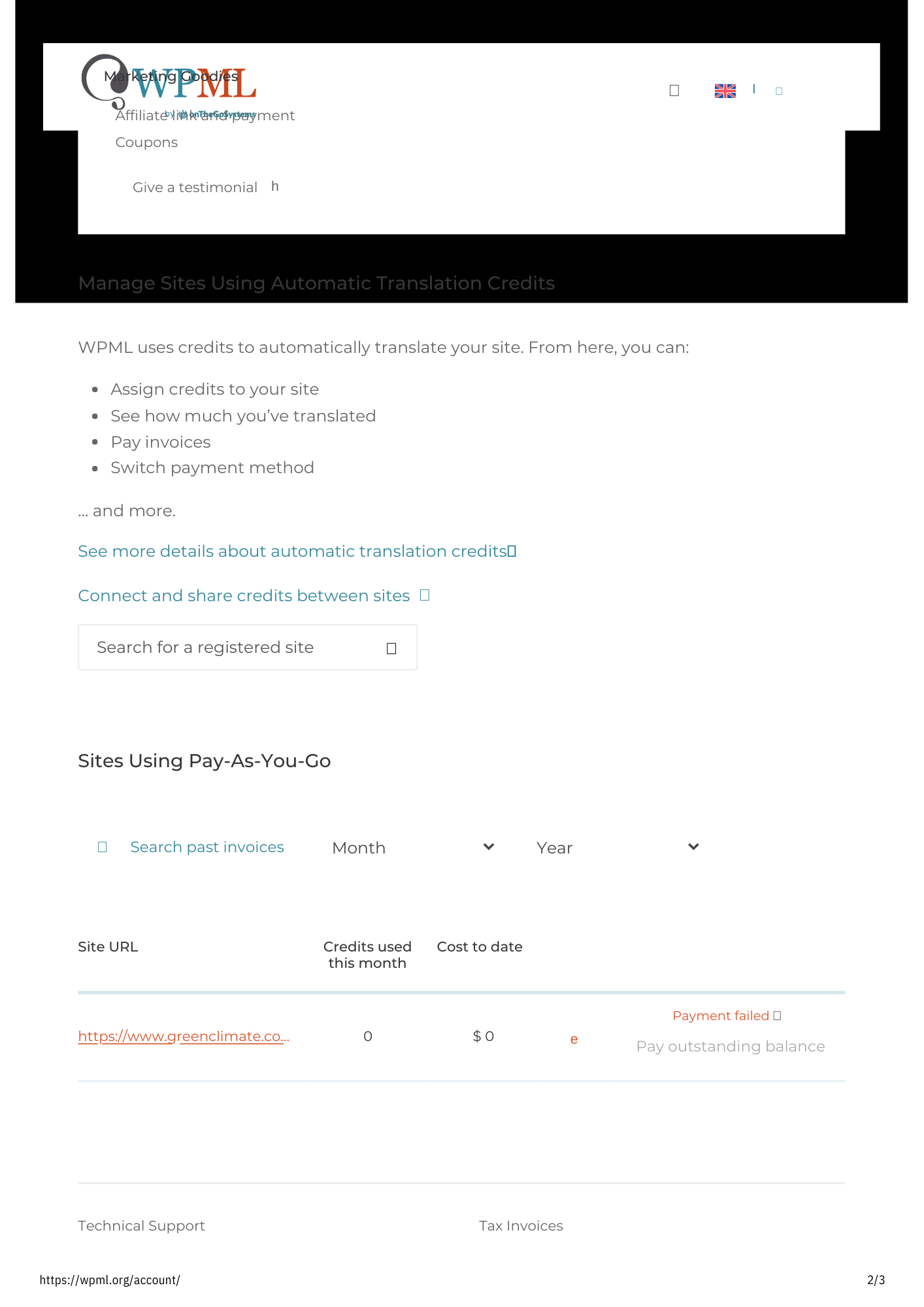
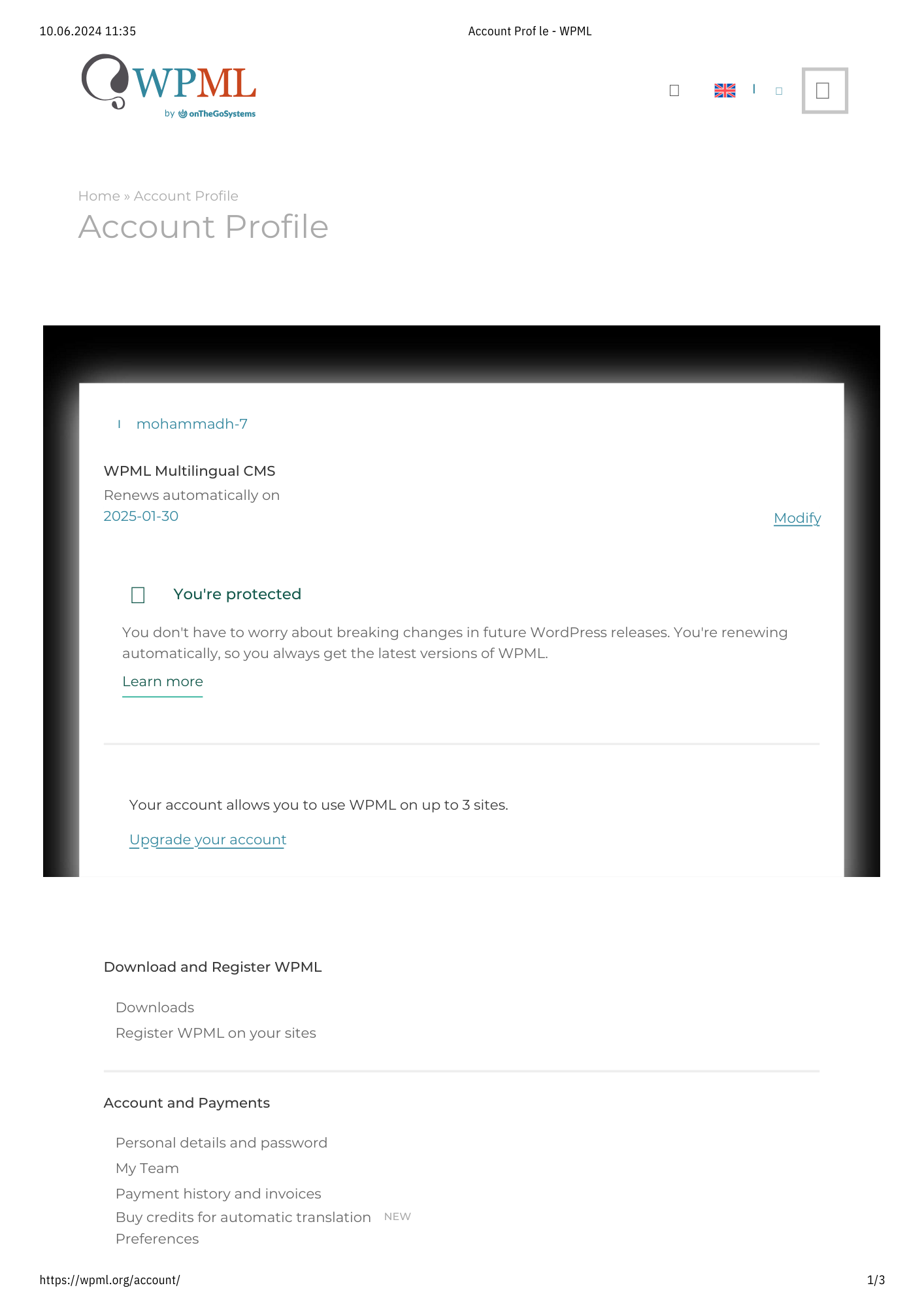
The client completed a purchase of 200K automatic translation credits but could not see the credits in their WPML account. Despite logging out and back in, the credits still did not appear.
Solution:
We verified from our side that the purchase was successful and the credits should be visible on the client's account page at https://wpml.org/account/. We suggested checking if the client might have another WPML account and to ensure they are logged into the account associated with their email address. Additionally, it was discovered that the 'Pay-as-you-go' option was active, which initially prevented the addition of prepaid credits to their site. After deactivating this option, the client was able to see and assign the credits.
If this solution does not resolve your issue or seems irrelevant due to being outdated or not applicable to your case, we highly recommend checking related known issues at https://wpml.org/known-issues/, verifying the version of the permanent fix, and confirming that you have installed the latest versions of themes and plugins. If the problem persists, please open a new support ticket at WPML support forum for further assistance.
This is the technical support forum for WPML - the multilingual WordPress plugin.
Everyone can read, but only WPML clients can post here. WPML team is replying on the forum 6 days per week, 22 hours per day.
This topic contains 5 replies, has 2 voices.
Last updated by 1 year, 10 months ago.
Assisted by: Itamar.