Background of the issue:
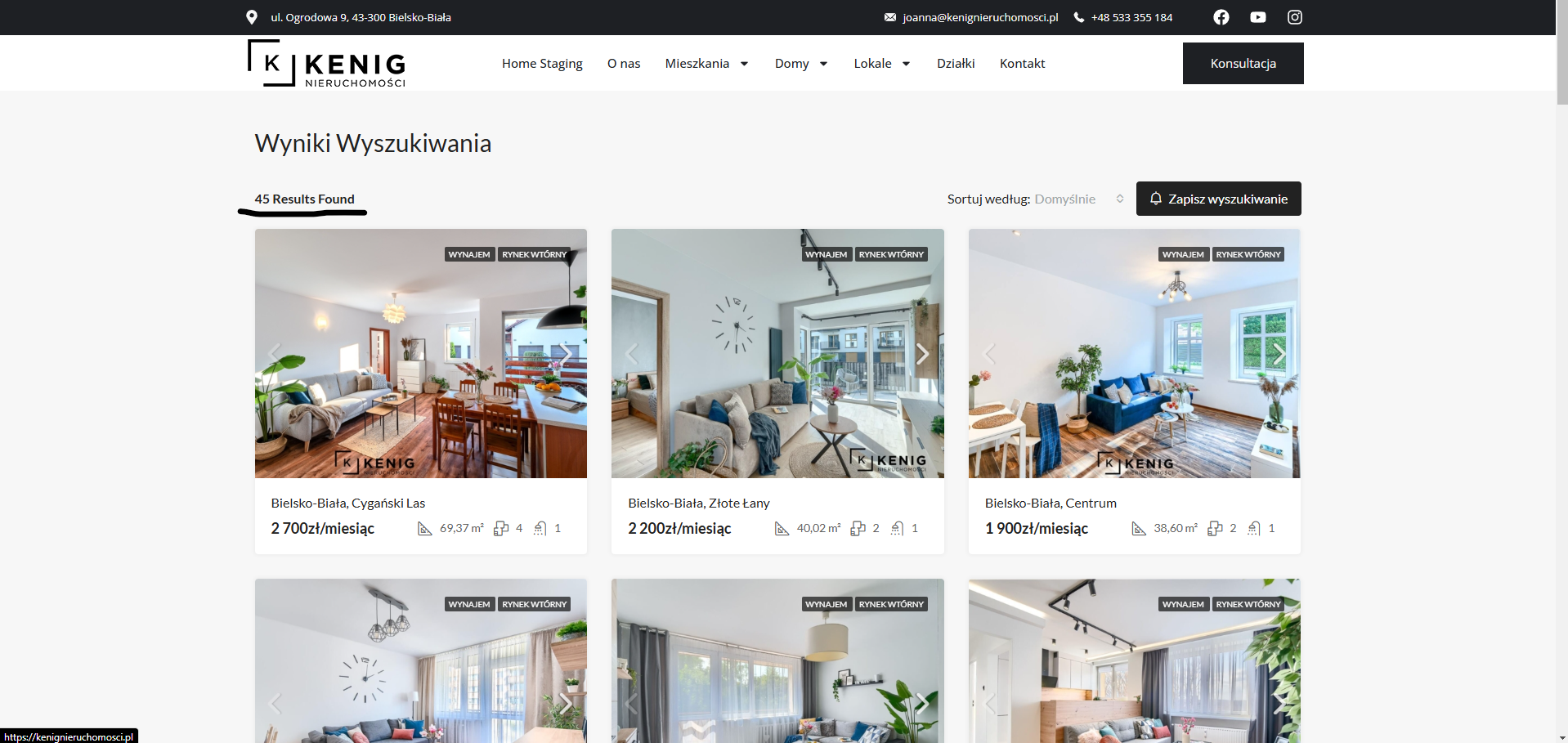
I am trying to translate the phrase '45 results found' to '45 wyników wyszukiwania' on the search result page of my website. The number is generated from a real estate search on the home page. I was able to translate other parts like 'sort by:' to 'sortuj według:'. The issue can be seen on this page: hidden link
Symptoms:
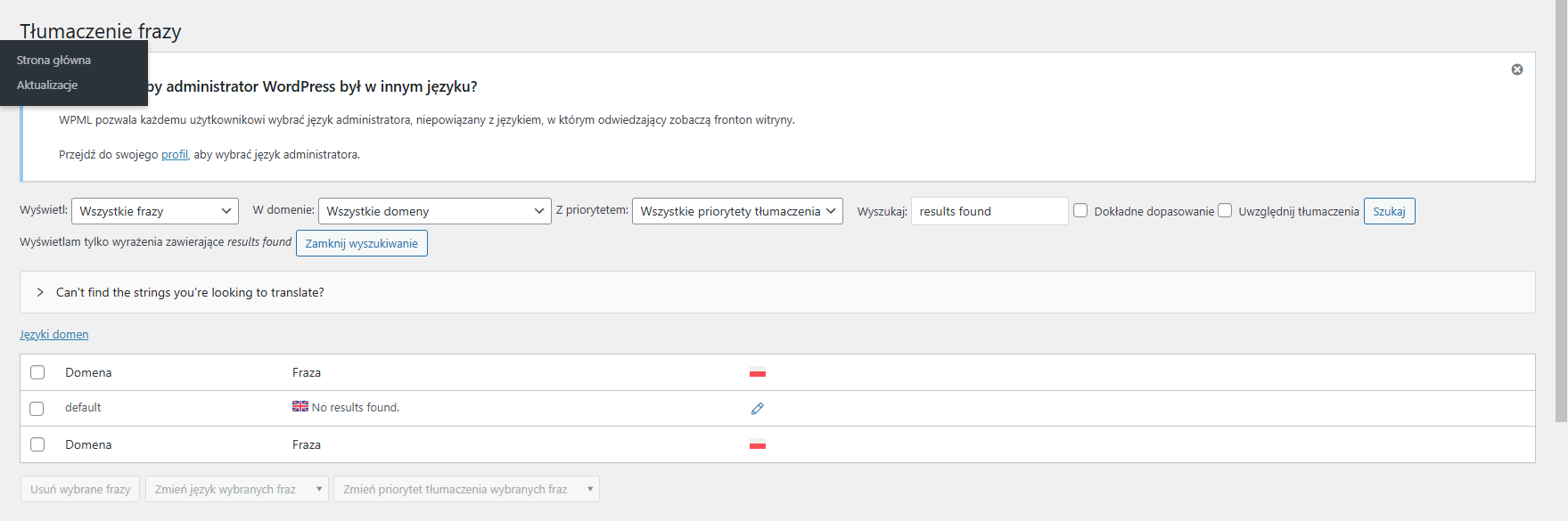
I can't find the specific phrase 'results found' to translate, despite being able to translate other parts of the same section.
Questions:
Why can't I find the phrase 'results found' to translate?
Is there a specific method to locate and translate dynamic phrases like 'results found'?
Thank you for contacting WPML Support. I can see the issue on your site, and I’ll do my best to assist you with it. Could you please follow the steps below and let me know the results?
1. The current WP Memory Limit on your site is 40MB. The WP memory limit needs to be increased, it's different from PHP memory. PHP memory is fine but WordPress uses 40MB as default in your site. The minimum requirements for WPML are 128MB: https://wpml.org/home/minimum-requirements/
Please add this line to your wp-config.php file to increase WP memory, wp-config.php file is located in the root of your WP install:
You can add it anywhere in your file. I recommend placing it right before the following line:
/* That's all, stop editing! Happy blogging. */
2. Go to the WPML >> String Translation page and in the Auto register strings for translation section, enable the ‘Look for strings while pages are rendered’ option.
3. Re-visit the page on the front end where the string appears.
4. Re-visit the WPML >> String Translation page and search for that string in this way:
4.1. %s Results Found
4.2. %d Results Found
%s and %d are placeholders, please make sure to keep it as it in the translation, so the translated string should be look like this e.g. %d wyników wyszukiwania or %s wyników wyszukiwania.
5. Translate the string.
6. After translating the string, uncheck the auto-registration option.