Skip to content Skip to sidebar

This thread is resolved. Here is a description of the problem and solution.

Problem:
You are using WPML with Elementor to create a bilingual website and have created separate templates for English and Arabic. However, the Arabic templates are not displaying correctly on the Arabic side of the website, and instead, the English templates are showing.
Solution:
We recommend installing the WPML String Translation plugin if you haven't already. This plugin is essential for translating Elementor templates. Once installed, it should resolve the issue of the Arabic templates not displaying correctly. You can find more information about this plugin and its installation at https://wpml.org/documentation/plugins-compatibility/elementor/#required-plugins.

If this solution does not apply to your case, or if it seems outdated, we highly recommend checking related known issues at https://wpml.org/known-issues/, verifying the version of the permanent fix, and confirming that you have installed the latest versions of themes and plugins. If issues persist, please open a new support ticket at WPML support forum.

This is the technical support forum for WPML - the multilingual WordPress plugin.

Everyone can read, but only WPML clients can post here. WPML team is replying on the forum 6 days per week, 22 hours per day.

Tagged: 

This topic contains 0 reply, has 0 voices.

Last updated by vivekD 1 year, 1 month ago.

Assisted by: Osama Mersal.

Author Posts
March 14, 2025 at 7:49 am #16814737

vivekD

Background of the issue:
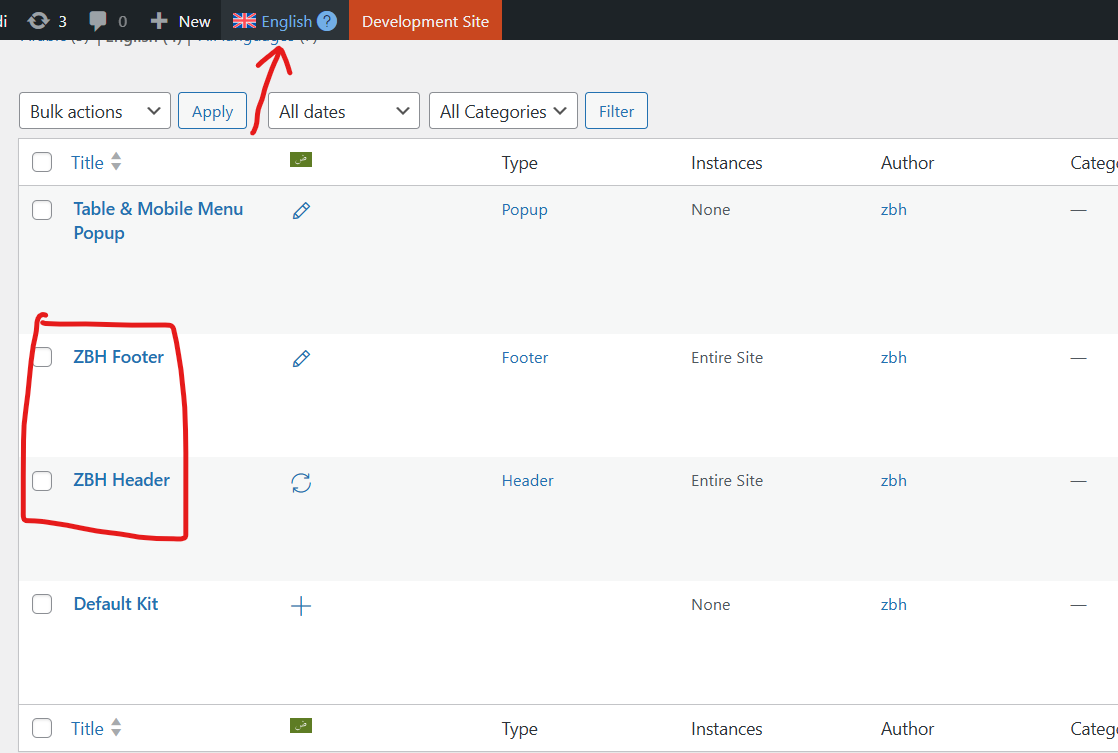
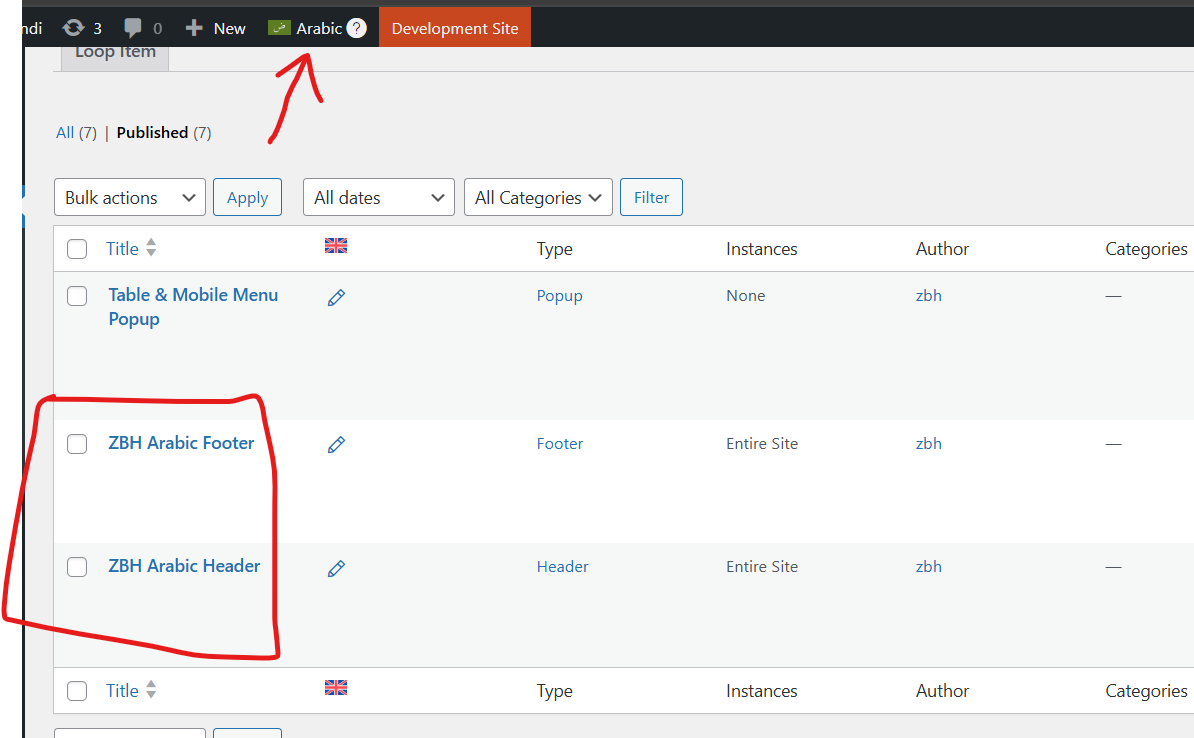
I am trying to use WPML with Elementor to create a bilingual website in English and Arabic. I have created templates in Elementor named ZBH Header and ZBH Footer. I duplicated these templates for Arabic using the WPML 'Duplicate' feature and edited them independently, naming them ZBH Arabic Header and ZBH Arabic Footer.

Symptoms:
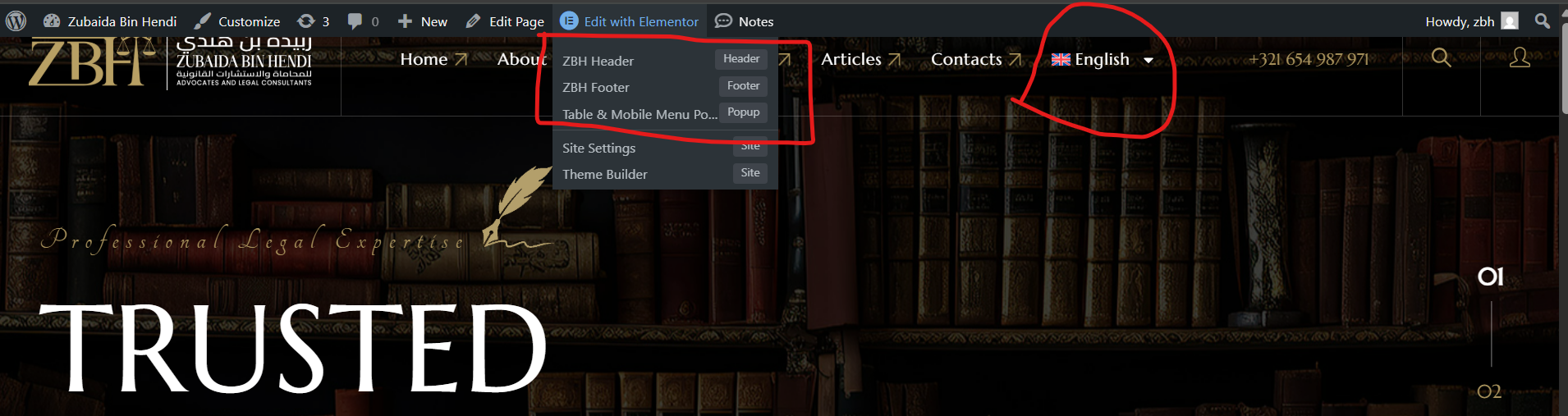
I am unable to use the Arabic header and footer on the Arabic side of the website. The English ZBH Header and ZBH Footer are showing on both the English and Arabic sides.

Questions:
How can I display the Arabic header and footer on the Arabic side of the website?

March 17, 2025 at 3:16 am #16822809

Osama Mersal

Hi,

Thanks for contacting WPML forums support. I'll be glad to help you today.

First of all, sorry for the late reply; it was due to a higher workload.

I would need to look closely at your site, so I would need to request temporary access (WP-Admin and FTP)
Preferably to a test site where the problem has been replicated.

Your answer will be private, meaning only you and I can access it.

❌ Please back up your database and website ❌

✙ I need your permission to deactivate and reactivate the plugins and themes and change site configurations. This is also why the backup is critical.

✙ I also need your permission to take a local copy of your site to debug the issue without affecting your live site.

Best regards,
Osama

March 17, 2025 at 7:00 am #16823010

Osama Mersal

Hi,

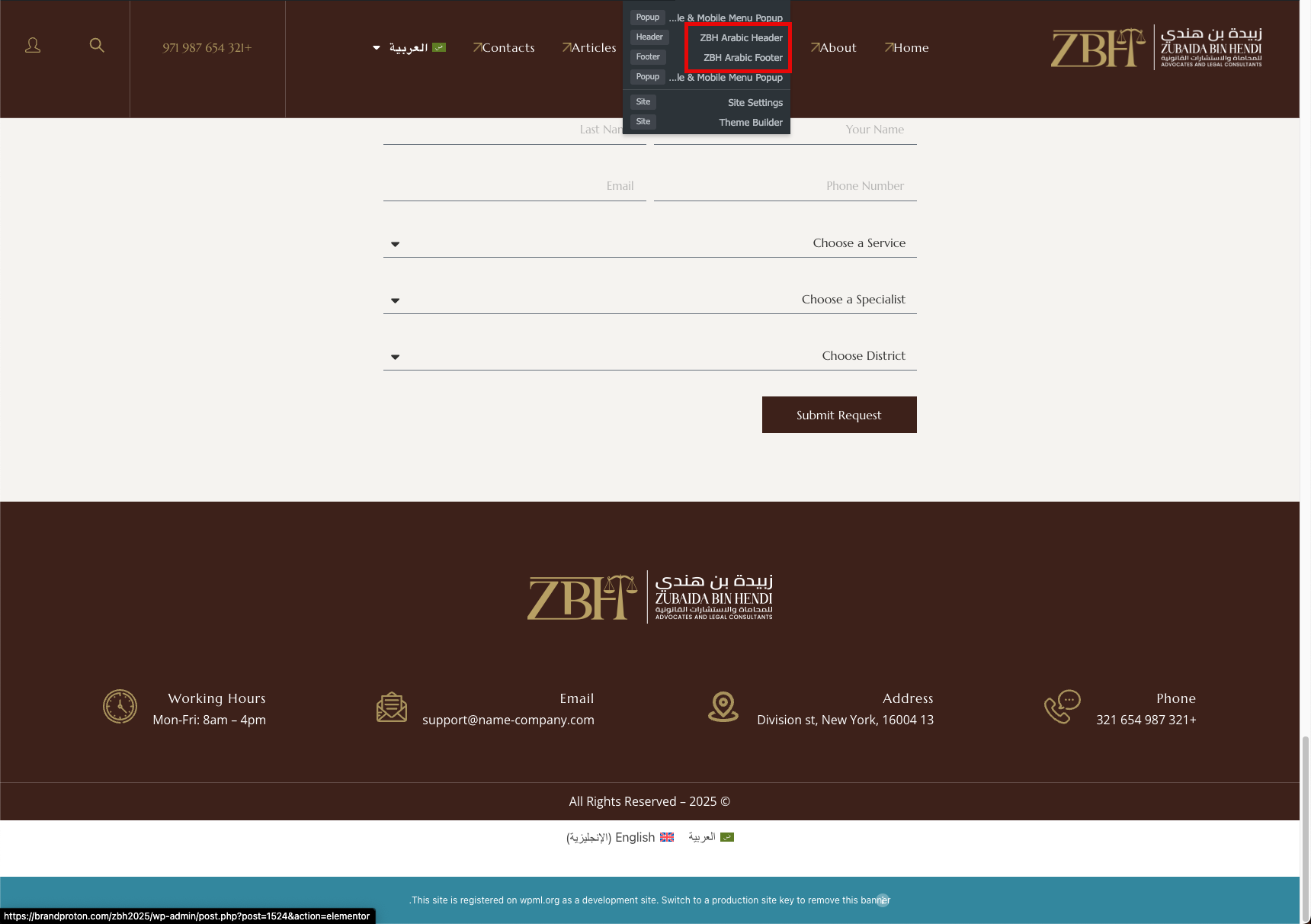
Thanks for the access details. I checked the site and found that you didn't have the String Translation plugin installed, so I installed it.

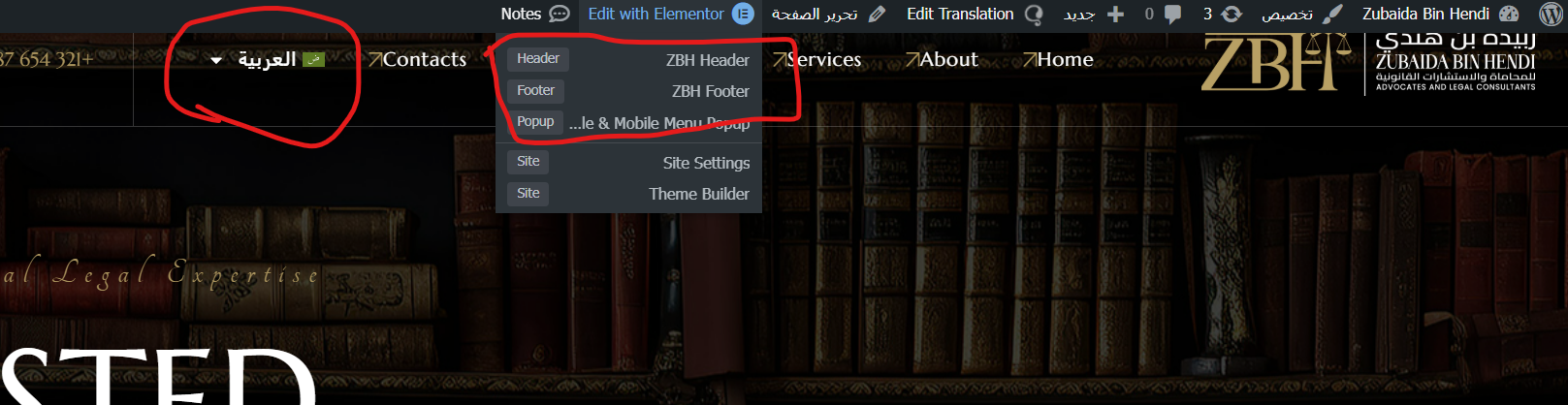
After that, the Arabic templates can be seen correctly when visiting the Arabic page. (Kindly check the attached screenshot)

The String Translation plugin is required to translate Elementor templates.

Best regards,
Osama

2025-03-17_08-53-06.png
March 18, 2025 at 5:52 am #16827802

vivekD

Yes I can see it is working fine now. Thanks for your help.