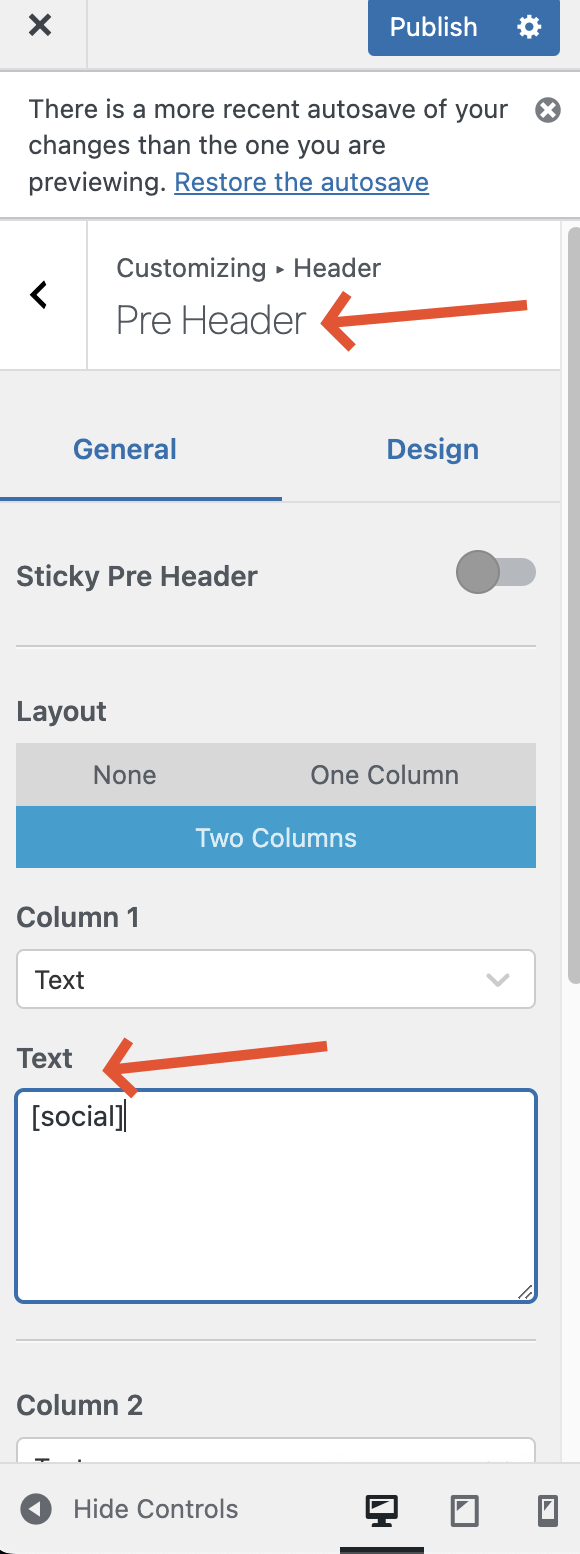
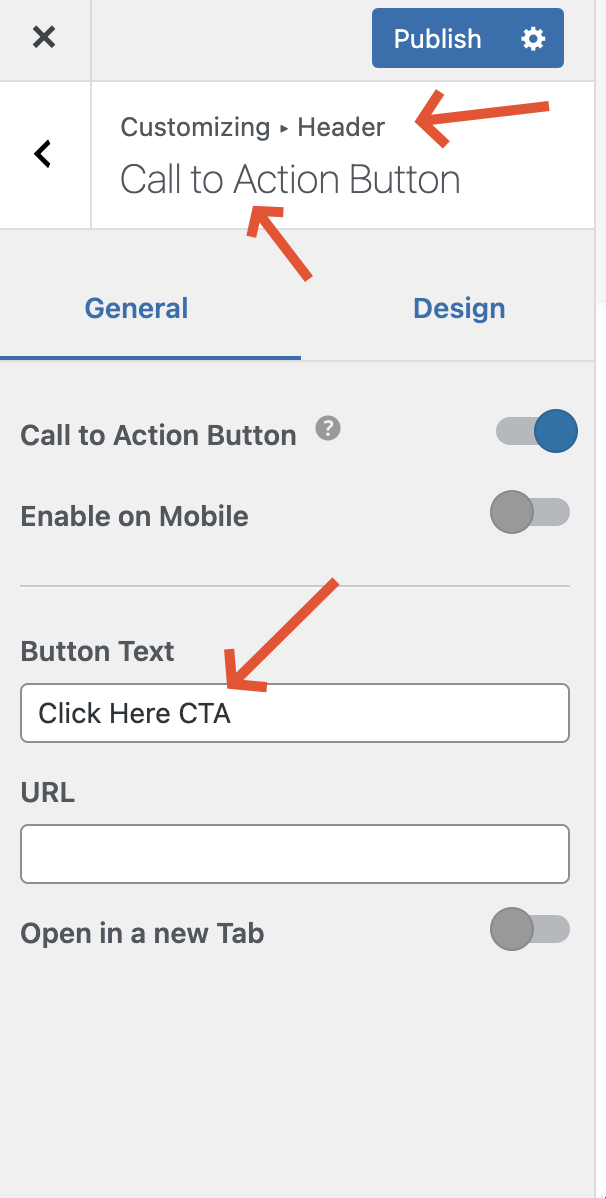
Thank you for contacting WPML Support. Could you please follow the below steps and let me know how it goes:
1. Please go to WPML >> Theme and plugins localization page, select the current theme, and press the “Scan selected themes for strings” button.
2. Go to WPML >> String Translation page.
3. Scroll down and click on the Translate texts in admin screens » link at the bottom of the page.
4. Search for the your required string.
5. Select the string and click on the Add to String Translation button.
6. Then click on "« Return to String Translation" link
7. Add the translation from WPML >> String Translation page.
8. Now, please go to WPML >> String Translation page and search for your required string and add the translation.
9. If the above steps doesn’ help, please try the below procedures:
9.1. Go to the WPML >> String Translation page and in the Auto register strings for translation section, enable the ‘Look for strings while pages are rendered’ option.
9.2. Re-visit the page on the front end where the string appears: hidden link
9.3. Re-visit the WPML >> String Translation page and search for that string.
9.4. Translate the string.
9.5. After translating the string, uncheck the auto-registration option.
If the issue still persists, please provide temporary access (WP-Admin and FTP Login info) to your site (preferably staging site), so that I can look into your setup and debug the issue.
Your next answer will be private, meaning only you and I can access it.
=== Please backup your database and website ===
✙ I would additionally need your permission to deactivate and reactivate Plugins and the Theme and to change configurations on the site. This is also a reason the backup is essential.
Thank you
The topic ‘[Closed] I need to translate some elements in the header but I don't know how to do it’ is closed to new replies.