This thread is resolved. Here is a description of the problem and solution.
Problem: The client is experiencing an issue where the error message 'Jobs could not be loaded' appears on the Jobs and Translations pages of their production site. Despite deactivating non-essential plugins, the error persists. The issue does not occur in the staging environment, suggesting an environment-specific problem, potentially related to CORS policy settings. Solution: The issue stems from a CORS policy error, where the client's production server is blocking requests from their domain due to missing 'Access-Control-Allow-Origin' headers. To resolve this, the client should contact their hosting provider or the team managing the kariera.pragmaticcoders.com server to enable CORS settings that allow requests from http://www.pragmaticcoders.com. This adjustment should resolve the error.
If this solution does not apply to your situation, or if it seems outdated, we highly recommend checking for related known issues, verifying the version of the permanent fix, and confirming that you have installed the latest versions of themes and plugins. If issues persist, please open a new support ticket.
This is the technical support forum for WPML - the multilingual WordPress plugin.
Everyone can read, but only WPML clients can post here. WPML team is replying on the forum 6 days per week, 22 hours per day.
Background of the issue:
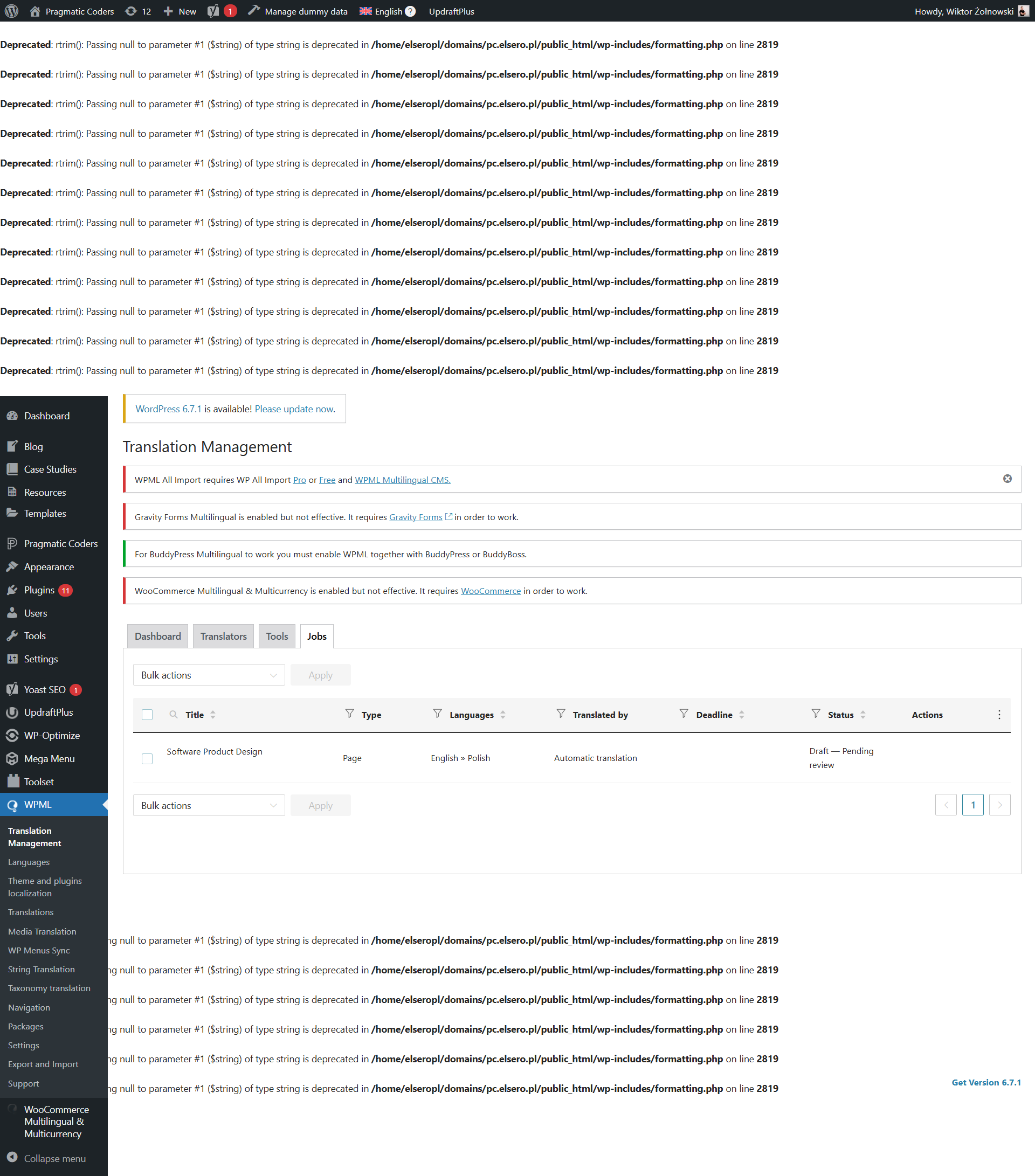
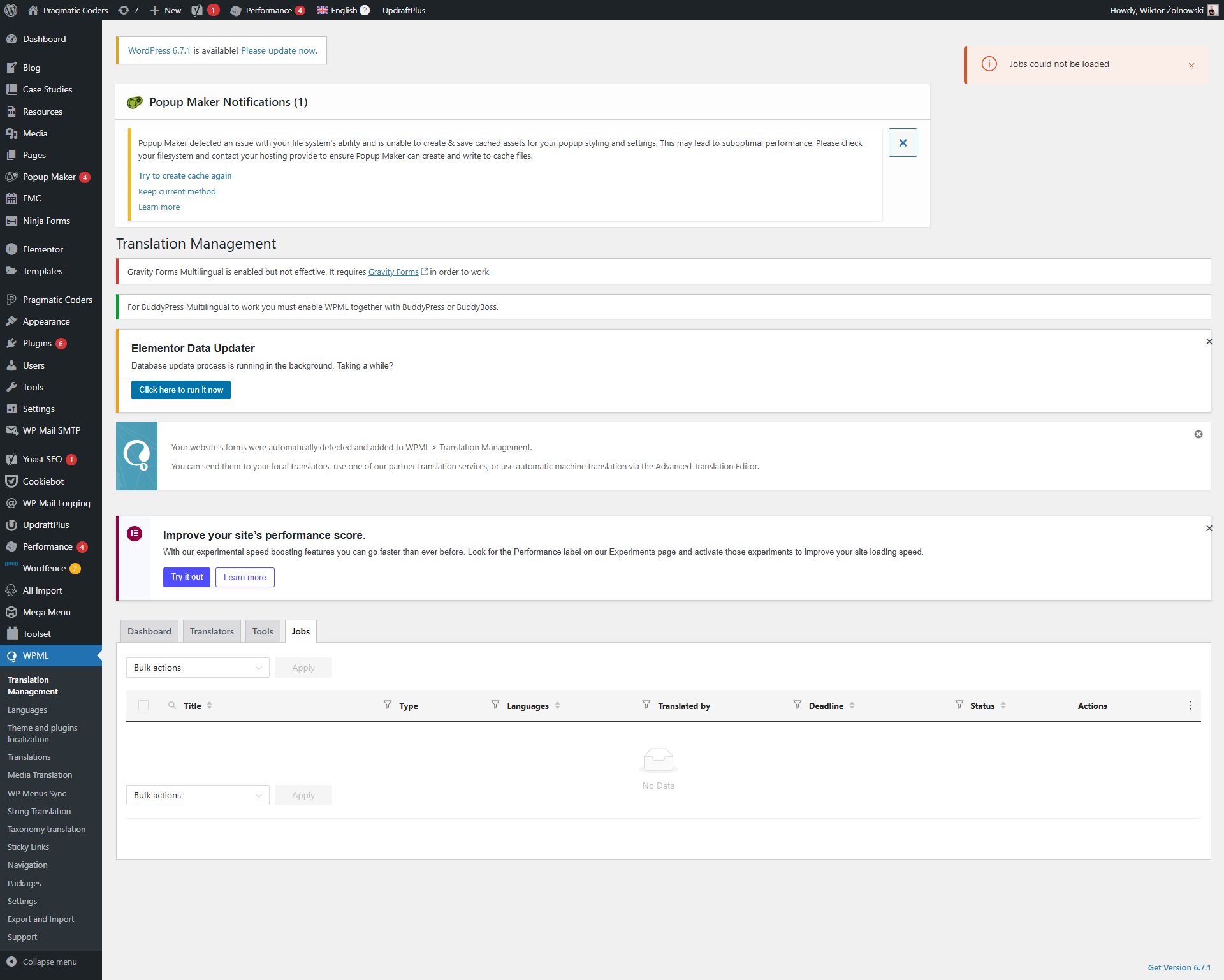
I have had a problem at our production site - hidden link where we see this error message 'Jobs could not be loaded' at the Jobs page and Translations page. I've scheduled 16 pages to be translated so far. The number displays well in the dashboard. I was trying to reproduce that bug in our staging environment: hidden link, but it seems everything works there, so the problem is rather in the environment or plugins that are used on production only. Both sites use the same custom template. The differences are in the plugins and Cloudflare, which is turned on on the production site. I've deactivated all the plugins that were not installed in the staging environment, but the problem still occurs.
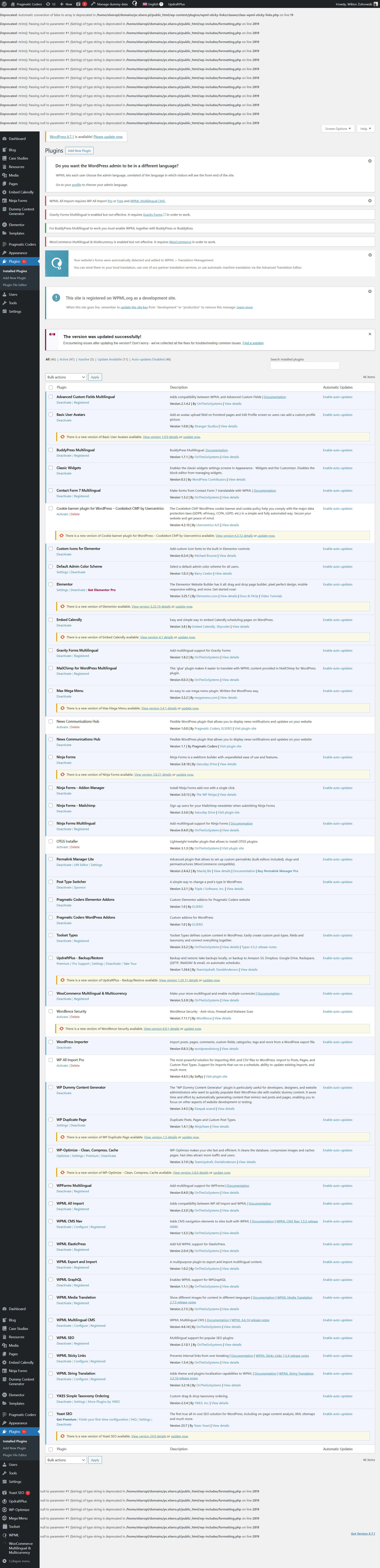
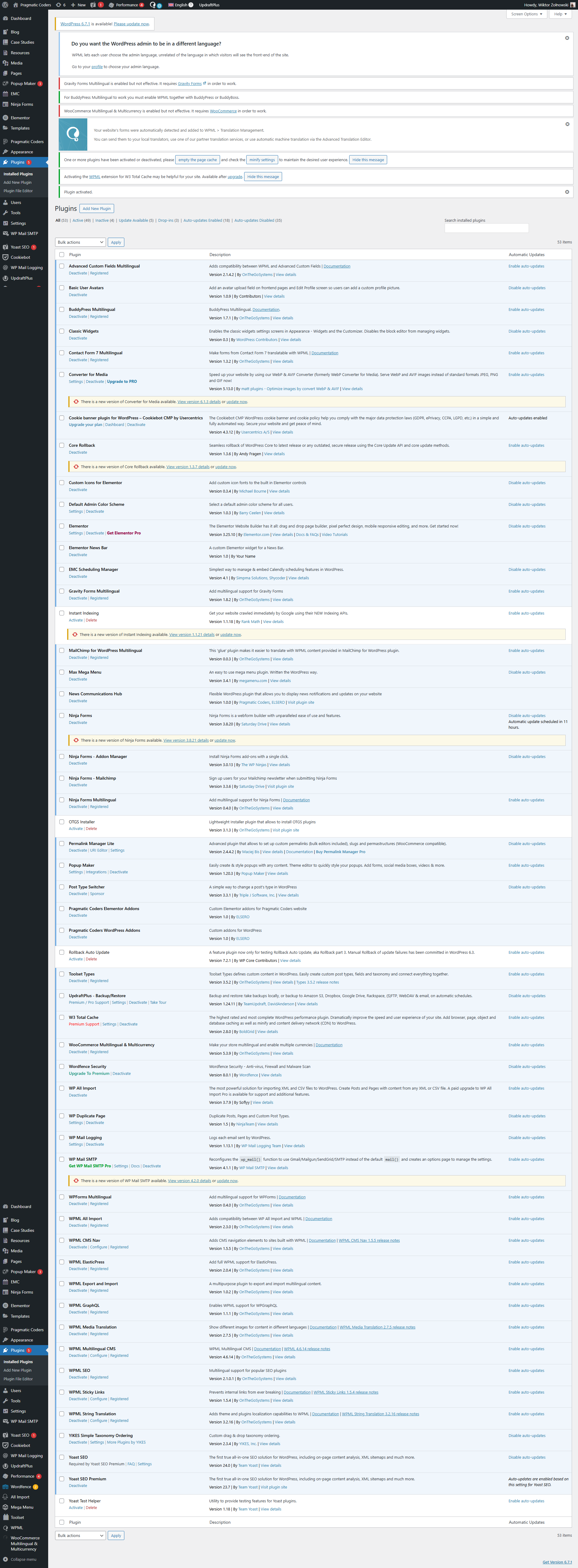
I am attaching screenshots of plugin lists from our staging environment and production.
Symptoms:
Error message 'Jobs could not be loaded' appears on the Jobs page and Translations page of the production site.
Questions:
What could be causing the 'Jobs could not be loaded' error on the production site?
Could Cloudflare or specific plugins on the production site be causing this issue?
Are there any specific troubleshooting steps I should follow to resolve this error?
Our second-tier supporter says that the problem of jobs not loading in the translation queue and the jobs tab is due to the following error I already pointed out.
Access to fetch at '<em><u>hidden link</u></em>' (redirected from '<em><u>hidden link</u></em>') from origin '<em><u>hidden link</u></em>' has been blocked by CORS policy: Response to preflight request doesn't pass access control check: No 'Access-Control-Allow-Origin' header is present on the requested resource. If an opaque response serves your needs, set the request's mode to 'no-cors' to fetch the resource with CORS disabled.
WPML isn't causing the issue. Our second-tier supporter says you should address this problem, which will fix the issue.
Here is an explanation of what you should do. The issue you’re experiencing is related to how your website server handles Cross-Origin Resource Sharing (CORS). This browser security feature ensures requests to external domains, like the one in your setup, are appropriately authorized.
To resolve this, the server at kariera.pragmaticcoders.com needs to enable specific settings to allow requests from hidden link. Your hosting provider or the team maintaining the kariera.pragmaticcoders.com server typically manages this configuration. We recommend contacting them and requesting that they enable CORS for your domain.