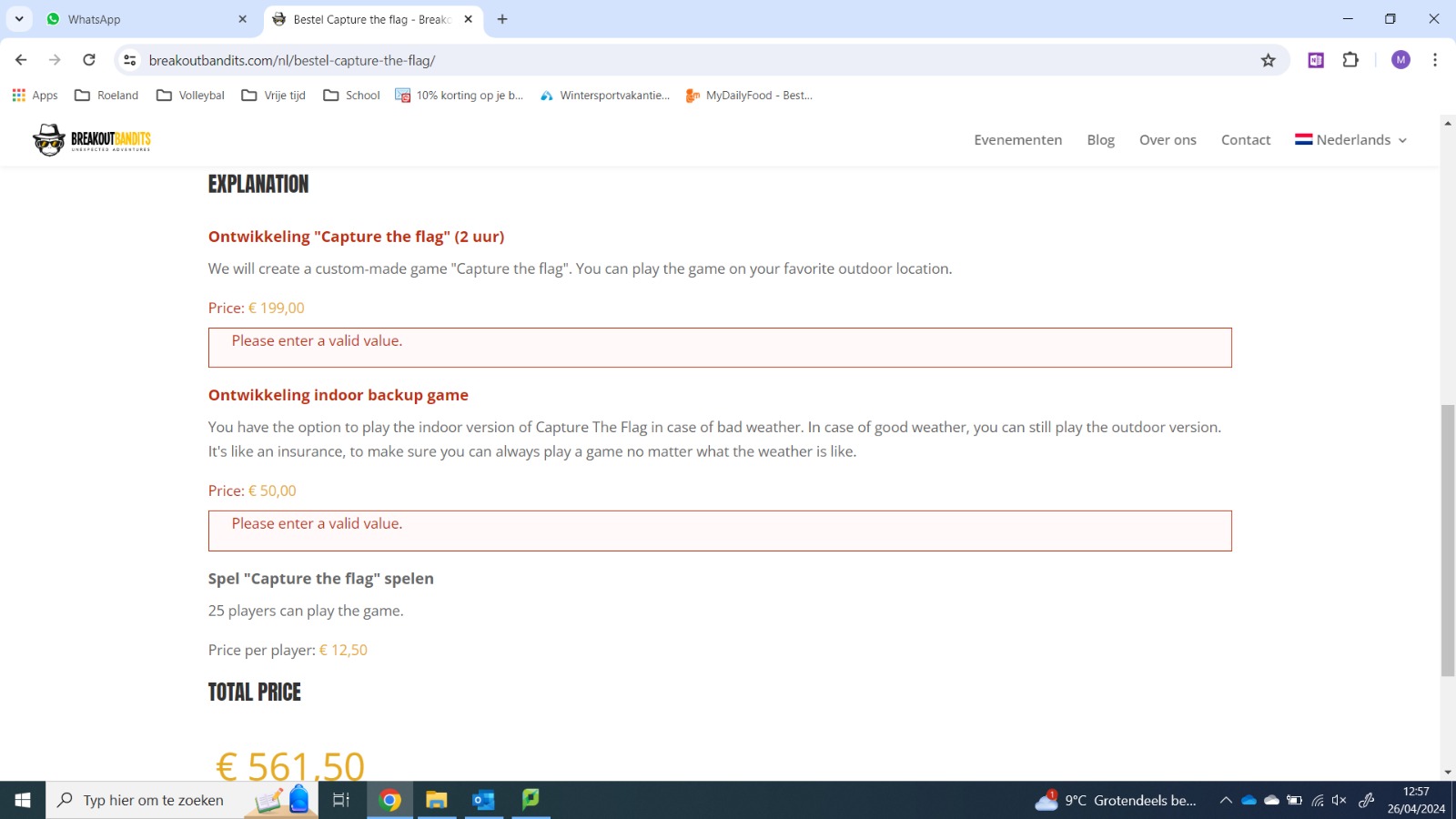
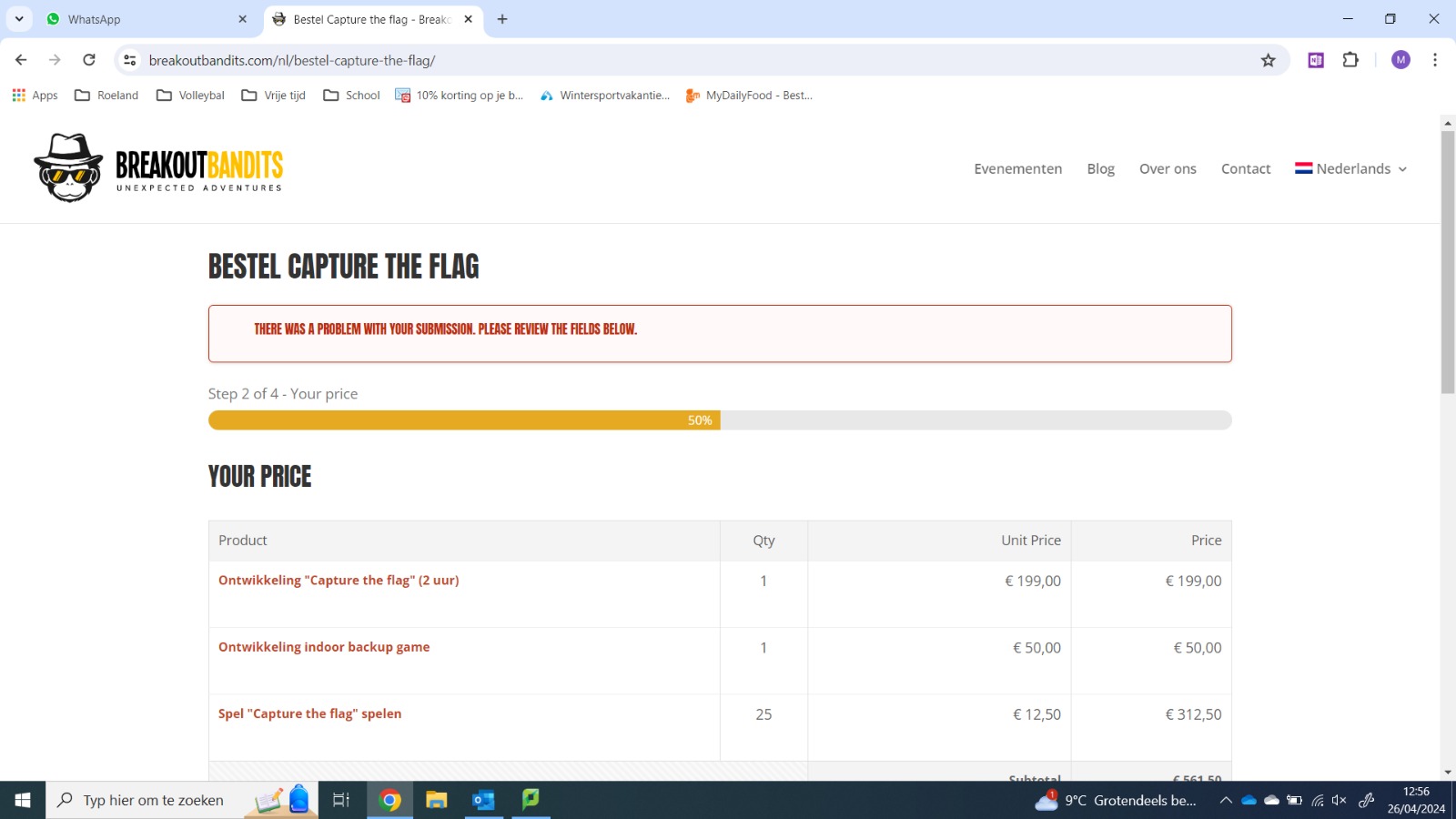
The issue occurs only when visiting the website for the first time or in incognito-mode.
- Visit: hidden link
- Make sure the form is in Dutch language
- Go to step 2 and you see the language is switched to English. This only happens the first time. If you reload the form (make sure it's still in Dutch) ad go to step 2, the language doesn't change to English.
- The sudden change of language causes problems when continue to step 3.
This seems to be a compatibility issue with WPML and Gravity Form. To be able to report the compatibility issues we need to replicate the issue on a clean installation.
I created a clean installation of WordPress, WPML, and all necessary WPML add-ons.
You can access the WordPress dashboard using the link below:
hidden link
Kindly follow the steps below:
- Install Gravity Forms.
- Create a multi-page form.
- Try to replicate the issue.
This will help us to report the probable issue to the compatibility team and solve the possible problem faster.
Hi, I tried to reproduce the issue in the sandbox, but wasn't successful. I'll dig into the custom-made script on my site to see if one of those causes the issue.
Are you able to reproduce the issue on our site? And if so, do you see any errors in the console that give a hint where I can start looking?
I did some extra debugging: turned all custom scrips on and off and tested the form again and again. It turns out the script below is causing the problem.
When I turn this script off, WPML translates the form fine. When I turn off on the script the translation breaks in step 2 and turns back to the default language.
I need some kind of "cach buster" for the form to work properly (or else all kind of other issues show up), but when I turn it on WPML doesn't work properly.
The only cache related thing that you can use is the one below, but I do not think it will have any relation with the current issue that you have as it is related to currency switching: