[Resolved] links still pointed to the old URL of the site
This thread is resolved. Here is a description of the problem and solution.
Problem: The client noticed that some links on their multilingual website still pointed to the old URL after a site migration. This issue was not consistent across all pages. Solution: First, we recommended that the client back up the site and update all Elementor plugins to the latest version to ensure compatibility and functionality. After updating, we provided a Custom XML configuration to help correctly translate the links within Elementor widgets. The client should add the following XML configuration to their WPML settings:
If this solution does not resolve the issue or seems outdated, we highly recommend checking related known issues at https://wpml.org/known-issues/, verifying the version of the permanent fix, and confirming that you have installed the latest versions of themes and plugins. If the problem persists, please open a new support ticket at WPML support forum.
This is the technical support forum for WPML - the multilingual WordPress plugin.
Everyone can read, but only WPML clients can post here. WPML team is replying on the forum 6 days per week, 22 hours per day.
We made the changes in Spanish and were checking each page in the four languages of the site to ensure that the images were still there.
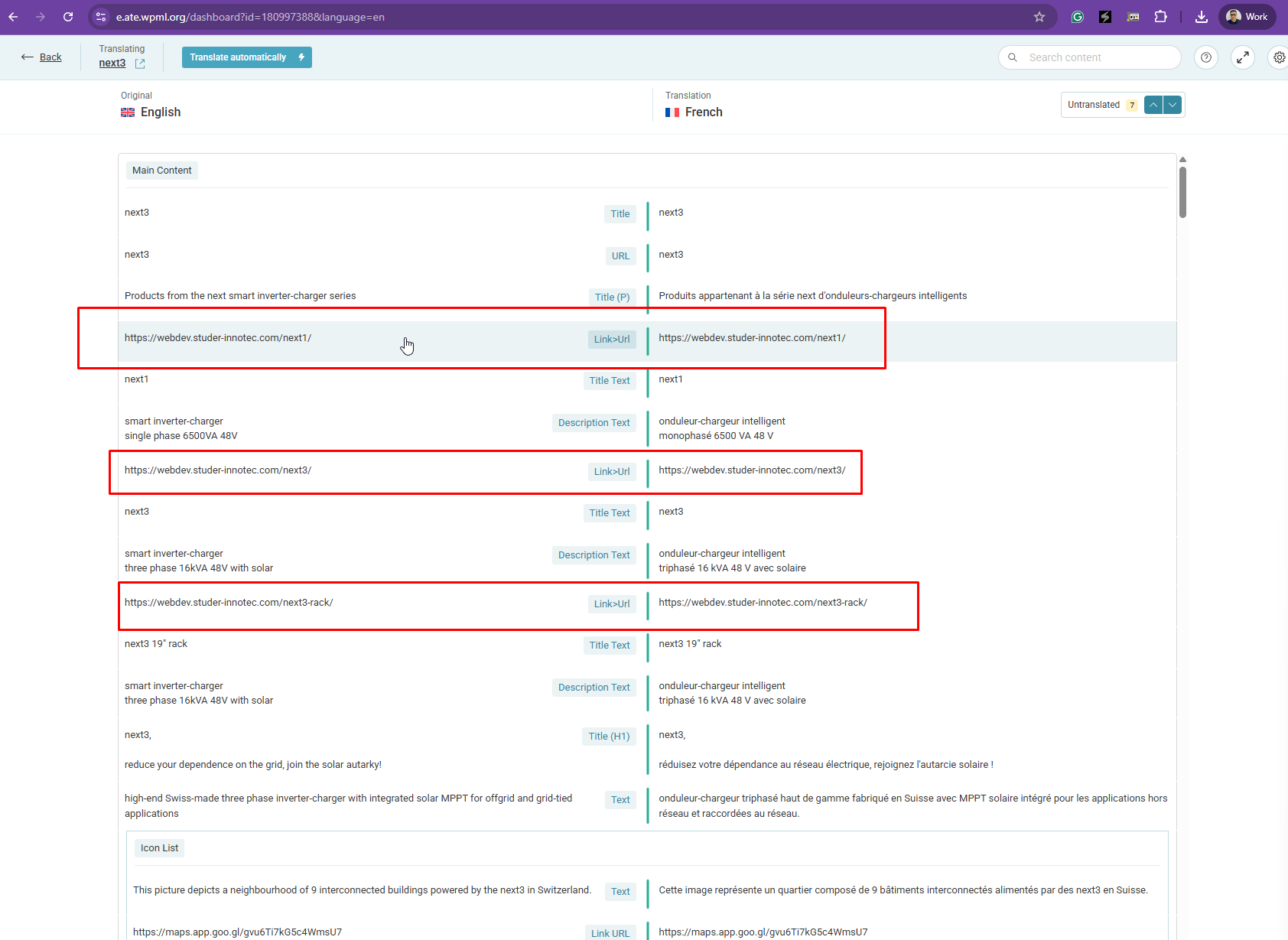
During the verification, I noticed that some links still pointed to the old URL of the site. For example, on the page hidden link, if you click on next1, next3, next3-rack at the top of the page, you will be taken to the URL teawebsoftware.it/studer. I had carried out the migration process for WPML. I also noticed that this does not happen everywhere. How can we update the links to ensure that all links point to the correct domain, namely webdev.studer-innotec.com? So we can still verify each links and also the pictures in the same time.
Thanks for your patience. I've checked, and I'm having issues trying to edit this page hidden link using Elementor as shown in the attached screenshot. Could you back up the site and update all Elementor plugins to the latest version so that I can retry?
Thanks for your reply. I've added some custom XML configuration here hidden link and you should be able to translate the links from the image box. However, the links are still not showing up in the Advanced Translation Editor.
I suspect the issue is related to the outdated Elementor plugin and addons. Could you backup and update the plugins so that I can recheck?
Thanks for your reply. I've added the correct Custom XML configuration here hidden link and you should be able to translate the links now as shown in the attached screenshot.
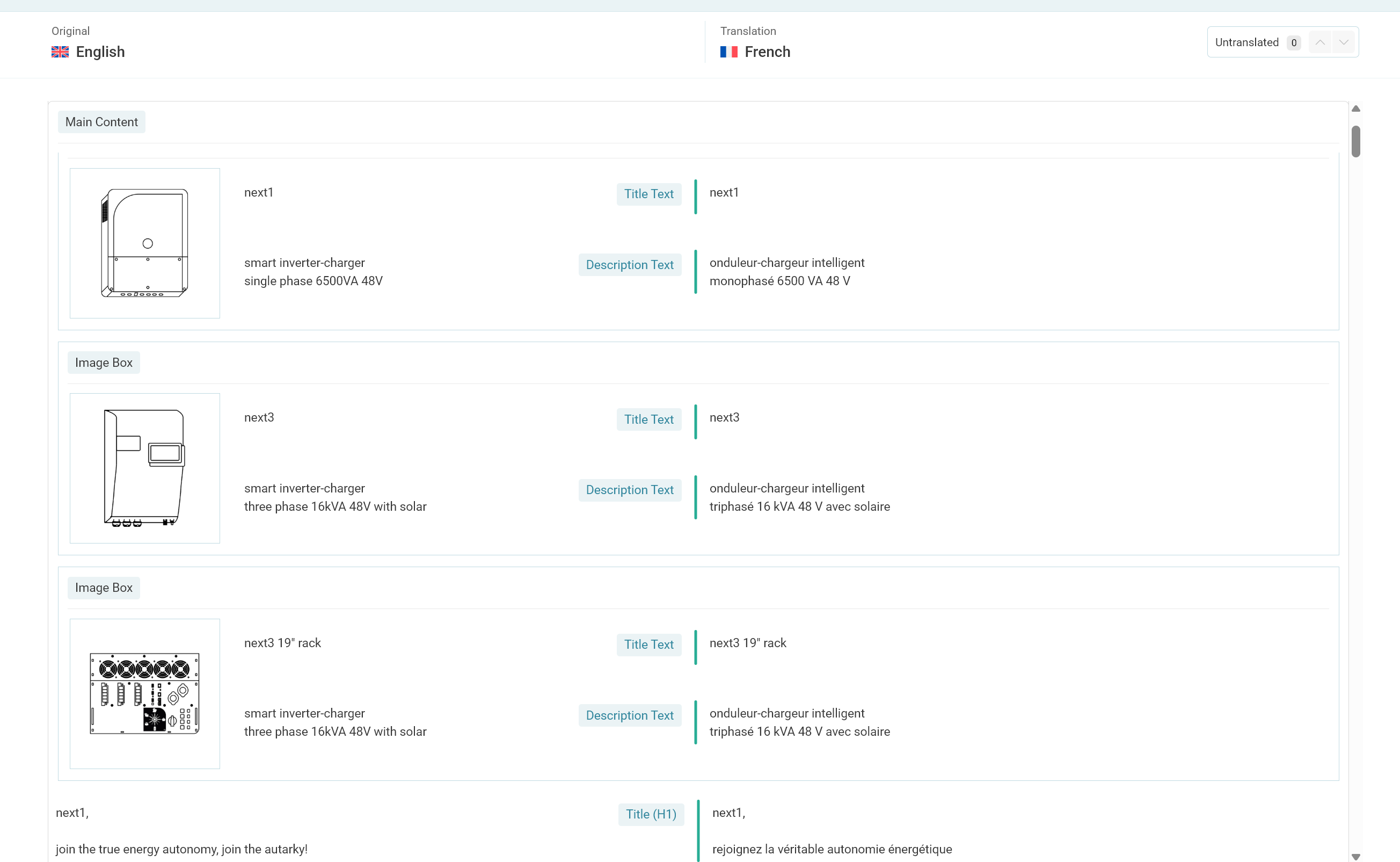
I was able to see the translation emplacement if go to translate the next3 page, but for every other pages I have no option, as you can see with my screenshot that is attached.
I have attached a second screenshot because I realised that we also have this problem on several pages, such as the home page. Is there no automated way to refresh/update the links across the entire site?
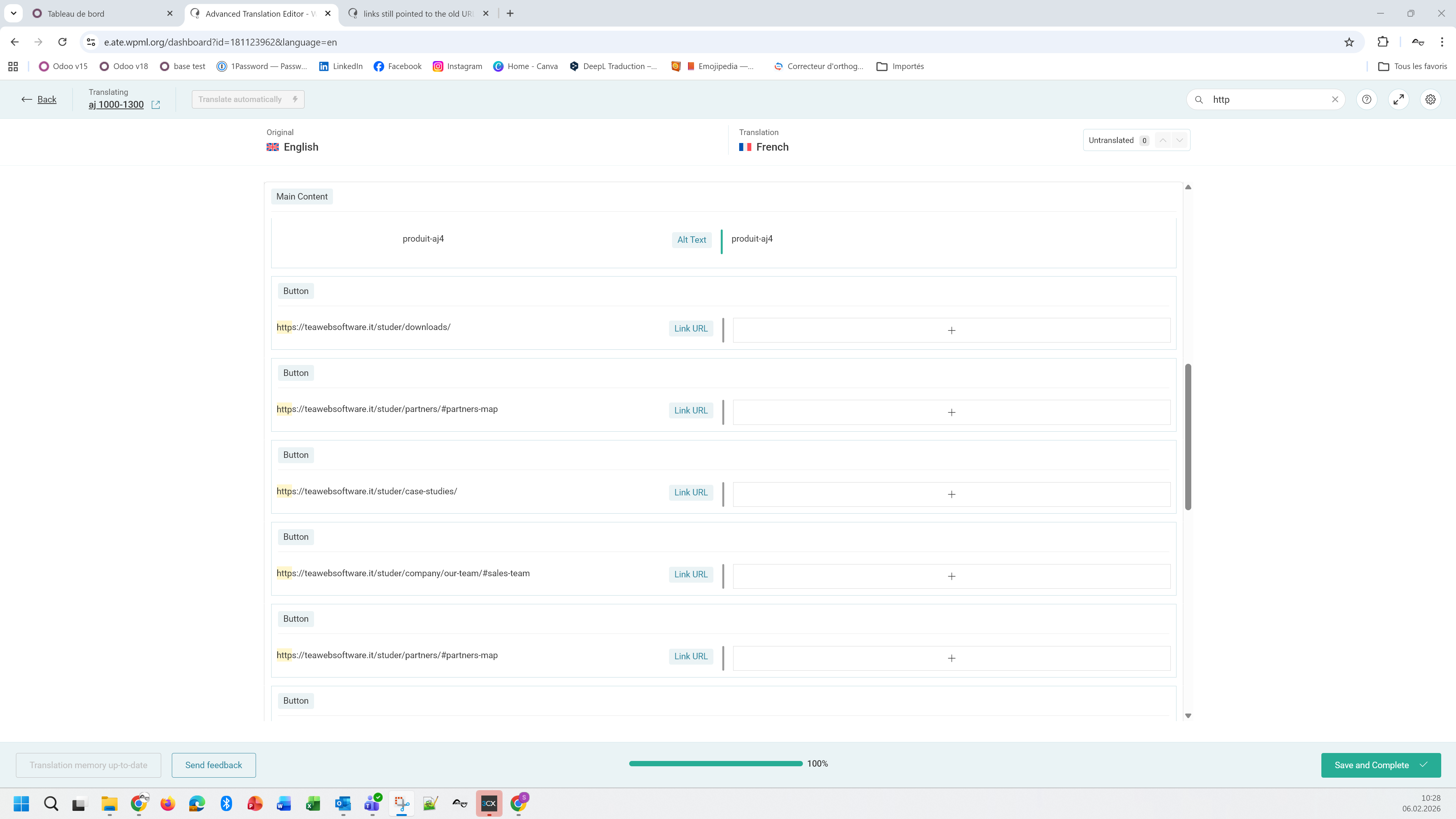
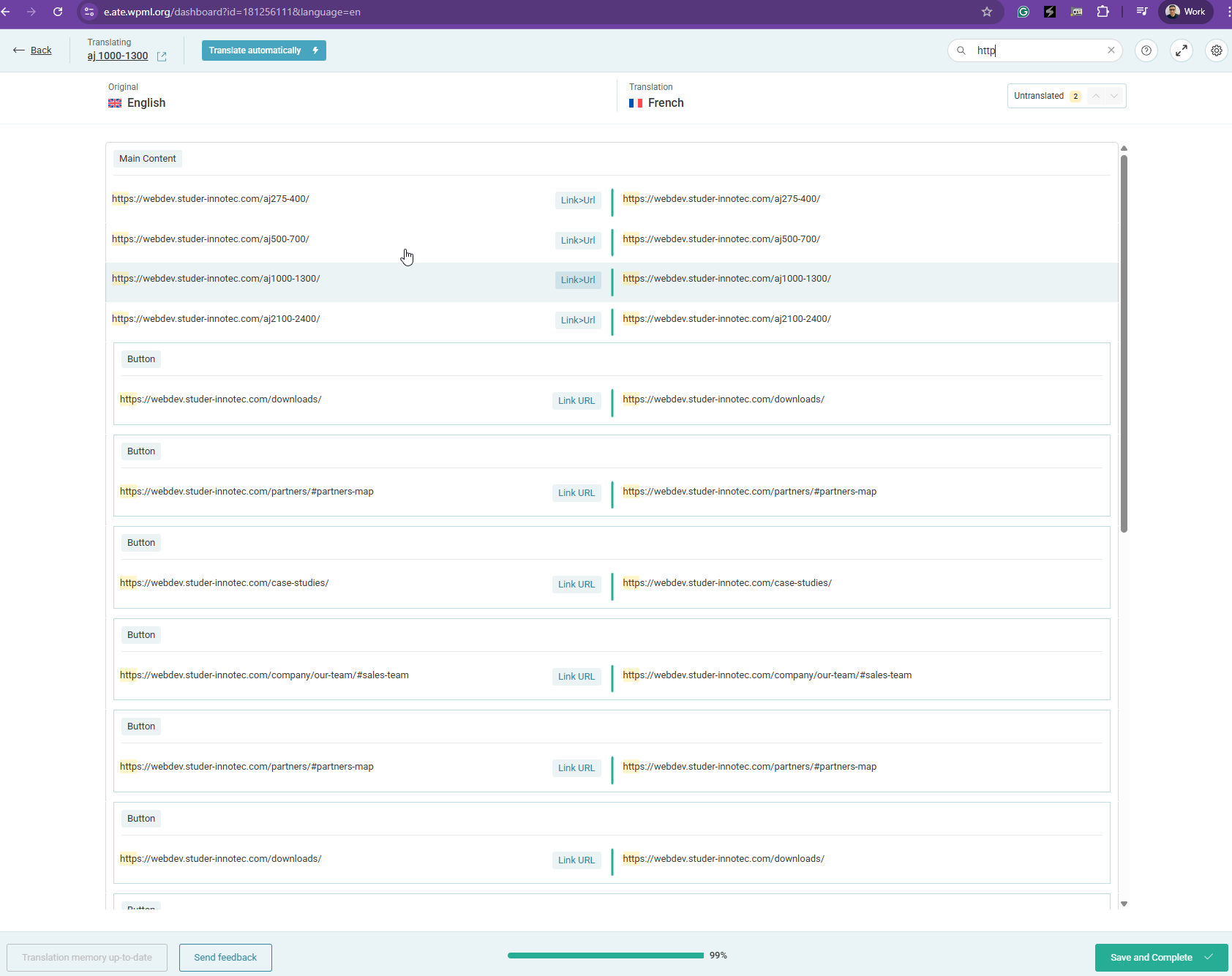
Thanks for your reply. Have you tried inserting "http" on the search form in the Advanced Translation Editor? This will reveal all available links on the page for translation. Could you try?
I have tried on the page aj 1000-1300.
But it is strange because even the links in english are wrong and there is no way of translating the right links. The link that are showing are for the buttons...
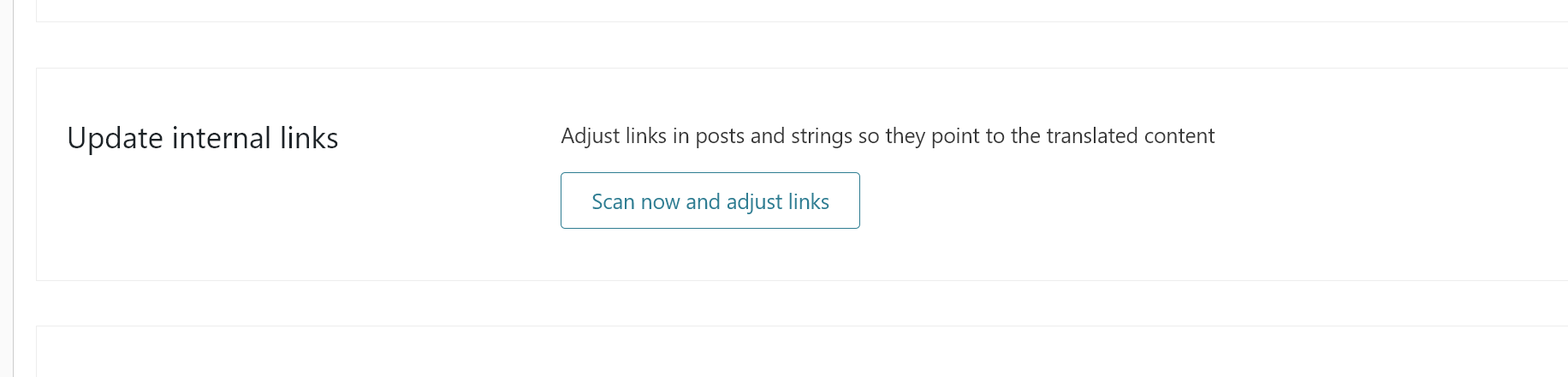
Is the option "Update internal links" something we need to try ?
Thanks for your reply. Since I’ve just applied the custom XML configuration for you, you’ll need to first resave the page in the primary language here: hidden link
After resaving, the links should appear and be available for translation, as shown in the attached screenshot.