[Resolved] Logo Image Translate With Beaver Builder
This thread is resolved. Here is a description of the problem and solution.
Problem: You are working on a site under development and trying to translate a logo image using Beaver Builder. Solution: First, we removed the language file named
admin_texts_theme_mods_bb-theme-child-es_ES
from the directory
public_html/wp-content/languages/wpml
. Please check if the issue is resolved on your staging site. If the logo still appears incorrect, follow these steps: 1. Go to WP > Appearance > Customize > Header > Header logo and select the correct Spanish image. 2. Translate the logo using the string translation available at WPML String Translation.
If this solution does not apply to your case, or if it seems outdated, we highly recommend checking related known issues at https://wpml.org/known-issues/, verifying the version of the permanent fix, and confirming that you have installed the latest versions of themes and plugins. Should you need further assistance, please open a new support ticket at WPML support forum.
This is the technical support forum for WPML - the multilingual WordPress plugin.
Everyone can read, but only WPML clients can post here. WPML team is replying on the forum 6 days per week, 22 hours per day.
Thank you for getting back to me.
Do you happen to have a staging site I could use for troubleshooting? I don’t think it’ll be effective if we’re both working on the live site at the same time. Also, please restore the header to the earlier state so that I could recheck this.
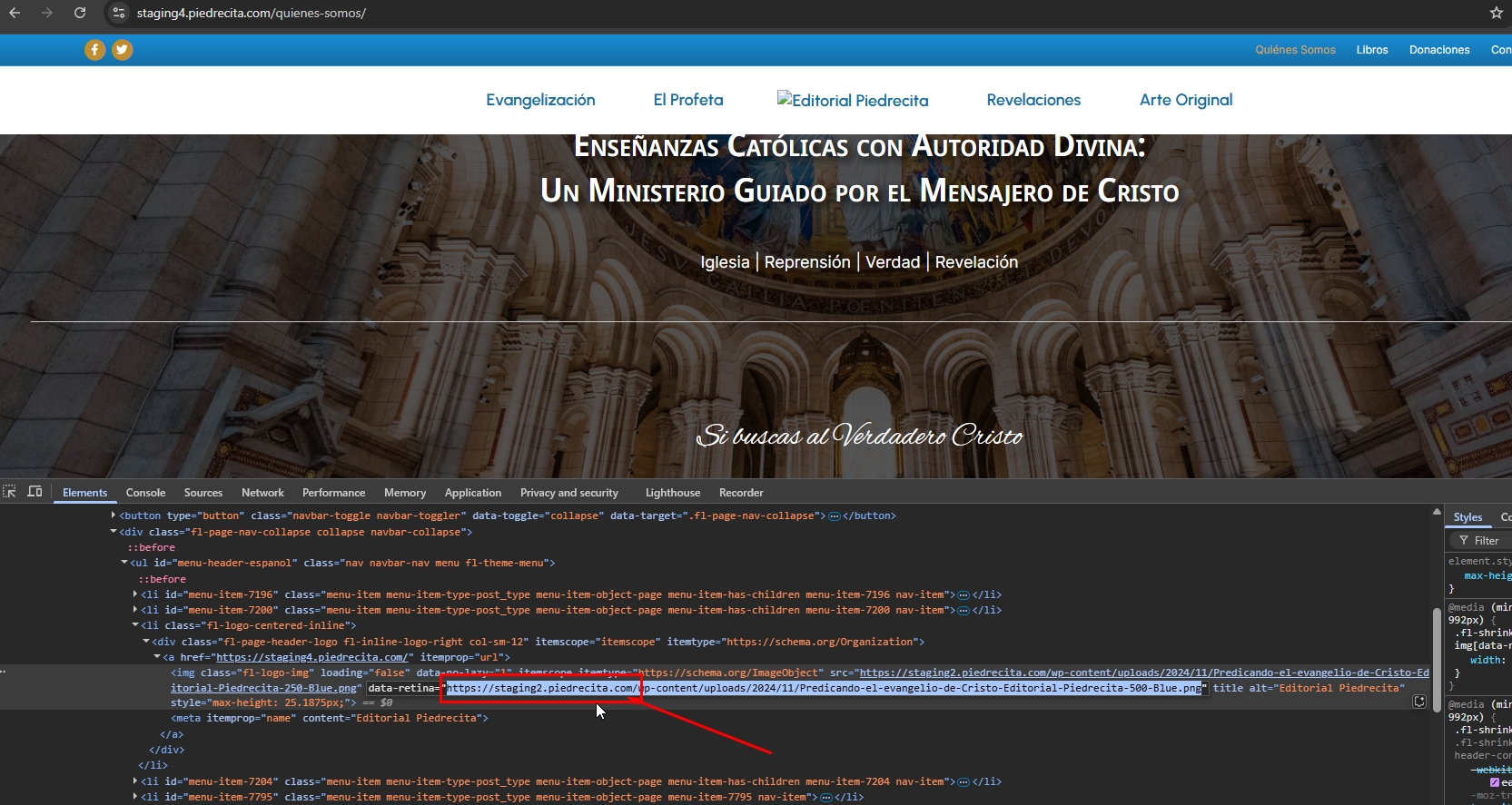
Thanks for your reply. I've tested this page hidden link in incognito mode and I can see the image is being loaded incorrectly, as shown in the attached screenshot. It is being loaded from hidden link . Staging2 and not Staging4. Could you check?
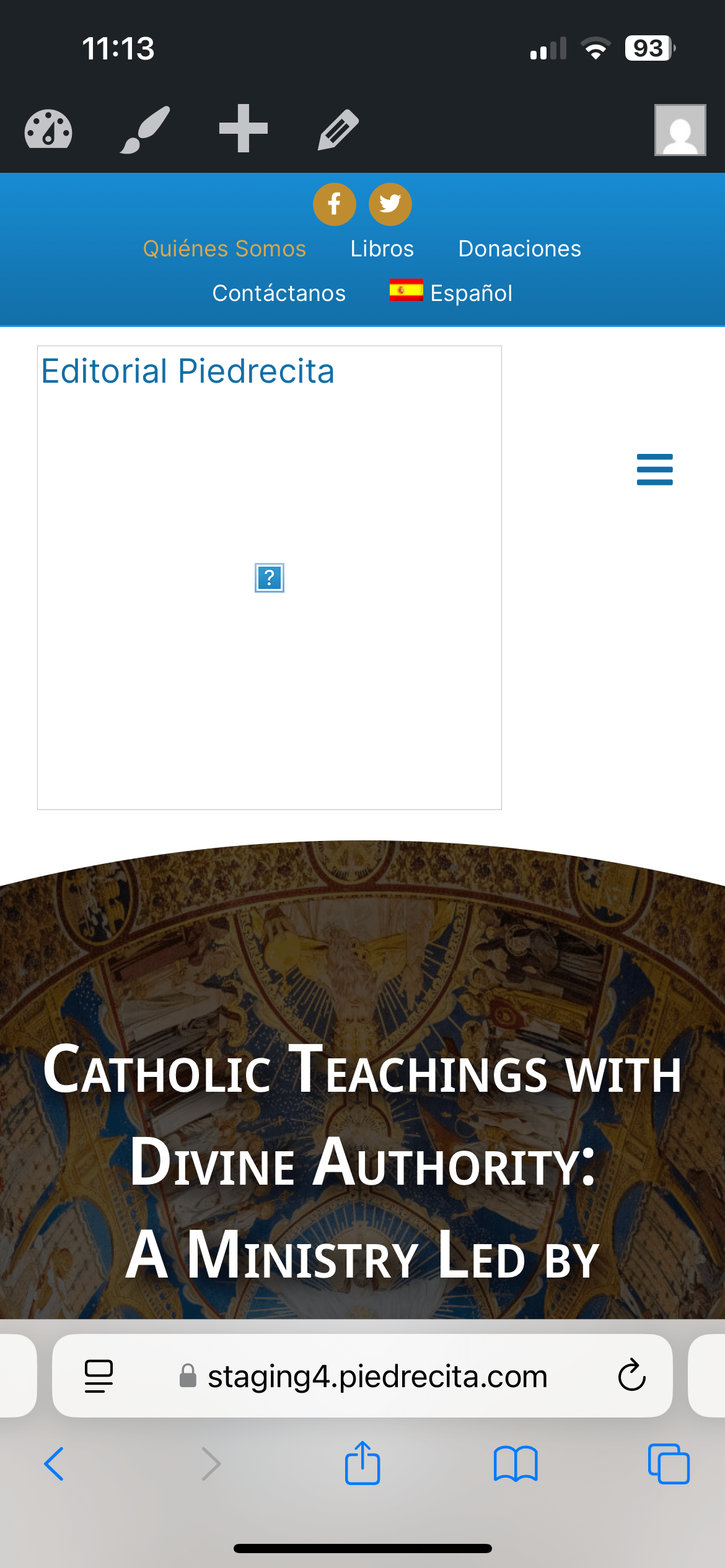
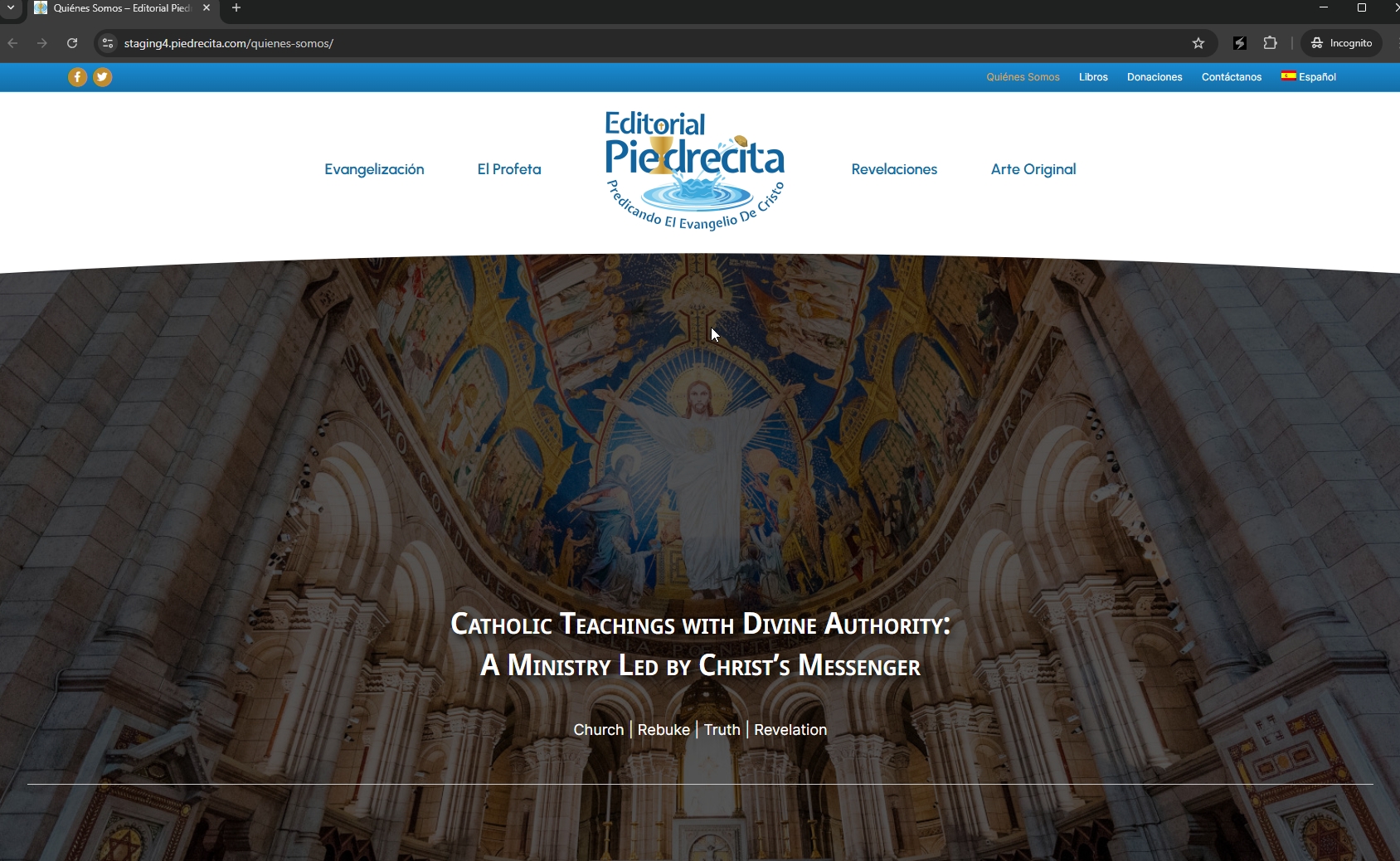
I can see the issue now. Something wrong here as it is still showing the broken image when I uploaded another image as shown in the attached screenshot.
I kindly ask for a snapshot of the site. Alternatively, with your permission, I can create one myself. For this purpose, I typically recommend using the free plugin "Duplicator." If you're already familiar with Duplicator (https://wordpress.org/plugins/duplicator/), please skip the following steps and simply send me the archive file you downloaded.
To guide you further, please adhere to these instructions:
1. View the Duplicator instructions video: hidden link
3. If the archive file exceeds 400MB, please use Duplicator's file filters to exclude cache, wp-uploads directory, media, and archive files.
Once you have the archive file ready, kindly share the link with us. You can utilize platforms like Google Drive, Dropbox, or similar for file sharing, as the snapshot file might be large.
Please note that your next reply will be private, visible only to you and me. You can paste the file link there. Rest assured that once the issue is resolved, I will delete the local site.
Thanks for your patience. I've made some changes to your website. Could you please check now? If it works, I will list the steps I took to fix it. But I need your confirmation first.