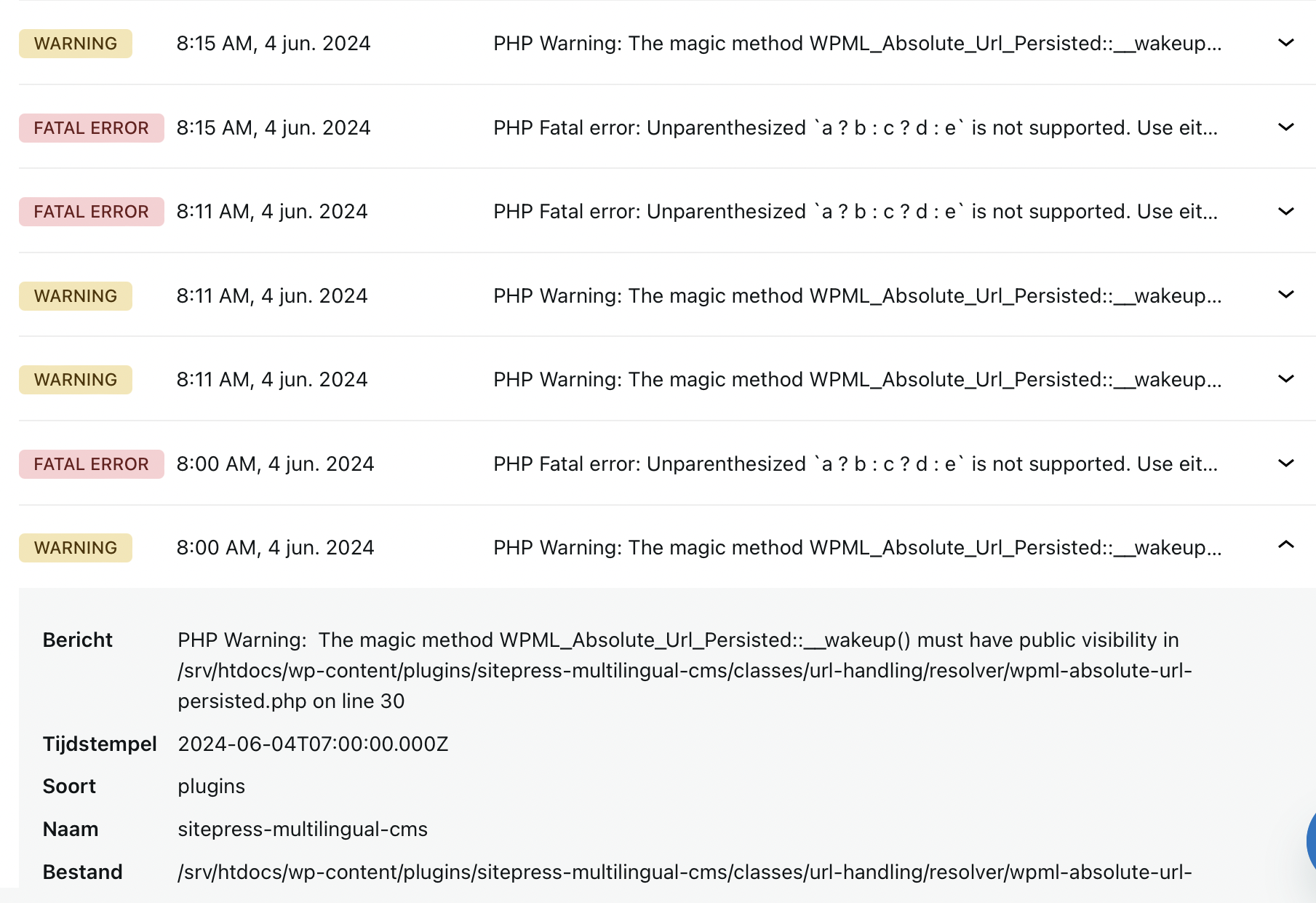
This thread is resolved. Here is a description of the problem and solution.
Problem:
The client has been using the WPML plugin for years and after deactivating it due to a recommendation to install another version, the site is not functioning properly. The client is concerned about paying for the plugin again and wants to recover all translations.
Solution:
We recommend checking if the issue arises when activating WPML by enabling the debug log to identify the specific errors. To do this:
1. Open the wp-config.php file.
2. Locate the line
define('WP_DEBUG', false);and change it to
define('WP_DEBUG', true);3. Add
define('WP_DEBUG_LOG', true); to enable error logging to a file on the server. Errors will be saved in the debug.log file inside the /wp-content/ directory.
For detailed instructions on debugging WPML, visit https://wpml.org/documentation/support/debugging-wpml/
If this solution does not resolve your issue, or if it seems outdated or irrelevant to your case, we highly recommend checking related known issues at https://wpml.org/known-issues/, verifying the version of the permanent fix, and confirming that you have installed the latest versions of themes and plugins. If further assistance is needed, please open a new support ticket at WPML support forum.
This is the technical support forum for WPML - the multilingual WordPress plugin.
Everyone can read, but only WPML clients can post here. WPML team is replying on the forum 6 days per week, 22 hours per day.
This topic contains 1 reply, has 2 voices.
Last updated by 1 year, 7 months ago.
Assisted by: Andrey.