Skip to content Skip to sidebar

This thread is resolved. Here is a description of the problem and solution.

Problem:
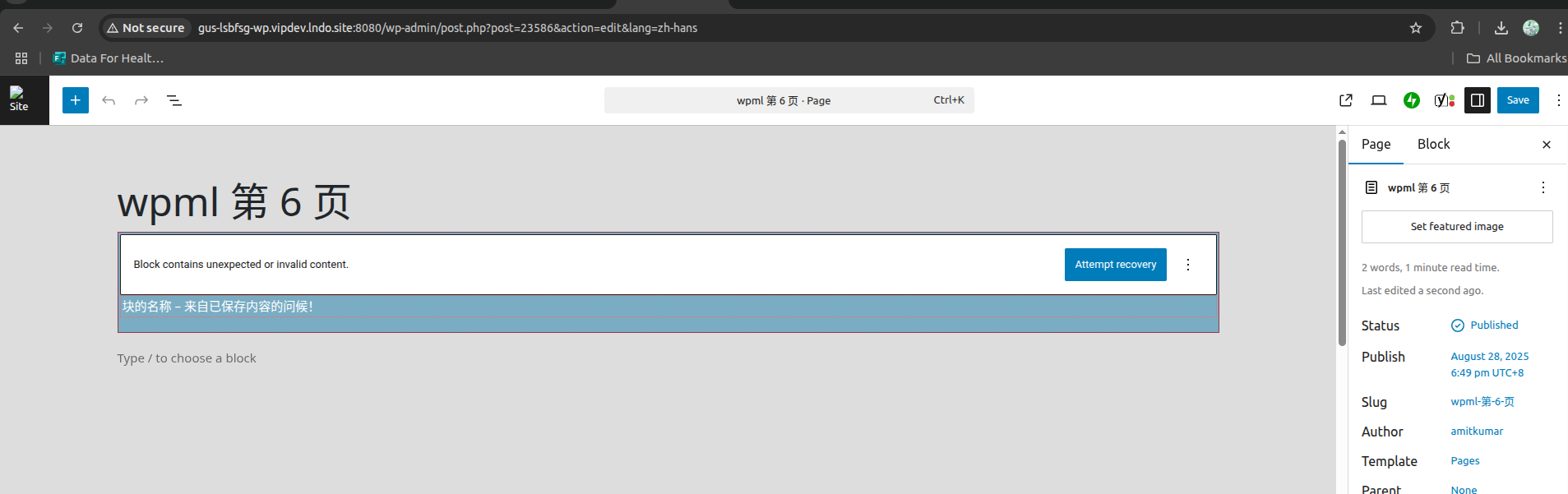
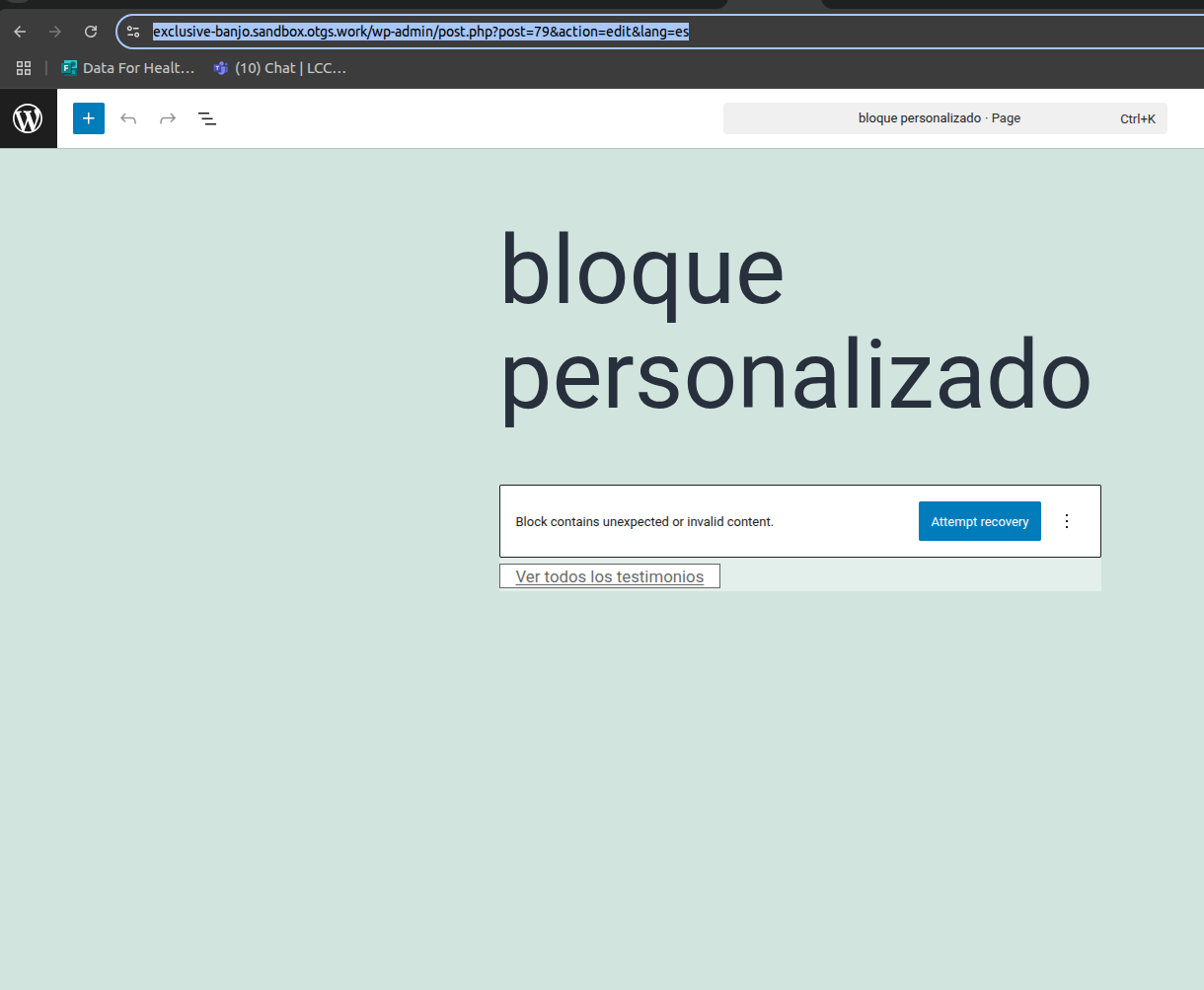
You are working on a site under development and trying to translate pages using the WPML plugin. You encountered issues with custom Gutenberg blocks after translation, specifically an "Attempt Block Recovery" error.
Solution:
1. We created a minimal installation of WordPress, WPML, and all necessary WPML add-ons, and themes for you to replicate the issue.
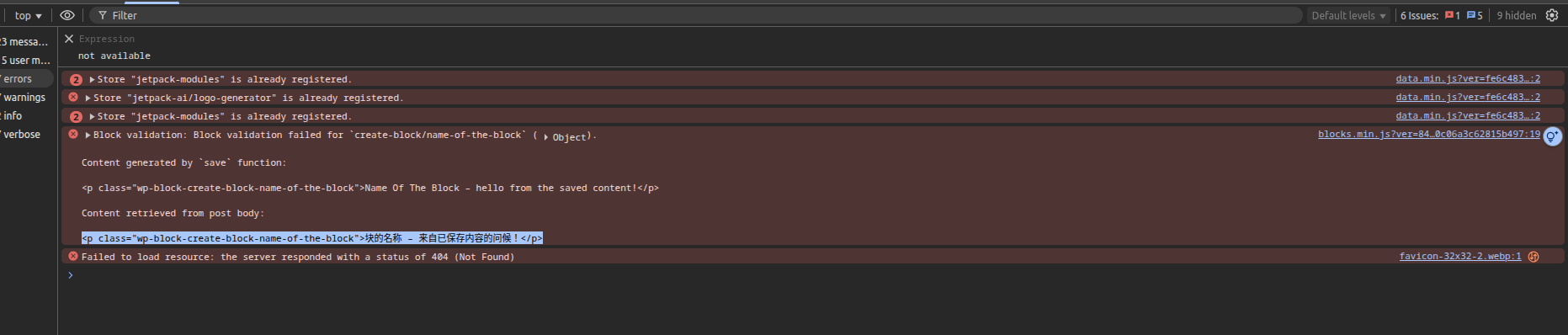
2. Upon further investigation, it appears the issue arises from a mismatch between the stored attribute in the block comment and the actual rendered HTML. For example, the attribute might say

btntext: "View all testimonials es"

but the actual HTML renders as View all testimonials a. This discrepancy causes Gutenberg to flag the block as invalid.
3. To resolve this, manually adjust the mismatch in the code view. Ensure that the block defines the attribute from the anchor text correctly in your block.json or registerBlockType and in your save() function render. Consult with your developer to make these adjustments.

If this solution does not apply to your case, or if it seems outdated, we highly recommend checking related known issues at https://wpml.org/known-issues/, verifying the version of the permanent fix, and confirming that you have installed the latest versions of themes and plugins. If issues persist, please open a new support ticket.

This is the technical support forum for WPML - the multilingual WordPress plugin.

Everyone can read, but only WPML clients can post here. WPML team is replying on the forum 6 days per week, 22 hours per day.

Tagged: 

This topic contains 3 replies, has 0 voices.

Last updated by Dražen 3 months, 3 weeks ago.

Assisted by: Dražen.

Author Posts
August 29, 2025 at 9:12 am #17357314

lsbfS

Background of the issue:
I am working on a site under development and trying to translate pages using the WPML plugin. I encountered issues with custom Gutenberg blocks after translation.

Symptoms:
Issues with custom Gutenberg blocks after translating pages using WPML.

Questions:
How can I resolve issues with custom Gutenberg blocks after translation using WPML?

August 29, 2025 at 9:33 am #17357464

Dražen
Supporter

Languages: English (English )

Timezone: Europe/Zagreb (GMT+02:00)

Hello,

I created a minimal installation of WordPress, WPML, and all necessary WPML add-ons, and themes.

You can access the WordPress dashboard using the link below:

- hidden link

Try to replicate the issue with a simple example page.

Regards,

Drazen

August 29, 2025 at 9:37 am #17357543

lsbfS

Hi, I have created a sample page with a custom block.
Page name: Custom Block

Edit page URL:
hidden link

It is showing an "Attempt Block Recovery" error there.

Screenshot from 2025-08-29 15-06-48.png
August 29, 2025 at 10:05 am #17357696

Dražen
Supporter

Languages: English (English )

Timezone: Europe/Zagreb (GMT+02:00)

Hello,

thanks, I checked further, and it seems to be an issue with translate block content and your custom code.

For example, in this test page: hidden link, if you check the code stored attribute and the rendered HTML don’t match. HTML has text from default language.

Attribute in the block comment: btntext: "View all testimonials es"

Actual inner HTML: <a>View all testimonials a</a>

Gutenberg validates by comparing the editor’s expected markup (from the attributes) with the saved HTML. Since it does not match, it flags the block as invalid.

If you adjust this manually in code view, you will see block is working fine.

Please check with your developer further and adjust the code, to ensure the block defines the attribute from the anchor text. I can not debug your whole custom code, but most likely in block.json (or registerBlockType) and in your save() function render.

Regards,
Drazen