This thread is resolved. Here is a description of the problem and solution.
Problem: The client reported not receiving replies to their tickets and described an issue where the Classic Editor interface was not consistent across all pages, with Elementor sections lumped into one block. This problem occurred only on some pages. Additionally, there was a database error indicating a missing table ('rai_e_notes') related to Elementor Pro's Notes module, and a React error in WPML's files. Solution: We recreated the issue and confirmed it does not occur on newly created content. A temporary workaround involves using a plugin like Duplicate Page to duplicate existing pages. For the database error, we suggested reinstalling Elementor PRO or manually recreating the missing table, and consulting Elementor Support for further assistance. For the React error, we recommended updating all plugins and testing again. If the issue persists, further investigation is necessary.
Please note that this solution might be outdated or not applicable to your case. We highly recommend checking related known issues at https://wpml.org/known-issues/, verifying the version of the permanent fix, and confirming that you have installed the latest versions of themes and plugins. If the issue persists, please open a new support ticket.
This is the technical support forum for WPML - the multilingual WordPress plugin.
Everyone can read, but only WPML clients can post here. WPML team is replying on the forum 6 days per week, 22 hours per day.
See attached.
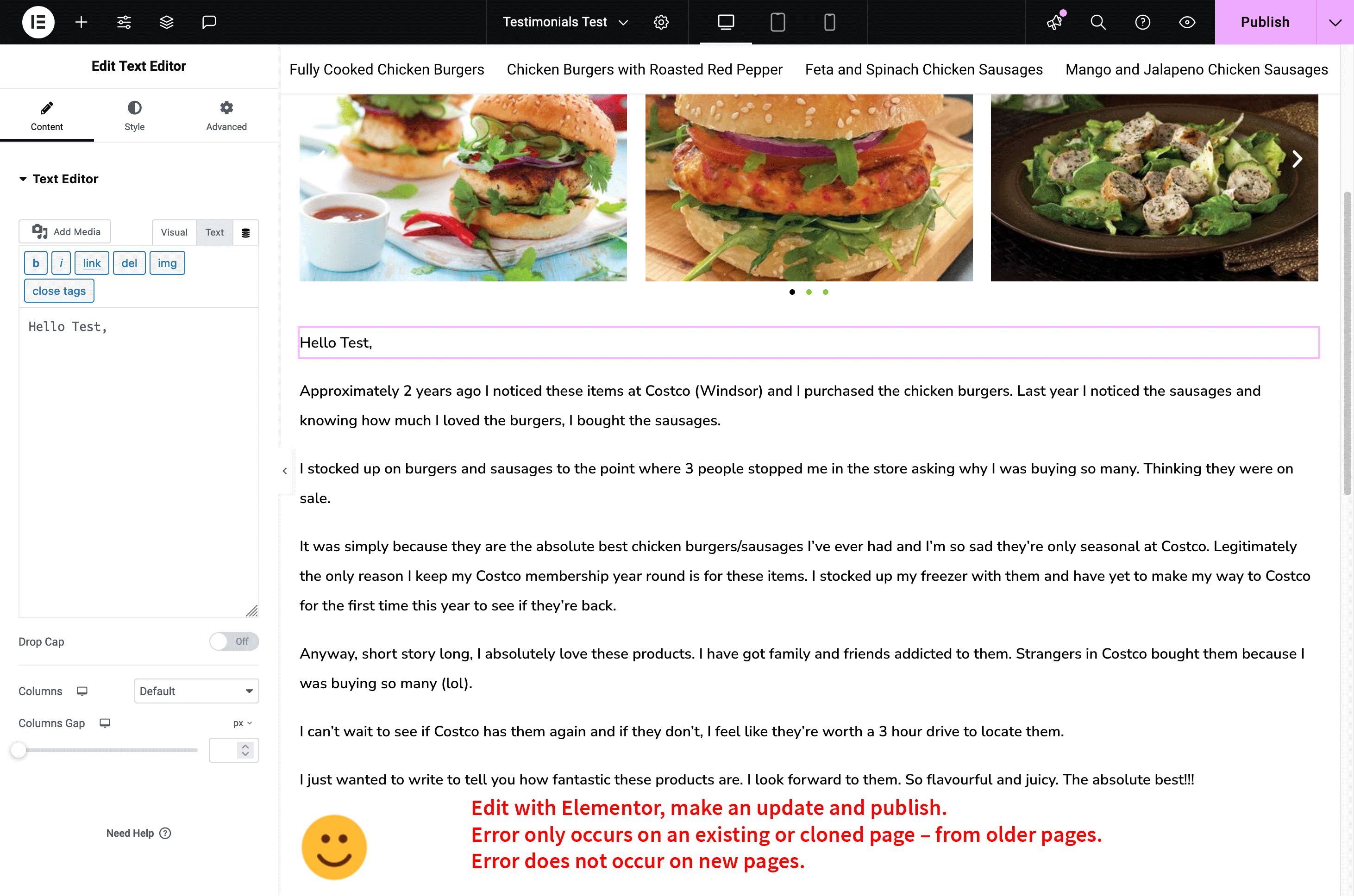
1. Make an update on this page: hidden link – save or publish.
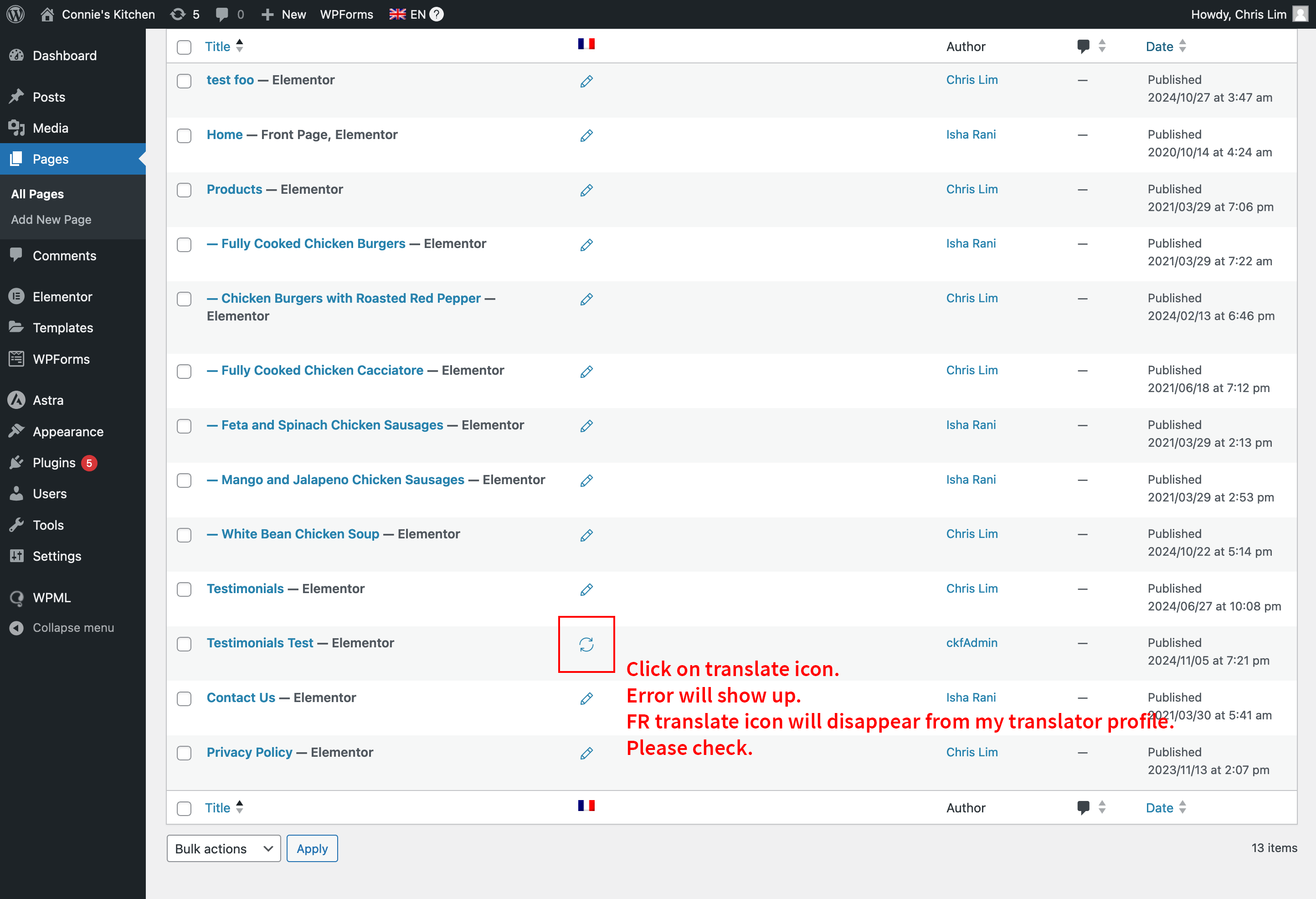
2. Go to pages, click on the translate icon. Error will show up. And the FR translation icon will disappear from my translator profile. Error only occurs on existing or cloned pages from the past.
Error will not occur on this newly created page: hidden link
The language is removed from the translator once we edit the existing pages in Elementor. I honestly have never seen such an issue before and I will need to enable WP DEBUG to find out more about it.
I can confirm that this issue seems not to occur on newly created content. Also using a plugin like Duplicate Page and duplicate the exisiting pages would be a workaround in this case. The issue does not occur on the new duplicates.
For now, please allow me some time to try to check the site for errors.
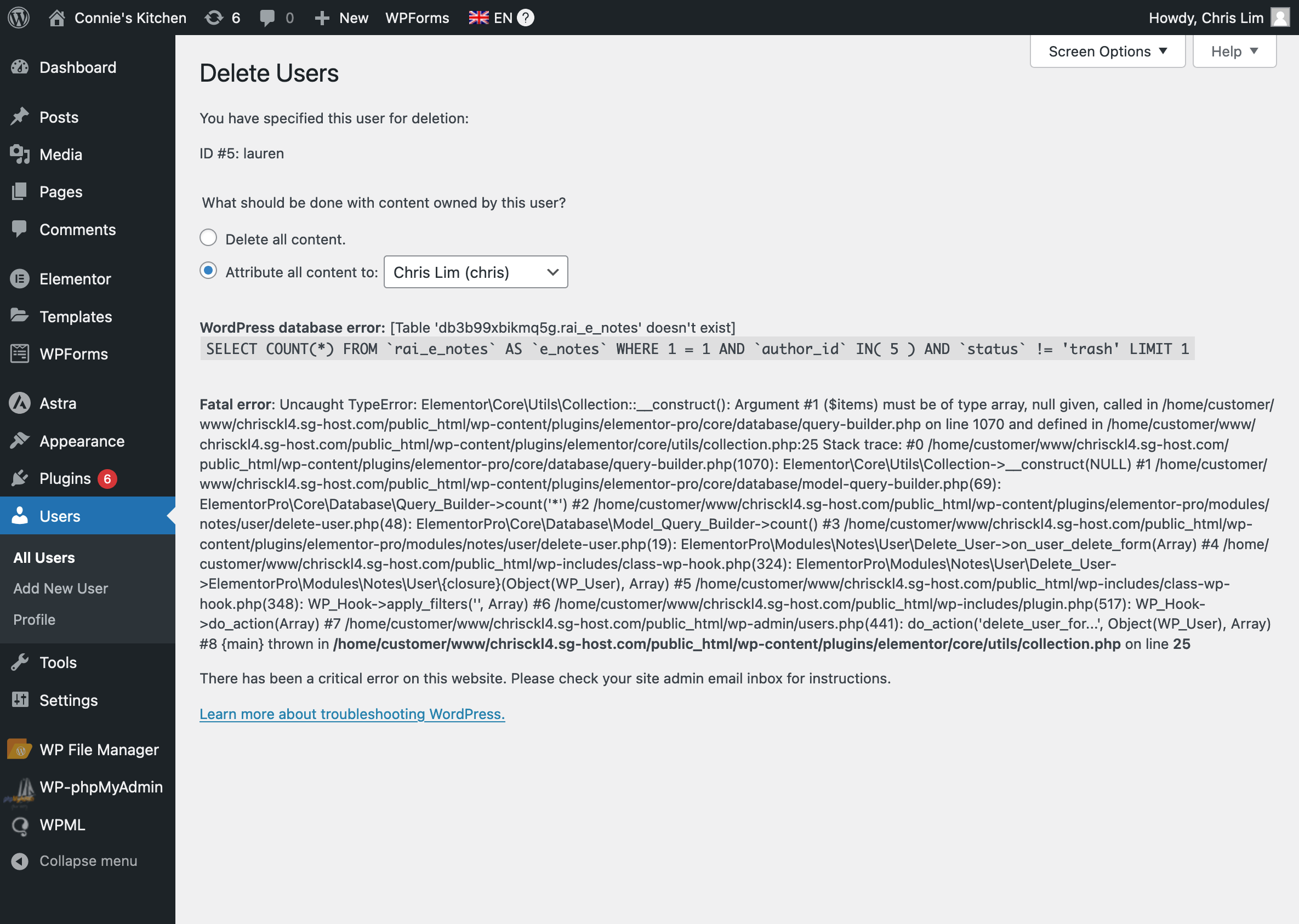
WordPress database error Table 'db3b99xbikmq5g.rai_e_notes' doesn't exist for query
It looks like your old pages are using metadata from a table that does not longer exist on the database and this what is causing the issue.
This table seems to be associated with Elementor Pro's Notes module, which is attempting to retrieve or delete notes for a specific post ID.
You can find more details on the debug.log file inside the wp-content folder on your server.
You could try to reinstall Elementor PRO or try to recreate the table manually. Please consult the Elementor Support about this.
The table was called "rai_e_notes".
I tried to install the plugin PHPmyAdmin to have a closer look into the database, but sadly I get a Forbidden error and I am not allowed to access the database.
I have submitted a ticket to Elementor. Will wait for their response, and let you know later...
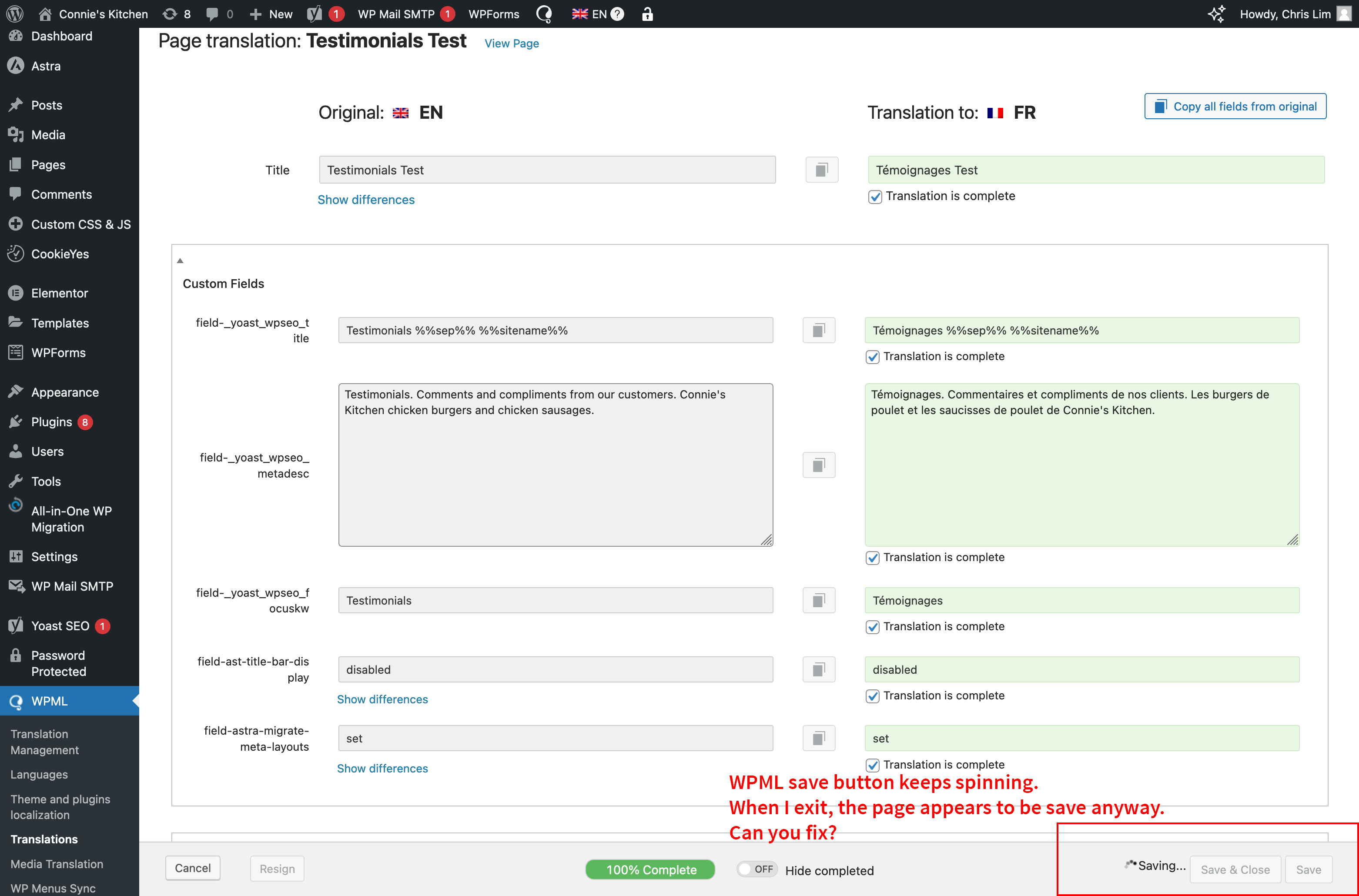
Meanwhile, on another issue mentioned before, and this is on the live site. See attached. When I try to save a translated page, WPML save button just keeps spinning. So I have to leave the page as I cannot just stay there. After I have left, the page appears to be updated anyway.
You can replicate the issue on the same Testimonials Test page: hidden link
Login using the same (my login credentials) provided for the test site: hidden link
There is an error in the console pointing to one of WPML's files:
Uncaught Error: Minified React error #200; visit <em><u>hidden link</u></em> for the full message or use the non-minified dev environment for full errors and additional helpful warnings.
    at t.render (app.js?ver=4.6.13:571:116072)
I can see this on all the translations.
I suggest you update all the plugins, then test again. If this will not solve the issue, we need to investigate further.
Hi Andreas, please keep this ticket ongoing for now. We're still working with Elementor to resolve the problems. Will keep you updated when we have a resolution.
Meanwhile, there is an error when I tried to delete your colleague Lauren from the user panel on the test site. See screenshot. Is this related to the same Elementor Notes issue?
Andreas,
I sent this video to Elementor (translate old page error that you are also aware of): hidden link
This is Elementor's response:
"I have concluded that there are no issues on the website with standard pages edited with Elementor and that they can be edited without a problem. The error that comes when translating is a WPML issue with a plugin that I've highlighted in my previous email: hidden link
Unfortunately, this issue is something we cannot assist with as the issues come entirely from WPML and is related to their translation system of pages, and users of WordPress in general. I strongly recommend you contact the support of the WPML plugin and point them to this error so they could see what could be done about this issue and the error that is being shown, as we cannot troubleshoot third-party plugins.
As for the missing tables, this could be a bug where the system doesn't install Elementor Pro Notes tables with the standard Elementor Pro installation.
I would like to escalate this to our Subject Matter Experts so we could see if there is anything we can do from our side to recreate this table and have the website work correctly with all the WPML functions operating correctly.
We will let you know as soon as we have more information to share on how this is being handled and what has been done to correct this issue."
Andreas,
Elementor support has made some changes to the test site based on your advice: hidden link
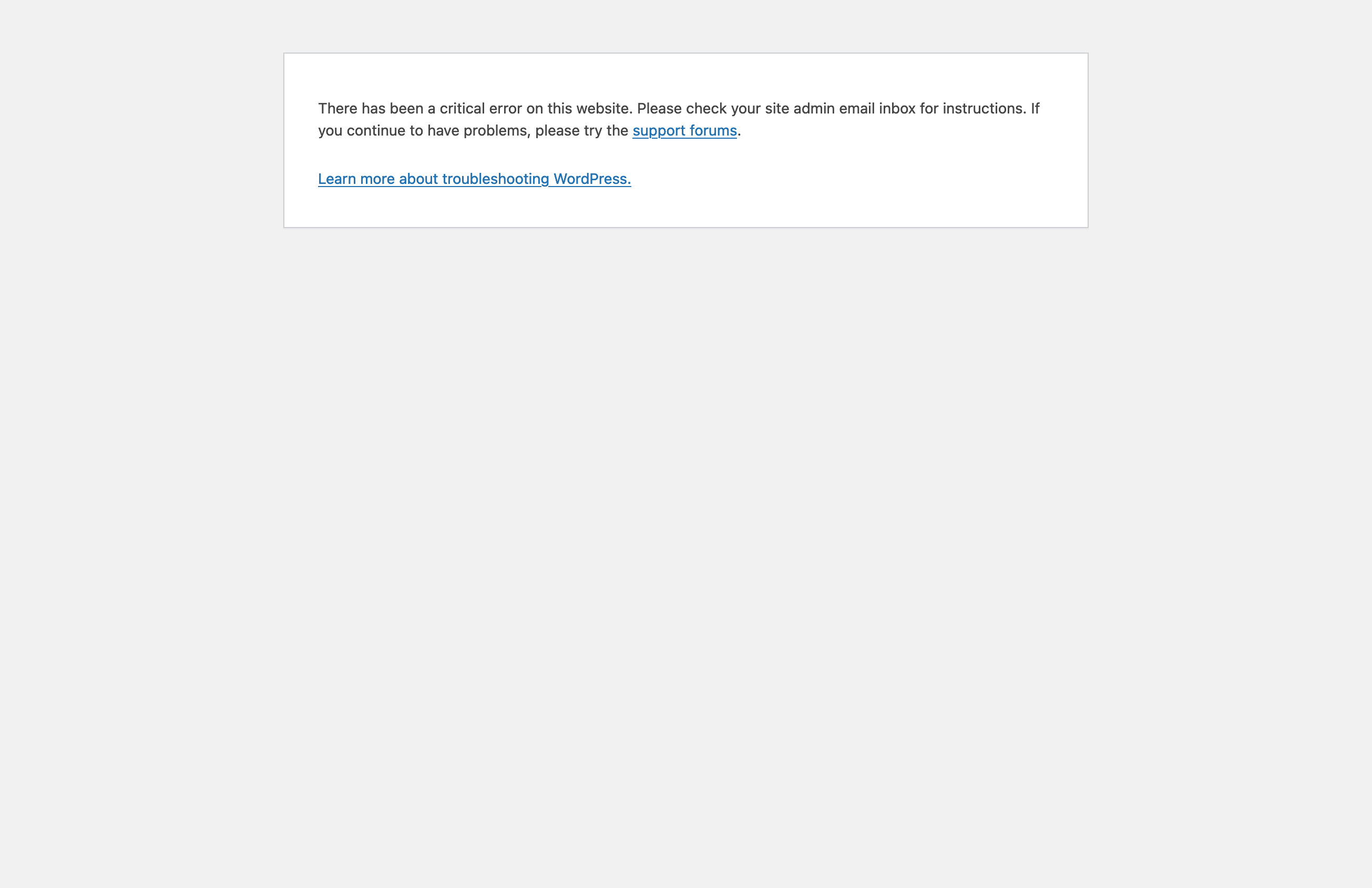
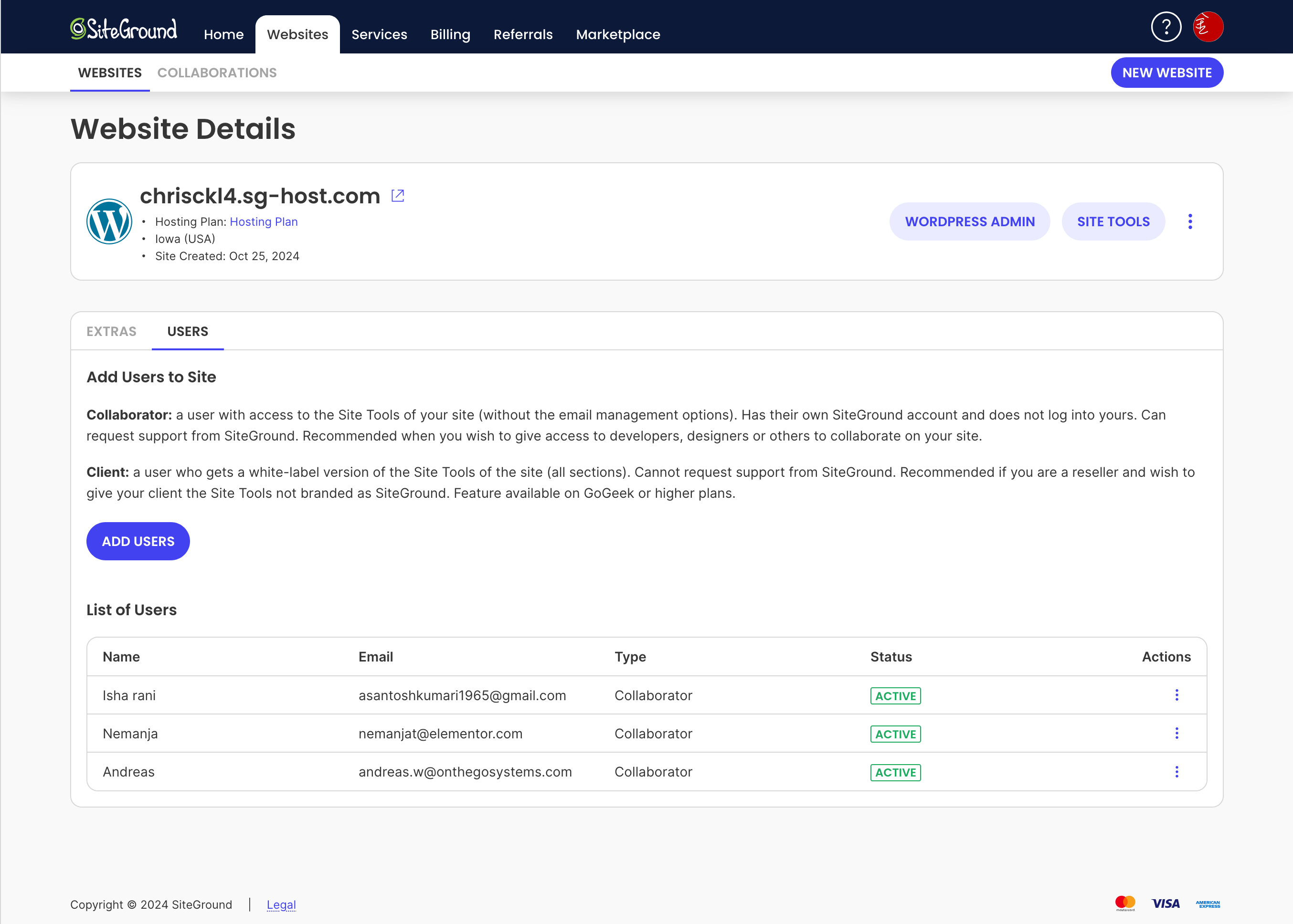
It has not solved the problem, and the problem is now on both old and new pages. See attached screenshot. I have added you as admin to the test site and Collaborator on SiteGround.
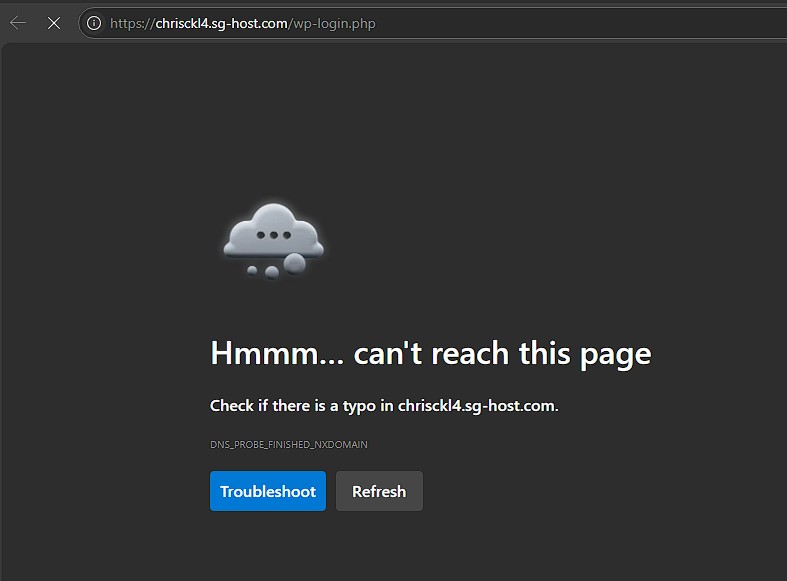
The hosting panel does not give me any options about the site and if I try to request a different password I get:
DNS_PROBE_FINISHED_NXDOMAIN
I would need admin access to WordPress and FTP-Server access to be able to assist you, but so far it seems that this domain has an issue on the hosting side.