Background of the issue:
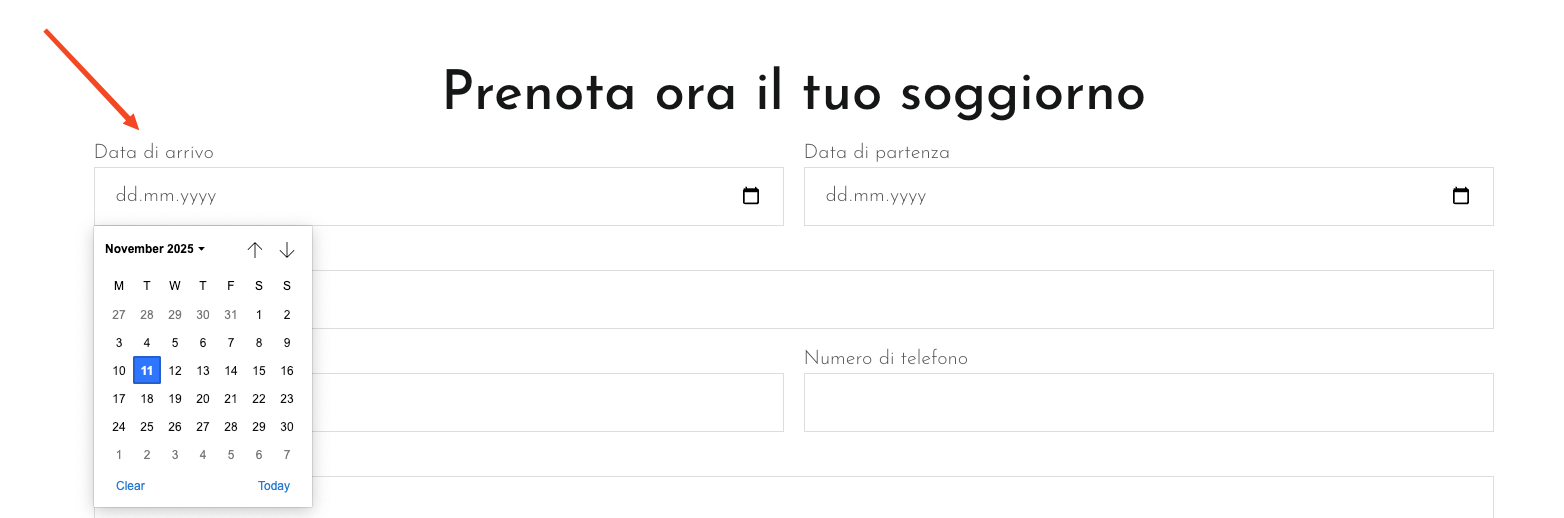
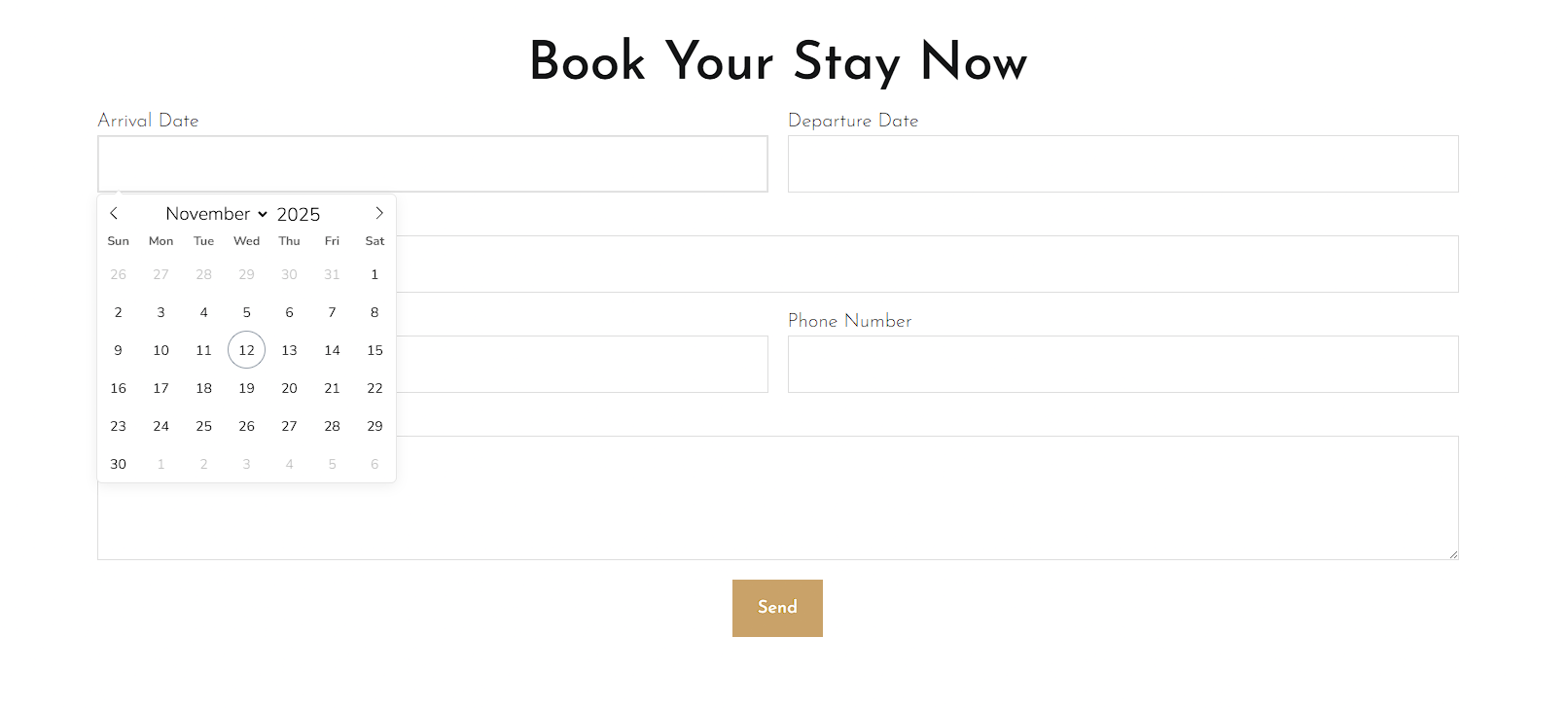
I am trying to ensure that the calendar on my IT page displays the same format as on my main language page in the form. Also there shouldn`t be any placeholders.
Symptoms:
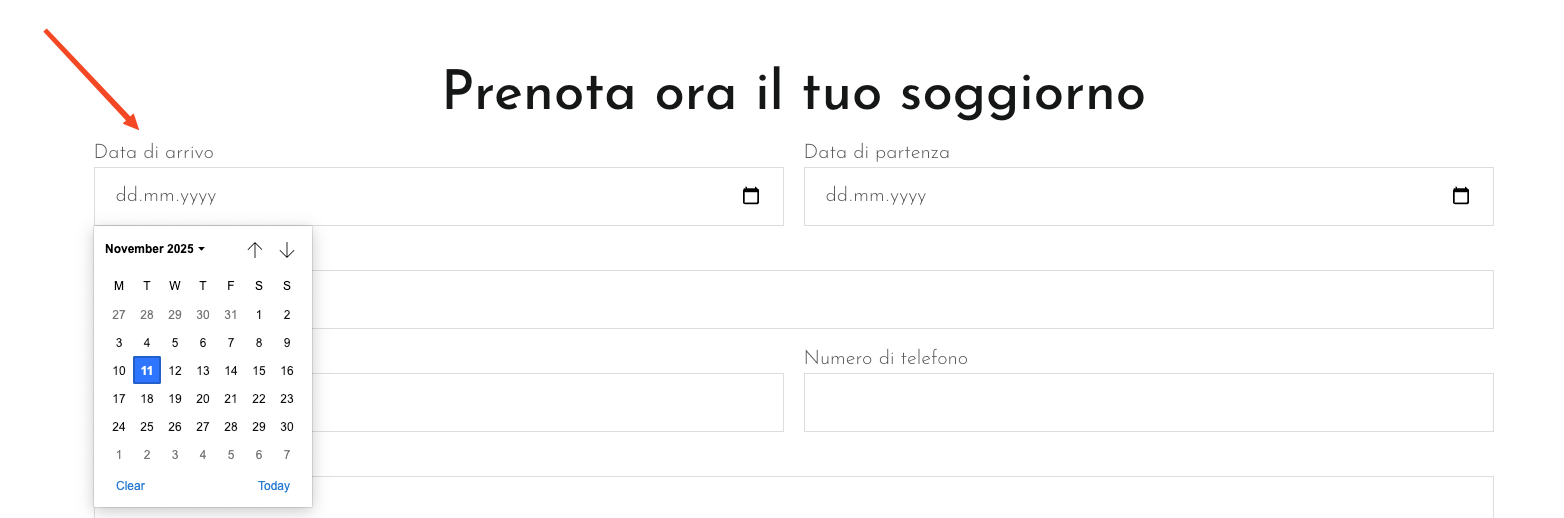
On my IT page, the calendar displays differently than on my main language page.
Questions:
Why does the calendar display differently on the IT page compared to the main language page?
It looks like the input in the second language is missing the Flatpickr CSS class and is not loading the required CSS sheet, which is part of Elementor.
Please verify:
- Purge any caching on Litespeed Cache and delete any minified files, to make sure assets are served consistently across languages.
After that, edit the original page in Elementor, save it, and then apply the translation for the page again.
If this does not solve the issue, please let me know.
Hi there,
I followed the steps, but the issue still persists. Please use the credentials shown in the screenshot to log in and fix the problem directly.
I’ve had previous issues translating the Italian page — if needed, you can delete the Italian site and recreate it. A backup has already been created, so feel free to proceed.
Note that the screenshot with the credentials was published publicly inside this forum, which is why I removed it now. We are not allowed to access sites in such cases and suggest changing the password for the mentioned user account.
---
I'd like to request temporary access (wp-admin and FTP) to the website to investigate the issue further.
You'll find the necessary fields below the comment section if you log in to leave the next reply. The information you provide will be private, meaning only you and I can see and access it.
IMPORTANT
Please be sure to create a backup of the website and database before granting us access.
If you don't see the "wp-admin / FTP" fields, your login credentials for the post and website will be set to "PUBLIC." Do NOT publish the data unless you see the required wp-admin / FTP fields.
I may need to install a plugin called "All In One WP Migration" to create a copy of the website on which I can investigate the problem more thoroughly.
I would also be very grateful if you could provide a staging site on your server for this purpose.
If you have any questions about creating such a staging site, please contact your hosting provider. Please ensure that WPML is also registered on this staging site at https://wpml.org/de/account/websites/.
If you are unable to provide such a copy of the website for testing, please let me know on this ticket.
The private reply form looks like this:
hidden link
When replying again, click "I still need assistance".
Video:
hidden link
Please note that we are required to request this information individually on each ticket. We are not permitted to access any login information that was not specifically provided in the private reply form for this ticket.
Hello, now the issue occurs again on IT and EN page. Please check again and let me know how we can fix this and why this happened. Thank you very much.
Alright, true thank you.
And what is the link of the script which i have to exclude? Can you do this for me please? Feel free to insert that setting into Litespeed caching plugin.