This thread is resolved. Here is a description of the problem and solution.
Problem: The client wants to implement a product schema but couldn't find a certified plugin in the recommended plugins section of WPML. They need a plugin that is compatible with WooCommerce and can work with WPML for a multilingual site. Solution: We recommend using the Yoast or Rank Math SEO plugins to implement and translate product schema, as both are compatible with WPML. For guidance on using these plugins with WPML, you can refer to the following documentation:
If this solution does not apply to your case, or if it seems outdated, we highly recommend checking related known issues, verifying the version of the permanent fix, and confirming that you have installed the latest versions of themes and plugins. If further assistance is needed, please open a new support ticket.
This is the technical support forum for WPML - the multilingual WordPress plugin.
Everyone can read, but only WPML clients can post here. WPML team is replying on the forum 6 days per week, 22 hours per day.
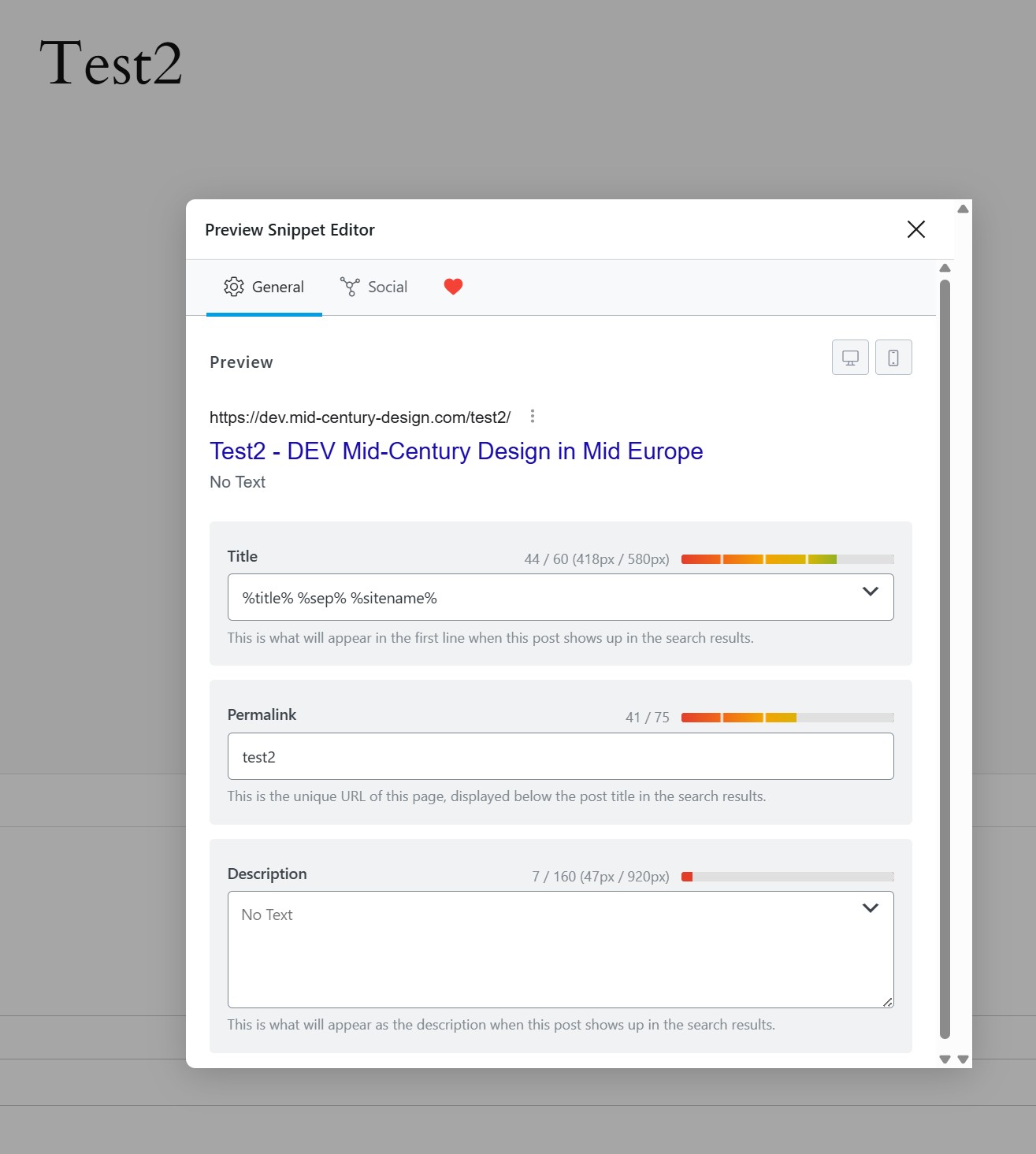
To the best of my understanding, it has both title and description, cf. DEV.test2.RankMath.Snippet_20260408.jpg
Test2.WP Edit -> Rank Math -> Edit Snippet
Regards
New information.
DEV: in the WP Editor Test2.WP Edit -> Rank Math -> Edit Snippet
Title, Permalink can be modified, but not the Description - it can be only overwritten (is greyed out).
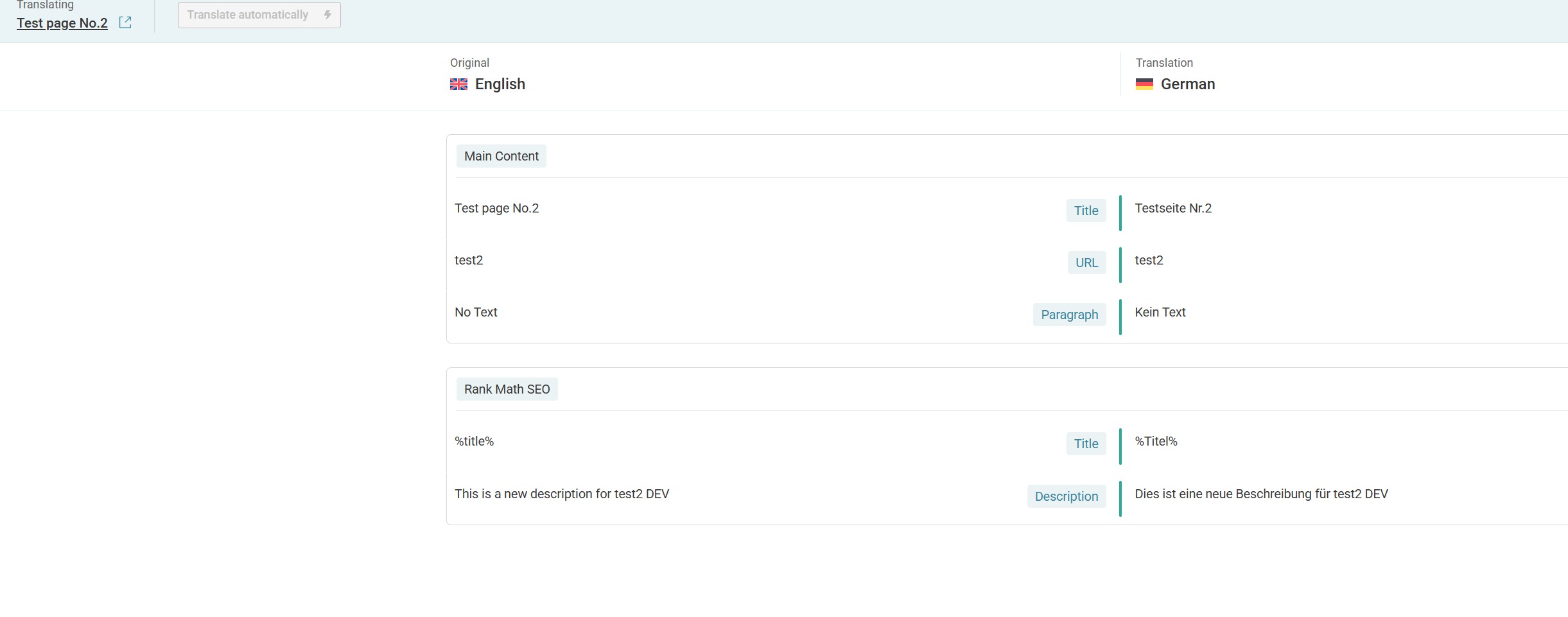
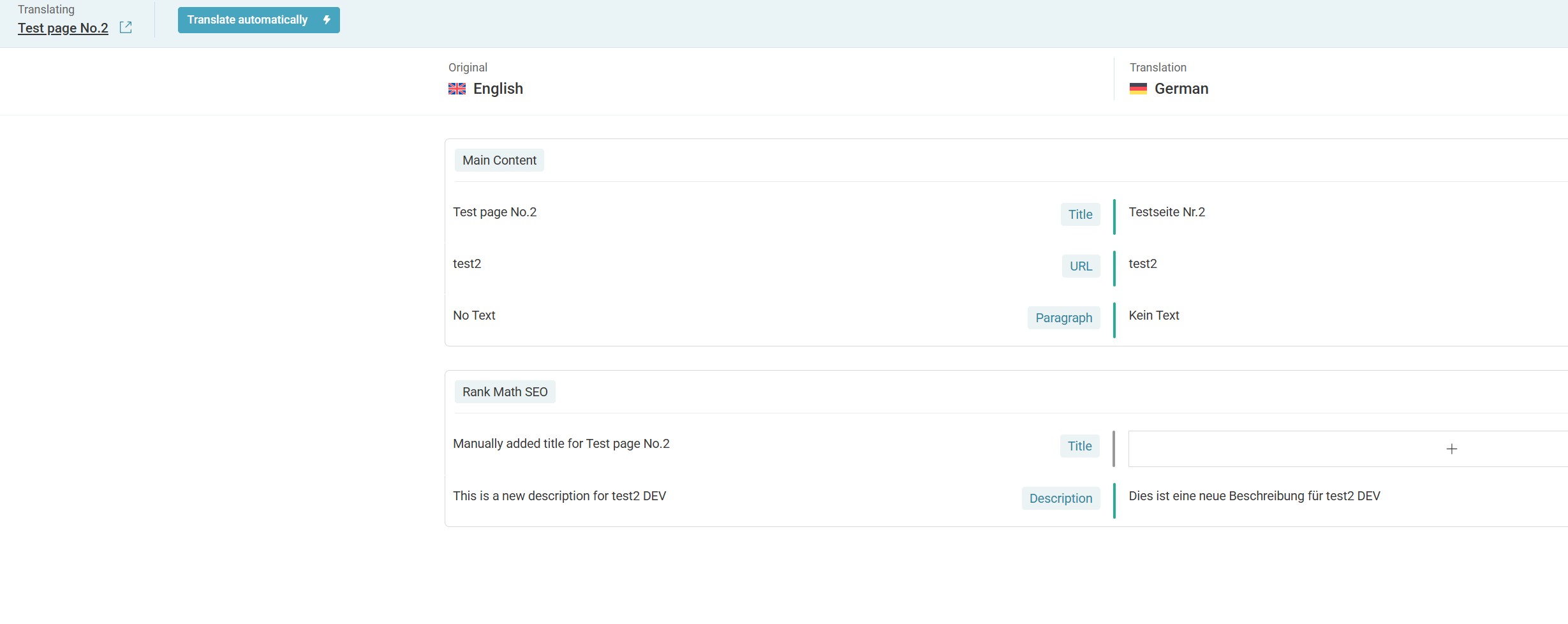
I have written a new Description manually – “This is a new description for test2 DEV”, and now it shows in page translation, however not the Title, cf. DEV.test2.ATE.EN-GE_20260408-C.jpg
I have contacted Rank Math.
Regards
From your screenshot, the title field does not contain any actual text—it consists only of variables, so it will appear the same in secondary languages, so it's not on ATE.
The second item refers to the permalink.
The description field is currently empty and only shows a placeholder, so as you mentioned, it should work correctly once you add the content.
Please let me know if you need any further information.
Hello,
The variable, in this case - %title% %sep% %sitename% - can be also translated (or not).
To make it more evident (because test in English translates in Test in German) I have changed the title (H1) from Test2 -> Test page No.2 and translated the page automatically.
And the title is translated! Cf. The source of hidden link - <title>Testseite Nr.2 - DEV Mid-Century Design in Mid Europe</title>;
<meta property="og:title" content="Testseite Nr.2 - DEV Mid-Century Design in Mid Europe" />.
However, due to the fact that the RankMath Title in not available in ATE, I cannot change it manually.
I consider this as not correct.
Regretfully I must refer to PROD in order to show the difference.
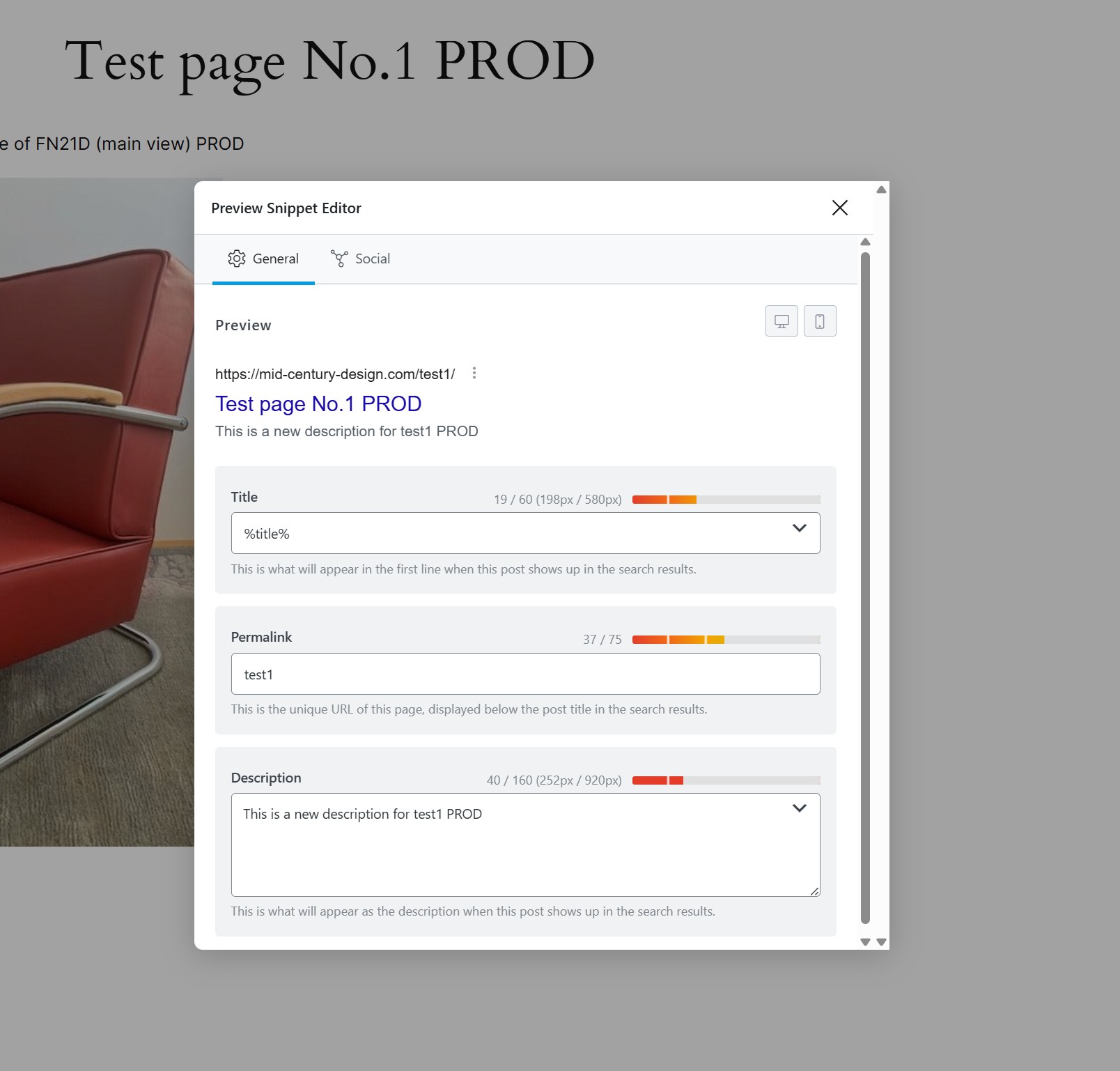
In PROD for the page hidden link the RankMath Title is also a variable - %title%, cf. PROD.test1.RankMath.Snippet_20260410.jpg,
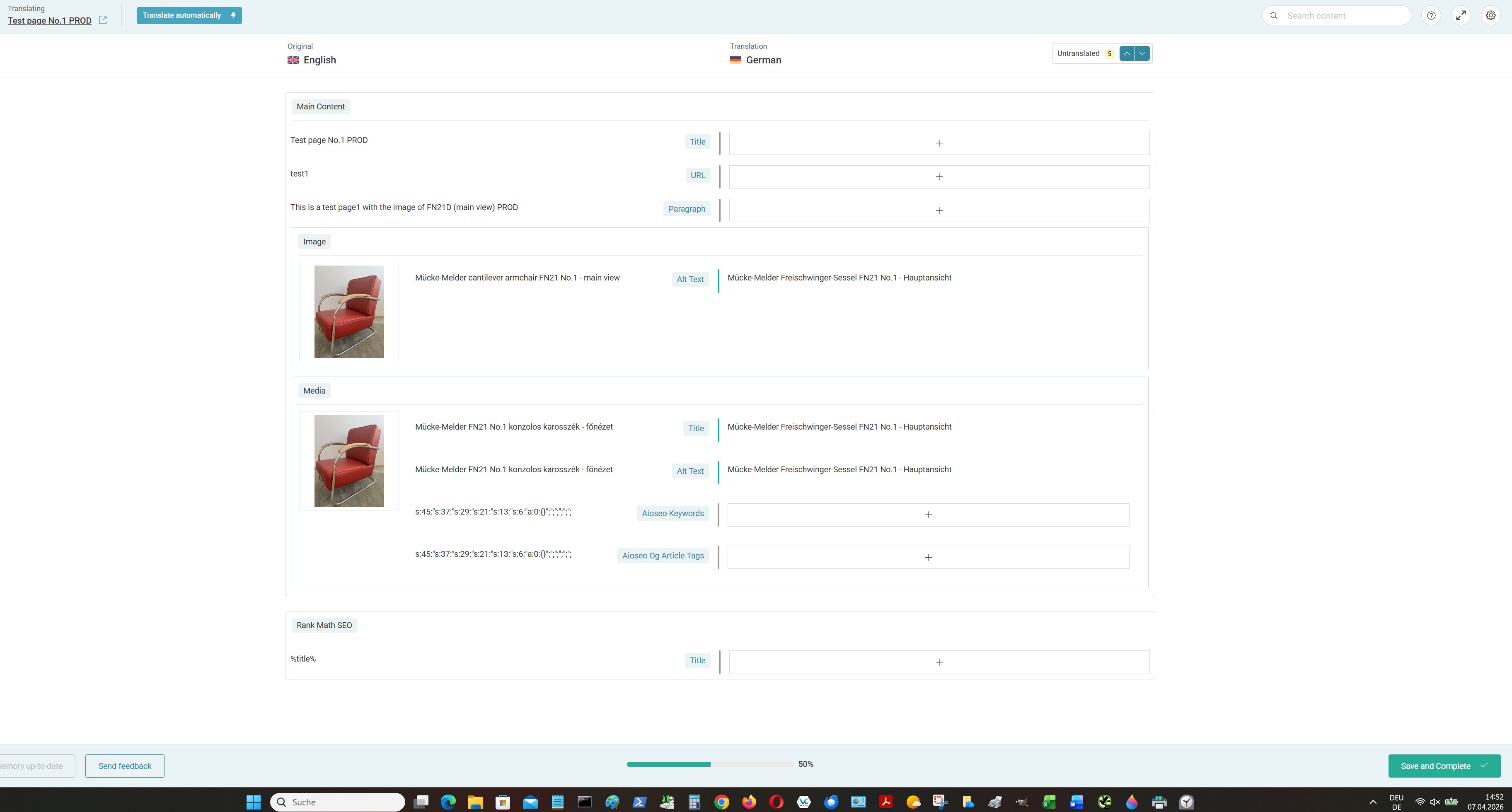
but it shows in ATE, cf. PROD.test1.ATE.EN-GE_20260407-C.jpg
There is another problem in PROD – Description is entered manually but doesn’t show in ATE, cf. last screenshot, but maybe about it later.
Regards
%title% This is page title, which will be already translated, so it will use the translated title in secondary language itself. No need to translate it twice.
%sep% It's a separator and should be same.
%sitename% Sitename is translated in WPML->String Translations and it will be translated there and will be used accordingly.
Can you take this as guide and see if it's working properly?
Hello,
where is the guide?
FYI:
I have manually entered the Title: Manually added title for Test page No.2 – now it is showing in page translation, cf. DEV.test2.ATE.EN-GE_20260412-A.jpg
Then I have changed the Title back to %title% – and it is showing in page translation!
Cf. DEV.test2.ATE.EN-GE_20260412-B.jpg
So what?
And please explain the behaviour in PROD!
Regards
In my previous reply, I explained how the %title% and other placeholders are intended to work. Please use that as a guide moving forward—there’s no need to translate the %title% placeholder.
Could you please check if it works correctly without translating the %title% placeholder?
Hello,
We're talking past each other – the title and description do not work as per your explanation.
So let us stop this topic and move forward.
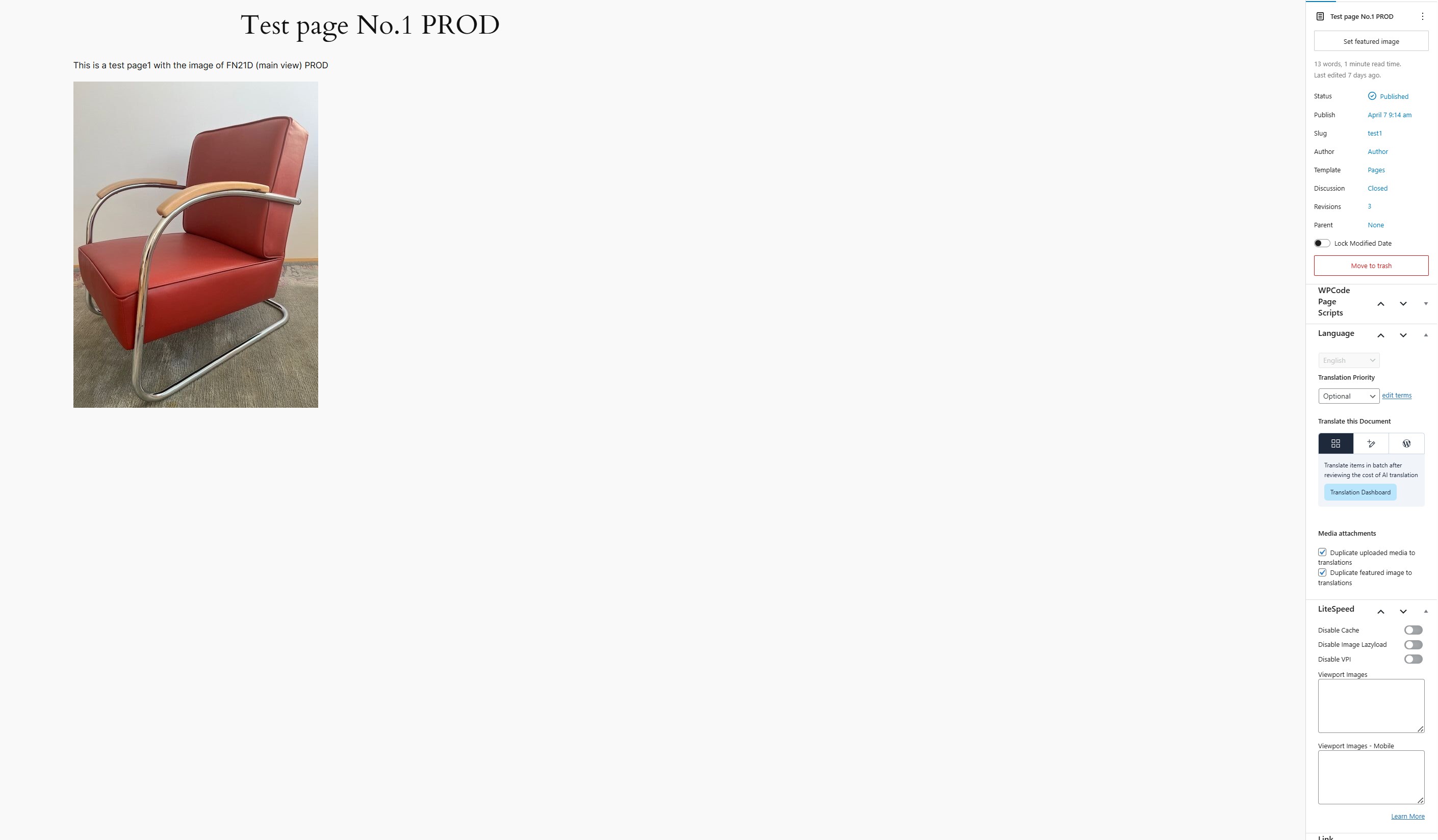
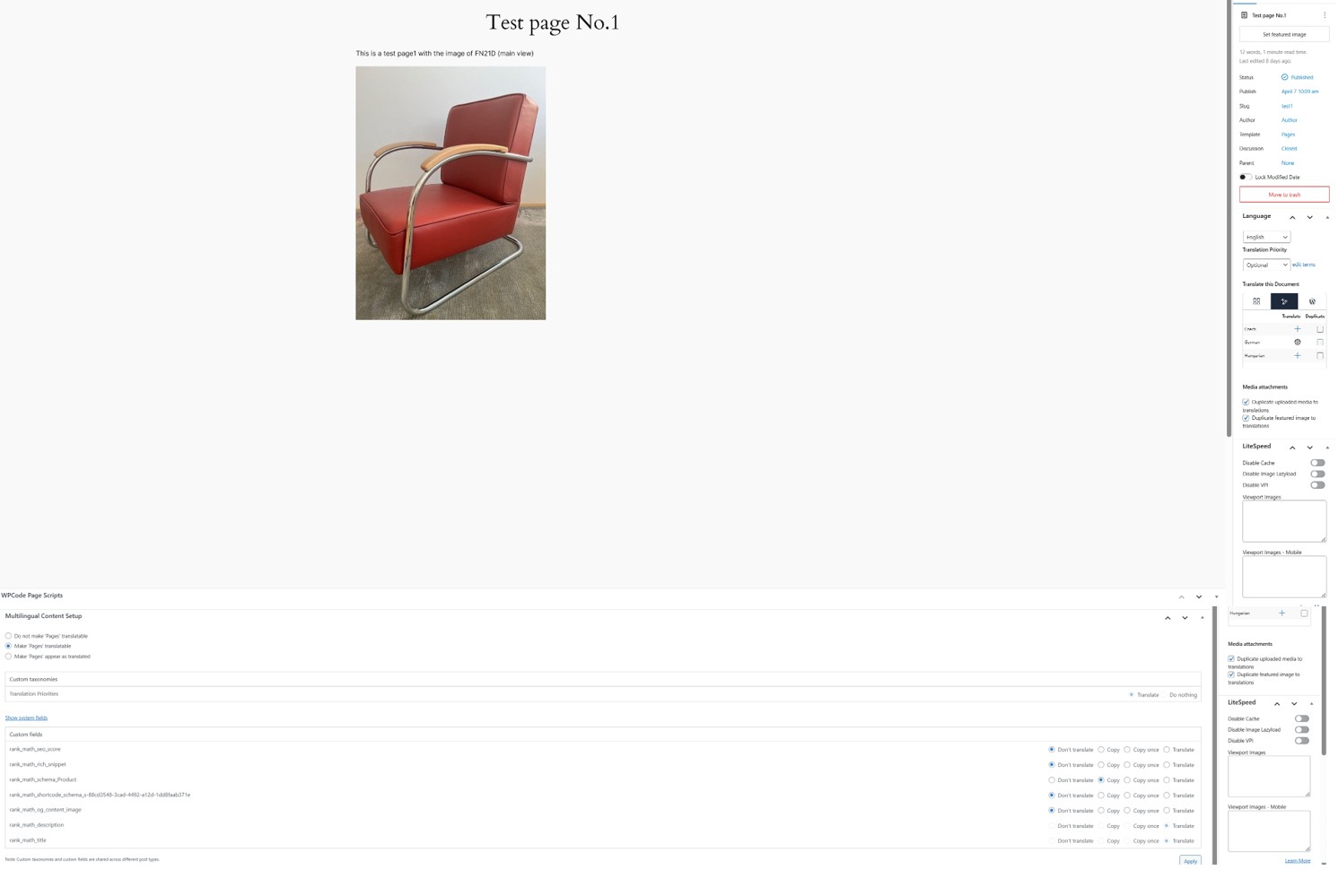
There is a difference in the appearance in WP-Editor between DEV and PROD, cf. DEV.test1.WP-Editor_20260415.jpg vs PROD.test1.WP-Editor_20260415.jpg – Multilingual Content Setup doesn’t appear in PROD.
Both have WP 9.6.4 and actual WPML plugins.
The only difference between DEV and PROD, which I do see, is that in DEV the plugin WPML Multilingual & Multicurrency for WooCommerce was installed (automatically) but is deactivated – I use WooCommerce only in English.
I would appreciate your comment
regards
Can you go to WPML->Settings->Custom Fields Translations and make sure " Show "Multilingual Content Setup" meta box on post edit screen." is enabled on both instances?
This options control the multilingual content setup section.
Yes, exactly - thank you!
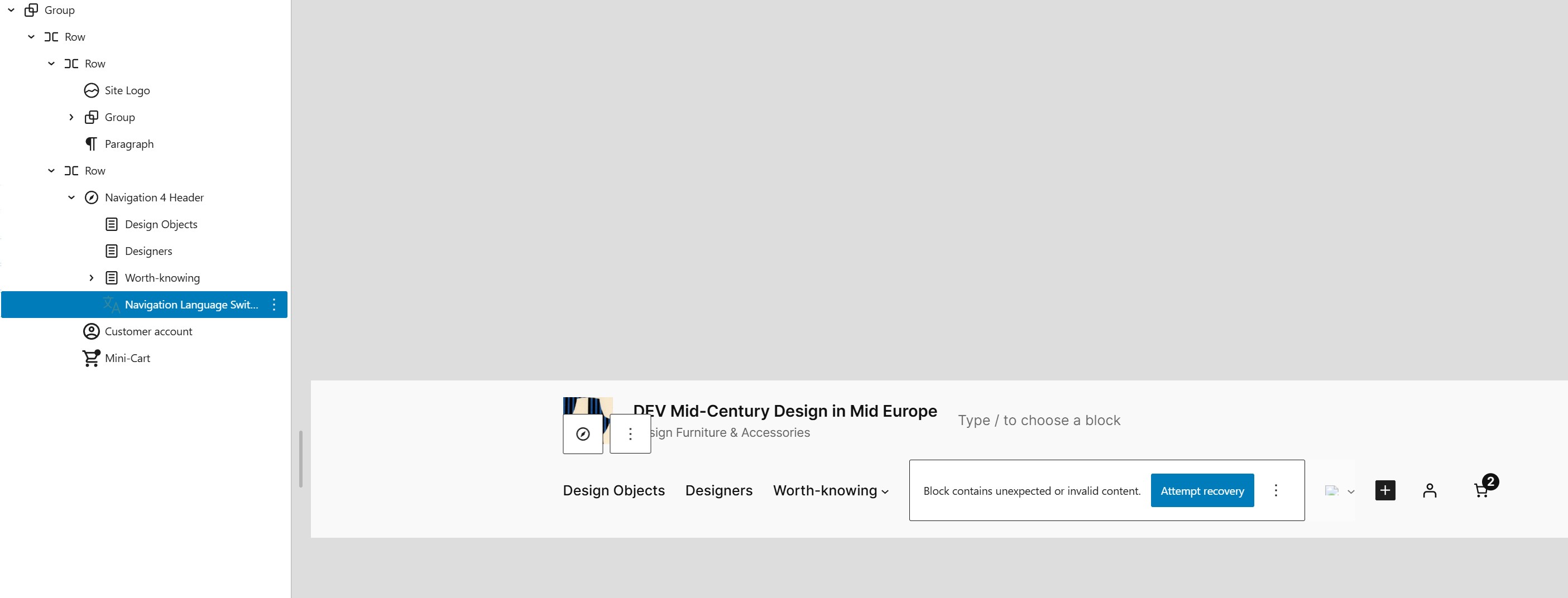
I would like to move now to a different problem, which I noticed several days ago when creating a new template. The Navigation Language Switcher became invalid with the message “Block contains unexpected or invalid content. Attempt recovery“ – I have not attempted the recovery.
The Switcher is invalid in all templates.
I think it would be good if you took that on, since you already know the system very well.
Would you prefer to deal with this problem in this case or should a new one be opened?
Regards
Every ticket is reserved for resolving one specific matter, ensuring focused support, streamlined communication, and high-quality service. Therefore, please open new tickets for your other concerns.