Background of the issue:
Our website (www.agleader.com) uses Gravity Forms, some of which are integrated with Salesforce via the 'WP Gravity Forms Salesforce Pro' plugin. These forms have been translated into multiple languages using the WPML plugin. We need only the labels to be translated, while the field values must remain in English.
Symptoms:
Submissions made through the translated forms are failing because the form sends translated values instead of the original English values, causing Salesforce to reject the submission.
Questions:
How can I configure Gravity Forms and WPML so that only the field labels are translated in the frontend but the underlying field values remain in English?
Where can I manage or prevent WPML from translating the field values?
You can use any e-mail, like demo@wpml.org. We won't need it. What I need is login and password. I've enabled the private fields for you to share it.
The required fields can be found below the comments section. The information you enter is private, i.e. only you and I can see it and have access to it.
I may need to replicate your website locally. To do this, I need to temporarily install a plugin called "Duplicator" or "All in One WP Migration" on your website. This will allow me to create a copy of your website and content. Once the issue is resolved, I will delete the local website. Let me know if this works for you.
IMPORTANT
Please make a backup copy of the site files and database before giving us access.
- If you do not see the wp-admin/FTP fields, this means your post and site login details are being made PUBLIC. DO NOT post your website details if you do not see the required wp-admin/FTP fields. If you do not, ask me to enable the private box. The private box looks like this:
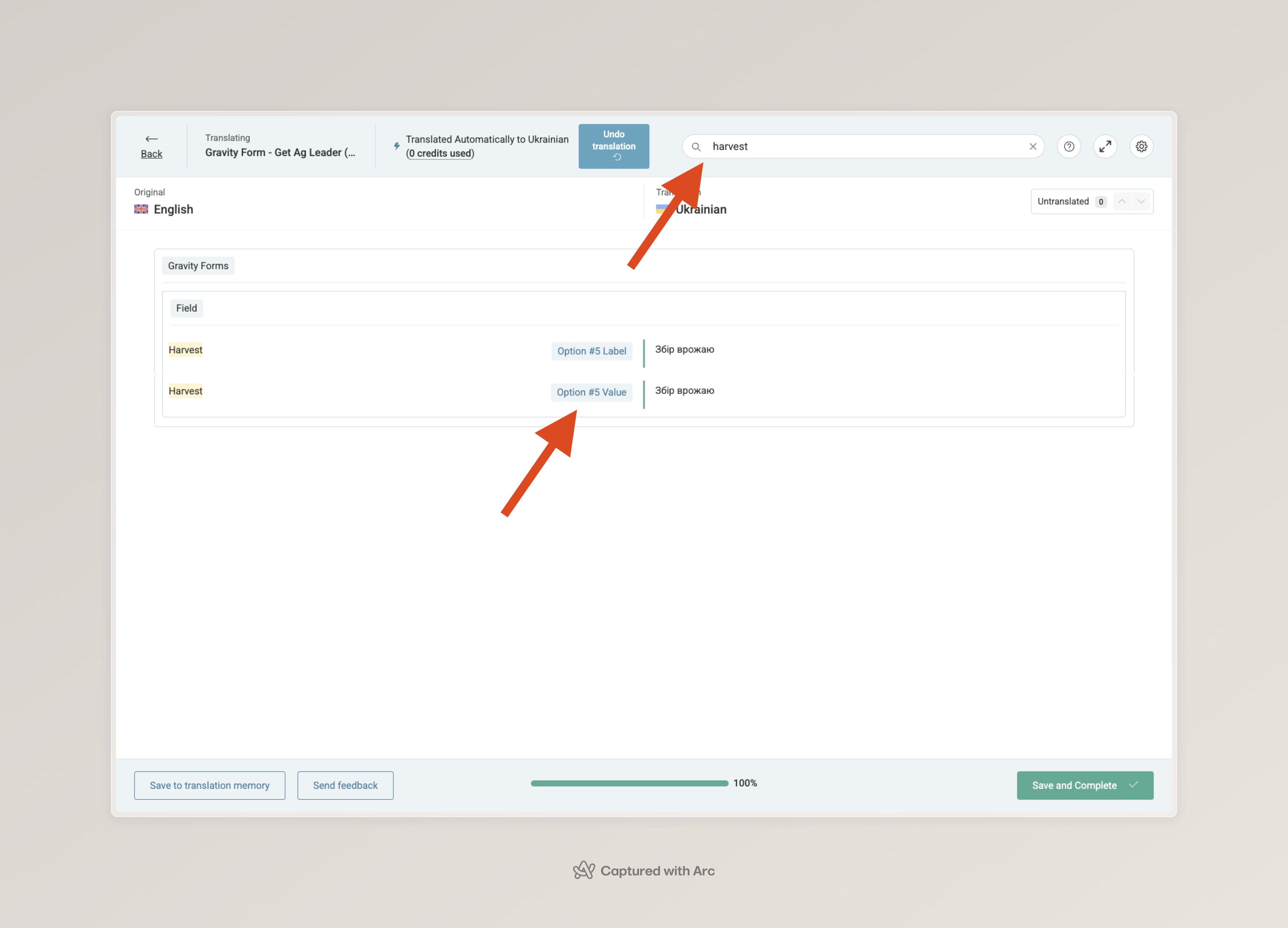
I was able to send content for translation with no issues, with the provided user. Inside the editor, you can set the values to be the same as in English, as explained. Check the image (in the image, the value is still translated. You should replace the translation with "harvest").
Please ensure to have a backup and try this solution:
1. Go to WPML > Translation Dashboard > Translators;
2. Delete your user's translator;
3. Re-add it, checking all languages;
4. Go to WPML > Translation Management and send the form to "Translate Myself";
5. Go to translations, and edit the translations so translated values match the original;
Hello, thank you for the help and information!
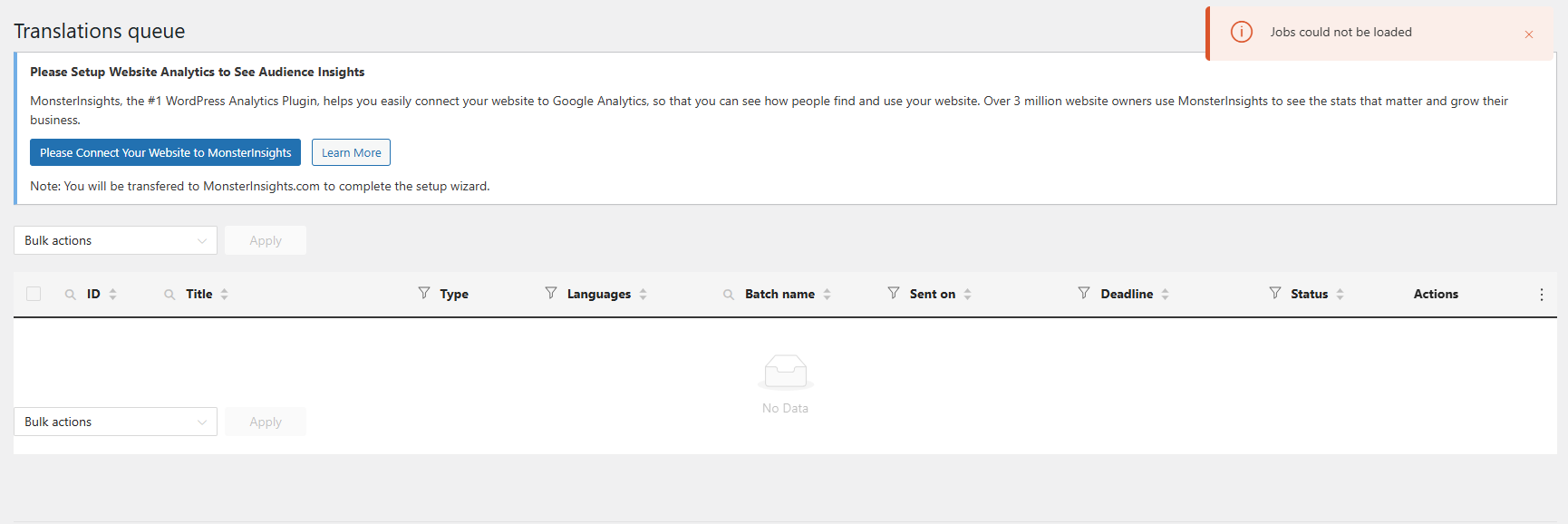
I manually translated one form as you guided me, but when I sent another one, I encountered an issue (please see the attached screenshot) in the 'Translations' section.
What could be the problem now?
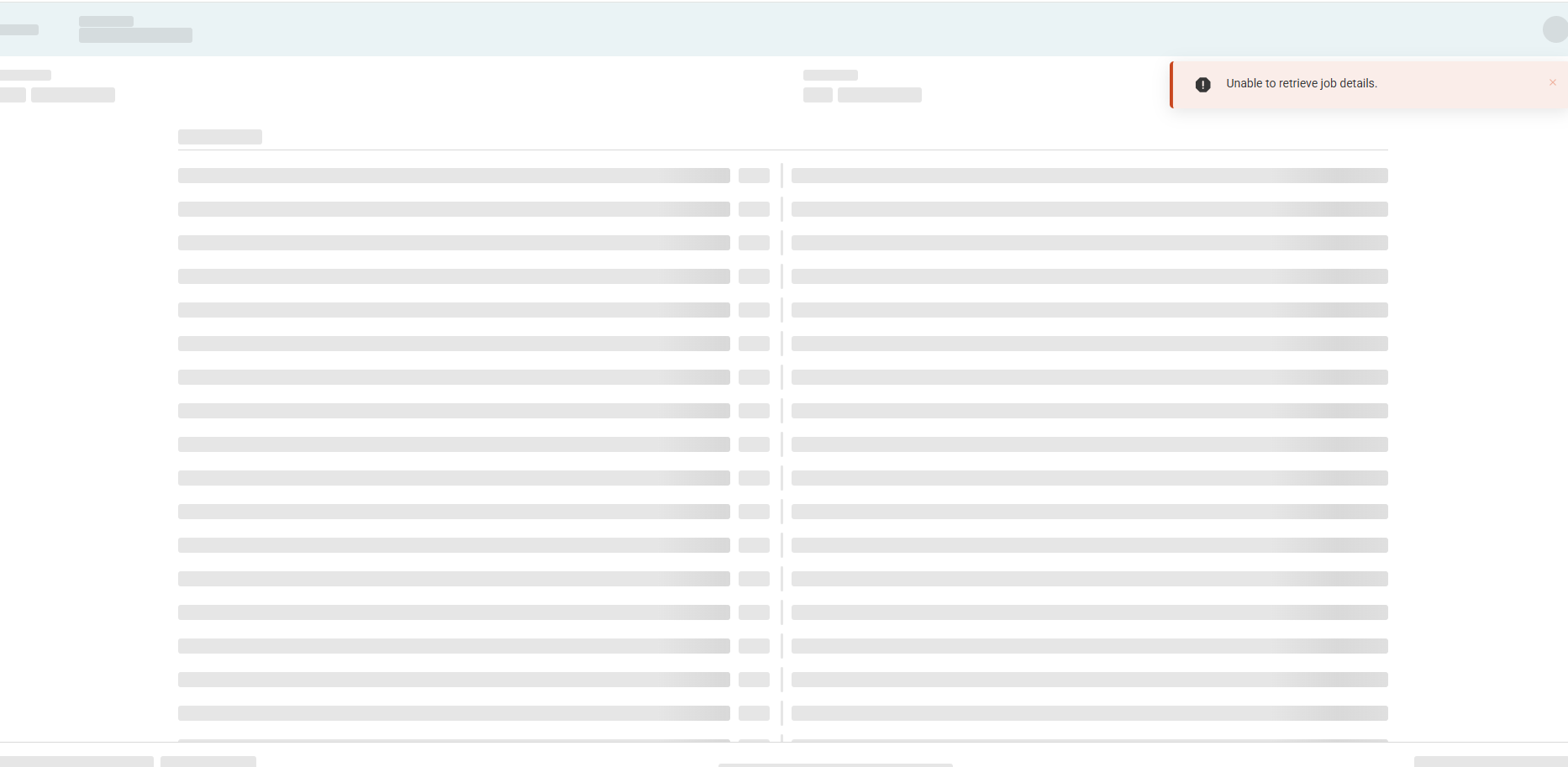
I deleted and re-added my user. Then, I saw the translations that I sent but when I opened the first form to translate, this happened (it stays like this all the time):
New threads created by Lucas Vidal de Andrade and linked to this one are listed below:
This issue unfortunately has nothing to do with the initial one you have, so I decided to create another ticket for it. This way, we can keep things organized and ensure both issues will be resolved: