Hi!
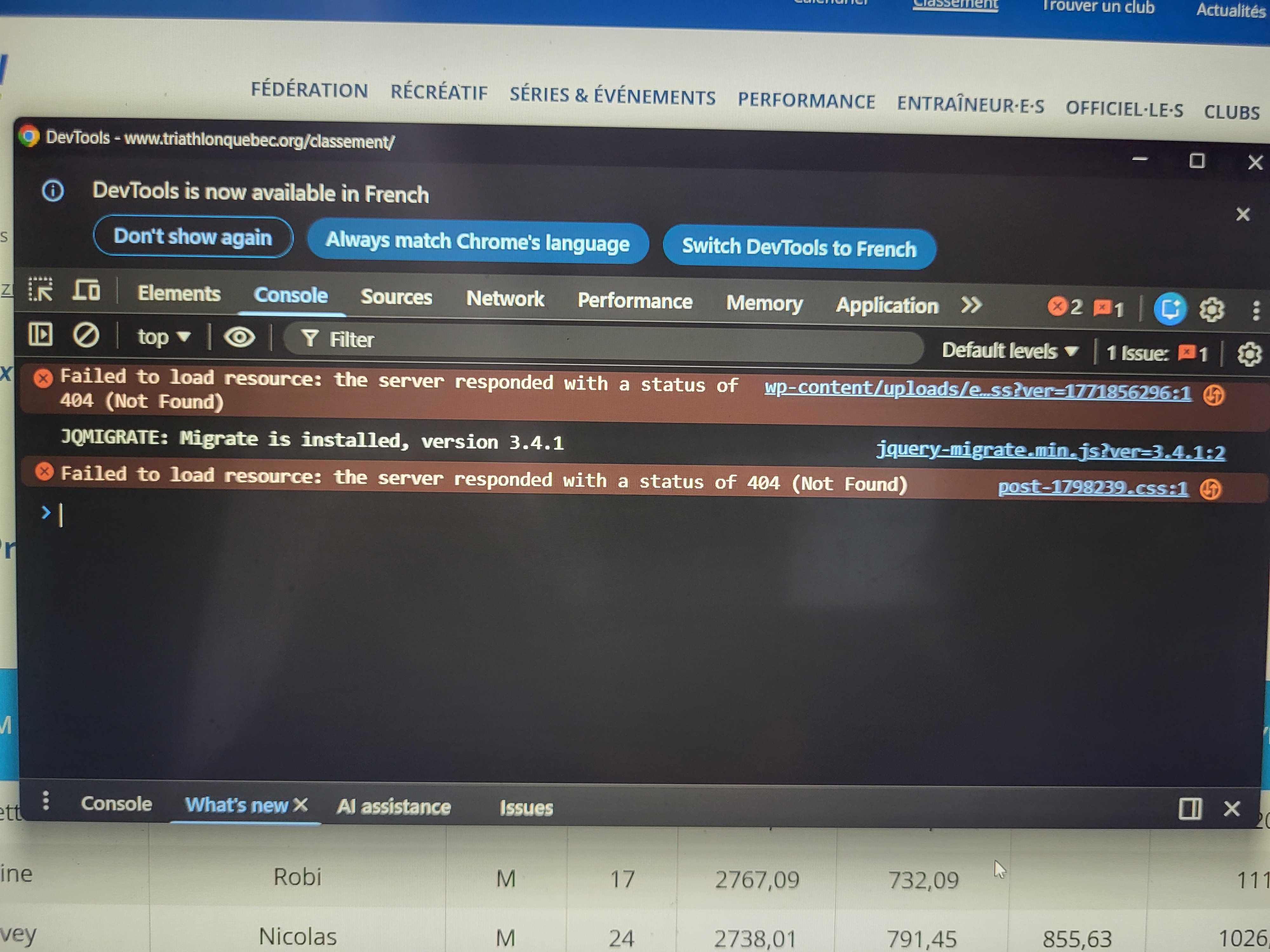
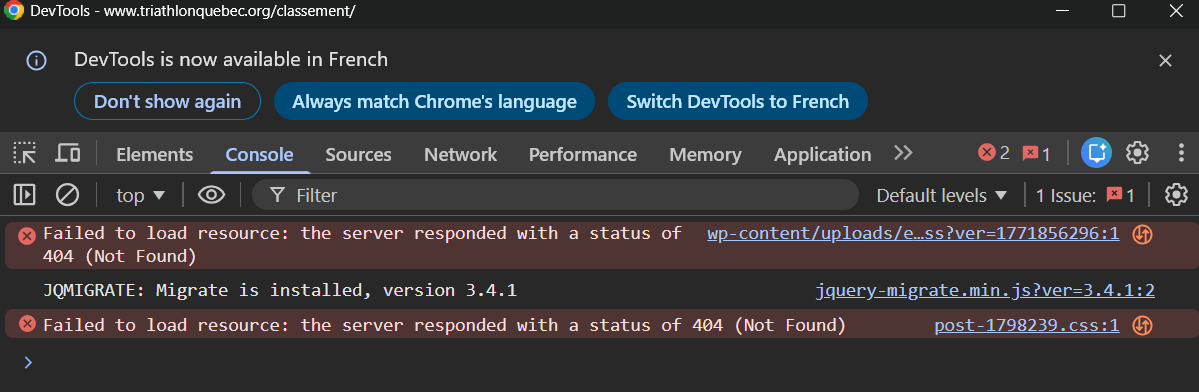
We are experiencing an issue where 3 pages cannot load the CSS properly. The site is natively in French. French pages are broken, but not the English ones. We are using the automatic translation.
- hidden link
- hidden link
- hidden link (note that this page is deleted in wordpress, but somehow still is accessible)
Here is what we already tried to solve the issue (but didn't work):
- I conducted several searches directly in the database to verify whether the issue could be related to the slug used by WPML for the translation.
- I checked the entries in the WPML-related tables, especially icl_translations, to verify the relationship between the French and English posts.
- I also verified whether a specific translation slug or an old slug might still be referenced in the database and causing a conflict.
- I attempted to clean or remove some references related to the translation slug in WPML in order to rule out any mismatch between translated pages.
- Despite these checks and adjustments, the issue still persists on the translated pages.
- Reached out to Elementor support (they told us it was an issue with WPML)
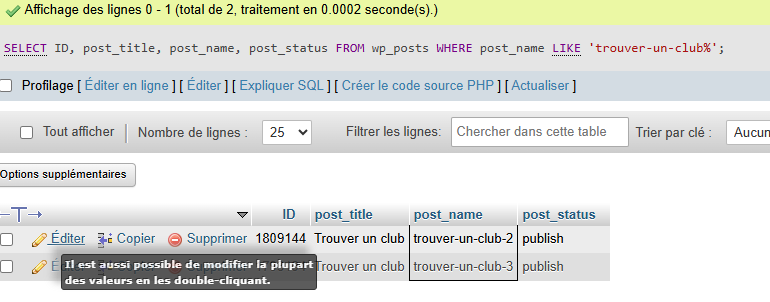
We also noticed that duplicates of pages are created in the database ("trouver-un-club-2", "trouver-un-club-3"). These are not pages created in WordPress.
While you wait for my colleague to take over the ticket, let me try to help you with the issue quickly.
Thank you for the detailed information and for sharing the steps you already tried.
Since the issue happens on the default language (French) pages and not only on translations, it is unlikely that this is caused by WPML itself. WPML normally only affects translated content and should not prevent CSS from loading on the original language page.
From what you described, this looks more related to cached Elementor CSS or generated files.
I recommend trying the following steps:
Go to Elementor → Tools → General and click Regenerate CSS & Data.
Clear all caches on the site, including any server cache, plugin cache, or CDN cache if you are using one.
In Elementor → Settings → Advanced, temporarily set CSS Print Method to Internal Embedding, save, and check if the issue persists.
If you are using any performance plugins (LiteSpeed, WP Rocket, Autoptimize, etc.), clear their cache as well.
Regarding the pages like trouver-un-club-2 or trouver-un-club-3, these are usually created automatically by WordPress when a slug already exists and a duplicate is generated (for example during revisions, imports, or page builder actions). They are not typically created by WPML.
If the issue still happens, a good diagnostic step would be to temporarily deactivate WPML and check the affected page. If the CSS issue still occurs with WPML disabled, then the cause is coming from the theme, Elementor, or caching layer rather than WPML.
Let us know how it goes.
Regards,
Dražen
The topic ‘[Closed] Some pages are broken: CSS is not loading and Elementor cannot open them’ is closed to new replies.