[Resolved] Split: Divi Supreme Pro Breadcrumbs issue
This thread is resolved. Here is a description of the problem and solution.
Problem: You are experiencing issues with WPML not recognizing content built or modified in Divi. Changes made to the original language pages in Divi, such as adding a breadcrumbs module, are not reflected in the translations, resulting in a broken layout on the translated pages. Solution: We discovered that there were custom CSS applied to your page that were not compatible with WPML. We recommend removing these custom CSS and retranslating the page to fix the issue. This should help in correctly reflecting the changes made in the original language across the translated versions.
If this solution does not resolve your issue, or if it seems outdated or irrelevant to your current situation, we highly recommend checking related known issues at https://wpml.org/known-issues/, verifying the version of the permanent fix, and confirming that you have installed the latest versions of themes and plugins. If problems persist, please do not hesitate to open a new support ticket at WPML support forum.
This is the technical support forum for WPML - the multilingual WordPress plugin.
Everyone can read, but only WPML clients can post here. WPML team is replying on the forum 6 days per week, 22 hours per day.
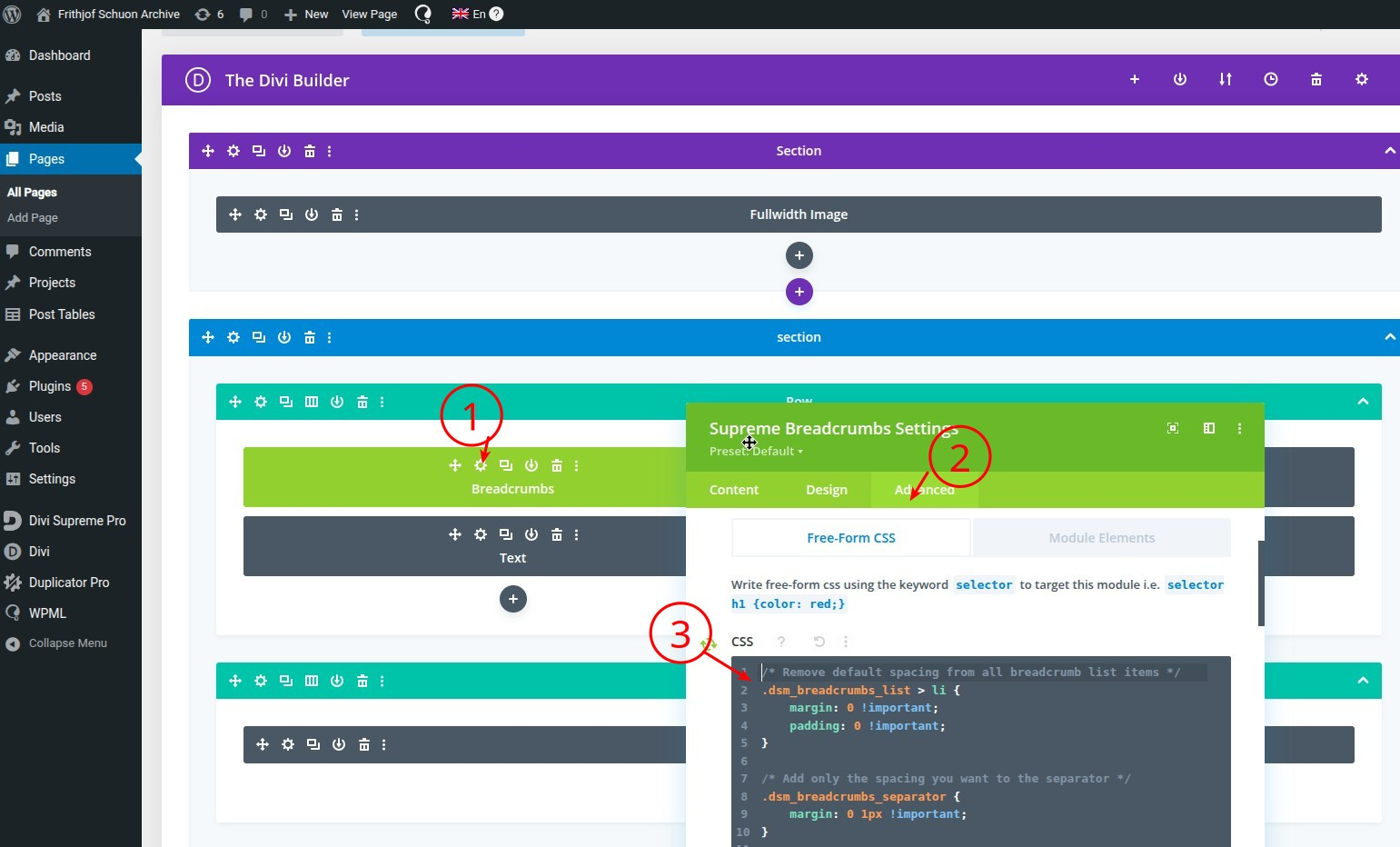
Thank you for waiting. We found that there were custom CSS applied to the page, which weren't compatible with WPML. Removing them, and retranslating the page, fixed the issue. Check the image attached.
Thanks for the update, I just saw it now because I do not receive any mails when you reply and the answer was on the second page. I hadn't seen it. I will check and get back to you. I am busy with a big project and will probably only manage to answer on Monday the 7th. Thanks for your great support and patience!
Hi, and first of all, sorry for the delay in getting back to you with feedback. Thanks so much for your wonderful support and help with this complicated website. In any case, this issue was resolved by removing the custom styling in the divi module...
I might have to come back to you and ask more questions as I go through the entire site carefully and try to get it back up to speed. I will have to find a way to style the breadcrumbs properly as on the detail pages they look like this when a title is long instead of everything being compact and on one line (see screenshot)... However, this is a minor difficulty at the moment. I appreciate the time and effort you took to help me.
Hi Lucas and thanks so much for your great support last week. I'm sorry to bother you again. I was able to move forward a bit with the work on the website but now have run into a new issue:
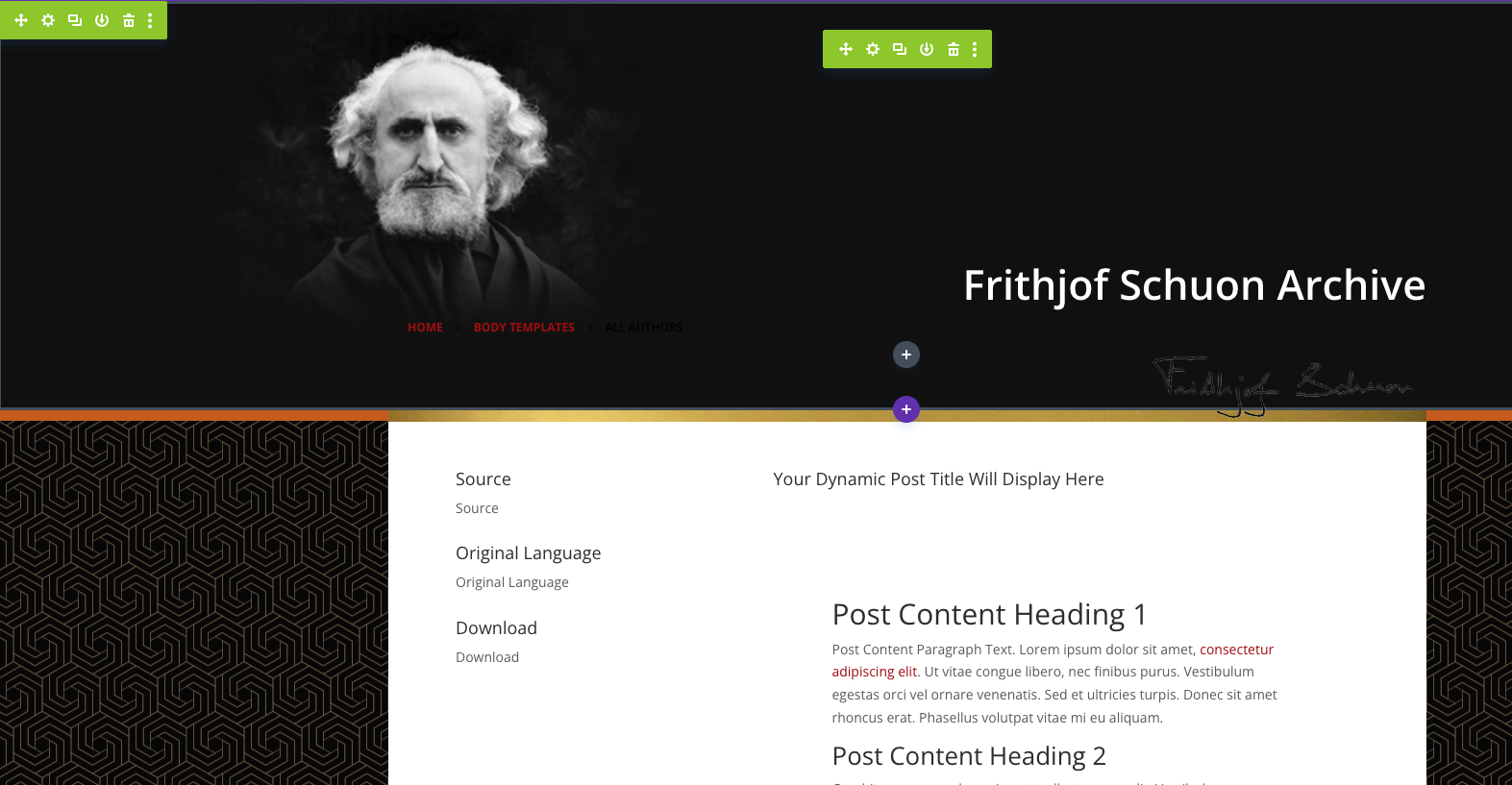
I have a post type: "chapters" and have used the divi builder to create a template for this type of post. In English I have some headers: Source, Language and Download and some dynamic content that is being pulled in. Both the headers and the dynamic content are somehow not being "seen" by wpml. Can you help me again? I am attaching some screenshots of the problem.
In the first screenshot you can see that the template for all chapters has been built with the Divi builder. The content is added to the regular WordPress backend and I am importing some dynamic content generated by the pods plugin such as the Source, the Language and the Download file. In the second screenshot you will see that I used String Translation to translate the three headers and in the third you can see the front end and where the dynamic content should appear (to the left)
For example, on this Original language post: hidden link
You can see to the left the Titles and dynamic content. However when you click on DE or FR the titles do not change and the first link does not go to the the german or french version but remains the same as the english. Can you help me again?
New threads created by Lucas Vidal de Andrade and linked to this one are listed below:
I'm glad I was able to help. I'm going on vacation soon, and since we can only handle one issue per ticket, I've created a new ticket for this new issue you brought: