Skip to content Skip to sidebar

This thread is resolved. Here is a description of the problem and solution.

Problem:

The client reported that the custom tab content translation for a product in Latvian (LV) was missing, despite being previously available. They were concerned about potential issues with other product page elements like descriptions, attributes, and variations when using the WordPress editor for translations.

Solution:

We advised the client to add the missing content for the Scientific Facts tab under Products >> Product Tabs in both languages. We noted that when tab content is added individually per product, it should translate during the product translation process. However, due to a compatibility issue with the Product Tabs for WooCommerce plugin, which does not display translations correctly, the workaround is to manually edit the product tabs in the Latvian language using the WordPress editor.

We also recommended using a consistent method for translations, choosing between WPML Advanced Translation Editor, WPML Classic Editor, or manual translation via the WordPress Editor to avoid synchronization issues and potential loss of translations. Additionally, we suggested taking a site backup before making any manual changes to translated content.

If this solution does not resolve your issue, or if it seems outdated or irrelevant to your case, we highly recommend checking related known issues at https://wpml.org/known-issues/, verifying the version of the permanent fix, and confirming that you have installed the latest versions of themes and plugins. If further assistance is needed, please open a new support ticket at WPML support forum.

This is the technical support forum for WPML - the multilingual WordPress plugin.

Everyone can read, but only WPML clients can post here. WPML team is replying on the forum 6 days per week, 22 hours per day.

Tagged: 

This topic contains 3 replies, has 0 voices.

Last updated by Bigul 8 months, 1 week ago.

Assisted by: Bigul.

Author Posts
June 10, 2025 at 5:58 pm #17123242

kasparsV

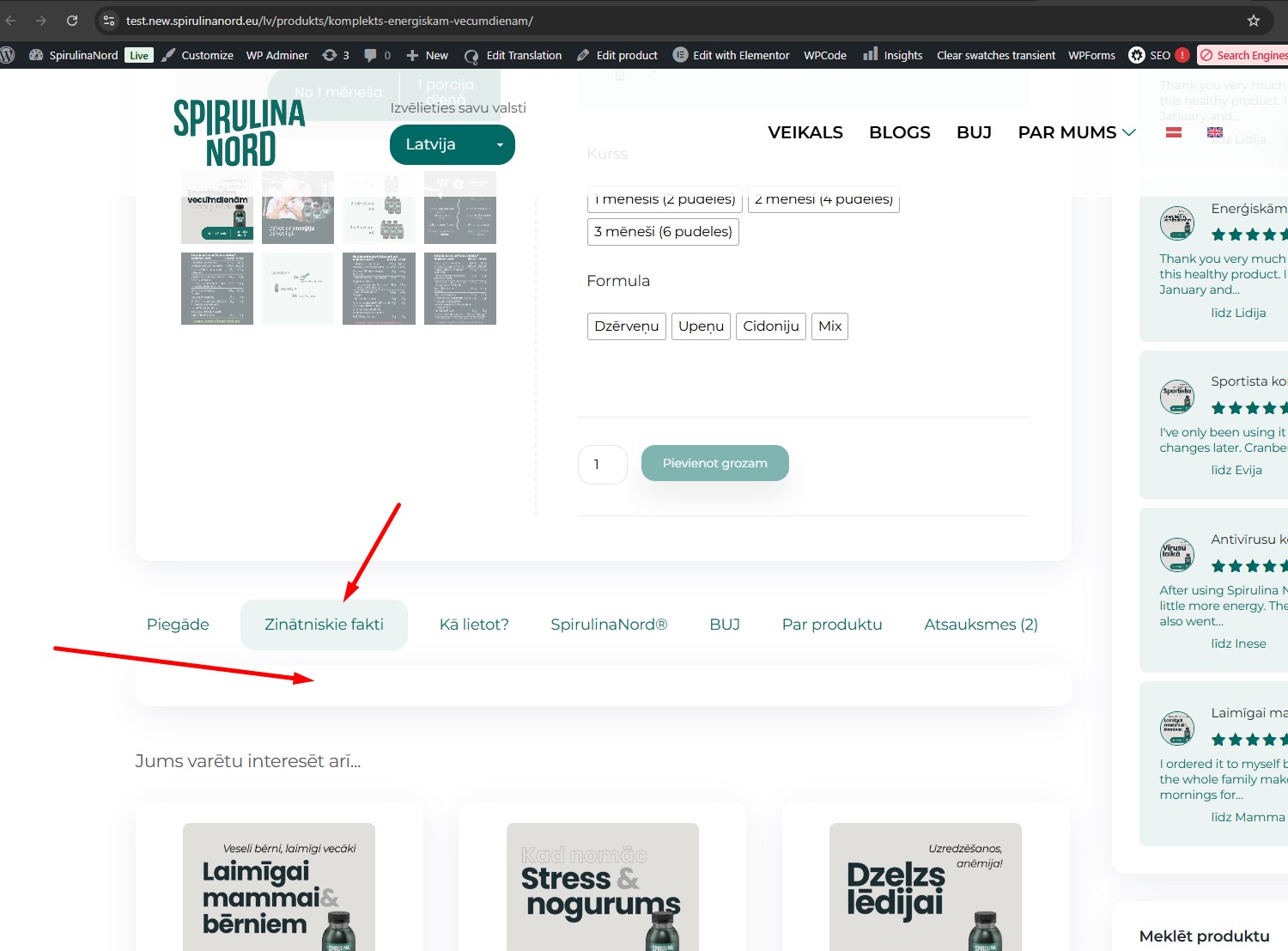
Custom tab is present for both languages. Content translation is missed for LV.
It was there but now its missed.

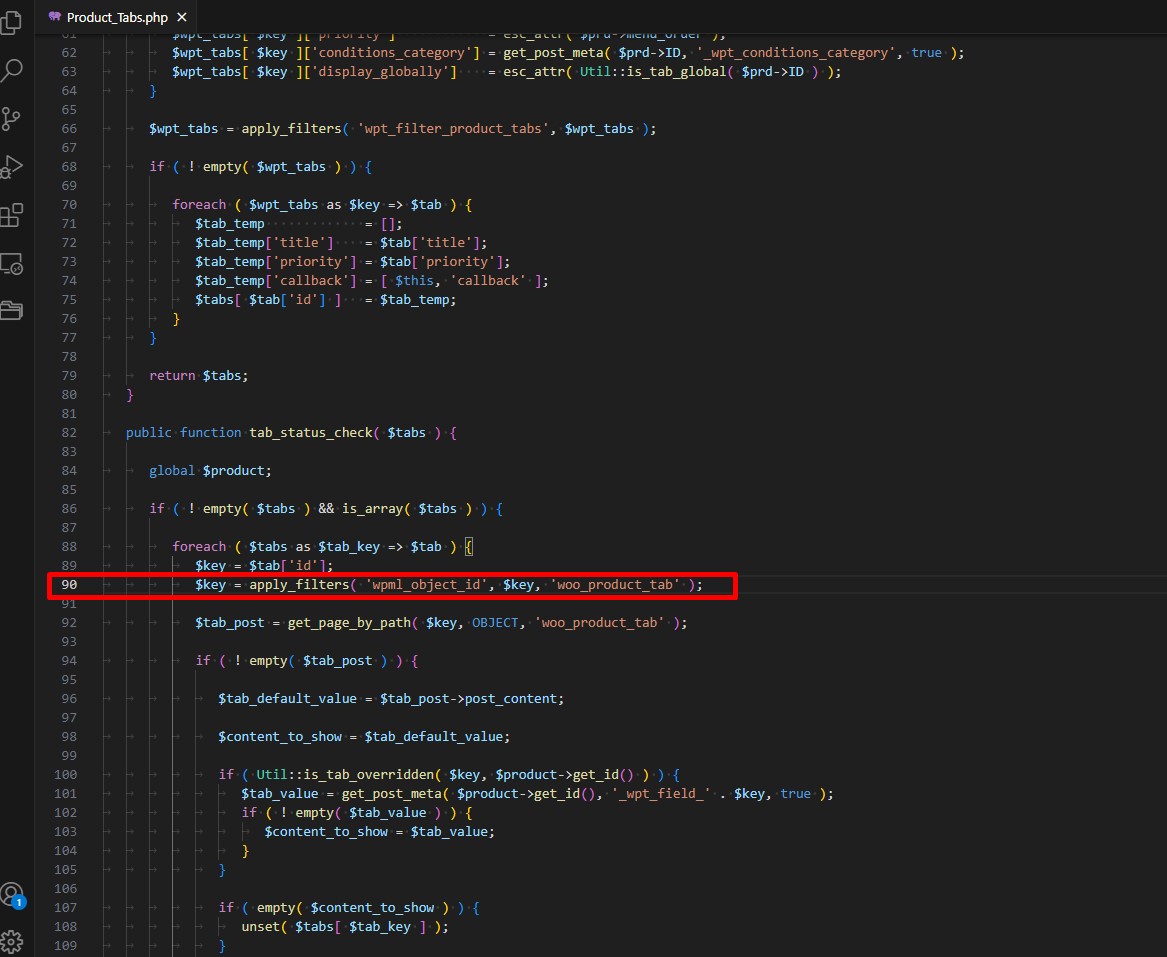
I checked the *woocommerce-product-tabs/src/Product_Tabs.php* file at line 90 and there is the code: $key = apply_filters( 'wpml_object_id', $key, 'woo_product_tab' );

You can check it with this product - hidden link

17122606-Screenshot_3.jpg
17122606-Screenshot_2.jpg
June 11, 2025 at 10:56 am #17125269

Bigul

Hello,

Welcome to the WPML support forum. I will do my best to help you resolve the issue.

You have added the content for the other tabs globally via Products >> Product Tabs, but the Scientific Facts tab is missing content in both languages.

Please add the description for the Scientific Facts tab under Products >> Product Tabs in both languages, and then check if the expected result appears.

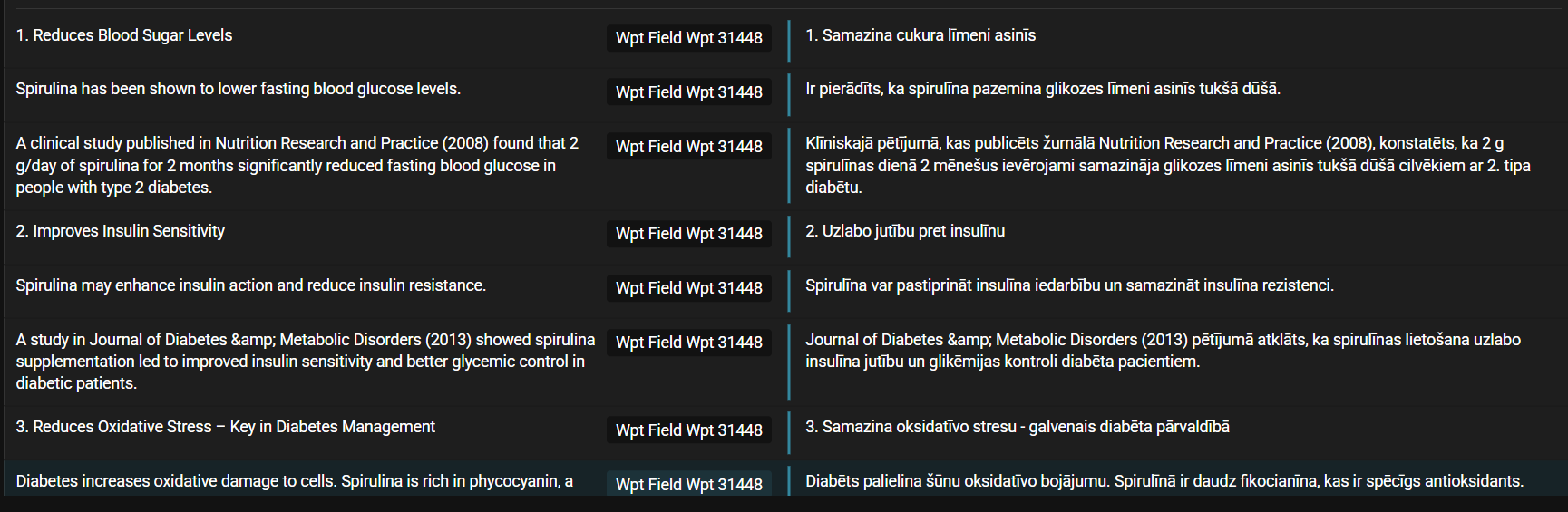
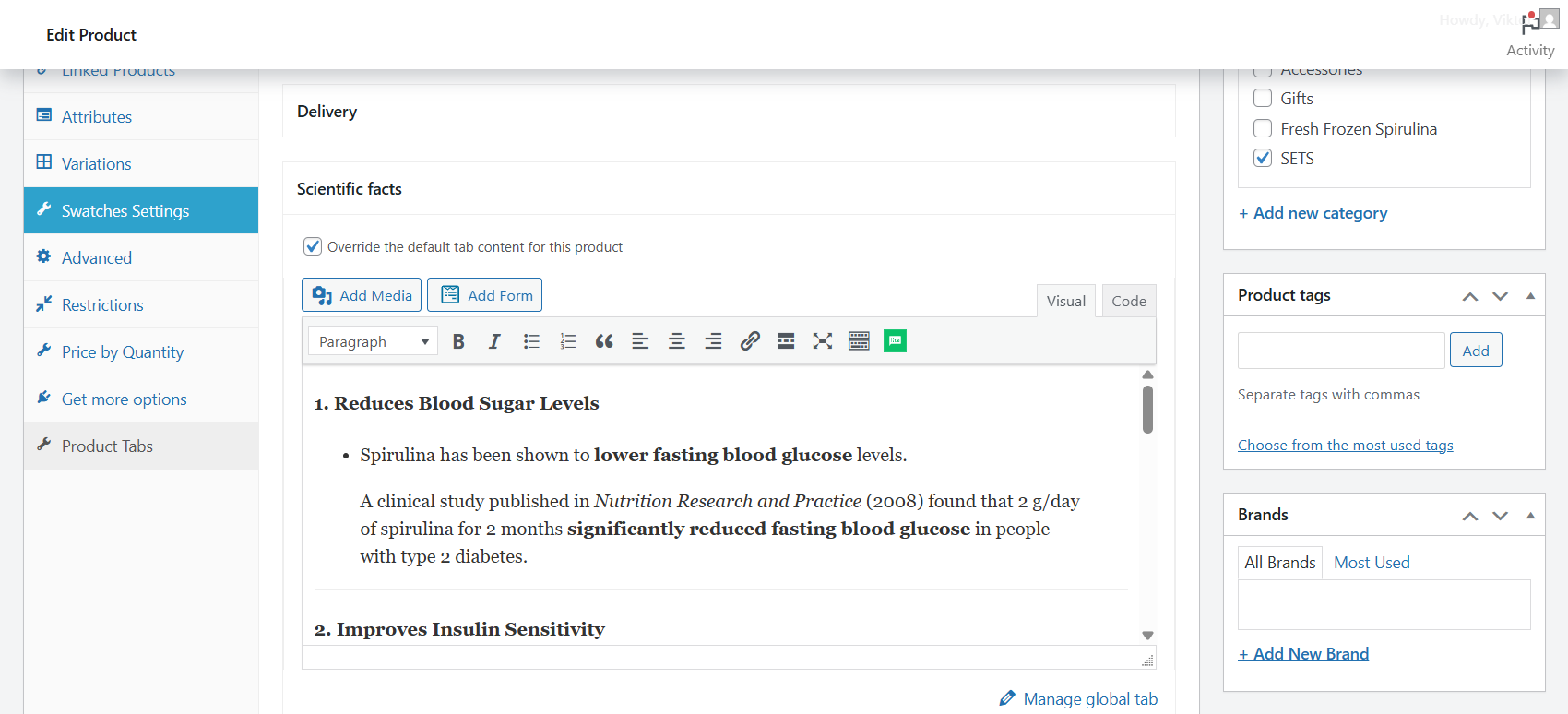
When tab content is added individually per product, it gets translated during product translation. However, the Product Tabs for WooCommerce plugin does not display those translations. So the only workaround is to manually edit the product tabs in the Latvian language using the WordPress editor.

Please check this screencast and attached images for more details: hidden link

This issue is caused by a compatibility conflict. As mentioned in the original ticket, the plugin (Product Tabs for WooCommerce) is not fully compatible with WPML. For further assistance, we recommend contacting the plugin author directly.

--
Thanks!

Bigul

2025-06-11_16h19_59.png
2025-06-11_16h05_39.png
June 11, 2025 at 1:13 pm #17125975

kasparsV

Will we have troubles with others things on a product page (description, attributes, variations) if we use WordPress editor for product translations?

Will auto translating work (for description, attributes, variations) in this case?

June 11, 2025 at 2:33 pm #17126537

Bigul

Hello,

Thank you for the updates. In this case, the best practice is to use the content from the Global Product Tabs (Products >> Product Tabs). Or please contact the plugin author for an expert opinion.

We strongly recommend using only one translation method — either WPML Advanced Translation Editor, WPML Classic Editor, or manual translation via the WordPress Editor. This helps prevent sync issues and potential loss of translations, as each method has a different backend workflow.

In most cases, translations are not lost when editing translated products. However, we advise taking a site backup before making any manual changes to translated content.

--
Thanks!

Bigul