Alex
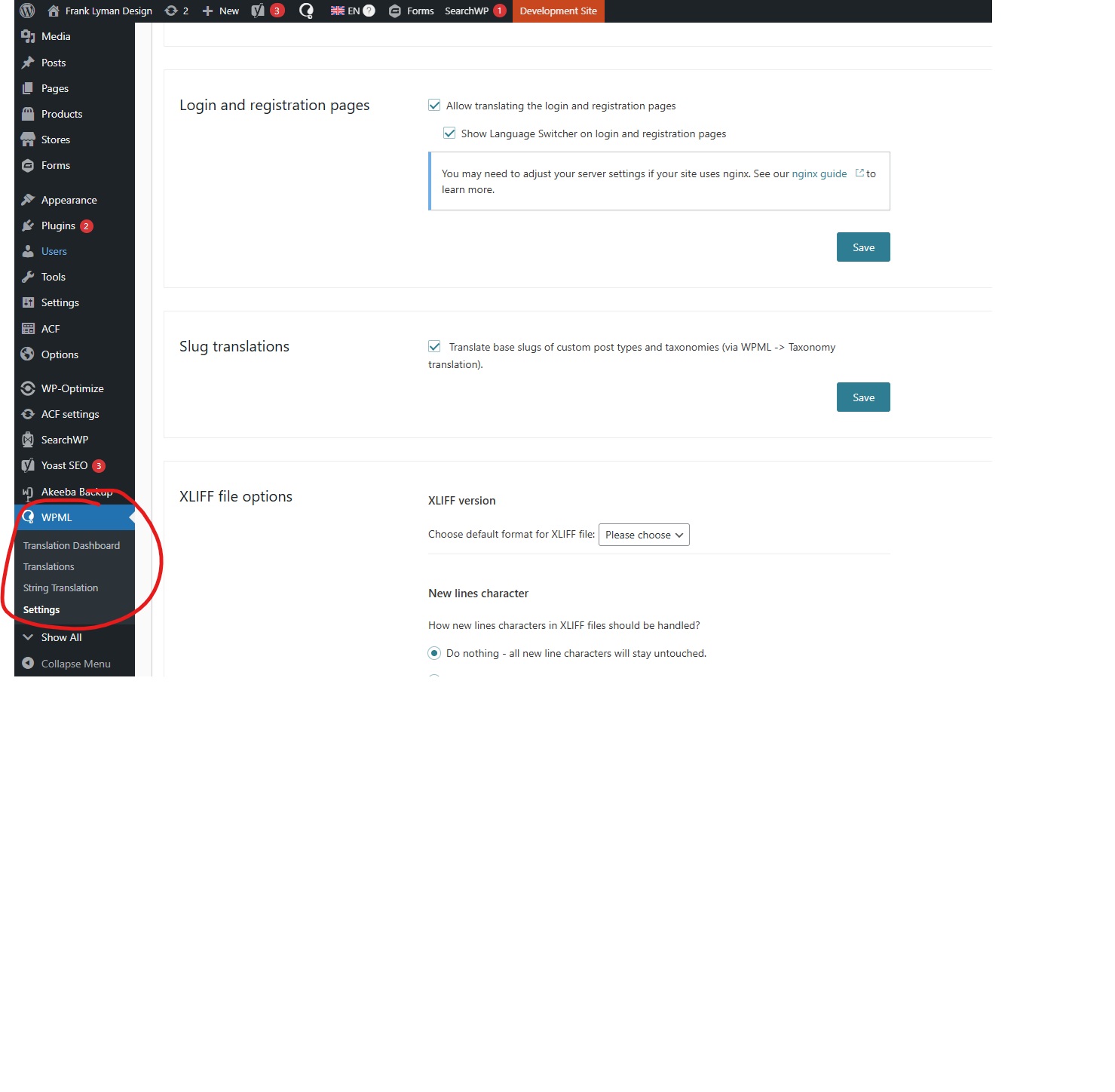
Hello, site is unrelated but please refer to the screenshot.
My client is admin, a translator but doesn't have all the items that I have under the WPML menu, for example "Taxonomy Translation". What do I need to do in order for the client to have access to everything?
Noman
Hi,
Thank you for contacting WPML Support. If the user is an Administrator, they should see all WPML menu items.
Please check the following:
1. Please make sure you are using the latest version of WPML plugins on your site.
2. If you are using a custom role editor plugin, please check that no WPML capabilities are restricted
3. If the issue persists, try to follow the suggestion from this thread: https://wpml.org/forums/topic/i-cant-find-wpml-translation-management/#post-16984338
If the issue persists, please add the debug report in the Debug Information box. I have also enabled debug info box for your next reply: https://wpml.org/faq/provide-debug-information-faster-support/
Thank you
Alex
The code snippet on this thread fixed the issue: https://wpml.org/forums/topic/i-cant-find-wpml-translation-management/#post-16984338