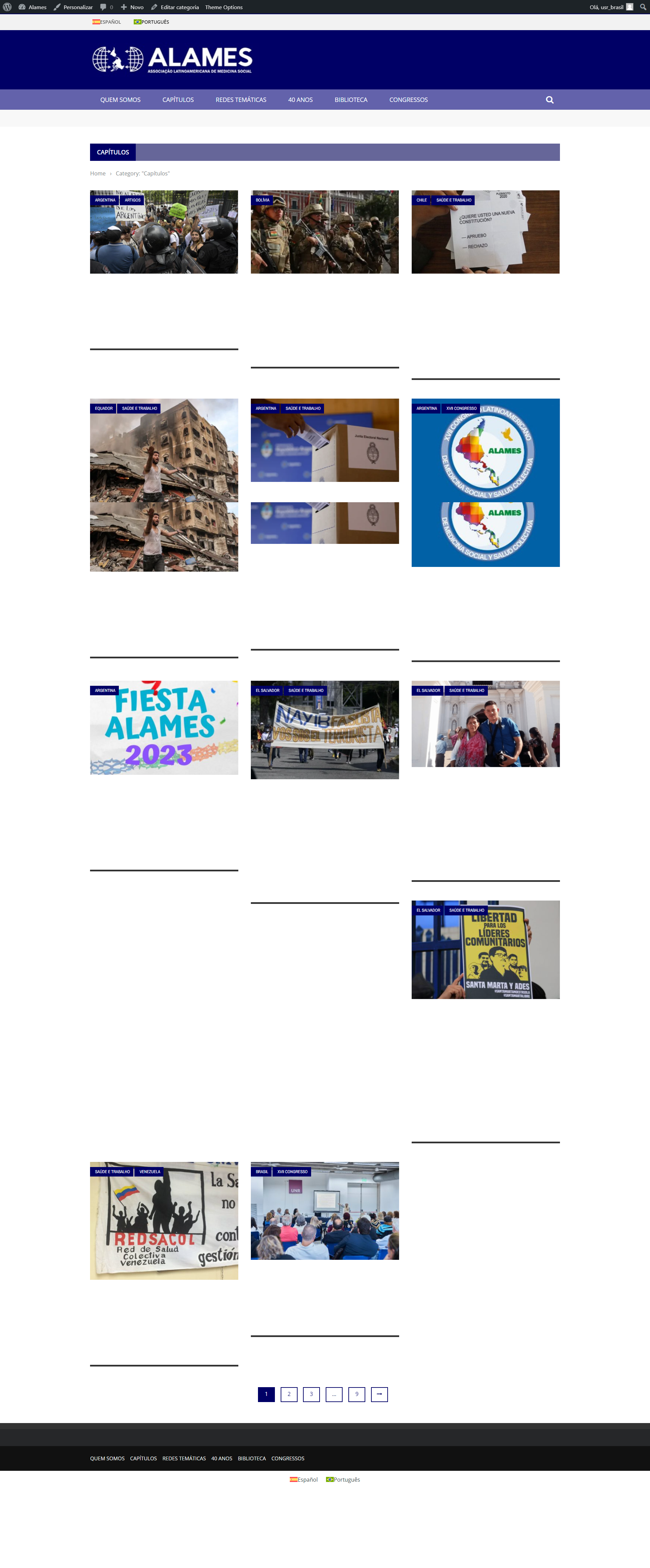
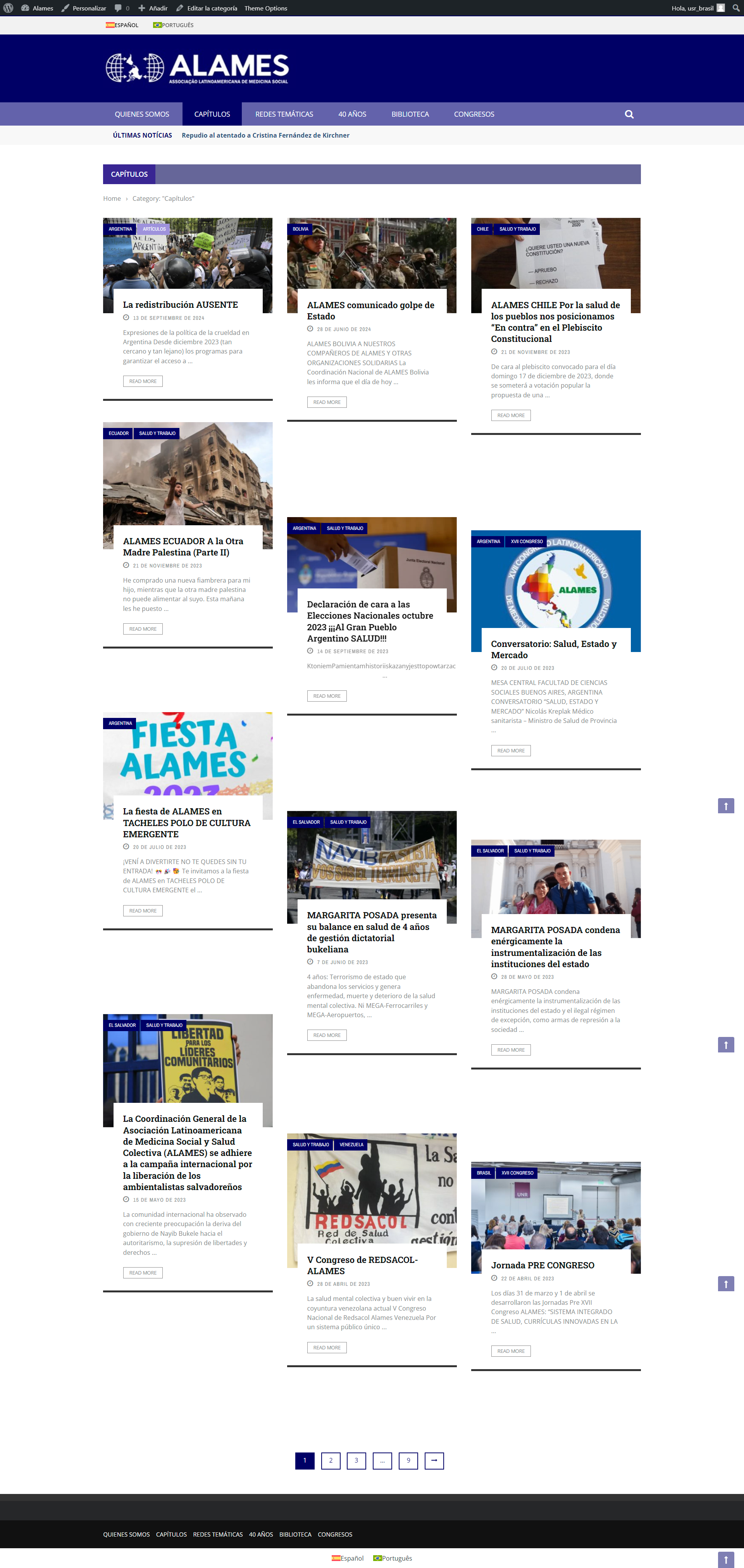
[Resolved] Text dissapear in translated version, category page
This thread is resolved. Here is a description of the problem and solution.
Problem: If you're experiencing text disappearance on category pages in the translated version of your website while using the Gloria Theme with WPML, it might be due to a compatibility issue. This problem occurs specifically when the theme uses an outdated version of jQuery UI. Solution: First, ensure that your theme and all plugins are updated to the latest versions. If the issue persists, you can try the following steps: 1. Open the theme's functions.php file and locate the wp_enqueue_script() function call for 'ui-core-js'. 2. Replace the src attribute with the latest CDN source URL for jQuery UI 1.14.0. Here is an example of how you can modify it:
if (!function_exists('gloria_post_admin_scripts_and_styles')) {
    function gloria_post_admin_scripts_and_styles($hook) {
        if ($hook == 'post.php' || $hook == 'post-new.php') {
            ...
            wp_enqueue_script('ui-core-js', 'https://cdnjs.cloudflare.com/ajax/libs/jqueryui/1.14.0/jquery-ui.min.js', '', true);
            ...
        }
    }
}
Additionally, installing the "Enable jQuery Migrate Helper" plugin from the WordPress Team might resolve the issue.
If these steps do not resolve your problem, or if the solution seems outdated or irrelevant to your case, we highly recommend checking related known issues at https://wpml.org/known-issues/, verifying the version of the permanent fix, and confirming that you have installed the latest versions of themes and plugins. If the issue persists, please open a new support ticket.
This is the technical support forum for WPML - the multilingual WordPress plugin.
Everyone can read, but only WPML clients can post here. WPML team is replying on the forum 6 days per week, 22 hours per day.
Background of the issue:
I have a post-based website at hidden link. I am translating content from Spanish to Portuguese using WPML. I haven't yet translated all posts.
Symptoms:
In the translated version, the text disappears on category pages, although images display correctly. This issue occurs when viewing posts on category pages like 'capitulos' or 'biblioteca' in Portuguese.
Questions:
Why does the text disappear on category pages in the translated version?
How can I ensure that text appears correctly on category pages after translation?
Could you please increase the WordPress memory limit (WP Memory Limit) to at least 256 MB? WPML requires at least 128M.
Your current values are:
PHP Memory Limit 600M
WP Memory Limit 40M
You need to connect to your website's server and open the wp-config.php file in a text editor. The file is located in the WordPress root directory.
Add this code to the wp-config.php file to increase WordPress memory:
define ('WP_MEMORY_LIMIT', '256M');
Add this just before this comment:
// That's all, stop editing! Happy blogging.
The current values can be viewed under WPML > Support > WordPress.
These settings can be restricted directly by your hosting provider. Therefore, I recommend contacting them and asking them to change them directly if the changes are not applied immediately.
Now, please reivse if the issue persists and let me know if further assistance is needed.
Languages: English (English )Spanish (Español )German (Deutsch )
Timezone: America/Lima (GMT-05:00)
Hello,
I would like to offer to have a closer look at the problem and request temporary access (wp-admin and FTP) to the website to investigate this issue further.
You can find the required fields below the comment section when you log in to leave the next reply. The information you provide is private, which means only you and I can see and access it.
IMPORTANT
Please be sure to make a backup copy of the website and database before allowing us access.
If you can't see the wp-admin / FTP fields, your post and website credentials are set as PUBLIC. DO NOT publish the data unless you see the required wp-admin / FTP fields.
I may have to install a plugin called "All In One WP Migration" to make a copy of the website where I can investigate the issue further.
However, I would also be very grateful if you could provide a staging site or copy of the website from your server yourself for this purpose. This step would only be required if the issue is replicable on such a staging site.
If you have any questions about creating such a staging site, you can consult your hosting provider. Just take note that WPML should be registered on this site again.
If you are unable to provide such a copy of the site for testing, please let me know on this ticket.
The private response form looks like this: hidden link
Next time you reply, click "I still need assistance."
Video: hidden link
Please note that we are obliged to request this information individually on each ticket. We may not access any access information not specifically submitted on this ticket in the private response form.
Languages: English (English )Spanish (Español )German (Deutsch )
Timezone: America/Lima (GMT-05:00)
This appears to be a compatibility issue between the Gloria Theme and WPML Multilingual CMS.
I can offer to provide a WPML test site on which you can install the latest version of the Gloria Theme and its plugins in the latest available versions, so that we try to recreate the issue and take further steps.
Sure. I'm also in contact with the creators of the Gloria Theme. They too asked me to grant them access to my admin area, but I'm still waiting for theis feedback.
I installed the theme and plugins in the sanbox. Please take notice that there are auxiliary plugins that are avaiable only through the theme's dashbord, after the theme's activation and I didn't have access:
BK Shortcode Plugin
Gloria admin panel
Gloria extension
Sidebar Generator
Taxonomy meta
And the sample content
Languages: English (English )Spanish (Español )German (Deutsch )
Timezone: America/Lima (GMT-05:00)
The issue is that the theme has not received an update since 2023 and is using an outdated version of jQuery UI.
Inside the theme's functions.php file at line 284, replace the src attribute of the wp_enqueue_script() function that call 'ui-core-js' using the latest CDN source URLs for jQuery UI 1.14.0: