Skip to content Skip to sidebar

This thread is resolved. Here is a description of the problem and solution.

Problem:
The advanced editor does not load anymore.
Solution:
We recommend clearing your browser cache as outlined in our errata on the Advanced Translation Editor (ATE) freezing issue. You can find the instructions here: https://wpml.org/errata/advanced-translation-editor-ate-freezing-issue-on-certain-browsers/. If this does not resolve the issue, we suggest trying a different browser to see if that fixes the problem.

Please note that the solution provided might be irrelevant if it's outdated or not applicable to your case. If the issue persists, we highly recommend checking the related known issues, verifying the version of the permanent fix, and confirming that you have installed the latest versions of themes and plugins. If you still need assistance, please open a new support ticket in the WPML support forum.

This is the technical support forum for WPML - the multilingual WordPress plugin.

Everyone can read, but only WPML clients can post here. WPML team is replying on the forum 6 days per week, 22 hours per day.

Tagged: ,

This topic contains 4 replies, has 2 voices.

Last updated by jan-hinrichF-2 1 year, 10 months ago.

Assisted by: Noman.

Author Posts
April 16, 2024 at 2:22 pm #15526307

jan-hinrichF-2

The advanced editor does not load anymore.

April 16, 2024 at 4:42 pm #15527308

jan-hinrichF-2

None of the recommended approaches have been able to solve the problem.

April 17, 2024 at 6:40 am #15529470

Noman
WPML Supporter since 06/2016

Languages: English (English )

Timezone: Asia/Karachi (GMT+05:00)

Thanks for trying those steps. To take a closer look at this issue, please provide temporary access (WP-Admin and FTP Login info) to your site (preferably staging site), so that I can look into your setup and debug the issue.

Your next answer will be private which means only you and I have access to it.

=== Please backup your database and website ===

✙ I would additionally need your permission to deactivate and reactivate Plugins and the Theme and to change configurations on the site. This is also a reason the backup is really important.

✙ Please provide me with an example page/post link where I can see this issue.

Thank you

April 17, 2024 at 10:05 am #15530753

Noman
WPML Supporter since 06/2016

Languages: English (English )

Timezone: Asia/Karachi (GMT+05:00)

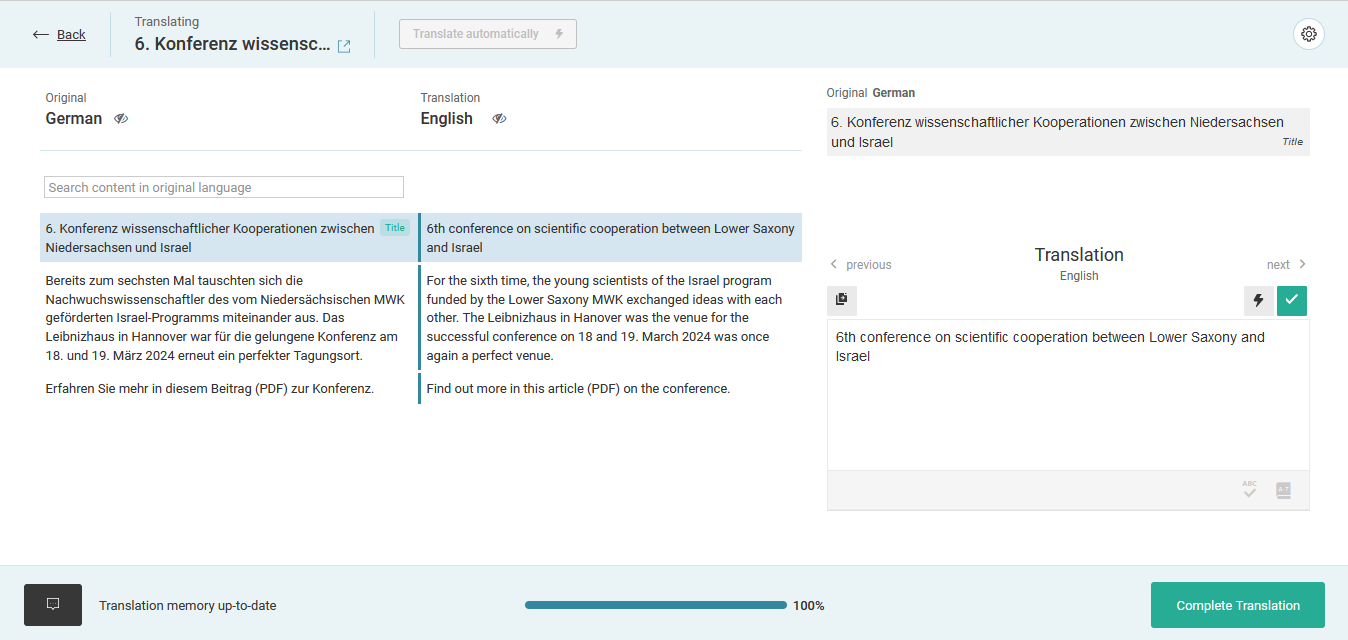
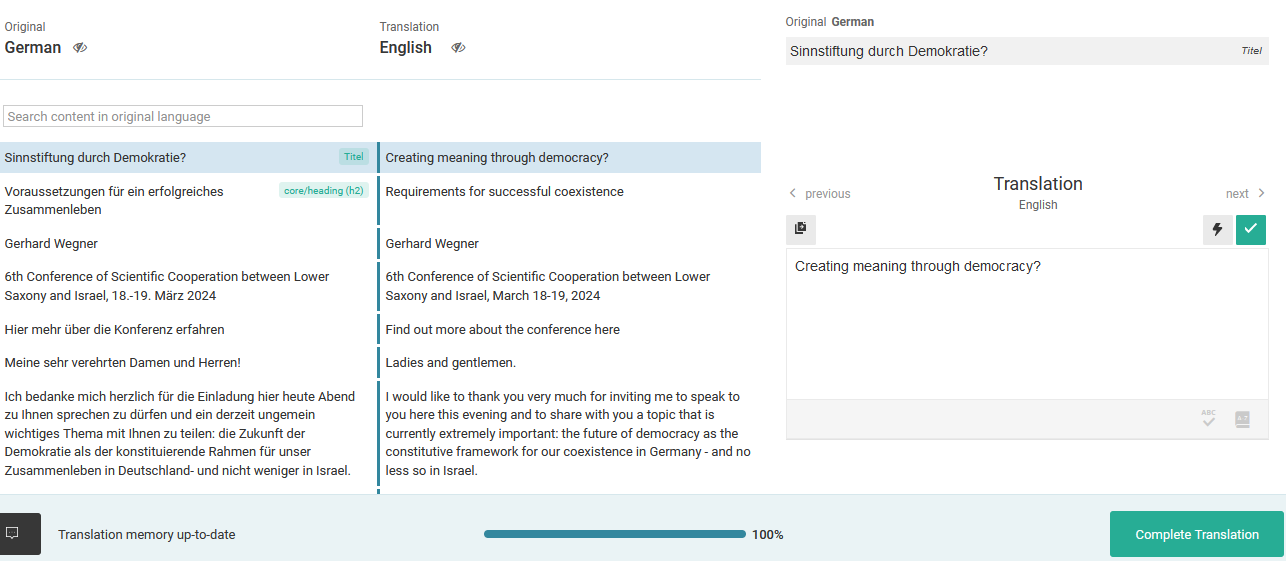
We have released an update for ATE. Please try clearing your browser cache or using a different browser to see if it fixes the issue. I tested it with a few posts and it's working fine for me now, as you can see in the attached screenshots. Let me know if you need further assistance.

Thank you for your cooperation

post 1.png
post 2.png
April 17, 2024 at 11:08 am #15531222

jan-hinrichF-2

After clearing the cache for the site and the WPML editor URL, it works. Thank you!