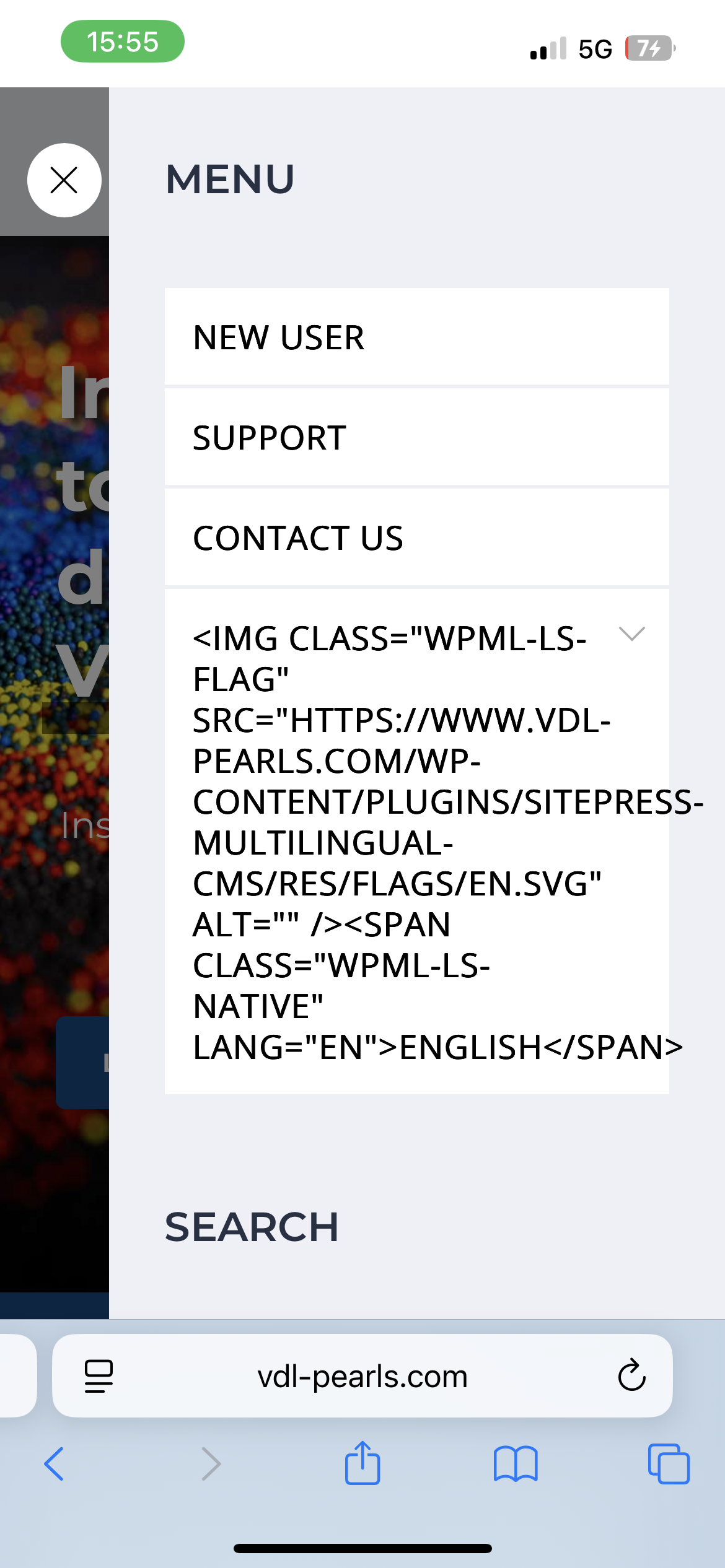
Home›Support›English Support›[Resolved] The language switcher on the mobile menu is only showing a piece of coding
[Resolved] The language switcher on the mobile menu is only showing a piece of coding
This thread is resolved. Here is a description of the problem and solution.
Problem: If you're experiencing issues with the language switcher on your mobile menu displaying coding instead of language flags and names, it's likely due to the theme bypassing
wp_nav_menu()
and its walkers, using
wp_get_nav_menu_items()
to grab raw items and rebuild its own HTML, which breaks the language switcher. Solution: We recommend you try the following steps to resolve this issue: 1. Ensure you have a backup of your site. 2. Open the
...partials/headers/parts/mobile_menu.php
file. 3. Locate around line 17, right below the line:
foreach ( (array) $menu_items as $key => $menu_item ) {
Please note that this solution might be irrelevant if it's outdated or not applicable to your case. We highly recommend checking related known issues at https://wpml.org/known-issues/, verifying the version of the permanent fix, and confirming that you have installed the latest versions of themes and plugins. If the issue persists, please open a new support ticket.
This is the technical support forum for WPML - the multilingual WordPress plugin.
Everyone can read, but only WPML clients can post here. WPML team is replying on the forum 6 days per week, 22 hours per day.
Background of the issue:
I was trying to use the language switcher on the mobile menu to display different language flags and the name of the language to select.
Symptoms:
The language switcher on the mobile menu is only showing a piece of coding instead of the expected language flags and names.
Questions:
Why is the language switcher showing a piece of coding instead of language flags?
How can I fix the language switcher to display the correct language options?
Ok so I tried to install the theme and the plugins but I got some errors while installing. Maybe this was because the WPML plugins were allready activated. Could you reset the sandbox website please so I can try again and disable the plugins first.
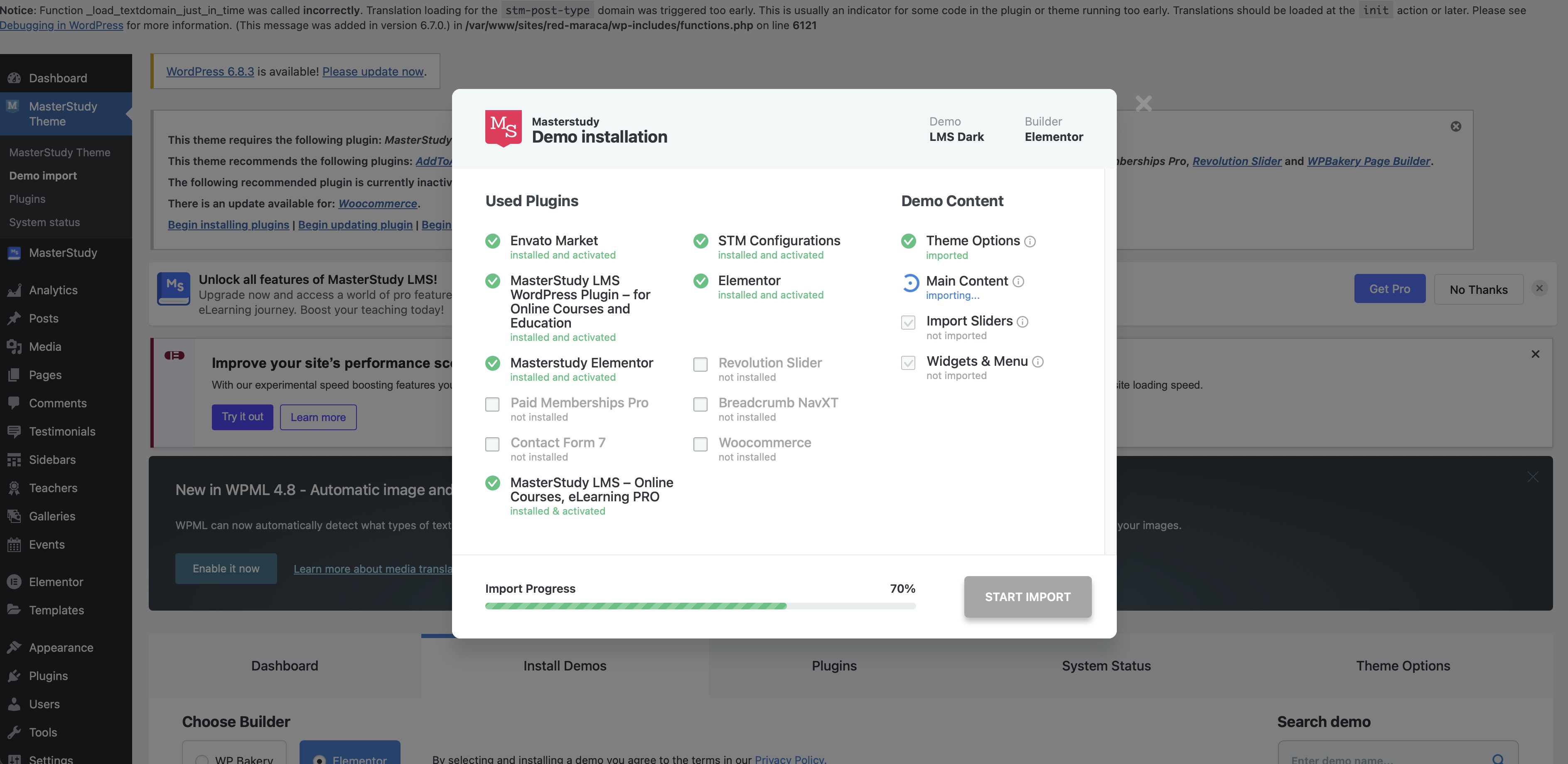
Very strange, I get errors when trying to install the demo-content of the theme I used to make my website. Can you reset the website one more time? Then I will deselect every plugin that is possible to deselect when installing the demo content.
Hi, Ok so the error happened again when I tried to import the demo content. Can you please check the debug log? See the top side of the screenshot. And after that it didn't load further then 70%...
I tried to replicate all the settings but now the items of the top menu don't show...
Update: I added a language switcher in the footer on vdl-pearls.com and that works good on the mobile. Maybe this will help you with finding the problem/solution.
Thanks for sharing. I was able to reproduce the issue on the Sandbox without the demo content, please leave it as it is. I've forwarded the ticket to our 2nd tier team and will get back to you once I hear from them, what usually takes a few days.
Thank you for waiting. We were able to pinpoint the issue with the theme. It bypasses wp_nav_menu() and its walkers, grabs raw items via wp_get_nav_menu_items(), and rebuilds its own HTML. That custom markup breaks the language switcher.
To fix it, ensure to have a backup and follow the steps below.
1. Open the ...partials/headers/parts/mobile_menu.php file.
2. Around for line 17, right below the line:
foreach ( (array) $menu_items as $key => $menu_item ) {
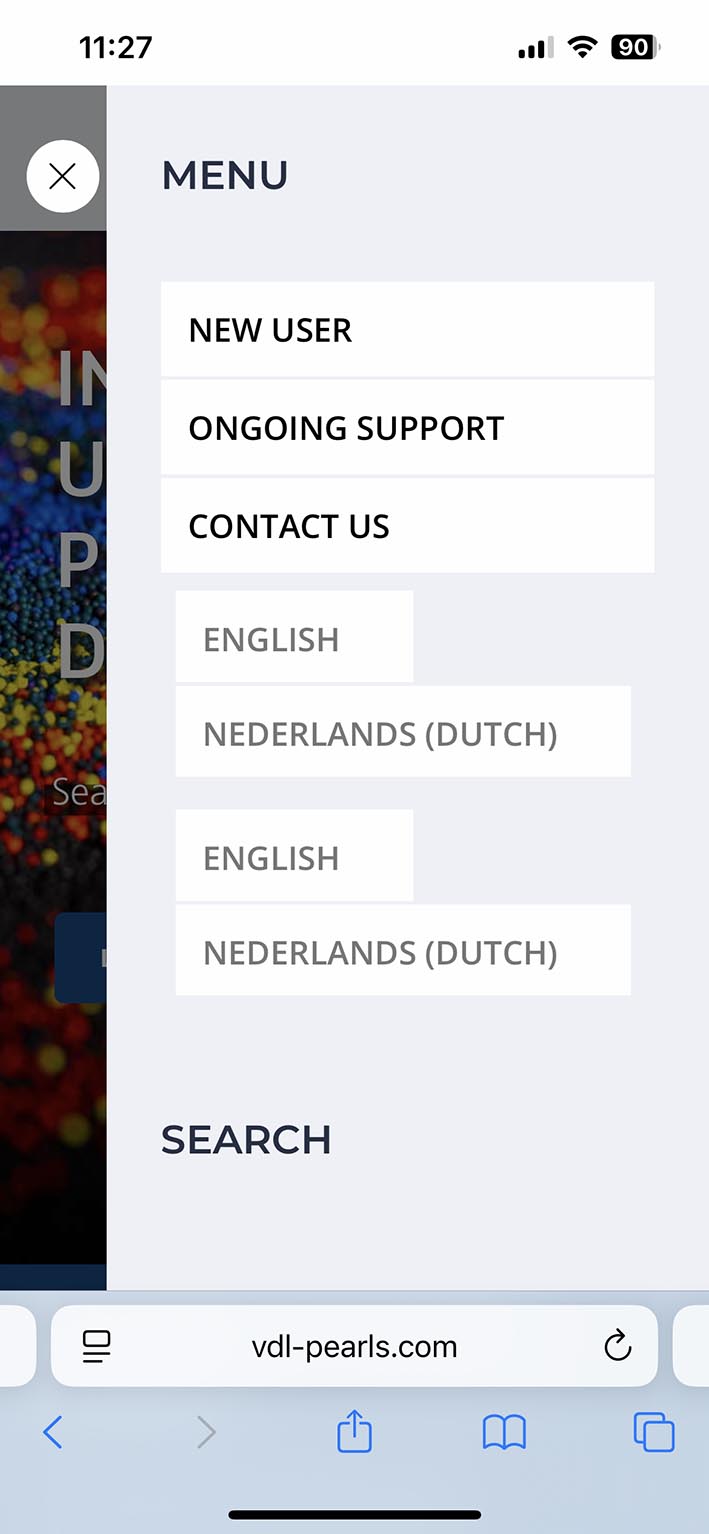
If you look at my attachment you can see there are 2 times the options to choose the language and it is not a fold-out menu like in the desktop version and there are no flags. Can this be fixed?
And do I need to send this fix to MasterStudy as well so they can implement it in future updates you think?