[Resolved] Translated custom post type not showing
This thread is resolved. Here is a description of the problem and solution.
Problem: The client inherited a website where translated custom post types were not displaying correctly. Despite the fields being marked as 'translation complete', only the titles and URLs were correctly translated when switching languages, while the main content did not appear. Solution: We identified two main issues affecting the display of translated content: 1. The ACF post types were incorrectly set as translatable in WPML. We recommended setting these to 'Not translatable' as only the content should be translated, not the ACF structure itself. 2. The Elementor template used for the products was saved as 'Draft' instead of 'Published'. Publishing the template resolved the display issues. We advised the client to delete any duplicate translated ACF post types and ensure that only the original remains. Additionally, it's important to switch the admin language to the desired language (Catalan in this case) to confirm that the relevant template is published.
Please note that this solution might be outdated or not applicable to your specific case. If the issue persists, we highly recommend checking related known issues at https://wpml.org/known-issues/, verifying the version of the permanent fix, and confirming that you have installed the latest versions of themes and plugins. If necessary, please open a new support ticket at WPML support forum for further assistance.
This is the technical support forum for WPML - the multilingual WordPress plugin.
Everyone can read, but only WPML clients can post here. WPML team is replying on the forum 6 days per week, 22 hours per day.
Hello,
We inherited a website under development from a customer of ours, and it seems they always had the issue that translated custom post types are not currently showing on the site.
All the posts' fields are translated, and the posts show up as 'translation complete' inside the translation manager page.
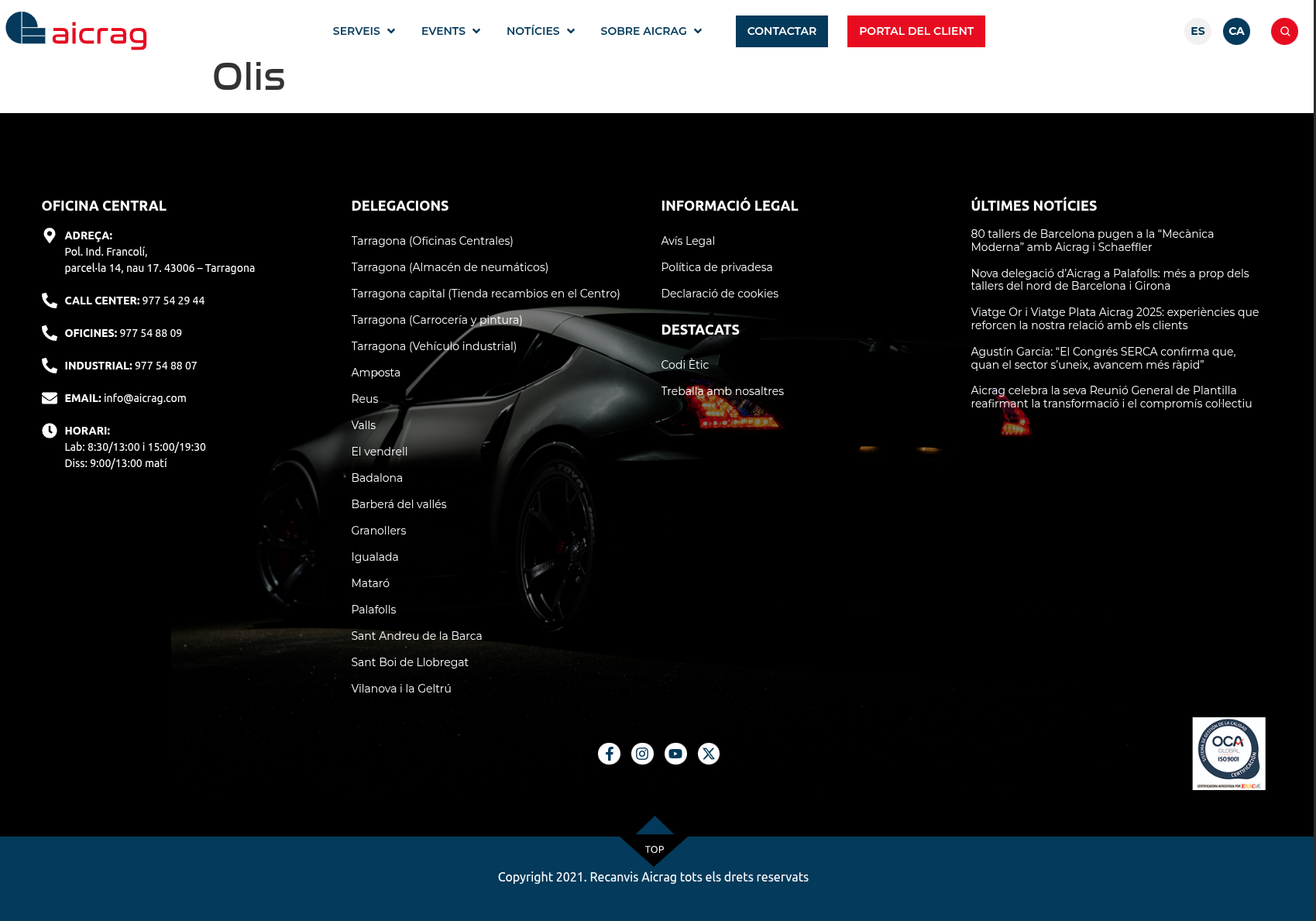
When you switch languages (from spanish to catalán), only the title shows up and the url productos/aceites shows up as productes/olis, which is correct. The header and footer both show up translated.
I already checked Taxonomy settings inside WPML and double checked that ACF content is configured to be translated and to default to the original language if it's not.
Welcome to WPML support. The ACF Field Groups custom post type shoul dnot be set as translatable.
Please go to WordPress Dashboard > WPML > Settings > Post Types Translation and find the "acf-field-group" row in the table. Seelct the "NOT TRANSLATABLE" option for that row and save the result.
After that please do as follows:
- Go to your Dashboard > Custom post type in question.
- Open the edit screen of the original post type. You should see a pencil/circle/gear icon in the sidebar options under the "Languages" section.
- Make a small change, for example, add an extra blank space at the end of a sentence/paragraph.
- Save it.
- You should now see that a circular arrow appears beside the 2nd languages links, this means that an update is required.
- Edit the translation again and save it up to 100% translated.
I did as instructed, set the acf-field-group to "not translatable", added a white paragraph, saved, and upgraded the page translation, to no avail, the translated custom post type still shows up empty.
Did the same with another page, same result, the post shows up empty (see attachment).
Thank you for following the steps. I will need to enter the website and do troubleshooting. As troubleshooting includes deactivating plugins and applying changes that might break the website I will need a staging/copy version of the website.
If you have that please provide the login info for that, if not please ask your hosting service provider to create a copy for you and then share the login info.
You will have a checkbox below the reply box to set the next reply as private and only then you will be able to share the login information.
Thank you for the login information. Would you please check this video?
hidden link
Video Summary;
- I disabled multiple plugins (including network plugins) for testing and may not have restored them exactly as before.
- The issue was caused by setting the ACF post type as translatable in WPML, which is not recommended.
- I changed ACF posts to Not translatable and removed the duplicate post type created from translation.
- Only the content should be translated, not the ACF structure itself.
- After the fix, product pages display correctly in Catalan.
- Please restore from backup if needed, then reapply these steps.
Many thanks for the debugging and the video. Do not worry about the network plugins, it's not important.
However, I'm still unable to see the products. I saw that you removed one of the duplicate productos from ACF, but when I click on a product, let's say:
hidden link
And try to see its translated counterpart, which is:
hidden link
I still get a blank page. I couldn't replicate what you showed on the video.
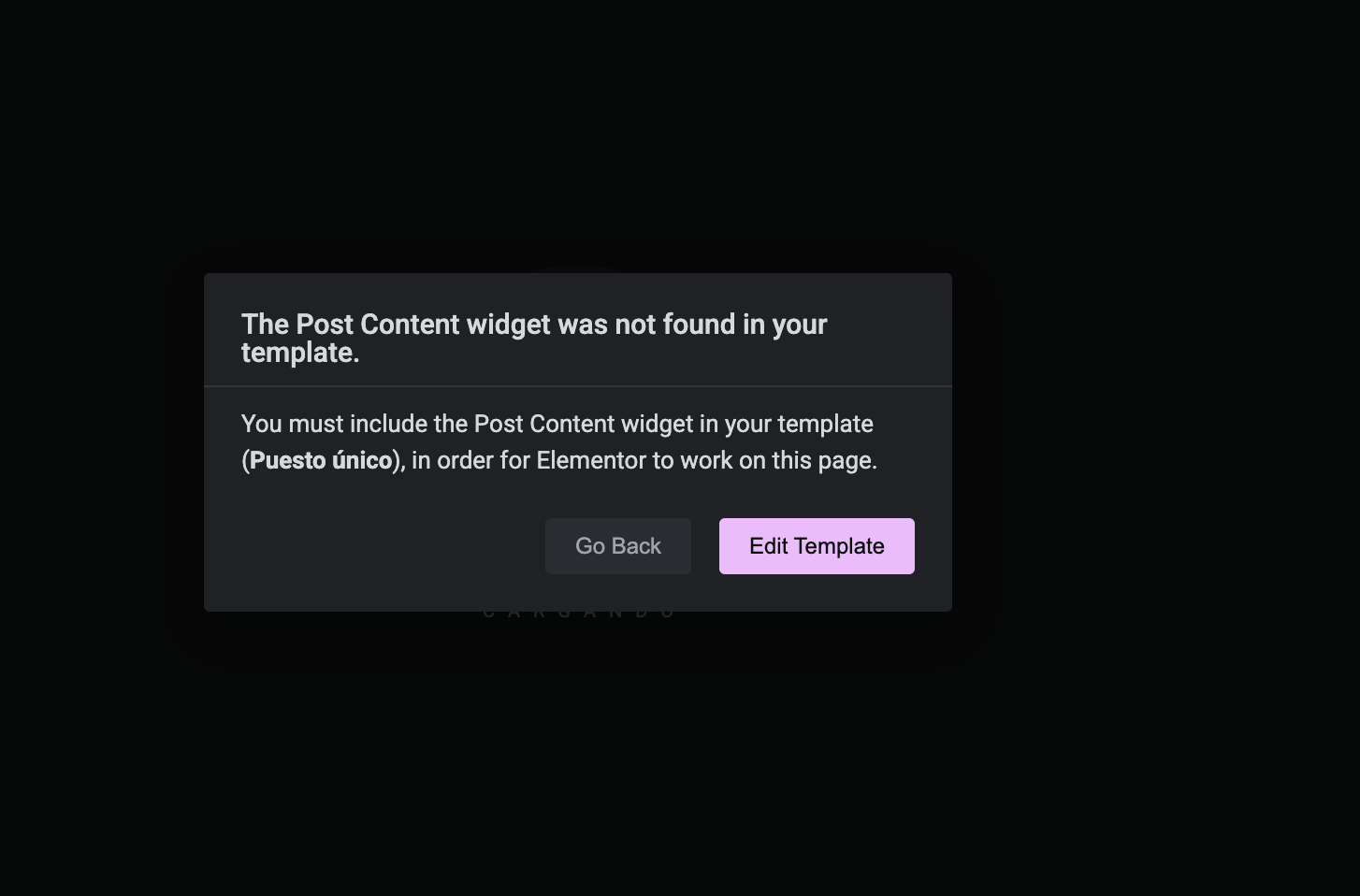
Thank you. One thing that I have found is when I want to go to Elementor In Spanish which is supposed to be the original language, to see the content of the custom post type I see the problem attached to this reply.
Here is the link:
hidden link
So it seems something is wrong there that needs to be fixed first.
May I ask you to fix that so I can continue my investigation?
first of all, let me say that we're impressed with your work! You were able to pinpoint the issue. I really appreciate what you have done and I thank you a lot.
This web was done by another provider, and we inherited it, the customer was delighted to see the translated products appear yesterday.
So, as a matter of fact, let me recap everything to see if we got this properly.
As far as we understood, there are three separate fronts here.
- First of all, ACF posts and ACF groups were configured incorrectly to be translated. They should be set to NOT being translatable.
- Second, due to previous issue, the post types were also duplicated. As far as I see, we should delete the duplicated ones (perhaps the ones in catalan), and check that the Registration of the post types works (as they are duplicated now, the first ones register, the second ones don't, see attachment).
- Third, and last, we should review all the custom type templates and make sure that they're published and properly formatted (and that they include the 'main content' tags, too, as happened with 'productos').
Is that it?
Again, I don't know how I can thank you enough for your work debugging this issue.
We've been working on it for a while now, and we're getting all the content in catalan to show. We were able to show all products and services correctly now. Many templates were in draft, and content started appearing as soon as we published them.