This thread is resolved. Here is a description of the problem and solution.
Problem:
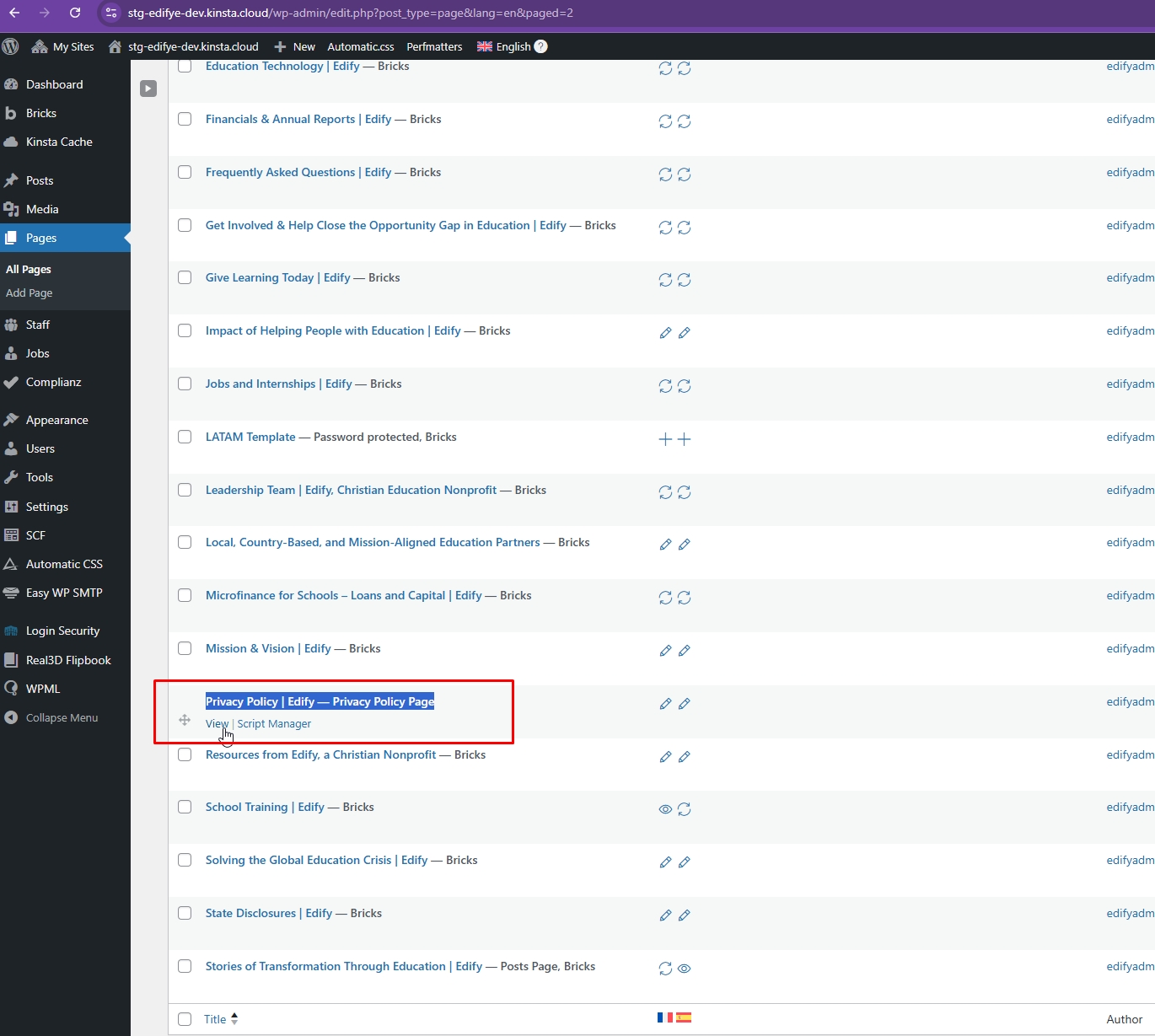
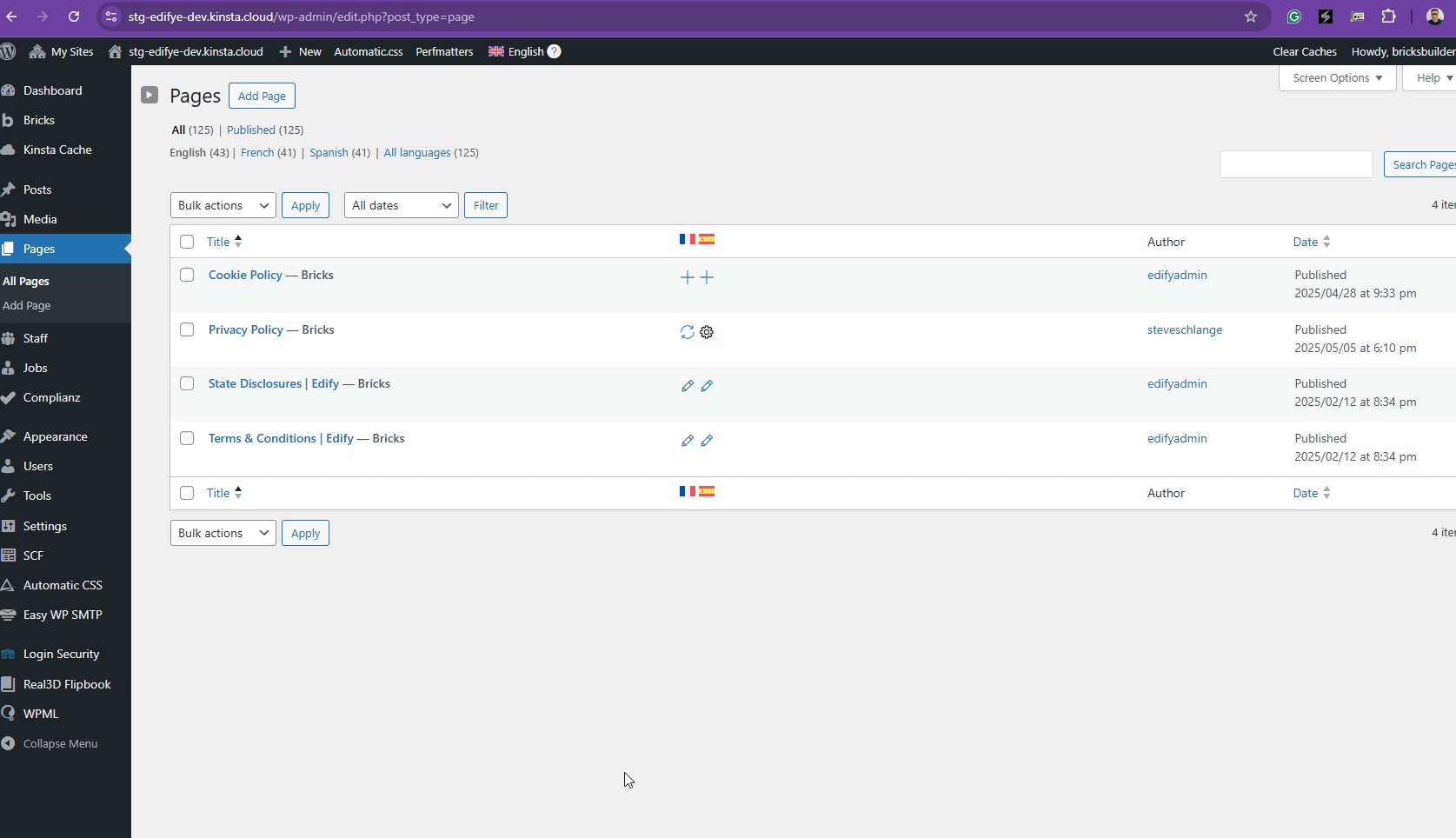
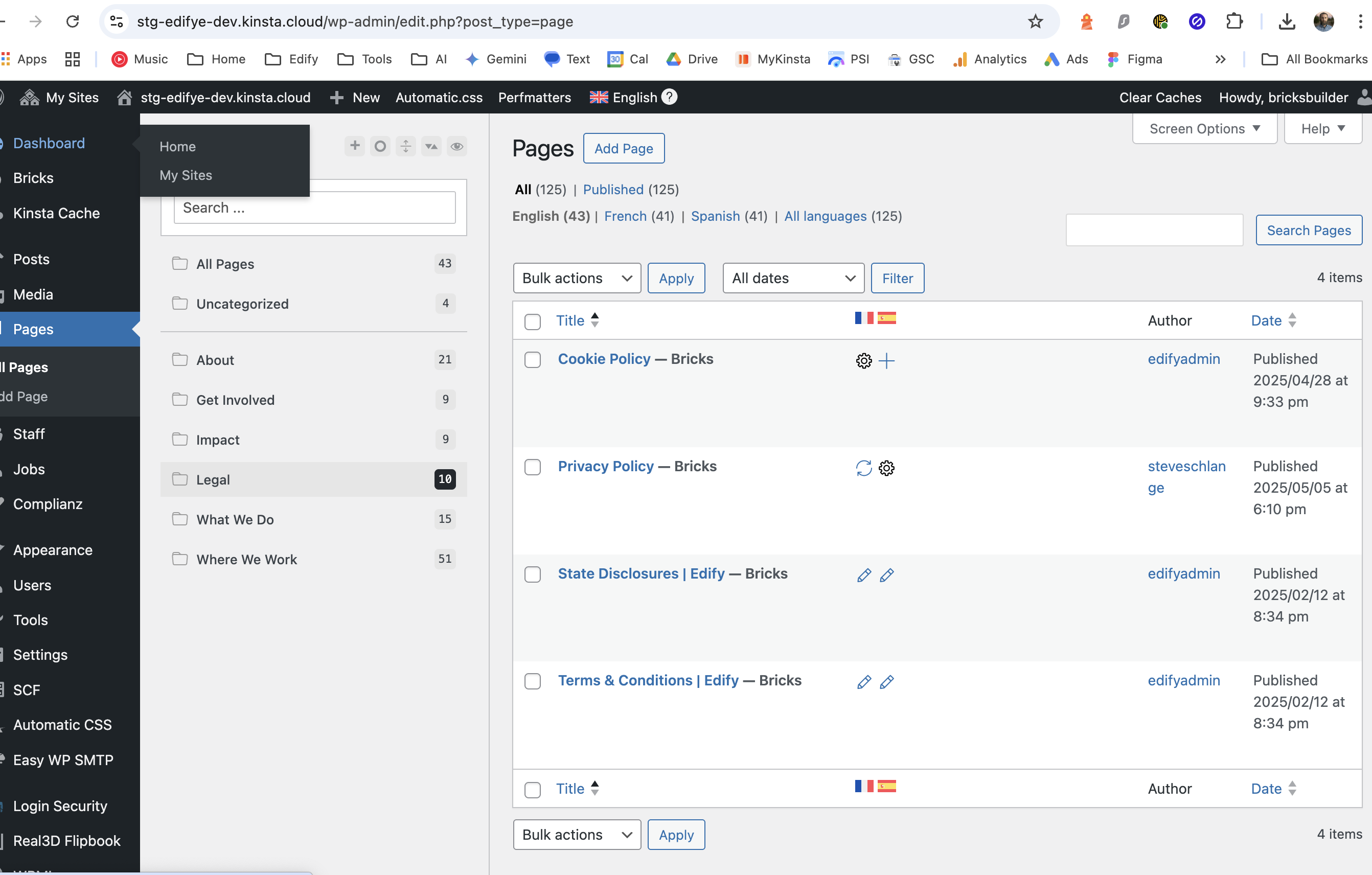
You are experiencing issues with translations reverting to English after making updates to your Privacy page, which has been translated into Spanish and French. The main concern is that the translation editor is not retaining the previous translations, forcing you to redo the work.
Solution:
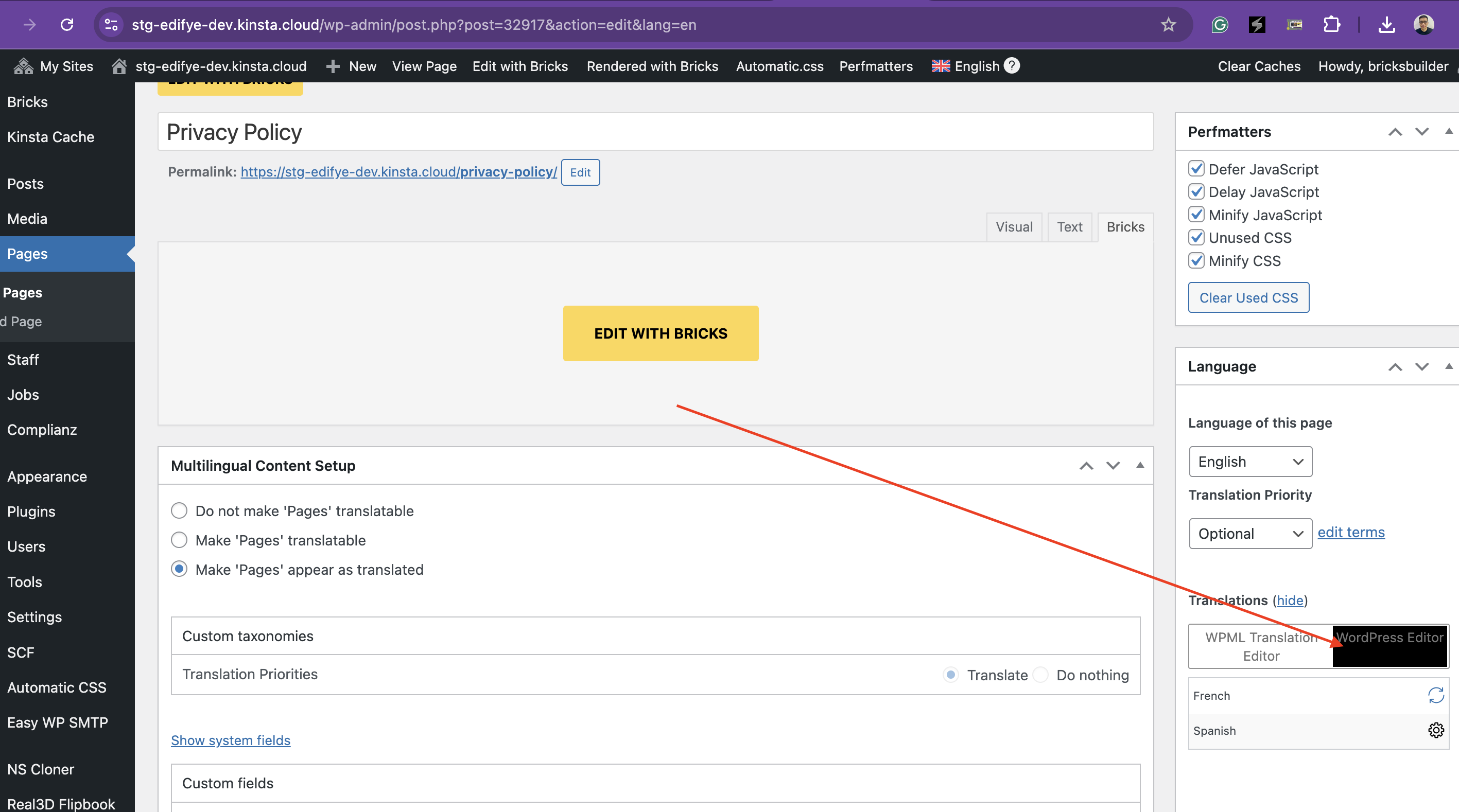
We recommend switching the translation method of your page to use the Advanced Translation Editor. This tool should help maintain your translations even after making updates to the original language. Here's how you can switch:
1. Go to the page in the original language.
2. Select the option to use the Advanced Translation Editor.
3. Complete the translation for the French language using this editor.
After you have switched to the Advanced Translation Editor, if the problem persists where updates to the English page cause loss of translations in other languages, please contact our support team for further assistance.
Please note that this solution might be outdated or not applicable to your specific case. We highly recommend checking related known issues at https://wpml.org/known-issues/, verifying the version of the permanent fix, and confirming that you have installed the latest versions of themes and plugins. If the issue continues, do not hesitate to open a new support ticket.
This is the technical support forum for WPML - the multilingual WordPress plugin.
Everyone can read, but only WPML clients can post here. WPML team is replying on the forum 6 days per week, 22 hours per day.