This thread is resolved. Here is a description of the problem and solution.
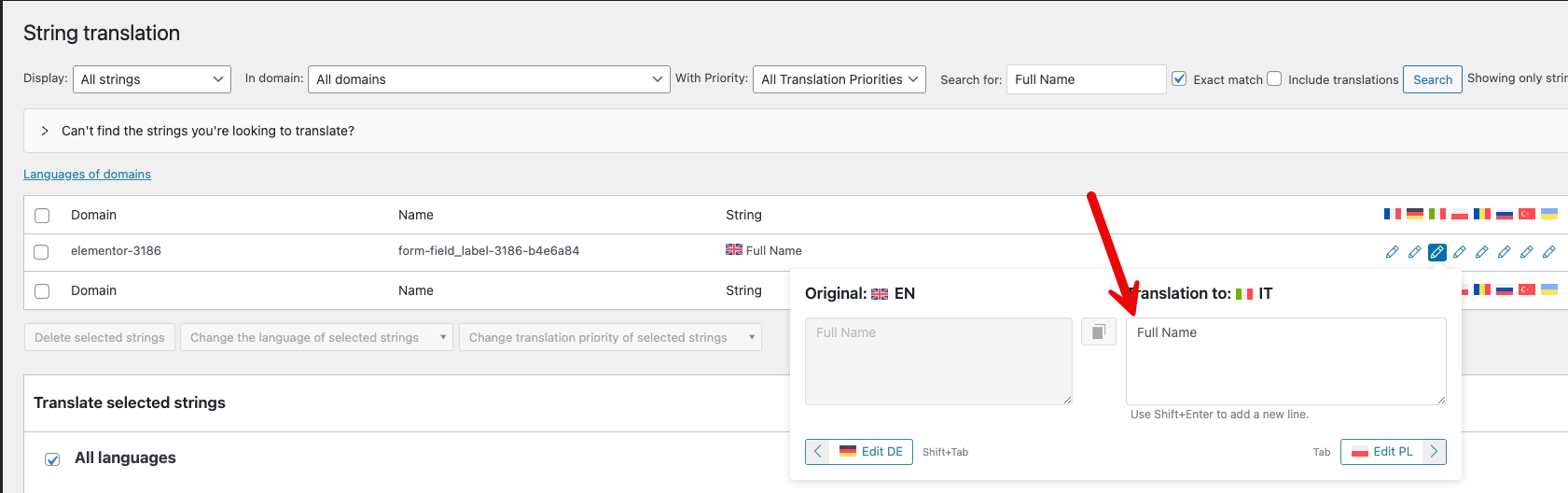
Problem: The client reported that a translated global form displayed correctly in various languages except English. In English, the form in the popup displayed in other languages, despite the footer form showing correctly in English. Solution: 1) We updated the translation of the header template in the default language, which resolved the issue with the popup form not displaying correctly. 2) The footer form was functioning correctly without any modifications. 3) We resolved the form translation issues through WPML-> String Translation.
If this solution does not apply to your case, or if it seems outdated, we recommend opening a new support ticket. We also highly recommend checking related known issues at https://wpml.org/known-issues/, verifying the version of the permanent fix, and confirming that you have installed the latest versions of themes and plugins.
100% of people find this useful.
This is the technical support forum for WPML - the multilingual WordPress plugin.
Everyone can read, but only WPML clients can post here. WPML team is replying on the forum 6 days per week, 22 hours per day.
Background of the issue:
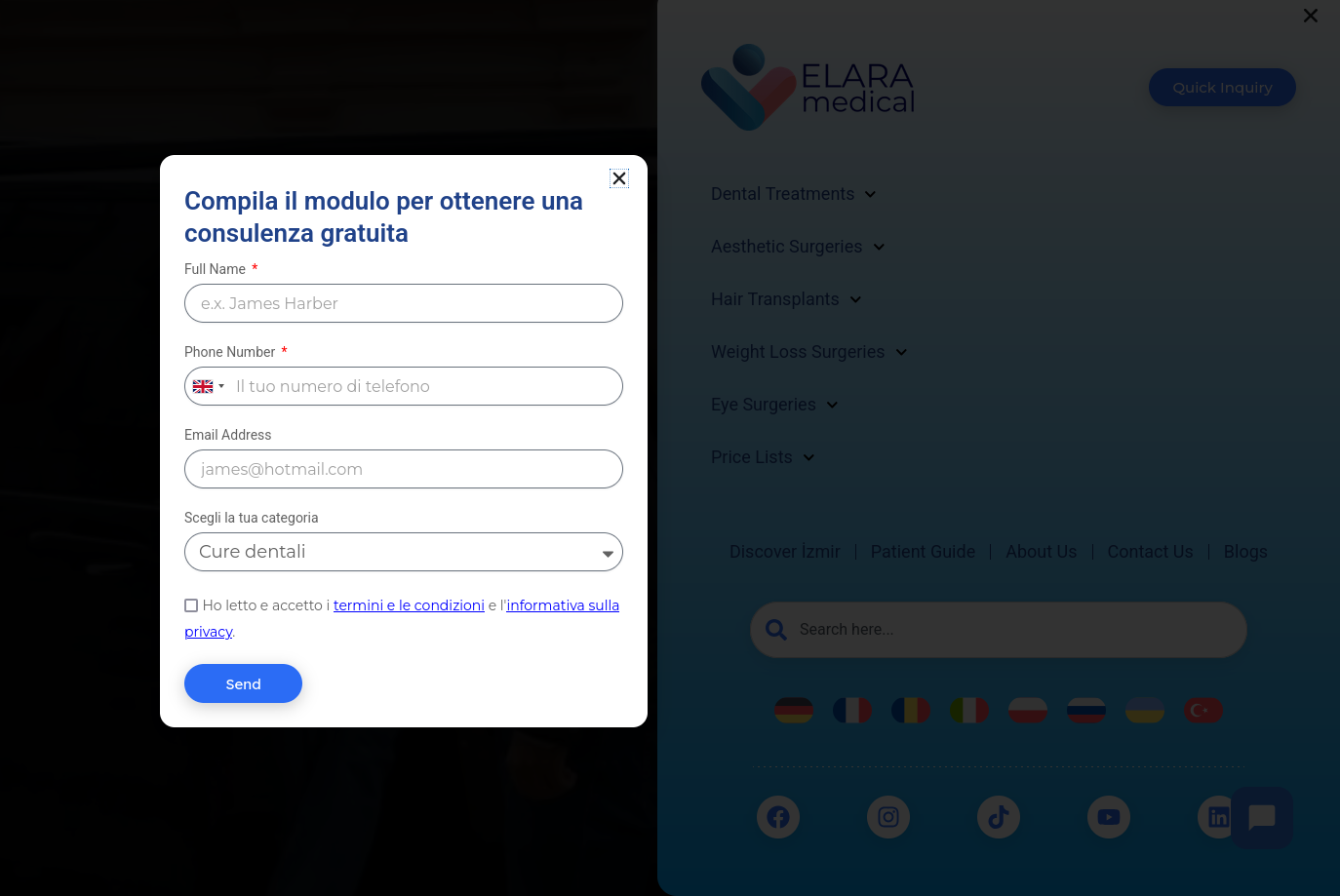
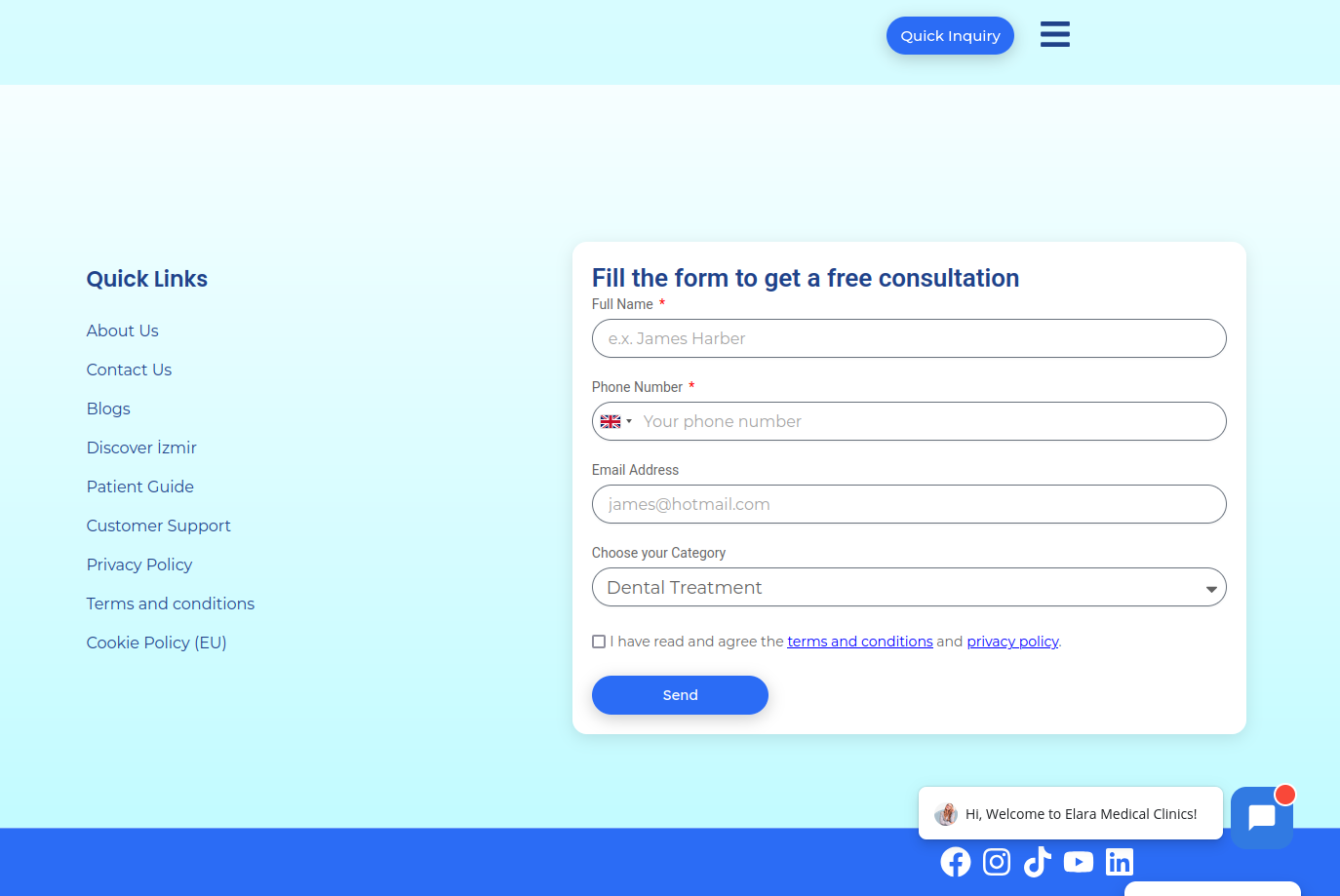
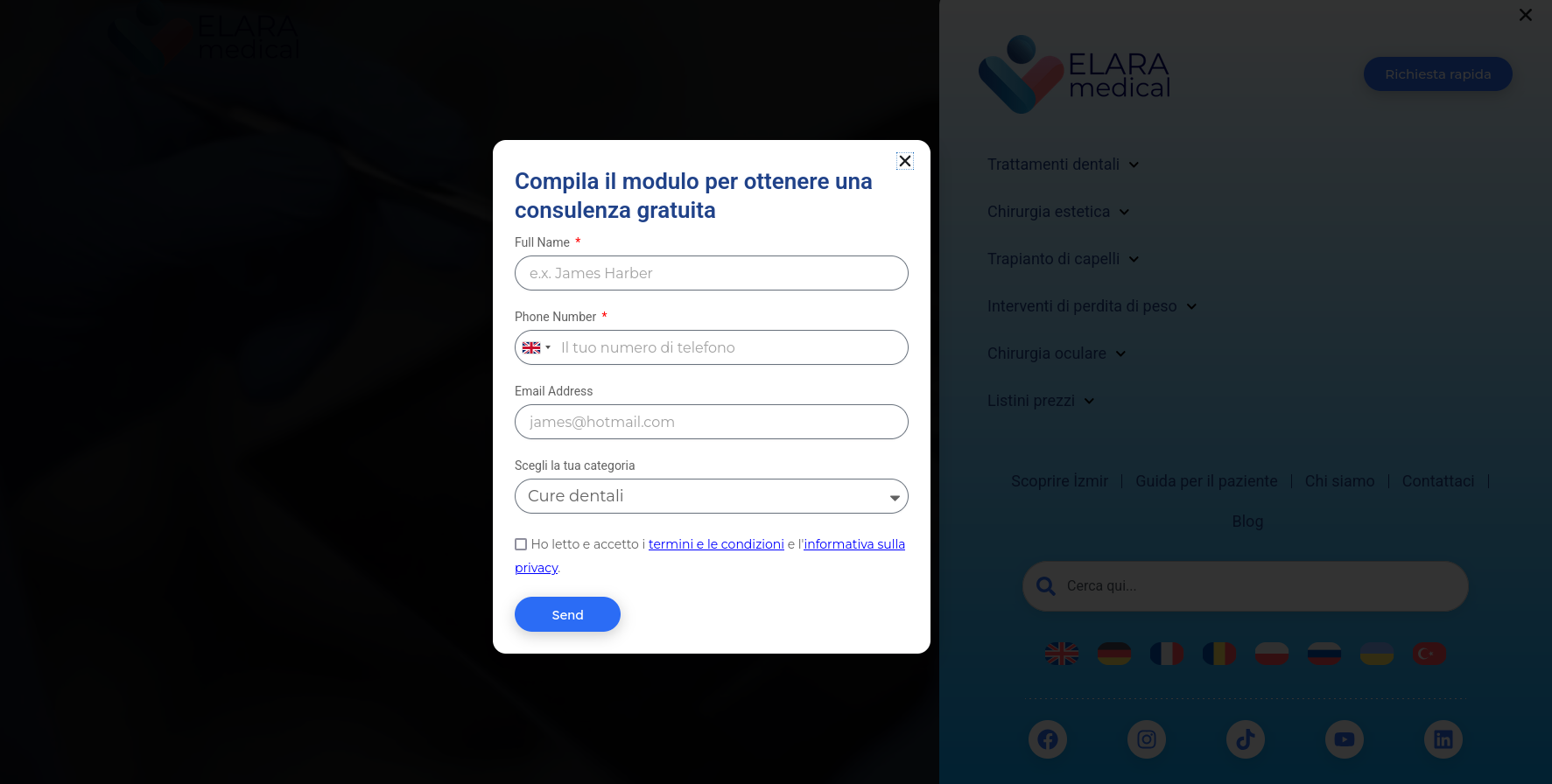
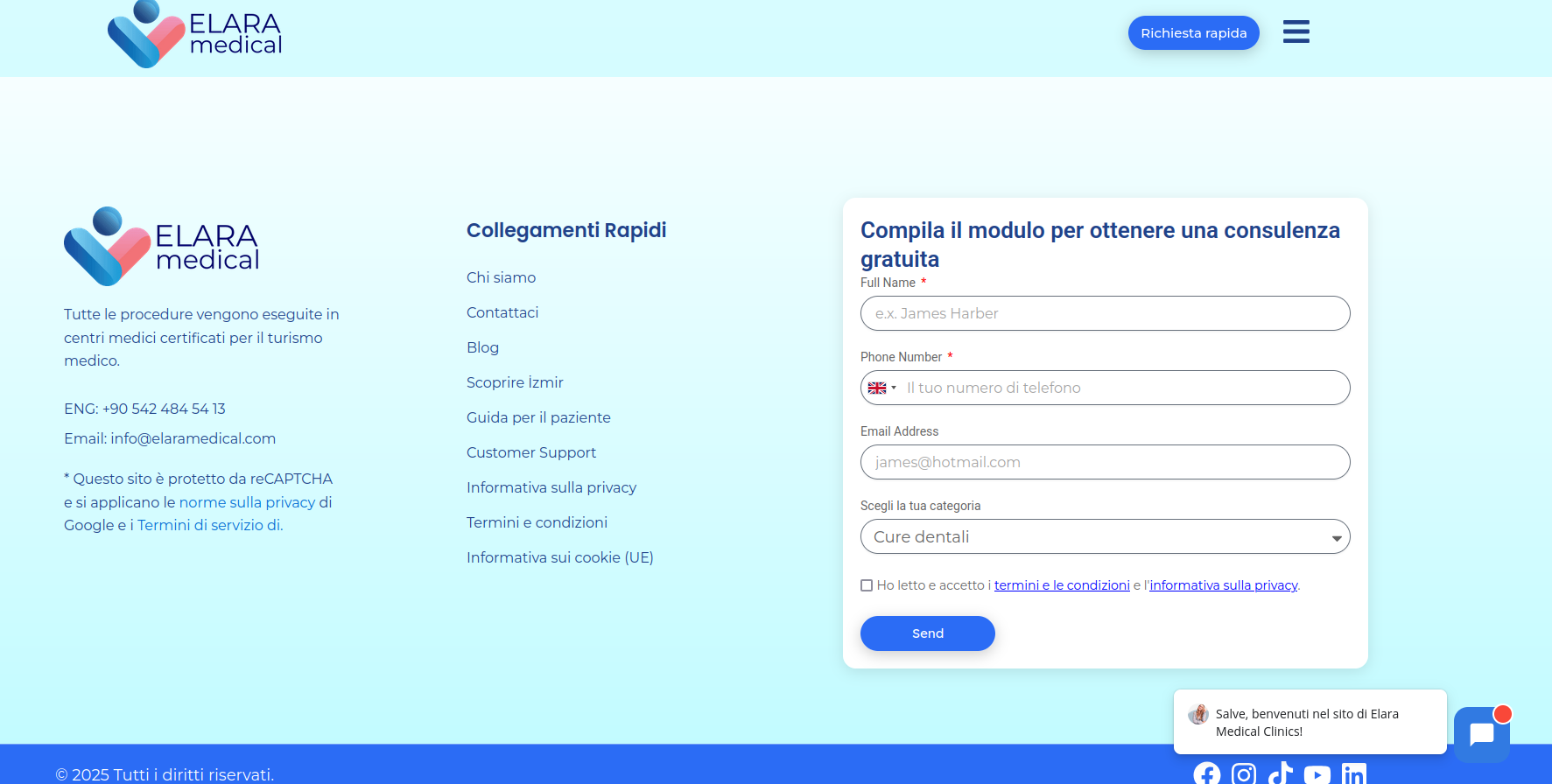
I translated a Global form, and it is properly shown in other languages. However, in the English language, it shows other languages such as French. The form I used in the footer shows English, but the same form in a popup shows in other languages.
You can see in the screeshot, they are in the same page, and they are using the same global form, but the one in the popup, has conflict in other languages!!!
Symptoms:
The translated form displays correctly in other languages but not in English. The footer form shows in English, but the popup form shows in other languages.
Questions:
How can I fix the issue with the form displaying in the wrong language?
Thanks for contacting WPML forums support. I'll be glad to help you today.
I would need to look closely at your site, so I would need to request temporary access (WP-Admin and FTP) Preferably to a test site where the problem has been replicated.
Your answer will be private, meaning only you and I can access it.
❌ Please backup your database and website ❌
✙ I need your permission to deactivate and reactivate the plugins and themes and change site configurations. This is also why the backup is critical.
✙ I also need your permission to take a local copy of your site to debug the issue without affecting your live site.
Alright I translated the parts, thank.
Just so you know, I translated the form using automatic translator, maybe I didn't checked all the languages! I problem was English version of the form was showing other languages!
I tried to duplicate English and auto translate several times, at first it was fine, and then it changes to other languages!
I am telling these to ask how you fix it and what was the problem so when I face something like that I fix it by my own not bothering you anymore
1) I edited the default language and updated the translation of the header template, which fixed the issue of the pop-up not showing correctly when clicking the header button.
2) The footer worked correctly without making any changes.
3) The strings of the form translation issue is fixed via WPML-> String Translation.
Great job, thank you, I tried so hard to fix it, but I couldn't, thank you for your help.
I don't know those problems happened.
Thank you again, that was a big problem should be fixed.