This thread is resolved. Here is a description of the problem and solution.
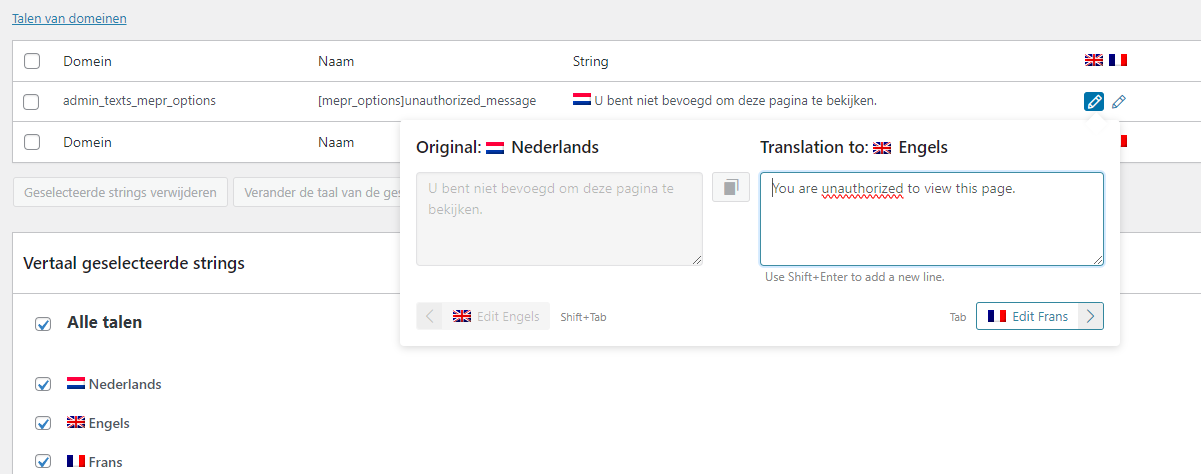
Problem: The client was unable to translate an unauthorized access message displayed by the Memberpress plugin on a multilingual WordPress site. The message was locked in the WPML string translation under the Administration fields.
Solution: We informed the client that the Memberpress plugin is not officially compatible with WPML, as stated in their documentation: https://memberpress.com/docs/translate-the-login-page-with-wpml/. We then guided the client to manually translate the Unauthorized Message by using the "MemberPress Unauthorized Access" Meta box within the editor. By switching to a different language in the editor, the client could insert the translated message. We provided a video tutorial for clarity: https://tinyurl.com/232k7tqh, and a screenshot example: https://prnt.sc/C9v085xinDyq.
If this solution does not apply to your case, or if it seems outdated, we highly recommend checking the related known issues at https://wpml.org/known-issues/, verifying the version of the permanent fix, and confirming that you have installed the latest versions of themes and plugins. If you still need assistance, please do not hesitate to open a new support ticket with us: WPML support forum.
This is the technical support forum for WPML - the multilingual WordPress plugin.
Everyone can read, but only WPML clients can post here. WPML team is replying on the forum 6 days per week, 22 hours per day.
Dear, I use Memberpress plugin on my WordPress website. Everything works fine except that I can't find where/how to translate a message.
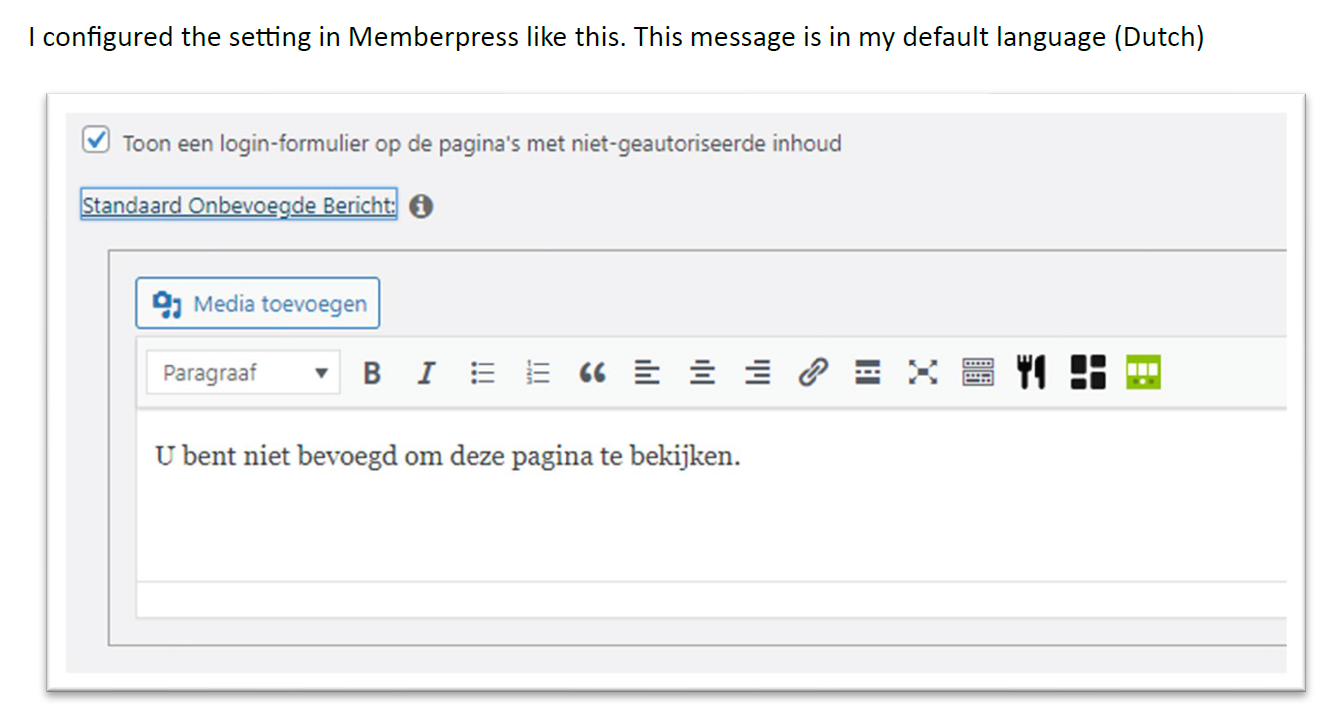
I configured Memberpress in a way that non-authorised users get a message that they can't access the page. This message is written in my default language (Dutch). See step 1 in attachment.
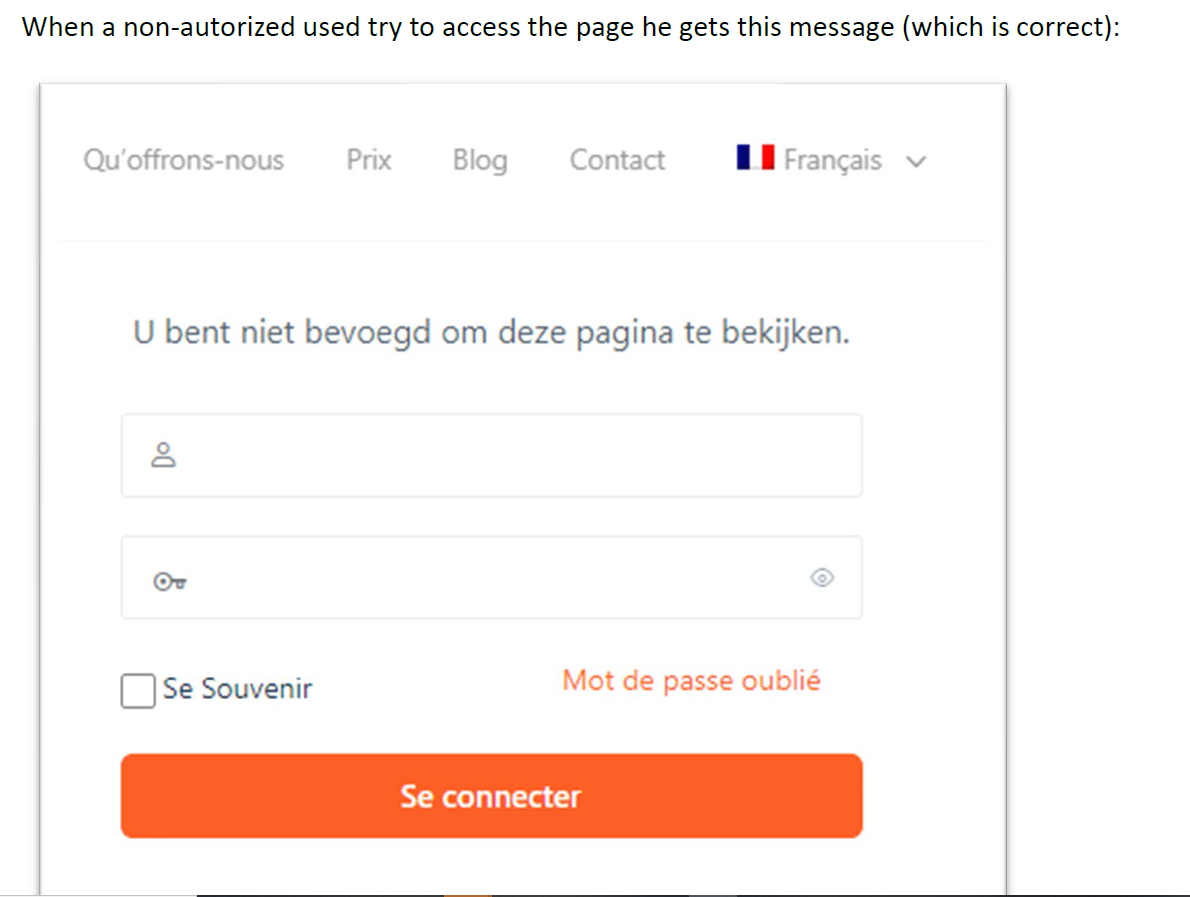
The result on the website is in attachment step 2. So this works fine.
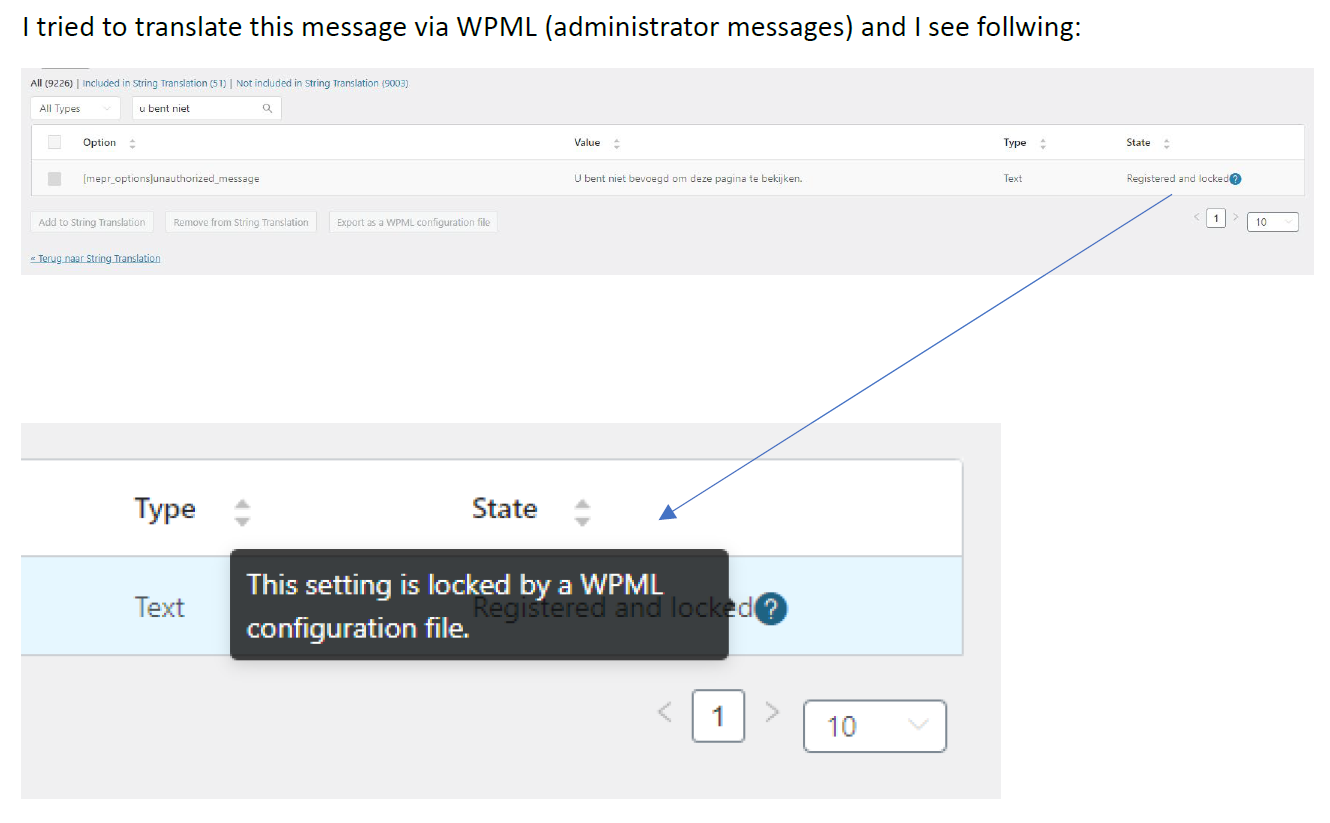
Now I try to find where/how to translate this. I found this text in the WPML string translation in the Administration fields. See step 3. But it seems that this text is locked and I can't translate it.
Thank you for contacting WPML Support. Registered and Locked status means the string is already available for translation and you can add the translation from WPML >> String Translation page.
So, please go to WPML >> String Translation, search for the required string, add the translation, and see if this resolves your issue.
Okay, please provide temporary access (WP-Admin and FTP Login info) to your site (preferably staging site), so that I can look into your setup and debug the issue.
Your next answer will be private which means only you and I have access to it.
=== Please backup your database and website ===
✙ I would additionally need your permission to deactivate and reactivate Plugins and the Theme and to change configurations on the site. This is also a reason the backup is really important.
✙ Please provide me with a page link where I can see the untranslated string.
Hello There,
I hope you're doing well. Apologies for the late reply; the weekend and a holiday coincided, causing the delay.
As Noman is on vacation, I took this ticket and assist you further.
Since you've shared the access, I have checked thoroughly and it seems the Memberpress plugin can't display translated text on the front-end. I also would like to inform you that the "Memberpress" plugin is not officially compatible with WPML, which is also mentioned in their documentation: hidden link
Though MemberPress doesn't support multilingual sites out of the box, and doesn't provide an official integration with WPML, this doesn’t mean you can’t have a multilingual site.
Upon further investigation, I found that within the editor, Memberpress adds a Meta box titled "MemberPress Unauthorized Access". This feature allows you to insert an Unauthorized Message, which can then be manually translated by switching to a different language. For a clearer understanding of the process, please refer to the following video: hidden link.
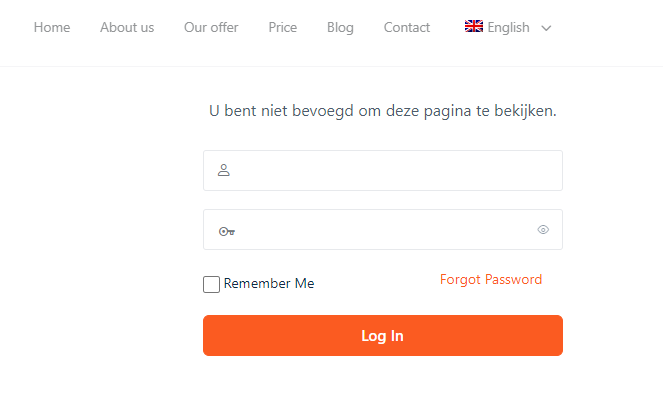
By following this method, the Unauthorized message will be displayed in the correct translation. You can see an example in this screenshot: hidden link.
Therefore, I recommend translating the Message in this way, given that Memberpress does not offer Translation support for Admin text. I hope you can understand.
Let me know if there is anything else if you need help with. I will be happy to assist.