Skip to content Skip to sidebar

This thread is resolved. Here is a description of the problem and solution.

Problem:
You translate a product and save it. The translation status changes from undone (plus icon) to completed (pen icon). However, when you translate another product or refresh the page, the translation status of the previous product reverts back to undone (plus icon), although the product remains translated.
Solution:
This issue may be related to caching or custom code that interferes with WPML's translation status. We recommend checking if you have any Object Cache enabled, such as Redis or Memcached, or any custom code that might affect products or translations. If you find any, try temporarily disabling it and then test the translation status again.

If this solution does not resolve your issue or seems irrelevant due to being outdated or not applicable to your case, we highly recommend checking related known issues at https://wpml.org/known-issues/, verifying the version of the permanent fix, and confirming that you have installed the latest versions of themes and plugins. Additionally, if you need further assistance, please open a new support ticket at WPML support forum.

This is the technical support forum for WPML - the multilingual WordPress plugin.

Everyone can read, but only WPML clients can post here. WPML team is replying on the forum 6 days per week, 22 hours per day.

Tagged: 

This topic contains 2 replies, has 1 voice.

Last updated by jeromeQ 1 month ago.

Assisted by: Dražen.

Author Posts
March 22, 2026 at 10:21 am #17916244

jeromeQ

I translate product and save.
Translation status changes from undone (+ icon) to completed (pen icon).
I translate another product or just refresh the page.
Translation status of that product reverts back to undone (+ icon). Product remains translated but its status is incorrect.

March 22, 2026 at 10:43 am #17916336

jeromeQ

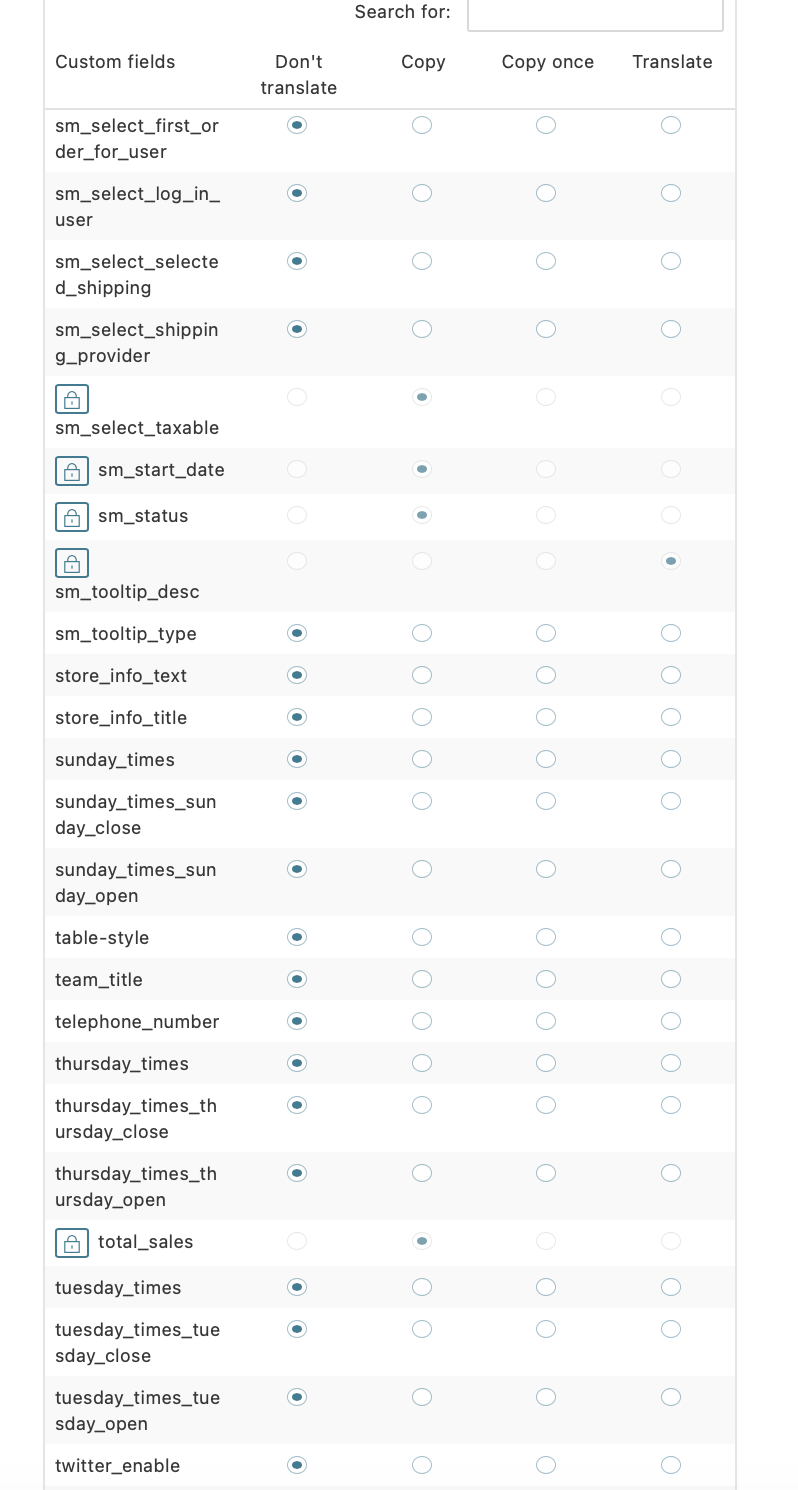
Please find screenshots attached following previous WPML AI chat

Screenshot 2026-03-22 at 11.35.15.png
Screenshot 2026-03-22 at 11.35.27.png
Screenshot 2026-03-22 at 11.35.38.png
Screenshot 2026-03-22 at 11.35.50.png
Screenshot 2026-03-22 at 11.36.00.png
Screenshot 2026-03-22 at 11.36.10.png
Screenshot 2026-03-22 at 11.36.23.png
Screenshot 2026-03-22 at 11.36.32.png
Screenshot 2026-03-22 at 11.36.42.png
Screenshot 2026-03-22 at 11.36.51.png
Screenshot 2026-03-22 at 11.37.01.png
Screenshot 2026-03-22 at 11.37.09.png
Screenshot 2026-03-22 at 11.37.18.png
March 24, 2026 at 6:41 am #17920165

Dražen
Supporter

Languages: English (English )

Timezone: Europe/Zagreb (GMT+02:00)

Hi,

Thank you for the detailed explanation.

This behavior is often related to caching or custom code interfering with WPML’s translation status.

Could you please check if you have any Object Cache enabled (e.g. Redis, Memcached) or any custom code affecting products or translations? If so, try temporarily disabling it and then test again.

Please let me know how it goes after that.

Regards,
Dražen

April 2, 2026 at 5:06 pm #17946723

jeromeQ

Thanks Dražen. The issue seems to have disappeared for now. Perhaps due to one of the plugins' automatic updates. Maybe Litespeed?