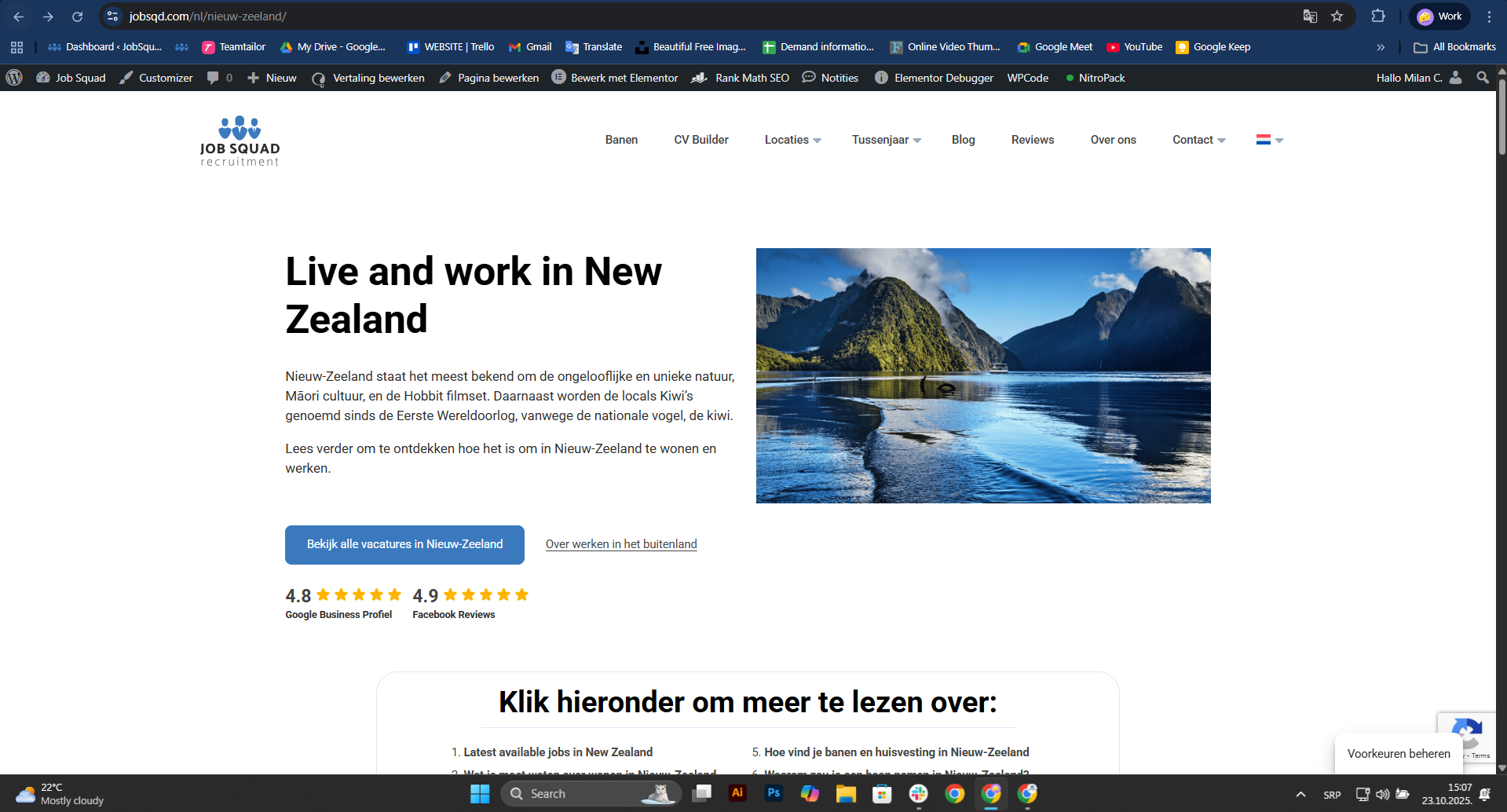
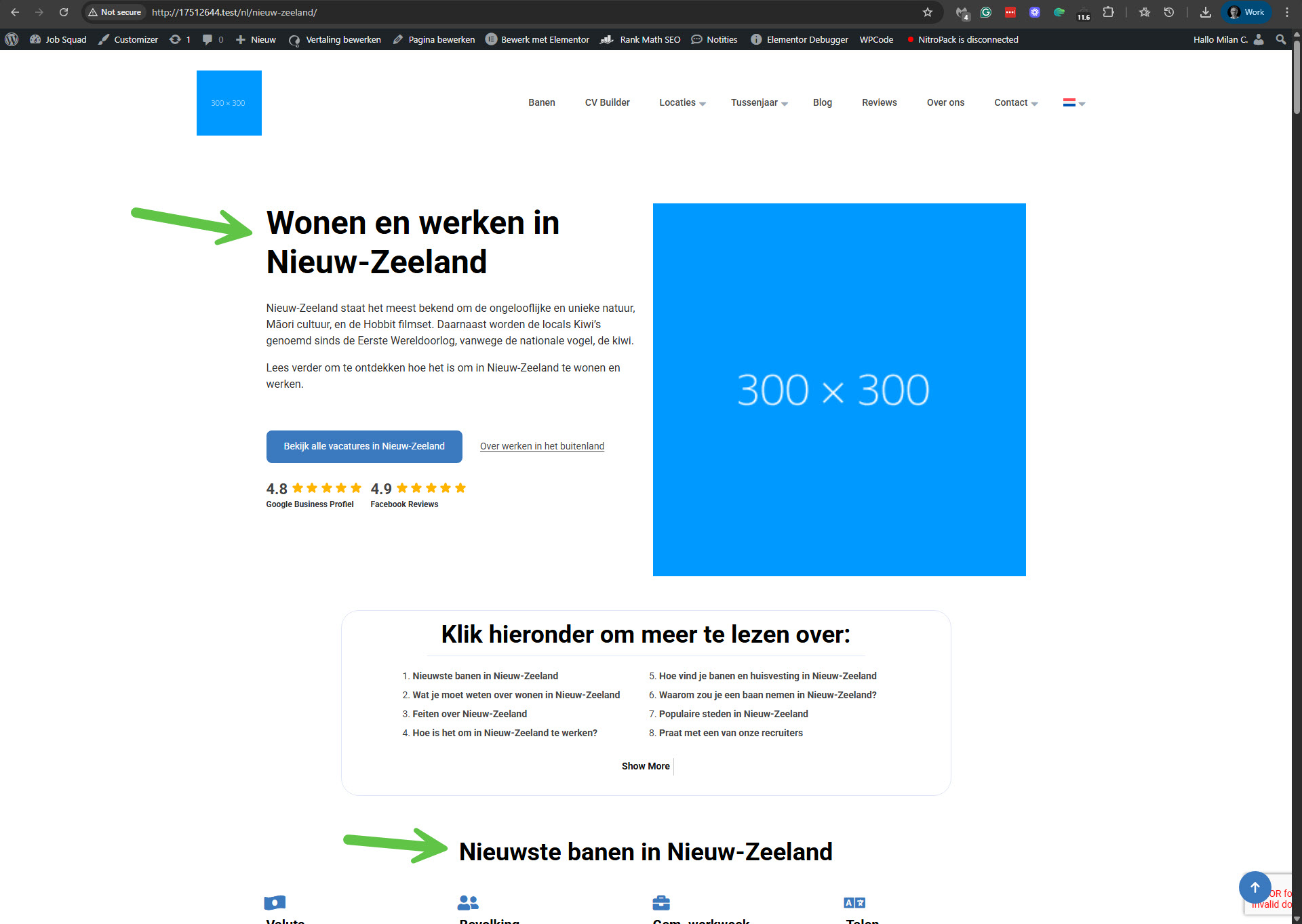
[Resolved] Translations Missing from Editor and Live Pages
This thread is resolved. Here is a description of the problem and solution.
Problem: The client is experiencing an issue where some H1 and H2 tags remain in English on the Dutch version of a page, despite the translation showing as complete in WPML. Solution: We discovered that the issue was due to missing translation support for the Elementor Title widget. We resolved this by adding the following XML configuration to WPML -> Settings -> Custom XML Configuration:
To apply these changes, follow these steps: 1. Visit the original New Zealand page in English and make a minor edit, then save. 2. Edit the Dutch translation and apply the changes to the title texts. 3. Ensure the translation is marked as 100% complete. This should ensure that the titles display correctly in Dutch.
If this solution does not resolve your issue, or if it seems outdated or irrelevant to your case, we recommend opening a new support ticket. We also highly recommend checking related known issues at https://wpml.org/known-issues/, verifying the version of the permanent fix, and confirming that you have installed the latest versions of themes and plugins. For further assistance, please visit our support forum at https://wpml.org/forums/forum/english-support/.
This is the technical support forum for WPML - the multilingual WordPress plugin.
Everyone can read, but only WPML clients can post here. WPML team is replying on the forum 6 days per week, 22 hours per day.
Background of the issue:
I am trying to translate the New Zealand destination page from English to Dutch using WPML. The translation shows as complete in WPML. Here is the link to the page where the issue can be seen: hidden link
Symptoms:
Some H1 and H2 tags are still displayed in English on the Dutch version, even though the translation is 100% completed and saved in WPML.
Questions:
Why are some H1 and H2 headings still appearing in English on the Dutch version?
How can I ensure all headings are translated correctly in WPML?
I failed to make a copy of your site using the All-in-One migration plugin. The process got stuck at 95% every time I tried. I'll make another attempt with the Duplicator plugin. I'll keep you updated on this issue.
I was able to create a copy of your site using the Duplicator Pro plugin (which is now deleted from your site). I debugged this issue on a copy of your site and found out that the problem was with a missing translation support for the Elementor Title widget. Therefore, I added the following XML code to WPML -> Settings -> Custom XML Configuration on your site. Please see the attached screenshot.
This XML code adds support for the Title widget. To apply the changes, proceed as follows.
1. Go to the original New Zealand page in English here: hidden link
2. Make a small change and click the Save button.
3. Edit the translation in Dutch and apply the translation to those titles' text.
4. Ensure that the translation is 100% complete and finish it.
Now the translations of those titles should display in Dutch. It worked with the copy of your site on my local server. Please see the attached screenshot.
Please confirm that this problem has been resolved.
Your previous solution worked perfectly — we applied it and were able to fix a few more pages as well. Thank you so much for that!
While the ticket is still open, we wanted to ask about another issue we noticed. The Quick Links section in the footer isn’t translated correctly on the Dutch version of the website.
I tried to edit it through the Footer widget, but there I could only see the title “Quick Links.” In the actual footer, it only shows our logo, social icons, and contact information, and I can’t find where to edit that part of the translated version.
In English, this section is editable under Appearance → Widgets, but I assume I shouldn’t edit it directly there since it’s managed through WPML translation.
Could you please advise where and how I can correctly edit or translate this footer section in Dutch?
I'm glad the main issue with this ticket is now fixed!
We try to focus on one issue per ticket in our technical support forum. Otherwise, tickets can get cluttered and confusing for both users and supporters. I'll answer your questions now, but if needed, I'll create a new ticket.