This thread is resolved. Here is a description of the problem and solution.
Problem: The client is trying to add translations to their page using WPML and the Avada builder. They have successfully translated another site previously but are facing issues with translations not showing on the page and permalink structure changes. Solution: 1. Ensure that all posts are fully translated. The issue might be due to some posts being marked as 'In Progress'. Complete these translations and verify if the issue resolves. 2. Check a translated post to ensure it opens correctly. For example, verify the post at https://iwakiaircomdev.wpenginepowered.com/products/serie-1-4-tc-x050/?lang=es to see if it displays as expected.
If these steps do not resolve your issue or if the solution seems outdated or irrelevant to your case, we recommend opening a new support ticket. We also highly recommend checking related known issues at https://wpml.org/known-issues/, verifying the version of the permanent fix, and confirming that you have installed the latest versions of themes and plugins.
This is the technical support forum for WPML - the multilingual WordPress plugin.
Everyone can read, but only WPML clients can post here. WPML team is replying on the forum 6 days per week, 22 hours per day.
Background of the issue:
I am trying to add translations to my page on hidden link using WPML. I have previously translated another site successfully and am now attempting to do the same with this site, why do they not show on the page?
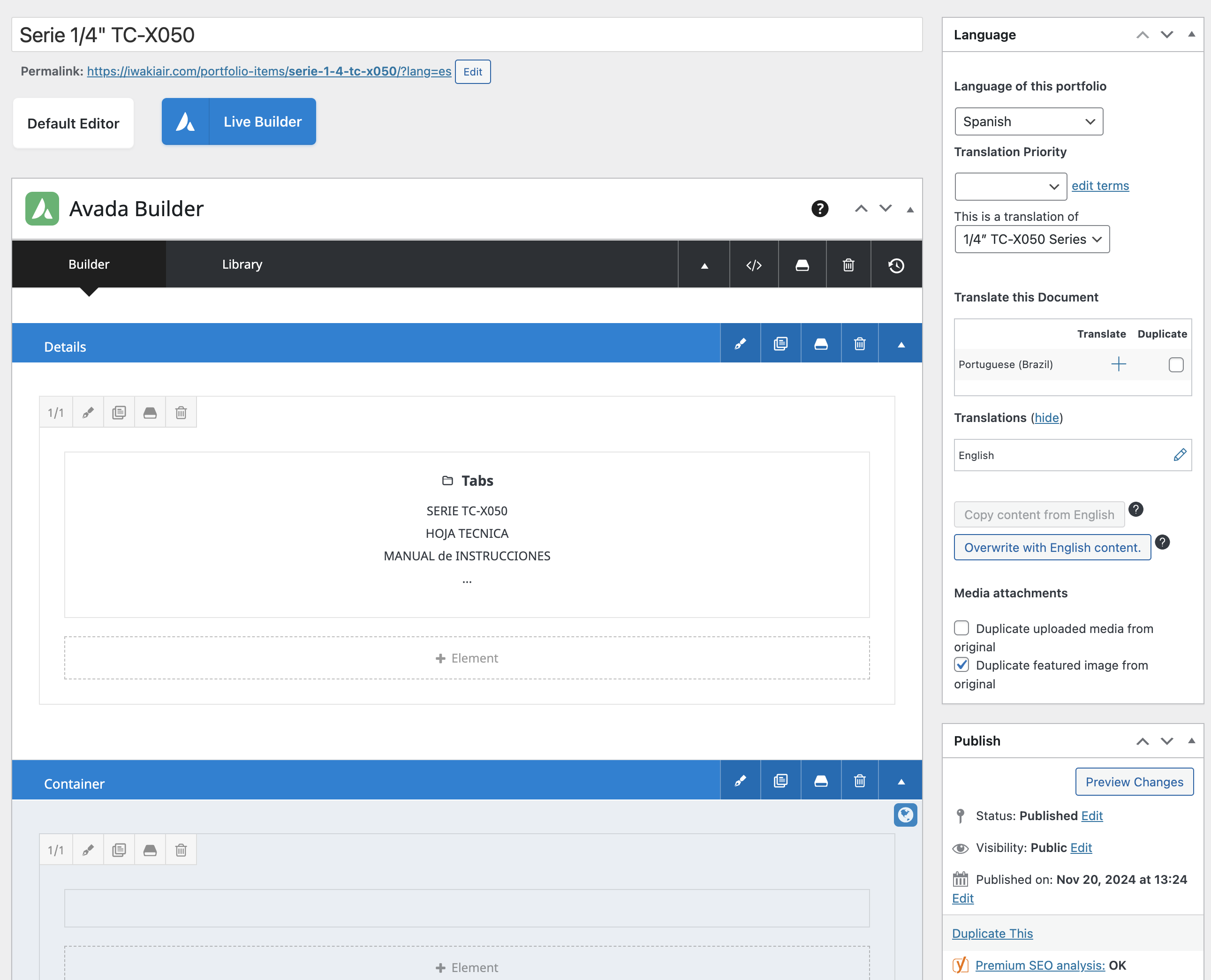
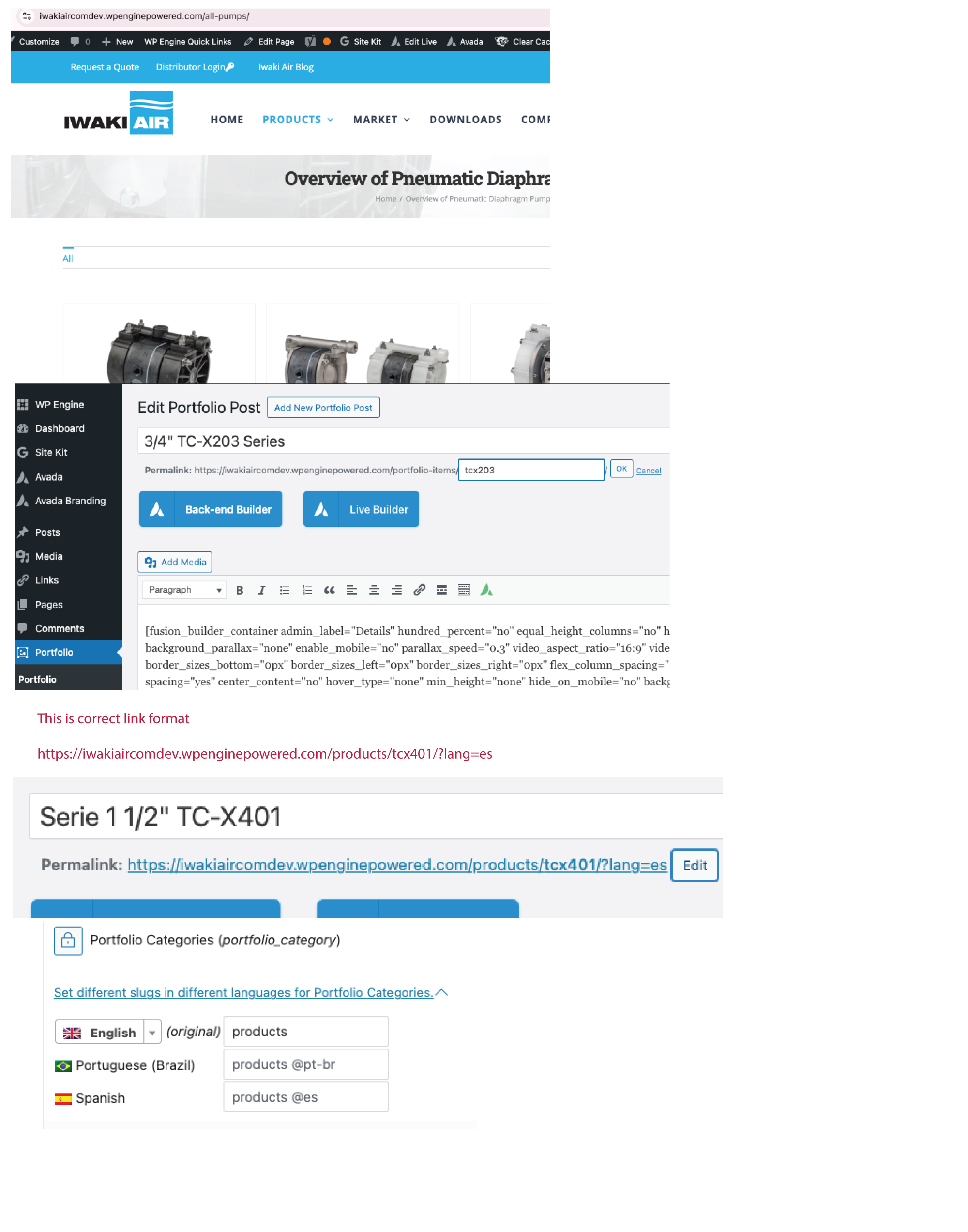
I used to add translations through the Avada builder. I tried that successfully, but the permalink changes. How do I change the permalink structure to match the english version - hidden link. ---- but with the language at the end?
2" TC-X501 Series
Permalink: hidden link
Symptoms:
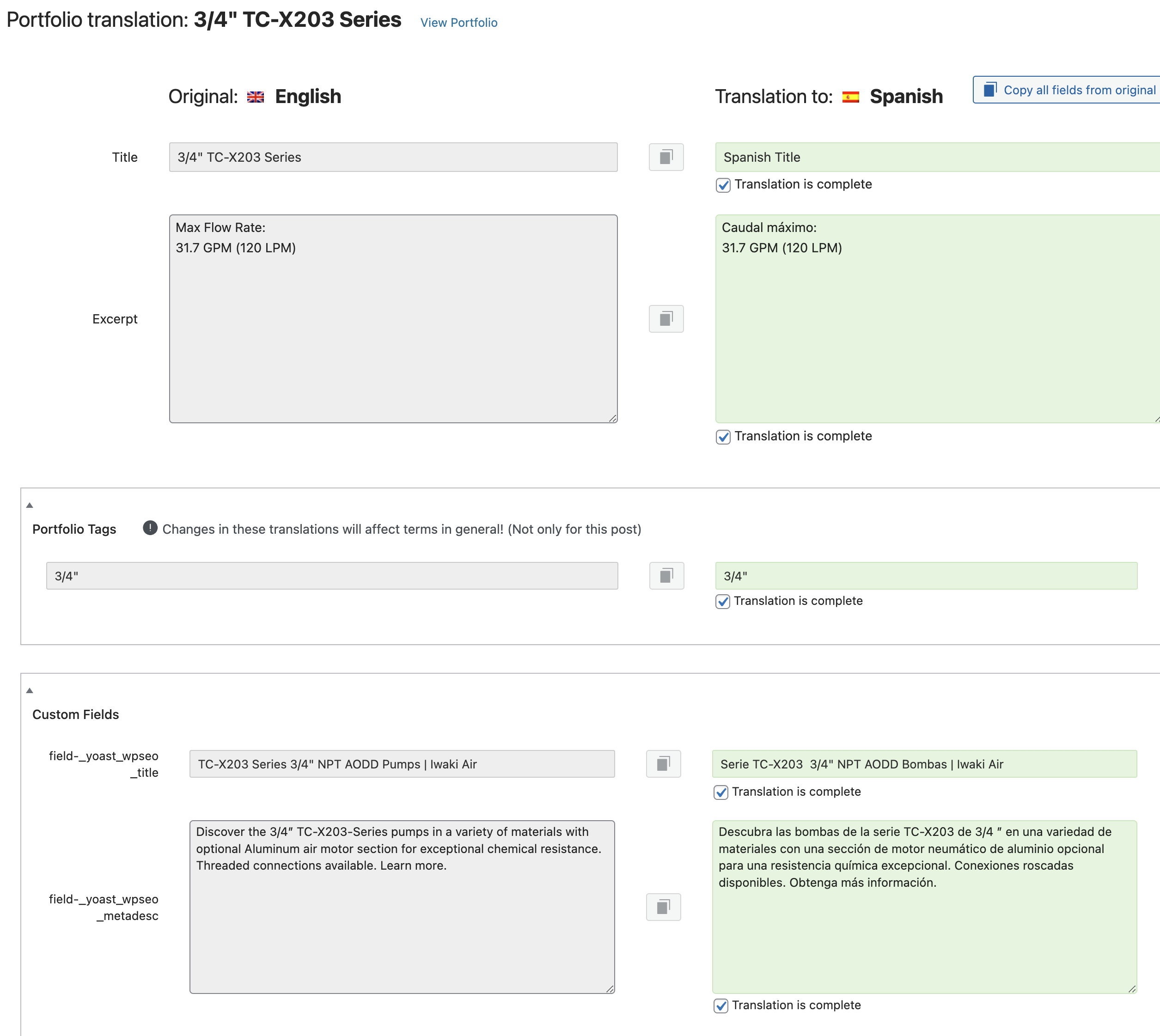
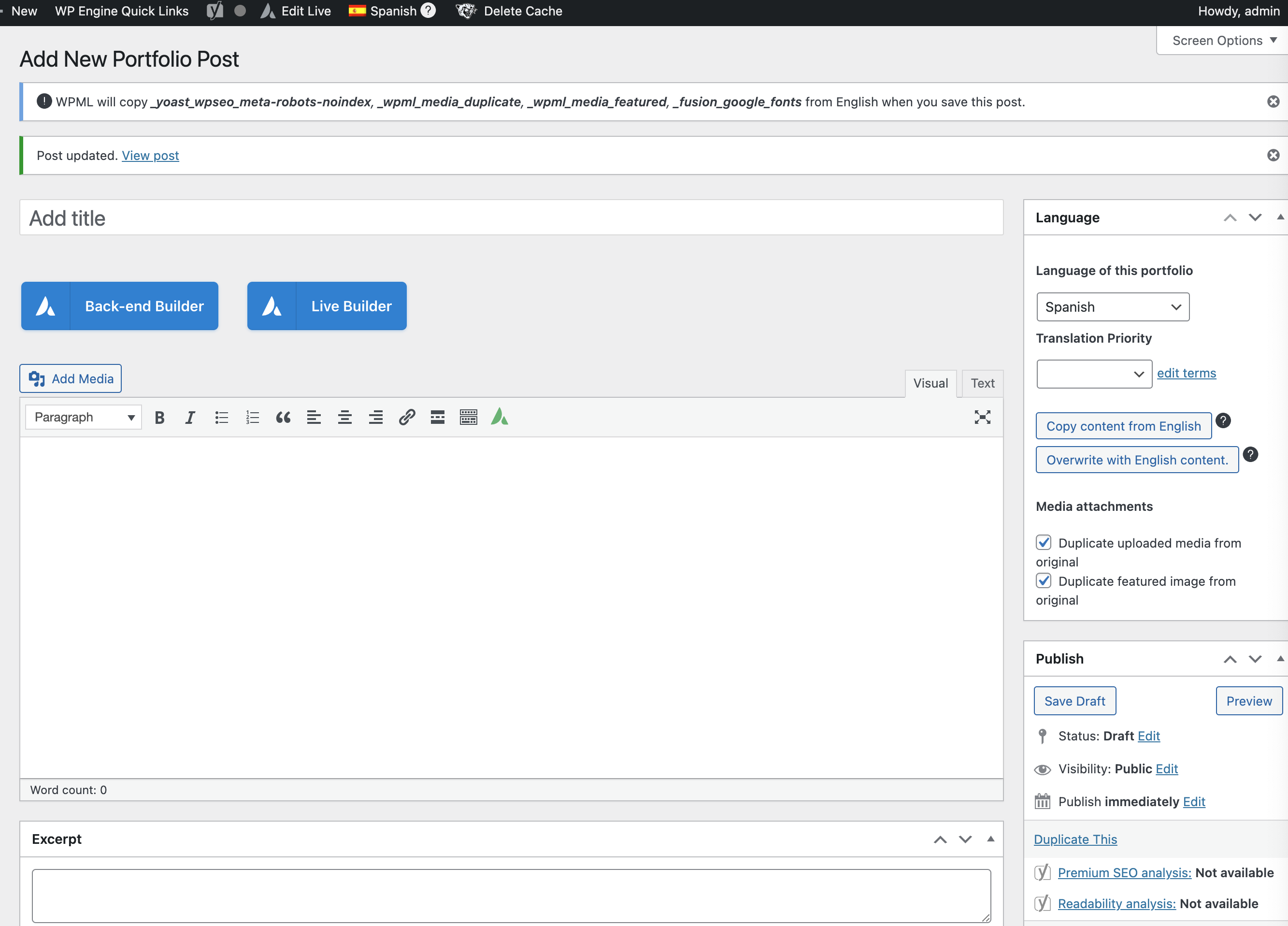
Translations added to the page do not show as active translations. The Avada builder indicates that translations will not be connected and will be translated independently.
Questions:
Why are the translations not showing as active?
How can I connect translations using the Avada builder?
Thanks for contacting WPML forums support. I'll be glad to help you today.
I would need to look closely at your site, so I would need to request temporary access (WP-Admin and FTP) Preferably to a test site where the problem has been replicated.
Your answer will be private, meaning only you and I can access it.
❌ Please backup your database and website ❌
✙ I need your permission to deactivate and reactivate the plugins and themes and change site configurations. This is also why the backup is critical.
✙ I also need your permission to take a local copy of your site to debug the issue without affecting your live site.
When I click on the portfolio items, they link to a 404 - all of these pages have been translated so I'm not sure why the translations are not showing and it's showing broken, And wouldn't the link be the same, but with the "?lang=es" at the end?
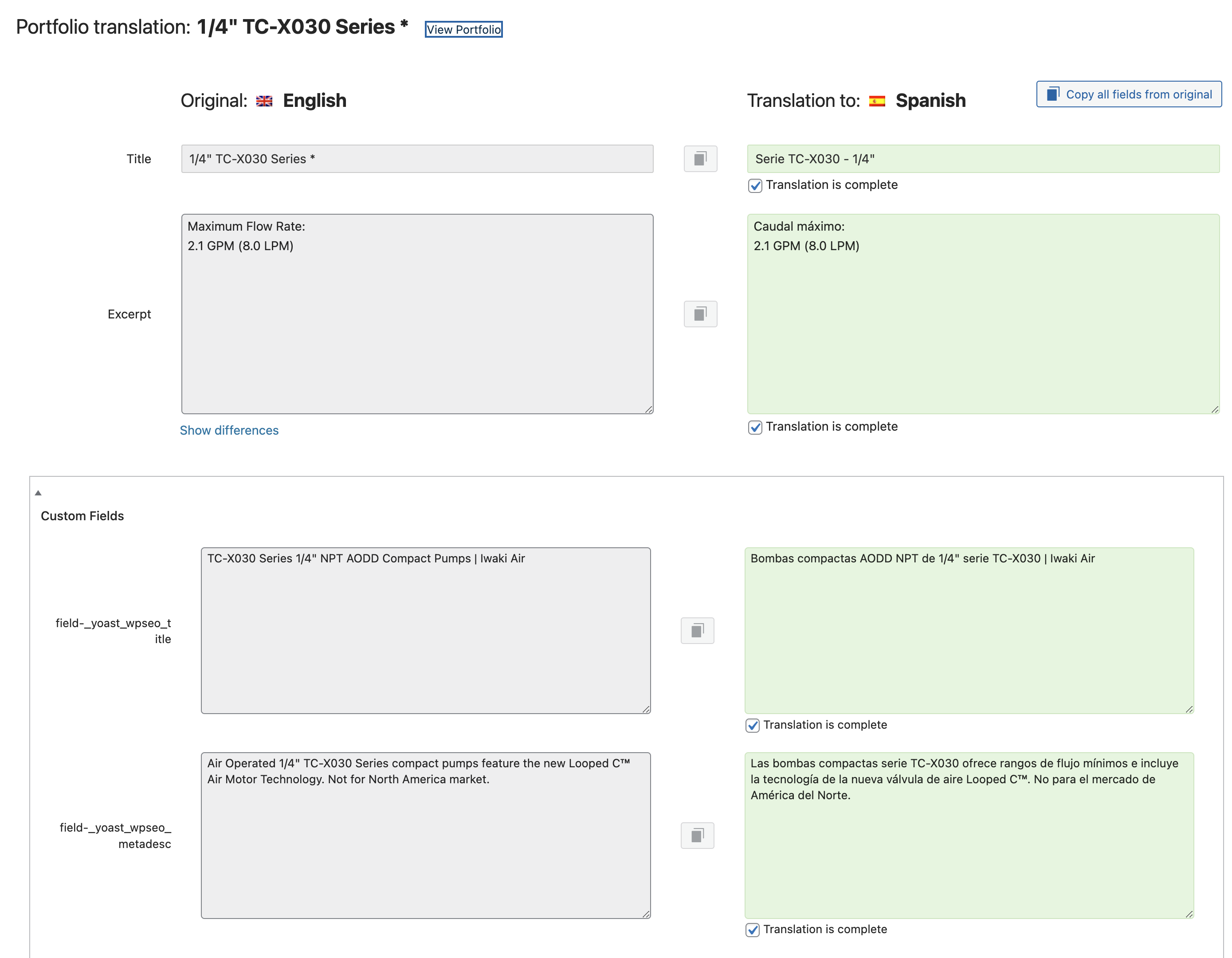
What you showed me is helpful. It seems that I need to mark translations 100% complete for them to show! I've done that on a couple of them to test so we can continue with that process! Thank you!!
Last thing!
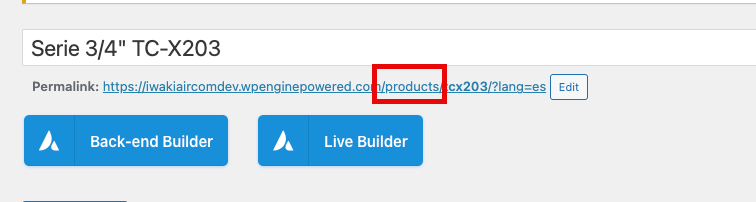
the link on english and spanish should be
/products/tcx401
or
/products/tcx401/?lang=es
but instead sometimes I see /portfolio-items/ in place of /products