[Resolved] Updating translated pages with new content and design
This thread is resolved. Here is a description of the problem and solution.
Problem: You are experiencing issues where the design elements such as background and font colors do not match between the original English page and its Norwegian translation after editing the original with Beaver Builder. Solution: We have addressed this issue in our latest updates of WPML. We recommend updating your WPML plugins to the latest version to ensure compatibility and correct synchronization of design elements across translations. If after updating, the problem persists or if this solution does not apply to your case, we highly recommend checking related known issues at https://wpml.org/known-issues/, verifying the version of the permanent fix, and confirming that you have installed the latest versions of themes and plugins. If you still need assistance, please open a new support ticket at WPML support forum.
This is the technical support forum for WPML - the multilingual WordPress plugin.
Everyone can read, but only WPML clients can post here. WPML team is replying on the forum 6 days per week, 22 hours per day.
Background of the issue:
I'm currently trying to learn how this plugin works on staging, before beginning work on our live site. I've made a translation of the original English page (hidden link) to Norwegian (hidden link). I then edited the English original using Beaver Builder page builder, where I added a new row with a new header, followed by updating the translation of the new content.
Symptoms:
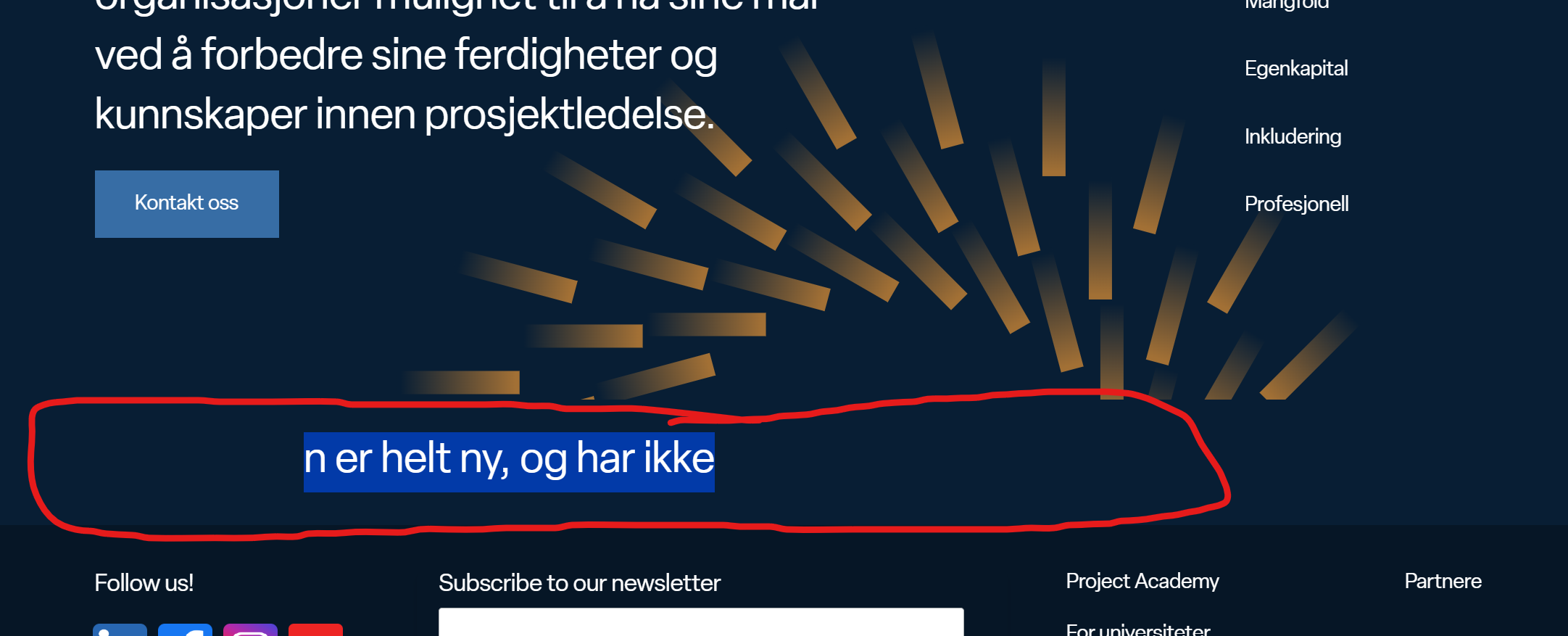
The new translated text is added to the translated page, but design does not follow the original. Background color of the rows is not the same, and the font color is not the same, so I can't even read it because it is blending into the background (same color).
Questions:
Why is the design not following the original after updating the translation?
How can I ensure the background and font colors match the original design?
Languages: English (English )German (Deutsch )French (Français )
Timezone: Europe/Zagreb (GMT+02:00)
Could you please import one of these pages here: hidden link
You can use the import/export tool if needed: hidden link
After importing, check if the CSS issue still occurs (by changing something in the original and updating the translation).
If the issue doesn't happen there, please test the following on your site:
1. Deactivate Other Plugins
- Keep only WPML plugins and Beaver Builder active.
- This will help identify if there's a conflict with another plugin.
2. Switch to a Default Theme
- Activate a default WordPress theme like Twenty Twenty.
- This will determine if the theme is causing the issue.
3. Disable All Caching
- Turn off any caching plugins.
- Clear the cache via Beaver Builder’s troubleshooting tool and your caching plugins.
4. Check File Permissions and Server Logs
- CSS files should be stored here: wp-content/uploads/bb-plugin/cache.
- Please check that the server has permission to write to this directory.
- If needed, check the server logs for any permission-related errors that might explain why manual input is required to update these files.
Let me know what you find after running these tests.
I imported a page and repeated the process from yesterday:
1. Add translated version
2. Added new content to the page using beaver builder on original (english).
3. Updated the translation (german)
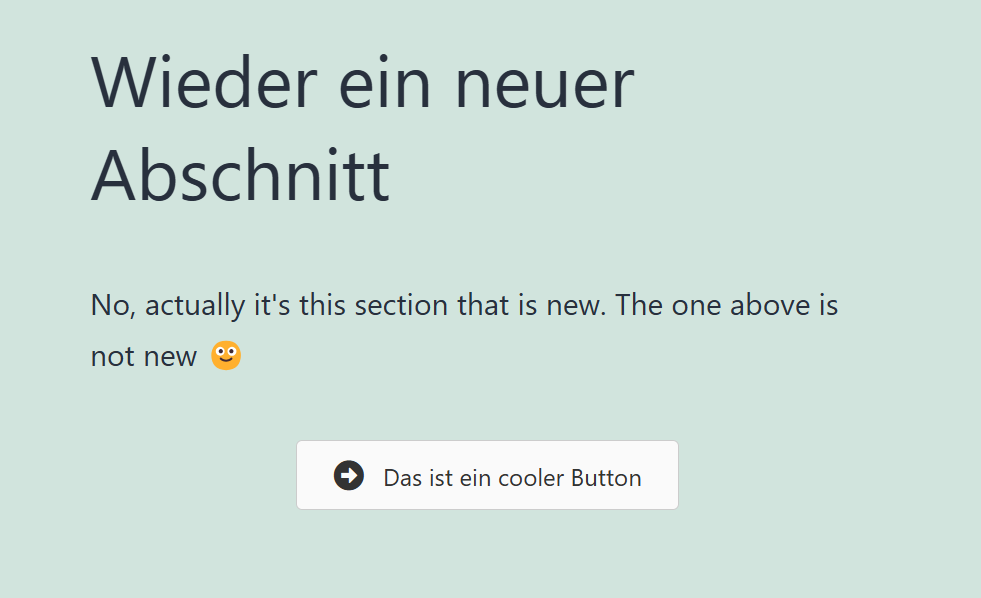
4. Visited the updated translated page. This added the new content, but again the styling such as background color, font color etc. don't follow.
See comparison here, last section with the button is the new one:
English original: hidden link
German translation: hidden link
I have note cleared any cache yet, in case you want to look into it first.
Languages: English (English )German (Deutsch )French (Français )
Timezone: Europe/Zagreb (GMT+02:00)
Thank you very much for performing the test!
I can see that only after clearing the CSS cache it works properly: hidden link
In my opinion as well, this should happen automatically.
This has been escalated to our Compatibility team and may take some debugging time, I'll get back to you as soon as I have any news or questions for you
I added a slightly adjusted version of your code to my code snippets, instead of adding the above in the functions.php.
This seem to work for now, as long as i resave translation as you mention.
Do I understand it correctly that this is a temporary fix, and will be resolved in the next wpml update? If so, do you have a estimate for when the update will be pushed live?
Languages: English (English )German (Deutsch )French (Français )
Timezone: Europe/Zagreb (GMT+02:00)
Yes, you understand correctly. This is a temporary workaround, and the issue is already being worked on. While I don't have an exact release date, I believe it could be resolved in the next minor WPML update.
I can keep you updated once there's more concrete information on the release timeline.